> ## Documentation Index
> Fetch the complete documentation index at: https://notes.kodekloud.com/llms.txt
> Use this file to discover all available pages before exploring further.
# Declare
> This article explains the `declare` command in Bash for assigning variable attributes and data types, including arrays and type enforcement.
The `declare` (also known as `typeset`) built-in in Bash lets you assign attributes and data types to your variables. While Bash is dynamically typed, using `declare` can help enforce types (like integers), create read-only variables, and define arrays.
In this article, we'll cover:
* Data types in Bash
* Dynamically typed variables
* Enforcing integer types with `declare -i`
* Other useful `declare` flags
* Working with arrays using `declare -a`
## Data Types in Bash
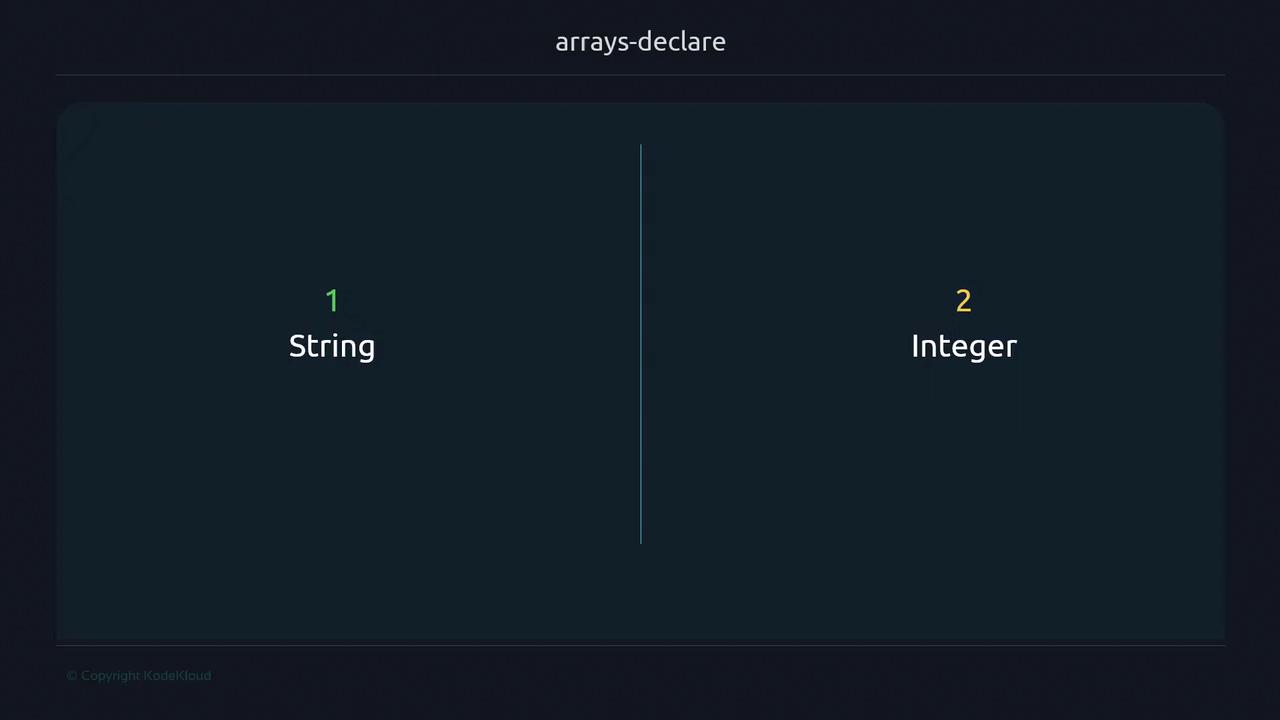
Bash offers two fundamental data types:
1. **String**
2. **Integer**
You can assign values using the typical syntax:
```bash theme={null}
# String assignment
name="John Doe"
echo "$name" # John Doe
# Integer assignment
count=10
echo "$count" # 10
```
### Dynamically Typed Variables
Bash determines the type at runtime, based on context:
```bash theme={null}
#!/usr/bin/env bash
var="10"
echo $(( var + 1 )) # 11
```
You can even switch types on the fly:
```bash theme={null}
#!/usr/bin/env bash
i="42"
echo $(( i + 8 )) # 50
i="hello"
echo "$i" # hello
```
Bash’s dynamic typing means it tries to interpret values at runtime—no compile-time errors for type mismatches.
## Enforcing Integer Types with `declare -i`
To enforce integer semantics (mimicking static typing), use:
```bash theme={null}
#!/usr/bin/env bash
declare -i num=5
echo $(( num + 2 )) # 7
num="not a number"
echo "$num" # 0
```
Non-numeric assignments reset the variable to `0`.
## Other `declare` Flags
Here’s a quick reference for some common attributes:
| Flag | Description | Example |
| ---- | -------------------------- | ----------------------------------- |
| -i | Force integer | `declare -i counter=100` |
| -r | Read-only variable | `declare -r PI=3.1415` |
| -u | Convert value to uppercase | `declare -u animal="dog"` → `DOG` |
| -l | Convert value to lowercase | `declare -l word="HELLO"` → `hello` |
### Read-Only Variables (`-r`)
```bash theme={null}
#!/usr/bin/env bash
declare -r VERSION="1.0.0"
echo "$VERSION"
VERSION="2.0.0" # Error: readonly variable
```
Attempting to modify a `readonly` variable will terminate your script with an error.
### Case Conversion (`-u`, `-l`)
```bash theme={null}
#!/usr/bin/env bash
declare -u upper
declare -l lower
upper="Bash Rocks"
lower="Bash Rocks"
echo "$upper" # BASH ROCKS
echo "$lower" # bash rocks
```
## Arrays with `declare -a`
Bash supports both indexed and associative arrays:
```bash theme={null}
#!/usr/bin/env bash
# Indexed array
declare -a fruits=("apple" "banana" "cherry")
echo "${fruits[1]}" # banana
# Associative array
declare -A colors
colors[sky]=blue
colors[rose]=red
echo "${colors[rose]}" # red
```
| Array Type | Declaration | Access |
| ----------------- | ---------------- | --------------- |
| Indexed Array | `declare -a arr` | `${arr[index]}` |
| Associative Array | `declare -A map` | `${map[key]}` |
## Links and References
* [Bash Reference Manual](https://www.gnu.org/software/bash/manual/bash.html)
* [KornShell `typeset` Documentation](https://www.kornshell.com/doc/sections/toc.html)
* [GNU Bash Features](https://www.gnu.org/software/bash/)