> ## Documentation Index
> Fetch the complete documentation index at: https://notes.kodekloud.com/llms.txt
> Use this file to discover all available pages before exploring further.
# Insert
> Learn to manage Bash arrays by adding, replacing, and inserting elements for more powerful and flexible scripts.
In this lesson, you’ll learn how to efficiently manage Bash arrays by adding, replacing, and inserting elements. Bash arrays allow you to store ordered lists of values, making scripts more powerful and flexible.
## Table of Contents
1. [Adding Elements Manually](#adding-elements-manually)
2. [Efficient Appending via Parameter Expansion](#efficient-appending-via-parameter-expansion)
3. [Replacing Elements at a Specific Index](#replacing-elements-at-a-specific-index)
4. [Inserting Elements in the Middle](#inserting-elements-in-the-middle)
5. [Method Comparison](#method-comparison)
6. [Links & References](#links--references)
***
## Adding Elements Manually
You can append items by specifying the next index directly. This approach works but requires you to know or calculate the current array length:
```bash theme={null}
#!/usr/bin/env bash
course_sections=("Introduction" "Coding Standards" "Refresher")
course_sections[3]="Streams"
echo "${course_sections[@]}"
```
```bash theme={null}
$ ./declare7.sh
Introduction Coding Standards Refresher Streams
```
Example with a `servers` array:
```bash theme={null}
#!/usr/bin/env bash
declare -a servers=("server1" "server2" "server3")
servers[3]="server4"
echo "${servers[@]}"
```
```bash theme={null}
$ ./adding.sh
server1 server2 server3 server4
```
Manually counting indices can lead to errors in larger scripts. Consider using parameter expansion to automate index calculation.
***
## Efficient Appending via Parameter Expansion
Bash provides `${#array[@]}` to retrieve the current number of elements. Since arrays are zero-indexed, this value equals the next available index:
```bash theme={null}
#!/usr/bin/env bash
declare -a servers=("server1" "server2" "server3")
# Append at the next free index
servers[${#servers[@]}]="server4"
echo "${servers[@]}"
```
```bash theme={null}
$ ./sample2.sh
server1 server2 server3 server4
```
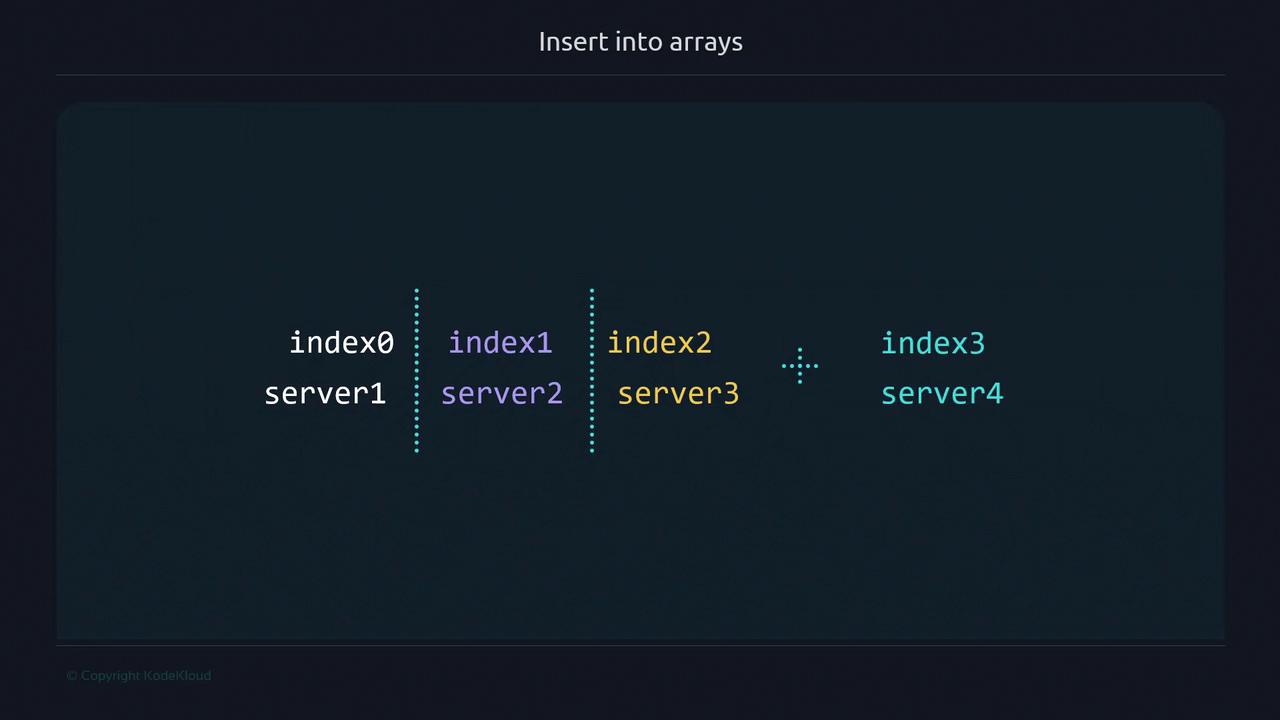
This method automatically calculates the correct index to append, preventing accidental overwrites.
***
## Replacing Elements at a Specific Index
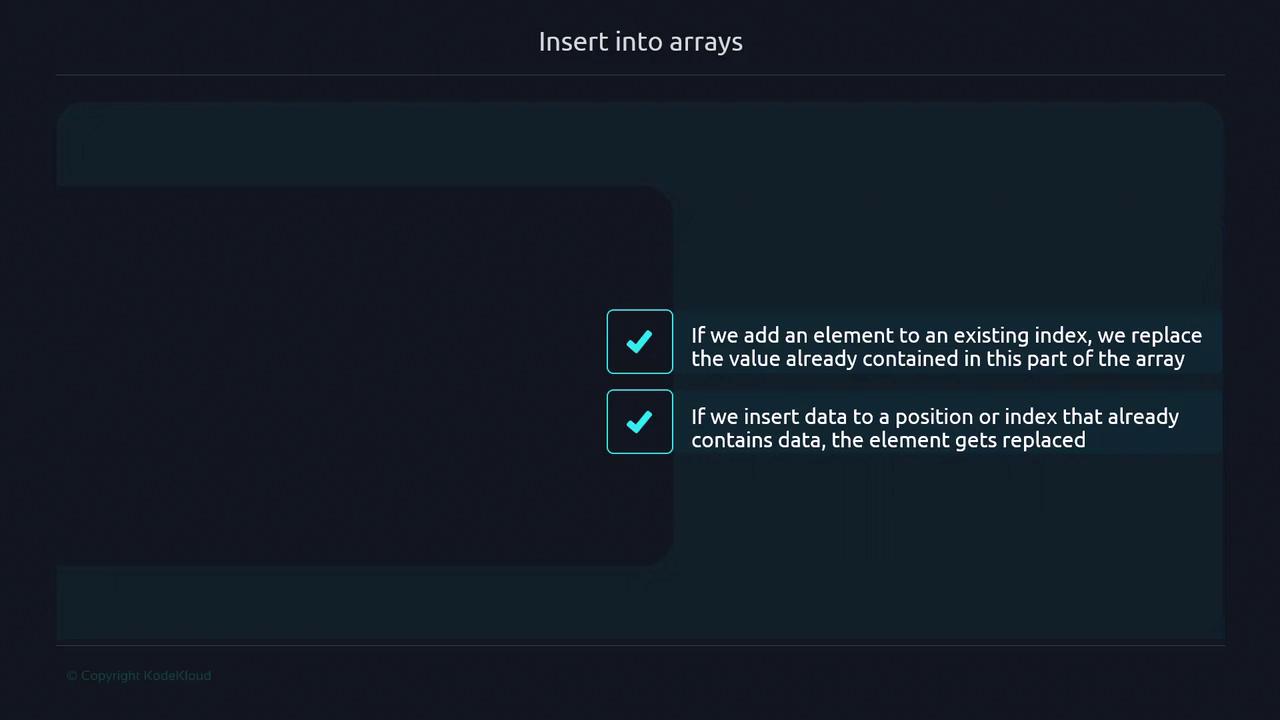
To overwrite an existing element, assign a new value to that index:
```bash theme={null}
#!/usr/bin/env bash
declare -a servers=("server1" "server2" "server3")
servers[1]="serverx"
echo "${servers[@]}"
```
```bash theme={null}
$ ./array-manipulation3.sh
server1 serverx server3
```
### Warning: Scalar vs Array Assignment
If you omit the index brackets, Bash treats the assignment as a scalar, modifying index 0:
```bash theme={null}
#!/usr/bin/env bash
declare -a servers=("server1" "server2" "server3")
servers="replaced value"
echo "${servers[@]}"
```
```bash theme={null}
$ ./array-manipulation4.sh
replaced value server2 server3
```
***
## Inserting Elements in the Middle
To insert an element at a specific position and automatically shift the rest, use array slicing:
```bash theme={null}
#!/usr/bin/env bash
declare -a servers=("server1" "server2" "server3")
# Insert "server1.5" at index 1
servers=(
"${servers[@]:0:1}"
"server1.5"
"${servers[@]:1}"
)
echo "${servers[@]}"
```
```bash theme={null}
$ ./array-manipulation2.sh
server1 server1.5 server2 server3
```
Slicing breakdown:
* `${servers[@]:0:1}` → elements up to (but not including) the insertion point
* `"server1.5"` → new element
* `${servers[@]:1}` → remaining elements from index 1 onward
***
## Method Comparison
| Method | Description | Example |
| ----------------------- | ----------------------------------------- | --------------------------------------------------------- |
| Manual Indexing | Explicit index assignment; error-prone | `servers[3]="server4"` |
| Parameter Expansion | Append at next free index | `servers[${#servers[@]}]="server4"` |
| Array Slicing | Insert at arbitrary position | `servers=( "${servers[@]:0:i}" "new" "${servers[@]:i}" )` |
| Direct Variable Assign. | Scalar assignment to index 0 (unexpected) | `servers="replaced value"` |
***
## Links & References
* [Bash Reference Manual](https://www.gnu.org/software/bash/manual/)
* [Bash Scripting Best Practices](https://tldp.org/LDP/abs/html/)
* [Kubernetes Basics](https://kubernetes.io/docs/concepts/overview/what-is-kubernetes/) (for scripting in cloud-native environments)