> ## Documentation Index
> Fetch the complete documentation index at: https://notes.kodekloud.com/llms.txt
> Use this file to discover all available pages before exploring further.
# Sort
> Learn to append elements to a Bash array and sort it using Unix utilities.
In this lesson, you’ll learn how to append elements to a Bash array and then sort that array using standard Unix utilities. We’ll cover:
* Appending items with the `+=` notation
* Sorting array elements by printing each one on a new line
* Capturing sorted output in a new array for easy comparison
## 1. Appending Elements with `+=`
Bash arrays support the `+=` operator to add one or more items at the end of an existing array. Here’s an example:
```bash theme={null}
#!/usr/bin/env bash
declare -a array=("One" "Two" "Three")
echo "Original array: ${array[@]}"
# Append three more elements
array+=("Four" "Five" "Six")
echo "After appending: ${array[@]}"
```
Save this as `example2.sh` and run:
```bash theme={null}
$ chmod +x example2.sh
$ ./example2.sh
Original array: One Two Three
After appending: One Two Three Four Five Six
```
## 2. Sorting an Array with `printf` & `sort`
Bash doesn’t have a built-in array sort, but you can leverage the Unix `sort` command. Since `sort` expects one item per line, use `printf` to split space-separated elements:
Do not enclose each item in quotes (e.g., `"a"` `"b"`), or `printf` will treat them as single arguments and won't split them into lines.
```bash theme={null}
# Example: sorting letters
printf "%s\n" d a g h i f | sort
```
Output:
```plain theme={null}
a
d
f
g
h
i
```
You can apply the same method to numeric arrays:
```bash theme={null}
#!/usr/bin/env bash
declare -a nums=(4 2 0 6 8 1)
# Print each element on its own line and pipe to sort
printf "%s\n" "${nums[@]}" | sort
```
Running `sort_numbers.sh`:
```bash theme={null}
$ chmod +x sort_numbers.sh
$ ./sort_numbers.sh
0
1
2
4
6
8
```
## 3. Displaying Unsorted and Sorted Arrays
To compare the original and sorted array side by side, capture the sorted output in a new array via command substitution:
```bash theme={null}
#!/usr/bin/env bash
declare -a nums=(4 2 0 6 8 1)
# Display the unsorted array
echo "Unsorted array: ${nums[@]}"
# Sort and capture in a new array
sorted_nums=($(printf "%s\n" "${nums[@]}" | sort))
# Display the sorted array
echo "Sorted array: ${sorted_nums[@]}"
```
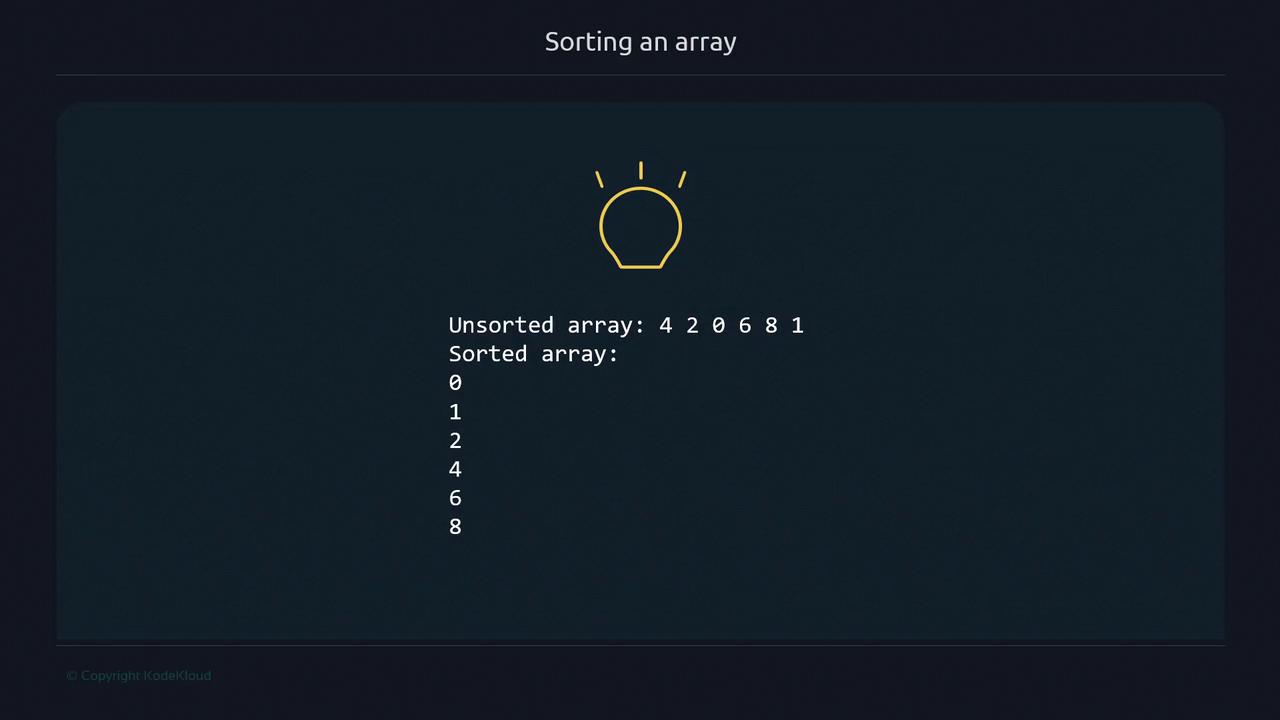
Running `sort_ex2.sh` produces:
```bash theme={null}
$ chmod +x sort_ex2.sh
$ ./sort_ex2.sh
Unsorted array: 4 2 0 6 8 1
Sorted array: 0 1 2 4 6 8
```
## Summary
| Task | Command Example |
| --------------------- | --------------------------------------------------- |
| Append elements | `array+=("item1" "item2")` |
| Sort an array | `printf "%s\n" "${array[@]}" \| sort` |
| Capture sorted output | `sorted=( $(printf "%s\n" "${array[@]}" \| sort) )` |
## Links and References
* [Bash Arrays (GNU Bash Manual)](https://www.gnu.org/software/bash/manual/html_node/Arrays.html)
* [sort — Unix manual page](https://man7.org/linux/man-pages/man1/sort.1.html)
* [Advanced Bash-Scripting Guide](https://tldp.org/LDP/abs/html/)