> ## Documentation Index
> Fetch the complete documentation index at: https://notes.kodekloud.com/llms.txt
> Use this file to discover all available pages before exploring further.
# Expanding
> This article explains variable expansion in shell scripting, including usage of braces, quoting, and best practices for handling variables.
In shell scripting, variable expansion uses the dollar sign (`$`) to tell the shell to replace the variable name with its stored value.
```bash theme={null}
#!/bin/bash
var="value of var"
echo ${var}
```
Running this script:
```bash theme={null}
$ ./var-sample.sh
value of var
```
## Braces vs No Braces
You can reference variables with or without braces. Braces become essential when you append characters immediately after the variable name.
### With Braces
```bash theme={null}
#!/bin/bash
var="value of var"
echo ${var}
```
### Without Braces
```bash theme={null}
#!/bin/bash
var="value of var"
echo $var
```
Both scripts output:
```bash theme={null}
$ ./var-sample.sh
value of var
```
### Delimiting Variable Names
Without braces, the shell cannot determine where the variable name ends:
```bash theme={null}
#!/bin/bash
height=170
# Incorrect: $heightcm is undefined
echo "Your height is = $heightcm"
# Correct: ${height}cm expands properly
echo "Your height is = ${height}cm"
```
```bash theme={null}
$ ./height.sh
Your height is =
Your height is = 170cm
```
## Quoting and Word Splitting
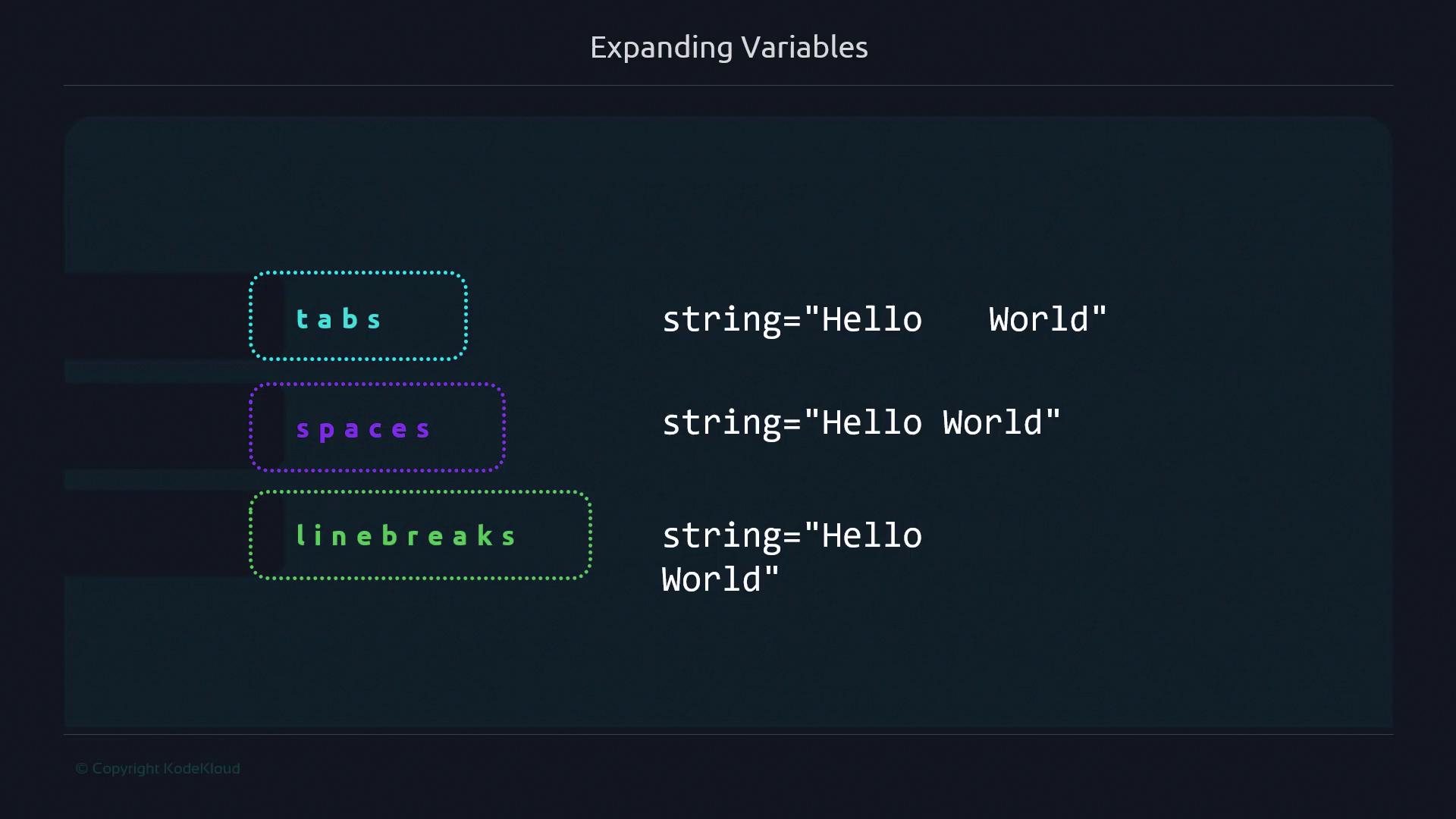
By default, unquoted expansions are split on whitespace defined by `IFS` (space, tab, newline). Use quotes to preserve the exact value.
### Unquoted Expansion
```bash theme={null}
#!/bin/bash
string="One Two Three"
# Splits into words
for element in ${string}; do
echo "${element}"
done
```
### Quoted Expansion
```bash theme={null}
#!/bin/bash
string="One Two Three"
# Preserves the entire string as one element
for element in "${string}"; do
echo "${element}"
done
```
```bash theme={null}
$ ./string.sh
One
Two
Three
$ ./string2.sh
One Two Three
```
Always quote expansions when dealing with filenames, paths, or URLs to prevent unintended splitting.
### Intentional Splitting
Sometimes you want to iterate over each word in a list:
```bash theme={null}
#!/bin/bash
readonly SERVERS="server1 server2 server3"
for server in ${SERVERS}; do
echo "${server}.example.com"
done
```
```bash theme={null}
$ ./expanding.sh
server1.example.com
server2.example.com
server3.example.com
```
Quoting the variable in this case treats the entire list as one element:
```bash theme={null}
#!/bin/bash
readonly SERVERS="server1 server2 server3"
for server in "${SERVERS}"; do
echo "${server}.example.com"
done
```
```bash theme={null}
$ ./expanding2.sh
server1 server2 server3.example.com
```
## Best Practices
Use this quick reference to decide when to quote or brace variables:
| Scenario | Quoting | Braces | Example |
| ---------------------------------- | ----------- | -------- | -------------------------------- |
| Simple expansion | Optional | Optional | `echo $var` |
| Appending text to a variable | Optional | Required | `echo "${var}suffix"` |
| File paths and filenames | Recommended | Optional | `ls "${directory}/file.txt"` |
| URLs and complex strings | Recommended | Optional | `curl "${URL}?id=123&name=abc"` |
| Iterating over words intentionally | Optional | Optional | `for x in ${list}; do ...; done` |
| Preventing word splitting | Required | Optional | `read -r line <<< "${input}"` |
Never rely on unquoted variable expansions for user input or file names—they can introduce security risks or unexpected behavior.
## Further Reading
* [Bash Parameter Expansion](https://www.gnu.org/software/bash/manual/html_node/Shell-Parameter-Expansion.html)
* [Advanced Bash-Scripting Guide](https://tldp.org/LDP/abs/html/)
* [POSIX Shell Command Language](https://pubs.opengroup.org/onlinepubs/9699919799/utilities/V3_chap02.html)