> ## Documentation Index
> Fetch the complete documentation index at: https://notes.kodekloud.com/llms.txt
> Use this file to discover all available pages before exploring further.
# Parameter Part One
> This article explains Bash parameter expansion for transforming variable values, focusing on removing prefixes and suffixes from strings.
In Bash scripting, parameter expansion lets you transform variable values using patterns inside `${}`. Previously, we replaced “file.txt” with “data” in a path:
```bash theme={null}
#!/usr/bin/env bash
path="/home/user/file.txt"
echo "${path/file.txt/data}"
# Output: /home/user/data
```
In this lesson, we’ll focus on pattern matching and how to remove prefixes and suffixes from strings using Bash parameter expansion.
## Patterns in Bash
A *pattern* is a sequence of characters recognized by the shell for matching or substitution. You’ll find patterns in file globbing (e.g., `*.txt`), text processing, and data validation. In Bash, patterns power parameter expansion, letting you transform variable content without external tools.
## Variable Expansion vs. Parameter Expansion
By default, `${var}` simply expands to its value:
```bash theme={null}
name="John Doe"
echo "Hello, ${name}"
# Hello, John Doe
```
When you include operators like `#` or `%` inside the braces, Bash invokes parameter expansion, applying pattern-based modifications to the variable’s value.
Always enclose the expression in double quotes (`"${...}"`) to preserve spaces and prevent word splitting.
## Removing Prefixes and Suffixes
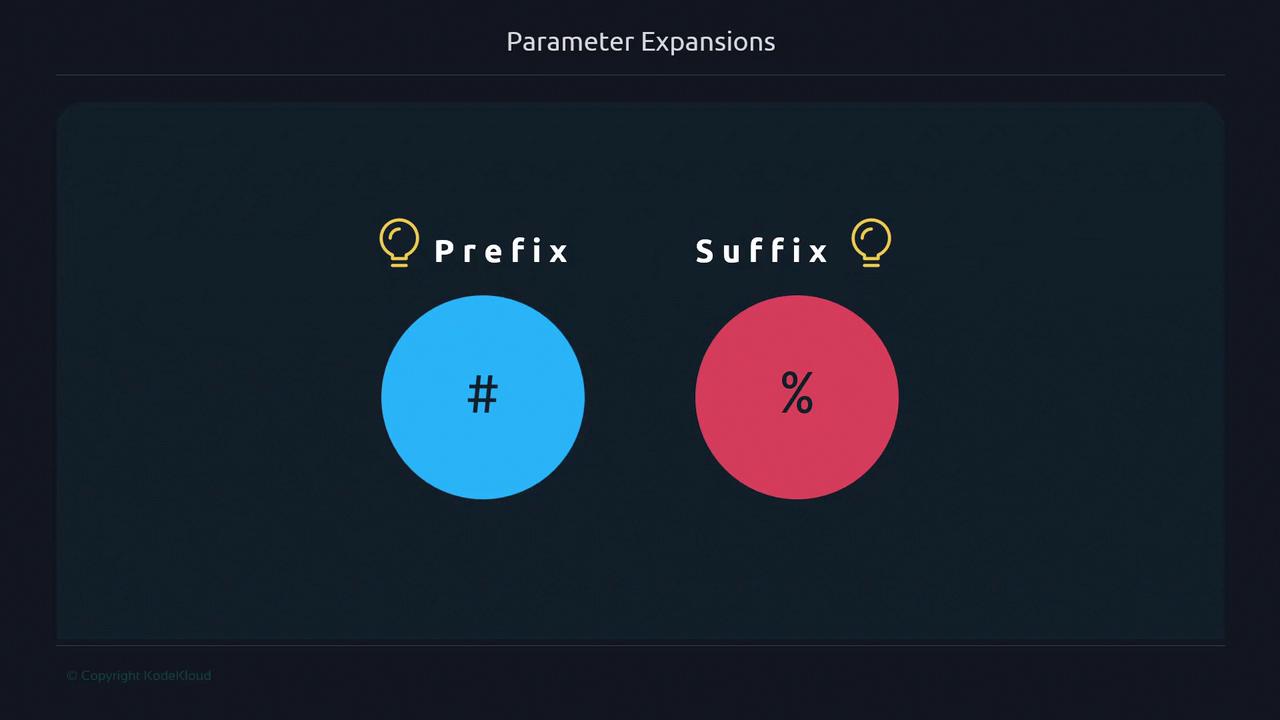
Bash supports removing the *shortest* matching prefix or suffix from a string with `${var#pattern}` and `${var%pattern}`.
### Understanding Prefix and Suffix
Consider these job titles in an IT company:
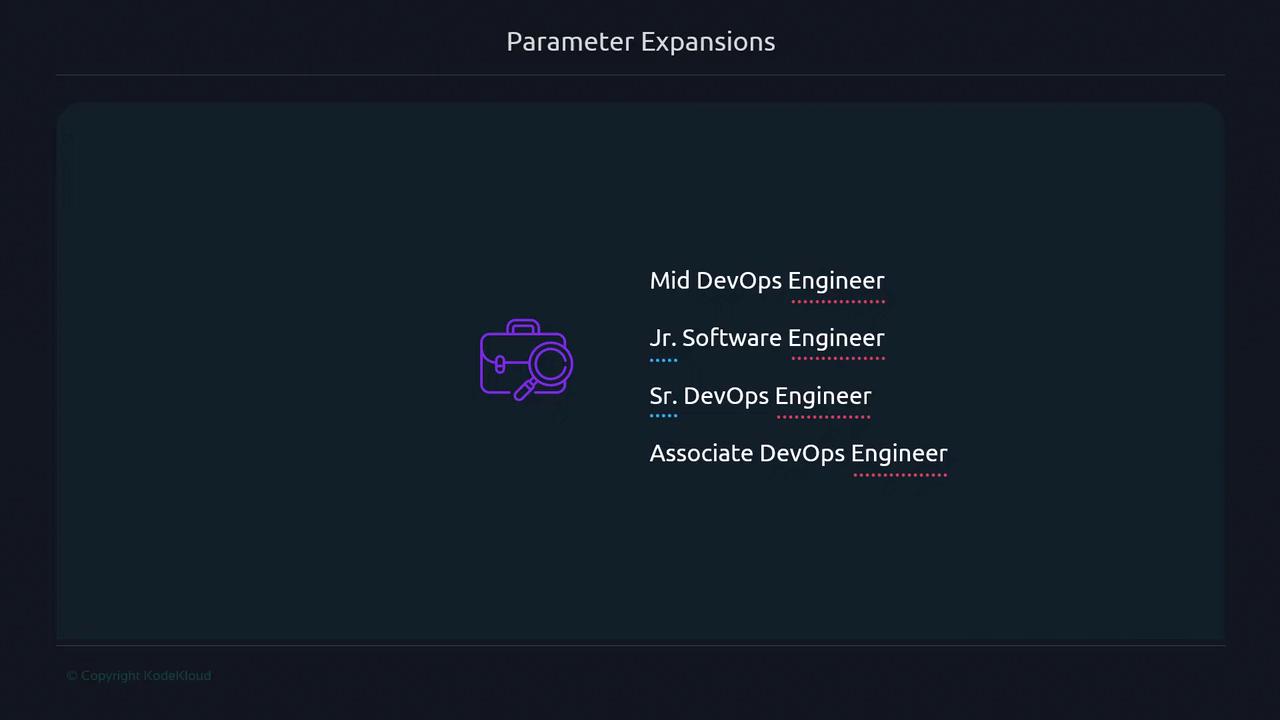
* Prefixes (associate, senior, junior, mid) indicate tenure or level.
* The suffix (`Engineer`) indicates the job field.
### Prefix Removal with
The `#` operator deletes the shortest matching pattern from the *start* of the string:
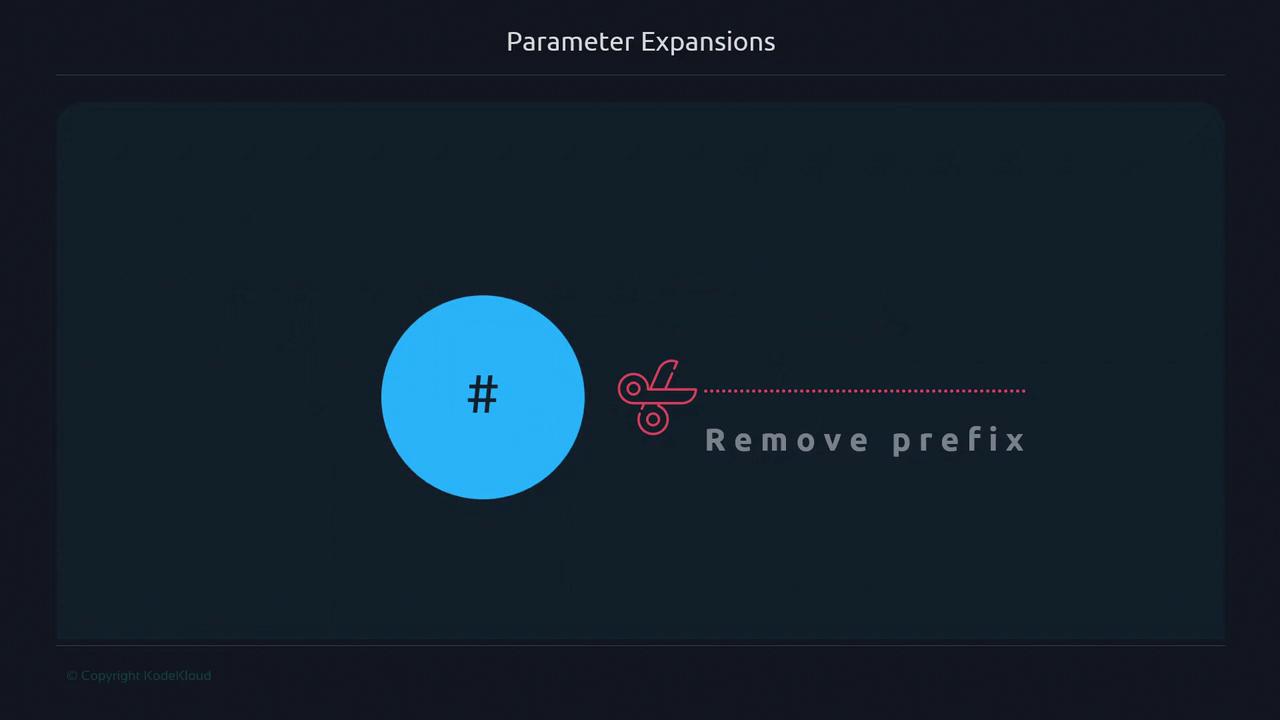
Example 1: Remove the leading `H`:
```bash theme={null}
greetings="Hello World"
echo "${greetings#H}"
# Output: ello World
```
If the pattern isn't found at the beginning, the value remains unchanged:
```bash theme={null}
echo "${greetings#e}"
# Output: Hello World
```
Example 2: Remove the word “Hello ” (including the space):
```bash theme={null}
echo "${greetings#Hello }"
# Output: World
```
Patterns are case-sensitive: `"h"` won’t match `"H"`.
```bash theme={null}
echo "${greetings#h}"
# Output: Hello World
```
### Suffix Removal with %
The `%` operator removes the shortest matching pattern from the *end* of the string:
Example 1: Drop the trailing `d`:
```bash theme={null}
echo "${greetings%d}"
# Output: Hello Worl
```
Example 2: Remove “rld” at the end:
```bash theme={null}
echo "${greetings%rld}"
# Output: Hello Wo
```
If the suffix doesn't match exactly, the string stays the same:
```bash theme={null}
echo "${greetings%world}"
# Output: Hello World
```
Pattern matching in Bash is case-sensitive. Ensure your pattern matches the exact case of the prefix or suffix.
## Quick Reference Table
| Operator | Action | Example |
| ---------------- | ---------------------------- | ------------------------------- |
| `${var#pattern}` | Remove shortest prefix match | `${greetings#Hello }` → `World` |
| `${var%pattern}` | Remove shortest suffix match | `${greetings%rld}` → `Hello Wo` |
## Next Steps
In the next lesson, we'll explore *longest*-match removals using `##` and `%%` to strip more complex patterns.
## References
* [Bash Reference Manual: Shell Parameter Expansion](https://www.gnu.org/software/bash/manual/html_node/Shell-Parameter-Expansion.html)
* [Advanced Bash-Scripting Guide](https://tldp.org/LDP/abs/html/)