> ## Documentation Index
> Fetch the complete documentation index at: https://notes.kodekloud.com/llms.txt
> Use this file to discover all available pages before exploring further.
# Command Substitution
> This article explains command substitution in Bash scripting, detailing its syntax, usage, and considerations for performance and subshell scope.
Command substitution is a fundamental feature of Bash scripting that lets you capture the output of one command and embed it into another. This technique improves script readability and enables dynamic data handling in your shell scripts.
## Recap: Variable Expansion
Use `$` followed by a variable name to expand its value. Enclose the name in curly braces `{}` to avoid ambiguity, and wrap expansions in quotes to prevent word splitting and globbing.
```bash theme={null}
name="John"
echo "${name}"
# Output: John
```
Always quote your variable expansions (`"${var}"`) to preserve whitespace and avoid unexpected globbing.
## What Is Command Substitution?
Command substitution runs a command in a subshell and replaces the command with its standard output. There are two syntaxes:
| Syntax | Description |
| ----------- | -------------------------------------- |
| `$( ... )` | Preferred form; allows nesting easily. |
| `` `...` `` | Deprecated; harder to read and nest. |
### Example: Counting Files on the Command Line
```bash theme={null}
$ ls
DEV001 DEV002 DEV003 DEV004 MKT001 MKT002 MKT003 MKT004 command-substitution.sh
$ find . -type f | wc -l
9
```
### Using `$( ... )`
Create `command-substitution.sh`:
```bash theme={null}
#!/usr/bin/env bash
file_count=$(find . -type f | wc -l)
echo "Total files: ${file_count}"
```
Run it:
```bash theme={null}
$ chmod +x command-substitution.sh
$ ./command-substitution.sh
Total files: 9
```
### Using Backticks (Deprecated)
```bash theme={null}
#!/usr/bin/env bash
file_count=`find . -type f | wc -l`
echo "Total files: ${file_count}"
```
Backticks are deprecated. They complicate nesting and reduce readability. Always prefer `$( ... )` in modern Bash scripts.
## Accepting a Directory Argument
Require the user to specify a target directory:
```bash theme={null}
#!/usr/bin/env bash
if [[ -z "${1}" ]]; then
echo "Usage: $0 "
exit 1
fi
file_count=$(find "${1}" -type f | wc -l)
echo "Files in ${1}: ${file_count}"
```
```bash theme={null}
$ ./command-substitution-v2.sh .
Files in .: 9
```
## Timing Considerations
Command substitution runs once when assigned. If you modify files later, the stored value stays unchanged until you reassign it.
```bash theme={null}
#!/usr/bin/env bash
if [[ -z "${1}" ]]; then
echo "Usage: $0 "
exit 1
fi
file_count=$(find "${1}" -type f | wc -l)
echo "Initial count: ${file_count}"
touch samplefile
echo "After touch: ${file_count}"
```
```bash theme={null}
$ ./command-substitution-v3.sh .
Initial count: 9
After touch: 9
```
Re-running the script updates the count:
```bash theme={null}
$ ./command-substitution-v3.sh .
Initial count: 10
After touch: 10
```
## Subshell Scope
Command substitution executes in a subshell. Variables modified inside do not affect the parent shell:
```bash theme={null}
#!/usr/bin/env bash
if [[ -z "${1}" ]]; then
echo "Usage: $0 "
exit 1
fi
dir=${1}
file_count=$(find "${dir}" -type f | wc -l)
sub_output=$(
dir="/some/other/dir"
echo "Dir in subshell: ${dir}"
)
echo "Dir in parent shell: ${dir}"
echo "${sub_output}"
```
```plaintext theme={null}
$ ./command-substitution-v4.sh /usr/bin
Dir in parent shell: /usr/bin
Dir in subshell: /some/other/dir
```
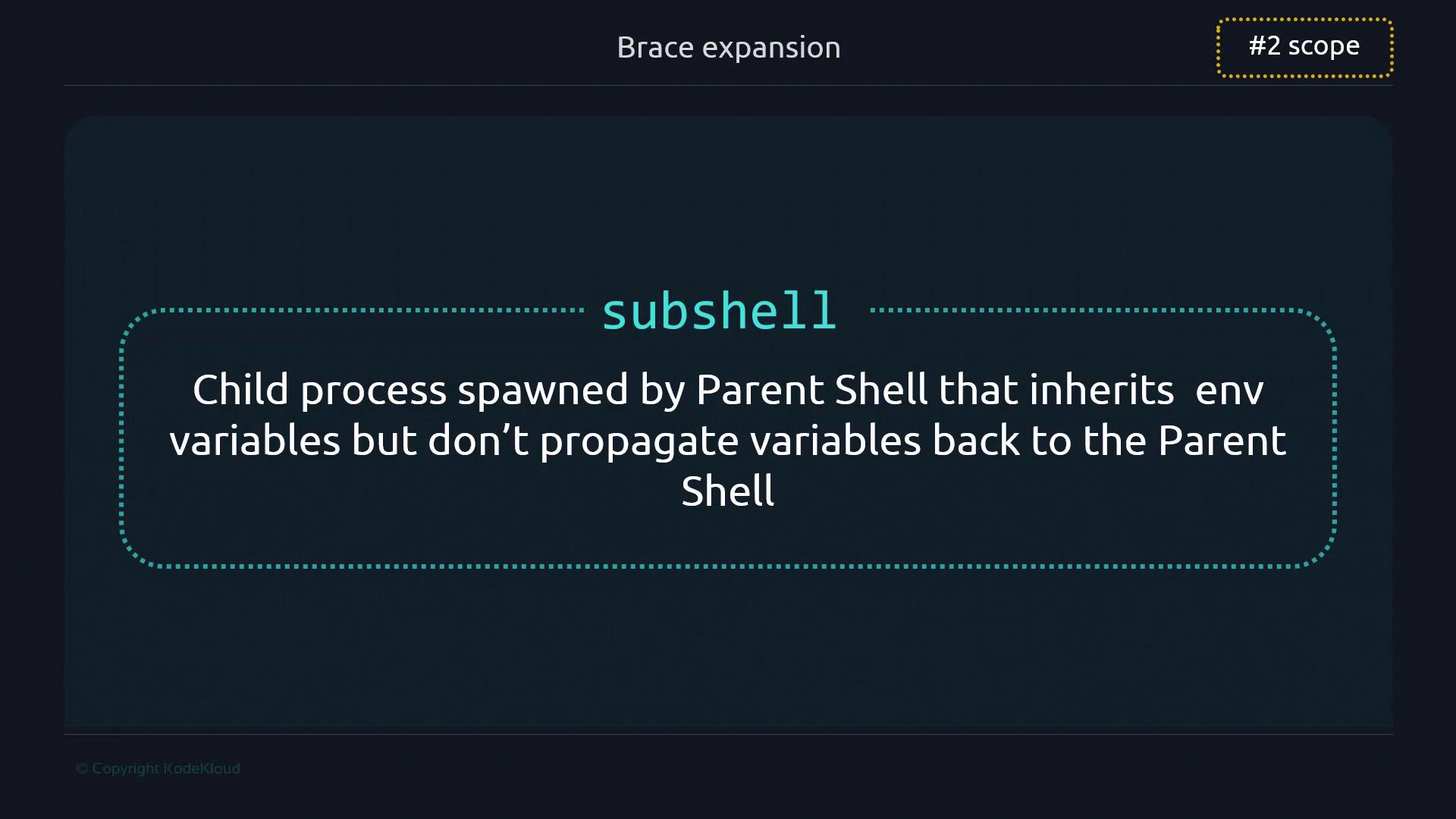
A subshell inherits your environment but keeps its changes local.
## Performance Considerations
Each command substitution spawns a new process. In most scripts this overhead is negligible, but in performance-critical loops, minimize unnecessary substitutions.
Avoid placing heavy command substitutions inside tight loops. Consider alternatives like `readarray` or built-in string operations when processing large datasets.
## Honorable Mentions
| Use Case | Example |
| ----------------- | ---------------------- |
| Capture `stderr` | `files=$(ls -j 2>&1)` |
| Capture timestamp | `current_date=$(date)` |
```bash theme={null}
echo "Errors: ${files}"
echo "Today's date: ${current_date}"
```
## Links and References
* [Bash Reference Manual](https://www.gnu.org/software/bash/manual/bash.html)
* [Advanced Bash-Scripting Guide](https://tldp.org/LDP/abs/html/)
* [ShellCheck: Shell Script Analysis](https://www.shellcheck.net/)