> ## Documentation Index
> Fetch the complete documentation index at: https://notes.kodekloud.com/llms.txt
> Use this file to discover all available pages before exploring further.
# Strict Mode
> This article explains how to enable Strict Mode in Bash for writing more robust and error-resistant shell scripts.
Bash is incredibly flexible for automation, but its default behavior can mask failures. Unlike languages with structured exception handling, Bash continues executing even when commands fail, often returning a misleading exit code of zero. Enabling **Strict Mode** ensures your scripts fail fast, catch unset variables, and correctly handle pipeline errors.
## Enabling Strict Mode
Three shell options form the core of Strict Mode:
* `set -e`\
Exit immediately if any command returns a non-zero status.
* `set -u`\
Treat unset variables as an error and exit immediately.
* `set -o pipefail`\
Return the exit status of the first failed command in a pipeline.
You can combine these flags in a single command:
```bash theme={null}
set -euo pipefail
```
Before diving deeper, let’s review how Bash’s logical operators influence control flow.
## OR (`||`) and AND (`&&`) Operators
Use `&&` and `||` to chain commands based on exit statuses:
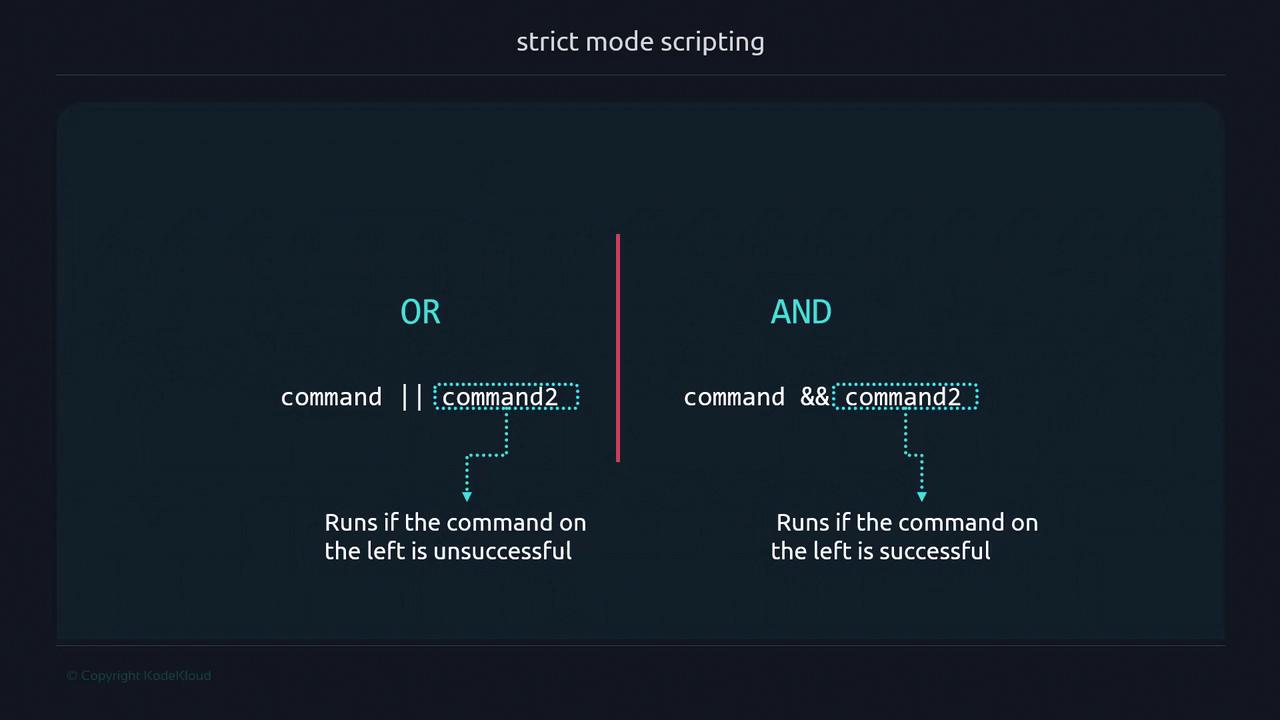
* `command1 && command2`\
Runs `command2` only if `command1` succeeds (exit code 0).
* `command1 || command2`\
Runs `command2` only if `command1` fails (non-zero exit code).
## The `set -e` Flag
Without `set -e`, a failing command won’t stop the script:
```bash theme={null}
#!/usr/bin/env bash
ehco "Hello World"
exit 0
```
```bash theme={null}
$ ./safe.sh
./safe.sh: line 3: ehco: command not found
$ echo $?
0
```
Enabling `set -e` preserves the failing command’s exit code:
```bash theme={null}
#!/usr/bin/env bash
set -e
ehco "Hello World"
exit 0
```
```bash theme={null}
$ ./safe.sh
./safe.sh: line 4: ehco: command not found
$ echo $?
127
```
Linux reserves certain exit codes for common errors:
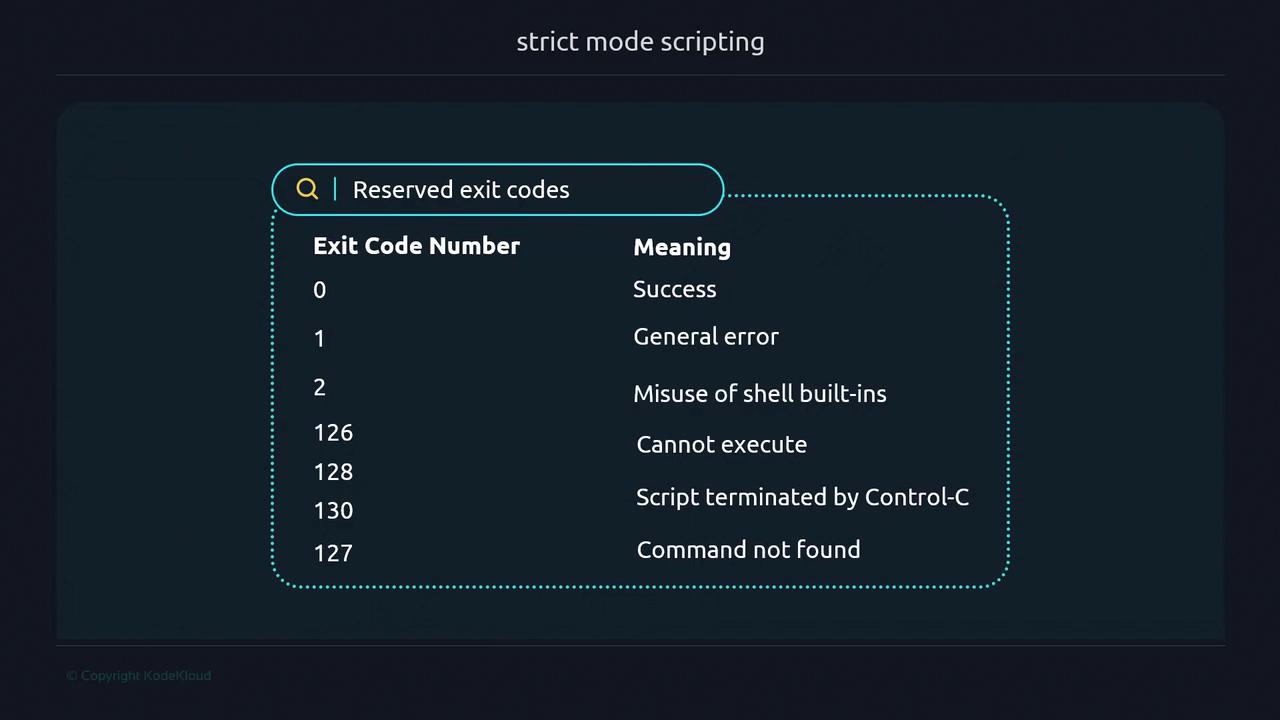
| Exit Code | Description |
| --------- | ------------------------ |
| 0 | Success |
| 1 | General error |
| 2 | Misuse of shell builtins |
| 127 | Command not found |
For a full list, see the [Bash manual](https://www.gnu.org/software/bash/manual/bash.html#Exit-Status).
## The `set -u` Flag
By default, using an unset variable expands to an empty string. With `set -u`, Bash treats it as an error:
```bash theme={null}
#!/usr/bin/env bash
set -u
name="JuanCarlos"
echo "My full name is ${name} ${last_name}. Nice to meet you."
exit 0
```
```bash theme={null}
$ ./unset-variable.sh
./unset-variable.sh: line 4: last_name: unbound variable
$ echo $?
1
```
Always initialize variables or test their existence to avoid unexpected script exits.
## The `set -o pipefail` Flag
By default, pipelines only report the exit status of their last command, potentially hiding earlier failures:
```bash theme={null}
#!/usr/bin/env bash
cat non-existent-file.txt | sort | uniq
exit 0
```
```bash theme={null}
$ ./pipefail-v1.sh
cat: non-existent-file.txt: No such file or directory
$ echo $?
0
```
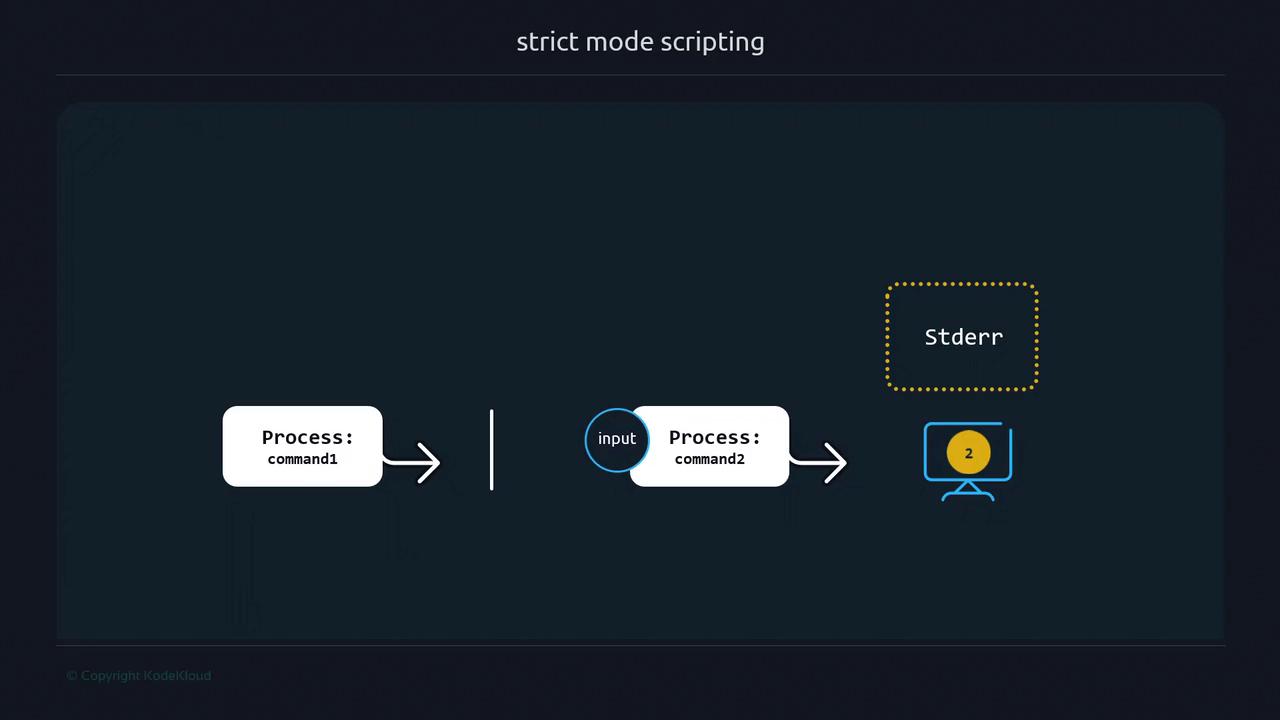
To catch errors anywhere in the pipeline, combine all three flags and handle failures explicitly:
```bash theme={null}
#!/usr/bin/env bash
set -euo pipefail
readonly PIPE_ERROR=156
terminate() {
local -r msg="$1"
local -r code="${2:-160}"
echo "$msg" >&2
exit "$code"
}
cat non-existent-file.txt | sort || \
{ terminate "Error in piped command" "$PIPE_ERROR"; }
exit 0
```
```bash theme={null}
$ ./pipefail_v4.sh
cat: non-existent-file.txt: No such file or directory
Error in piped command
$ echo $?
156
```
With **Strict Mode** enabled (`-e`, `-u`, `-o pipefail`), your Bash scripts will:
* Fail fast on errors
* Prevent usage of uninitialized variables
* Detect broken pipelines
—resulting in more reliable and maintainable automation.
## Links and References
* [Bash Reference Manual – Exit Status](https://www.gnu.org/software/bash/manual/bash.html#Exit-Status)
* [ShellCheck – Static Analysis for Shell Scripts](https://www.shellcheck.net/)
* [Advanced Bash-Scripting Guide](https://tldp.org/LDP/abs/html/)