> ## Documentation Index
> Fetch the complete documentation index at: https://notes.kodekloud.com/llms.txt
> Use this file to discover all available pages before exploring further.
# Terminology
> This article clarifies the terms shell, CLI, terminal, console, TTY, and POSIX compliance for Unix-like environments.
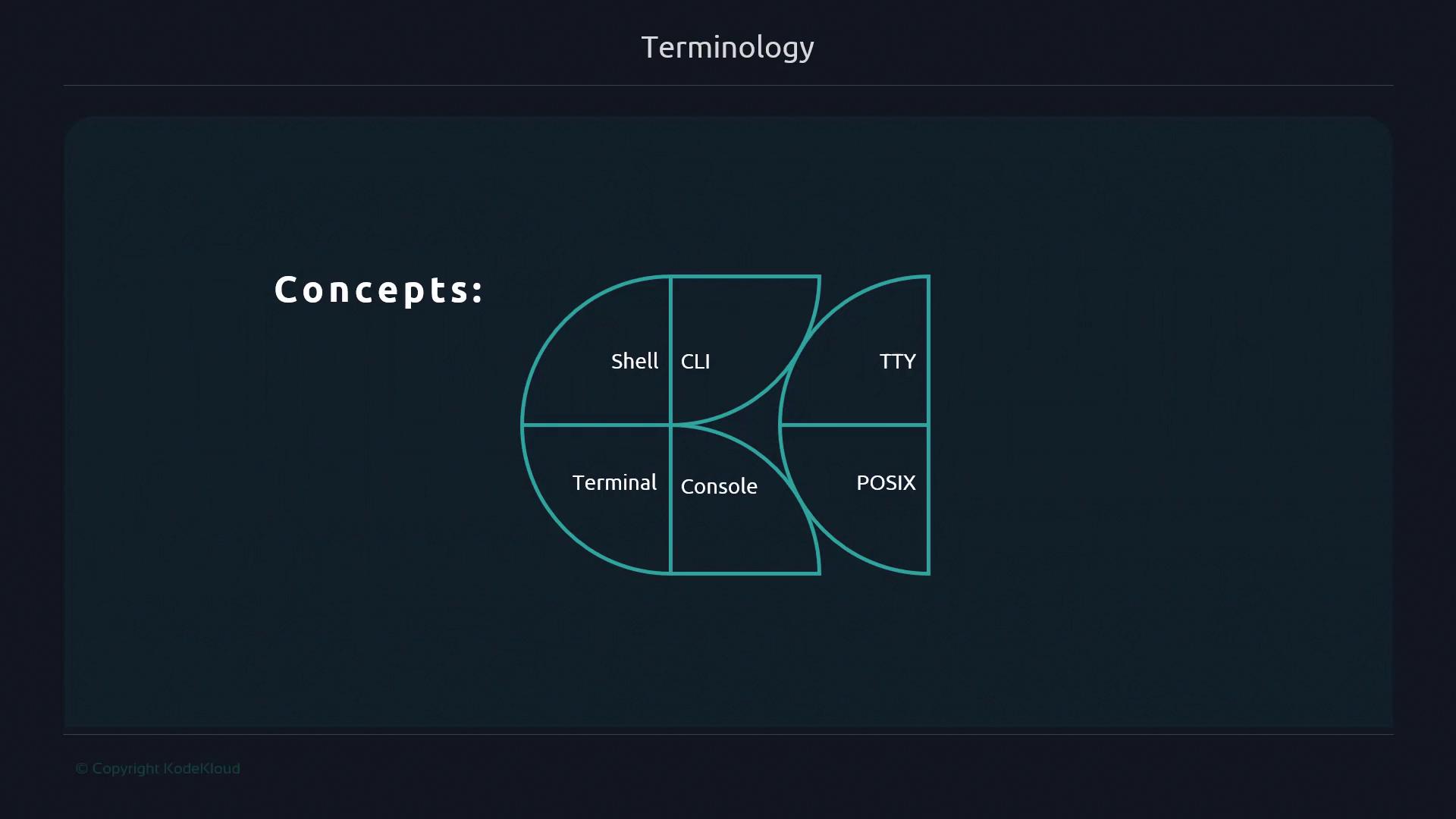
In this lesson, we’ll clarify the often-interchanged terms—**shell**, **CLI**, **terminal**, **console**, **TTY**, and **POSIX**—and explain what POSIX compliance means for your Unix-like environment. Having a consistent vocabulary will help you follow advanced Bash scripting techniques with confidence.
## Shell
A **shell** is a command interpreter: it reads your commands, executes them, and displays results. Different shells offer unique features, scripting syntax, and built-in utilities. Here are some of the most common:
| Shell | Platform | Description |
| ---------- | -------------- | --------------------------------------- |
| Bash | Linux, macOS | Bourne Again Shell; default on many |
| Zsh | macOS, Linux | Z Shell with powerful customization |
| KornShell | Unix | `ksh`; emphasizes scripting consistency |
| PowerShell | Windows, Linux | Object-oriented automation framework |
| CMD | Windows | Legacy command-line interpreter |
## CLI
A **Command Line Interface (CLI)** is the text-based interface that lets you type commands directly to a shell. While most shells share fundamental capabilities, each CLI might include:
* Unique prompts and themes
* Built-in command history and completion
* Custom scripting hooks
CLI tools often integrate with system components like SSH, Docker, or package managers.
## Terminal
A **terminal**, or terminal emulator, is the application window where your CLI session runs. It renders text, handles keyboard input, and manages multiple tabs or panes.
| Terminal Emulator | Platform | Key Features |
| ----------------- | -------- | -------------------------------- |
| GNOME Terminal | Linux | Profiles, tabs, custom theming |
| xterm | Cross-OS | Lightweight, highly configurable |
| Windows Terminal | Windows | Tabbed interface, PowerShell |
You can run the same shell (e.g., Bash) in different terminal emulators just as you might browse the same website in different web browsers.
## Console
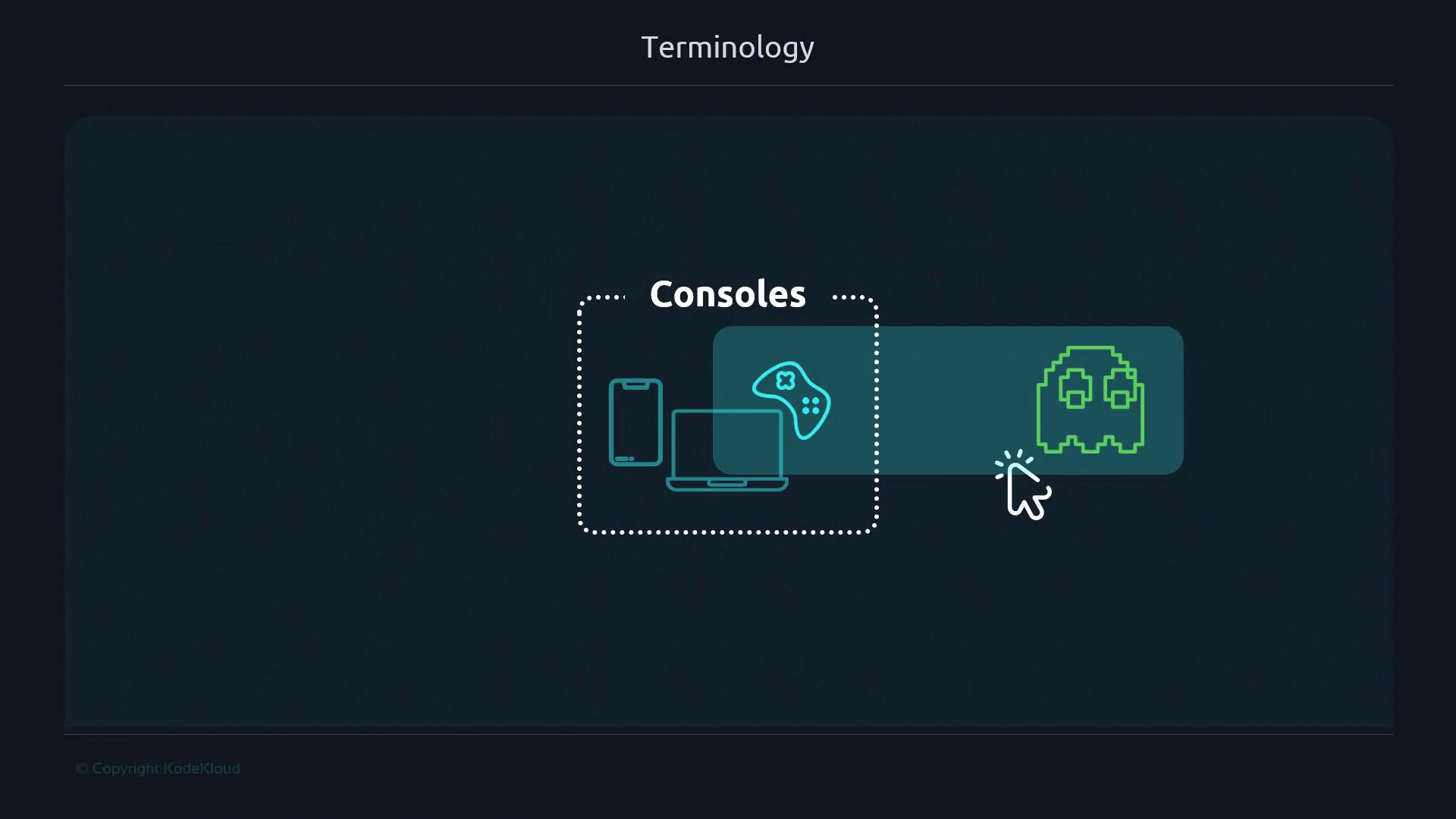
Originally, a **console** was the physical keyboard-and-display unit directly wired into a machine via a dedicated port. Think of a video game console—hardware designed for one system. Modern usage sometimes treats “console” as synonymous with “terminal,” but the historical distinction remains.
## TTY
**TTY** stands for teletypewriter. Early terminals were electromechanical devices that functioned like remote printers. Today, Unix-like systems assign each terminal session (for example, a tab or SSH session) a pseudo-TTY number. You can inspect your current TTY with:
```bash theme={null}
tty
# e.g., /dev/pts/0
```
## POSIX and POSIX-compliance
**POSIX** (Portable Operating System Interface) is an IEEE standard that defines a common API and shell behavior for Unix-like systems. POSIX guarantees that scripts using standard utilities and syntax will run across compliant environments.
Not all shells are fully POSIX-compliant. If you need maximum portability, use `/bin/sh` or check your shell’s compliance level. Inline features like arrays or extended globbing may break on strict POSIX systems.
***
By distinguishing between shell, CLI, terminal, console, TTY, and POSIX, you’ll reduce confusion and build a strong foundation for advanced Bash scripting.
## Links and References
* [POSIX Standard on Wikipedia](https://en.wikipedia.org/wiki/POSIX)
* [Bash Reference Manual](https://www.gnu.org/software/bash/manual/)
* [GNU Coreutils](https://www.gnu.org/software/coreutils/)
* [GNU Terminal Emulators](https://www.gnu.org/software/gnome-terminal/)