> ## Documentation Index
> Fetch the complete documentation index at: https://notes.kodekloud.com/llms.txt
> Use this file to discover all available pages before exploring further.
# Functions
> This article explains how to use Bash functions for structuring, reusing, and maintaining scripts, enhancing modularity and readability in coding.
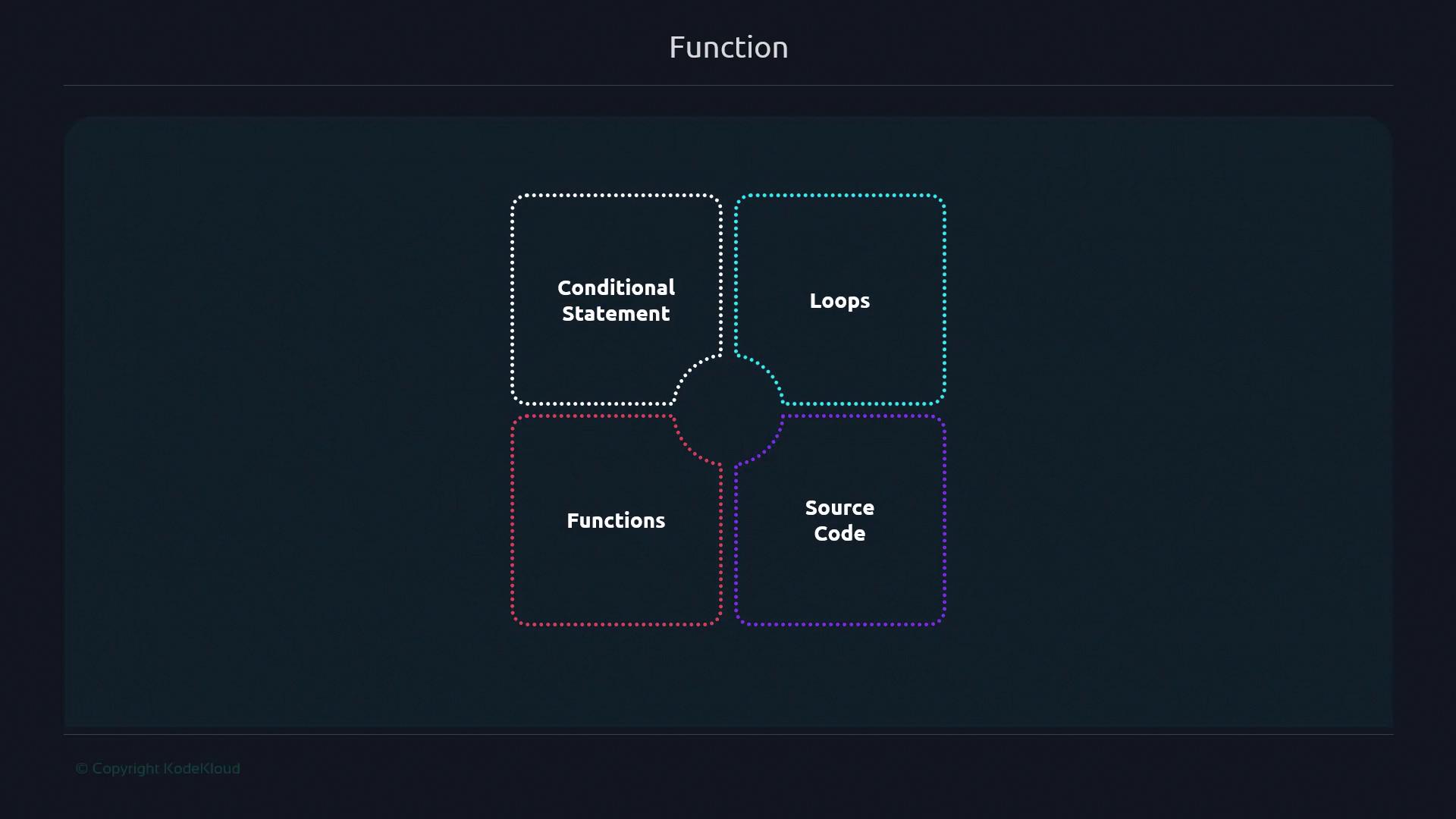
In this lesson, you’ll learn how Bash functions help you structure, reuse, and maintain your scripts. While Bash offers conditionals, loops, and script sourcing, functions are key to modular, readable code.
## Why Define Functions in Bash?
Functions encapsulate a sequence of commands into a single callable unit. This reduces repetition, minimizes errors, and makes your scripts easier to update and test.
Imagine a chef perfecting a recipe once and reusing it whenever needed—functions work the same way in scripting.
### Backup Script: Before vs. After
Without a function:
```bash theme={null}
#!/bin/bash
mkdir backup
cd backup
cp -r "${1}" .
tar -czvf backup.tar.gz *
echo "Backup complete!"
```
Refactored with a function:
```bash theme={null}
#!/bin/bash
perform_backup() {
mkdir -p backup
cd backup || exit 1
cp -r "${1}" .
tar -czvf backup.tar.gz *
echo "Backup complete!"
}
perform_backup "${1}"
exit 0
```
Always use `mkdir -p` to avoid errors if the directory already exists, and add `|| exit 1` after `cd` to stop the script on failure.
## Refactoring a Git Clone Example
Grouping related tasks into functions clarifies your script’s main flow.
| Script Version | Content |
| -------------- | ------------------------------------------------------------------------------------------------------------------------------------------------------------------------------ |
| Ad-hoc | `bash
# Clone and count files
git clone "${1}"
find . -type f \| wc -l` |
| Refactored | `bash
git_url="${1}"
clone_git() {
git clone "${1}"
}
count_files() {
find . -type f \| wc -l
}
clone_git "${git_url}"
count_files` |
By naming `clone_git` and `count_files`, you isolate logic and make testing easier.
## Function Declaration Syntax
Bash supports two portable styles. Use the first for maximum compatibility:
| Style | Syntax Example |
| ---------------------------- | ---------------------------------------------------------------------------- |
| Preferred (POSIX-compatible) | `bash
my_function() {
echo "Hello from my_function"
}
` |
| Using `function` keyword | `bash
function my_function {
echo "Hello from my_function"
}
` |
You can even define and call a function inline:
```bash theme={null}
$ hello() { echo "Hi there"; }
$ hello
Hi there
```
## Local Variables in Functions
Limit variable scope inside functions with `local` to avoid unintended side effects.
Example where `var1` is not visible outside:
```bash theme={null}
#!/bin/bash
my_function() {
local var1="Hello"
}
my_function
echo "${var1}" # No output
```
Example printing the local variable:
```bash theme={null}
#!/bin/bash
my_function() {
local var1="Hello"
echo "${var1}"
}
my_function # Outputs: Hello
```
Using `local` helps prevent variable collisions in larger scripts. For more details, see [Bash Scripting Guide](https://www.gnu.org/software/bash/manual/).
## Benefits of Using Functions
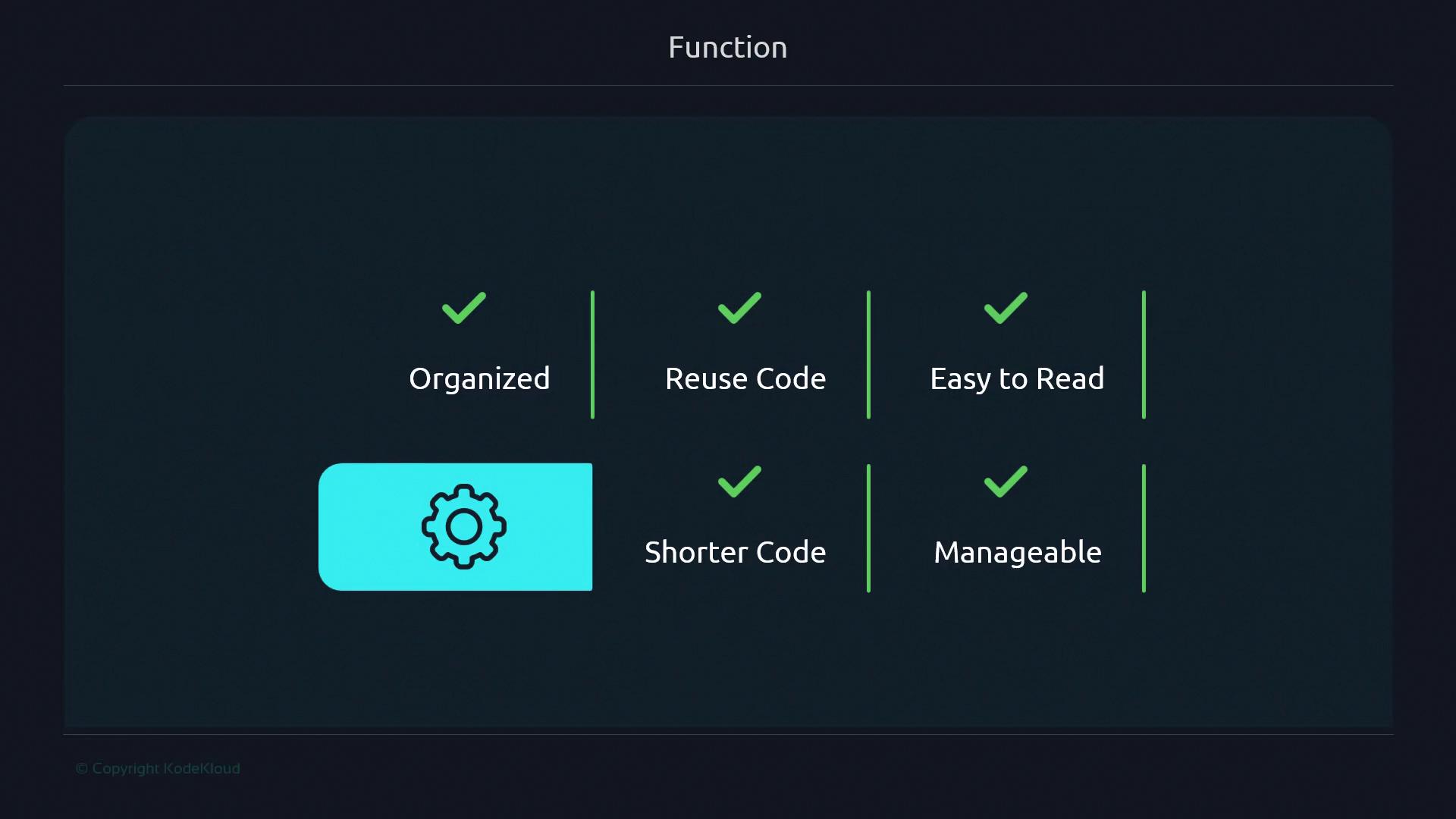
* **Organization**: Break large scripts into logical units.
* **Reusability**: Call the same code multiple times without duplication.
* **Readability**: Name complex logic for better clarity.
* **Maintainability**: Update one function rather than many code blocks.
## Links and References
* [GNU Bash Reference Manual](https://www.gnu.org/software/bash/manual/)
* [LinuxCommand.org: Bash Functions](https://linuxcommand.org/lc3_writing_shell_scripts.php)
* [Stack Overflow: Bash Function Best Practices](https://stackoverflow.com/questions/9198033/defining-functions-in-bash)