> ## Documentation Index
> Fetch the complete documentation index at: https://notes.kodekloud.com/llms.txt
> Use this file to discover all available pages before exploring further.
# Keywords builtins
> This article explores the differences between Bash built-in commands and shell keywords, focusing on execution, process forking, and their roles in scripting.
In this lesson, we explore the fundamental distinctions between Bash built-in commands and shell keywords. Built-ins execute inside the shell without spawning extra processes, whereas keywords are parsed tokens that implement control structures and logic flow.
## Shell Built-ins vs Keywords
| Aspect | Built-in Commands | Keywords |
| --------------- | ------------------------- | --------------------------- |
| Execution | Runs inside the shell | Parsed by the shell |
| Process Forking | No new process | No new process |
| Documentation | `help` or `man` available | No separate manual page |
| Role | Utility operations | Control structures & tokens |
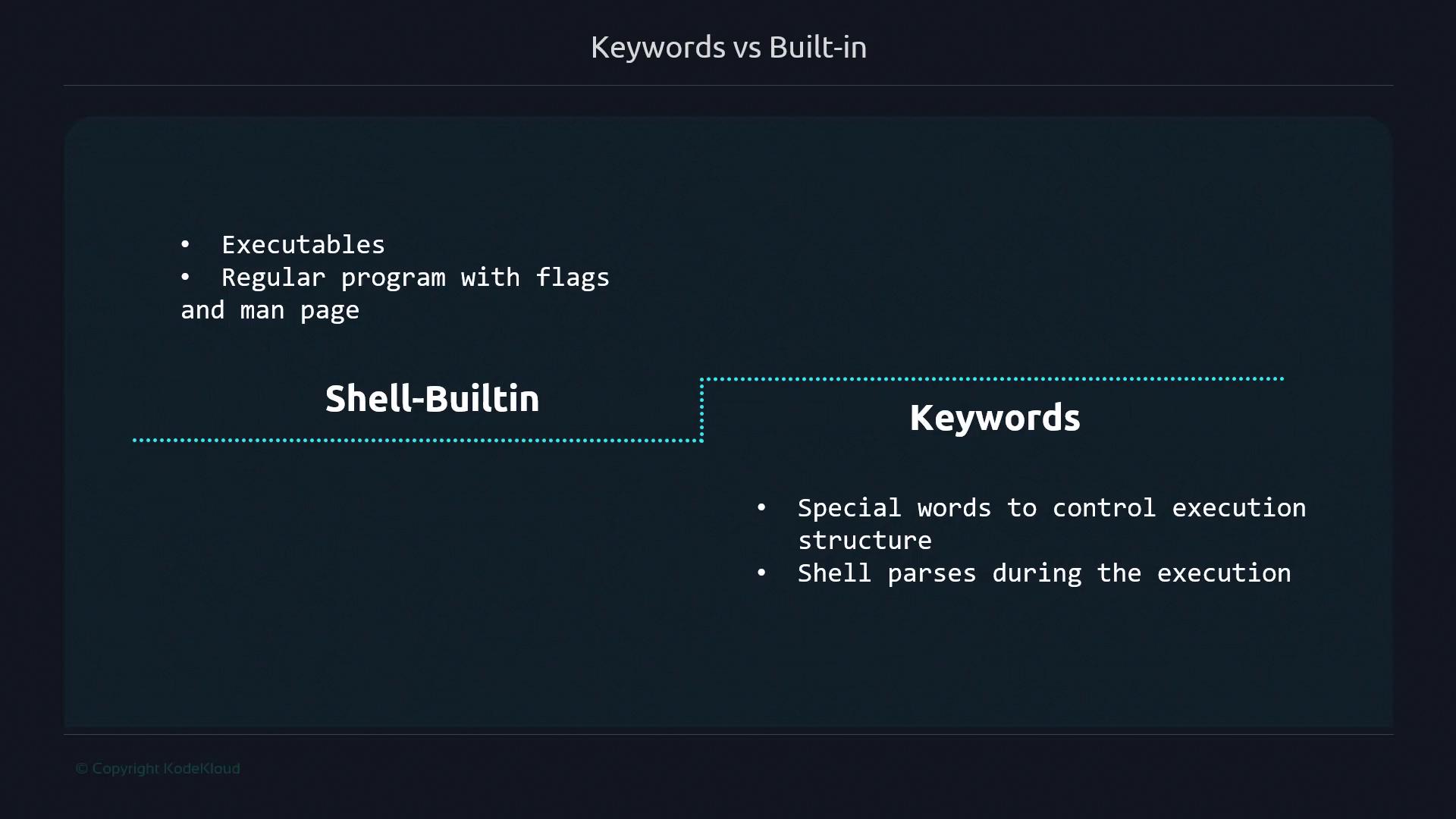
Shell built-ins (like `echo`, `cd`, or `[ ]`) are implemented directly within Bash, complete with flags and documentation via `help` or `man`. Keywords (like `if`, `for`, or `[[ ]]`) are special words the shell interpreter parses to direct execution order and logic.
Built-in commands minimize overhead by avoiding additional process creation. Keywords define the script’s flow without calling external binaries.
## Single vs Double Square Brackets
Single brackets (`[ ]`) are a built-in alias for the `test` command. Double brackets (`[[ ]]`) are keywords with enhanced features and direct parsing by Bash.
### builtin-sample.sh
```bash theme={null}
#!/bin/bash
if [ 2 -eq 2 ]; then
echo "two equals two"
fi
```
```bash theme={null}
$ ./builtin-sample.sh
two equals two
```
### keyword-sample.sh
```bash theme={null}
#!/bin/bash
if [[ 2 -eq 2 ]]; then
echo "two equals two"
fi
```
```bash theme={null}
$ ./keyword-sample.sh
two equals two
```
## `[` vs `test`
Under the hood, `[ ]` is just the `test` built-in. You can invoke either name interchangeably:
```bash theme={null}
$ test 2 -eq 2 && echo "two equals two"
two equals two
```
View its documentation with:
```bash theme={null}
$ man test
```
Since `[[ ]]` has no external binary, Bash handles it entirely as a keyword.
## Built-in vs Keyword Evaluations
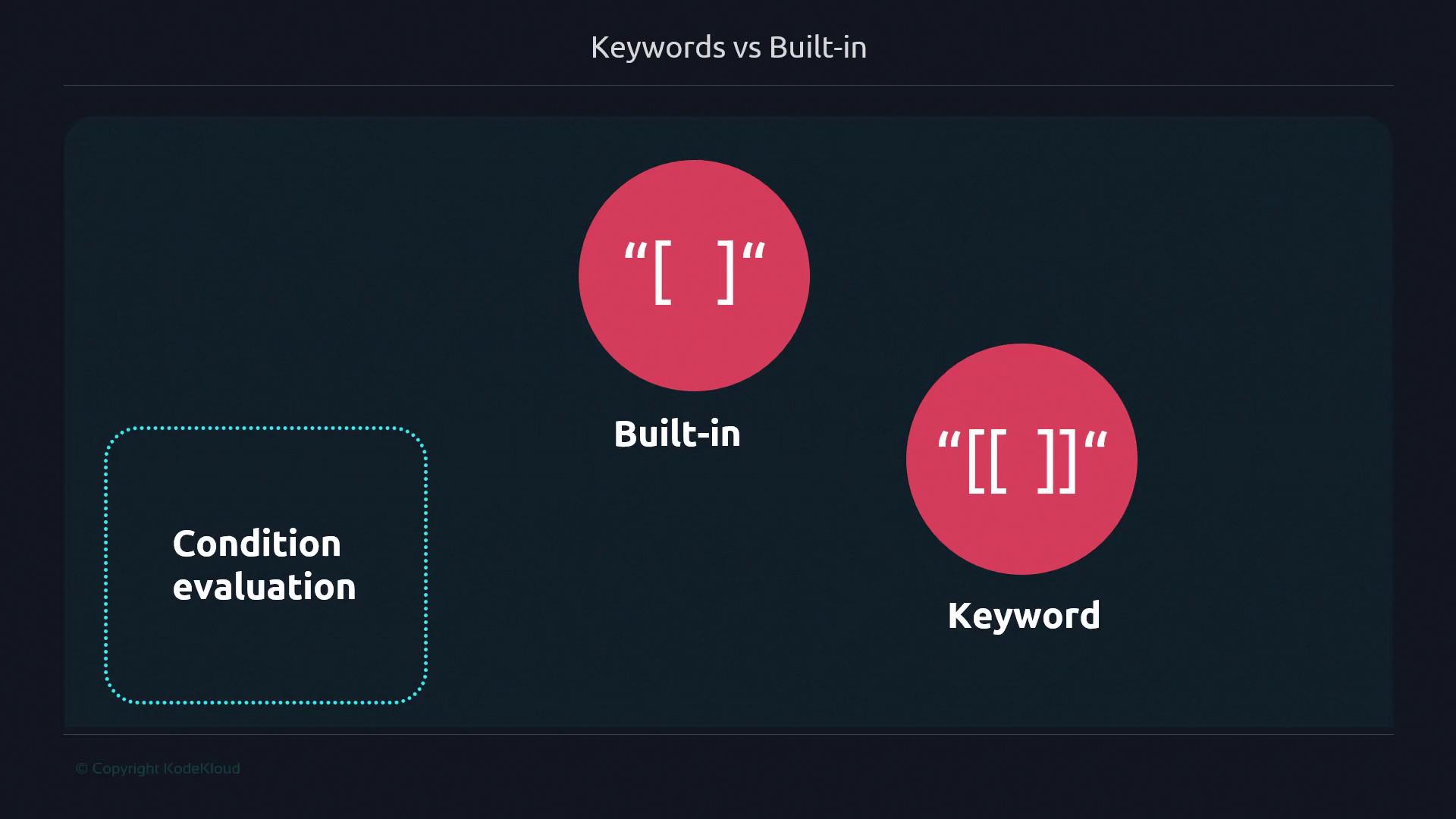
Single brackets interpret `<` as a redirection operator:
```bash theme={null}
$ [ 1 < 2 ] && echo "1 is less than 2"
-bash: 2: No such file or directory
```
Double brackets support `<` as a comparison operator:
```bash theme={null}
$ [[ 5 < 7 ]] && echo "5 is less than 7"
5 is less than 7
```
## Advanced Double Bracket Features
Double brackets unlock logical grouping, glob patterns, and regular expressions:
```bash theme={null}
$ [[ 3 -eq 3 && (2 -eq 2 && 1 -eq 1) ]] && echo "Parentheses can be used"
Parentheses can be used
$ name="Bob Doe"
$ [[ $name = *o* ]] && echo "Patterns can be used"
Patterns can be used
$ name="Bob Doe"
$ [[ $name =~ B.*Doe ]] && echo "Regular expressions can be used"
Regular expressions can be used
```
The `[[ ]]` syntax is not POSIX compliant and may not be available in all shells. Use it only when Bash-specific features are acceptable.
## Advantages and Disadvantages
### Single Square Brackets (`[ ]`)
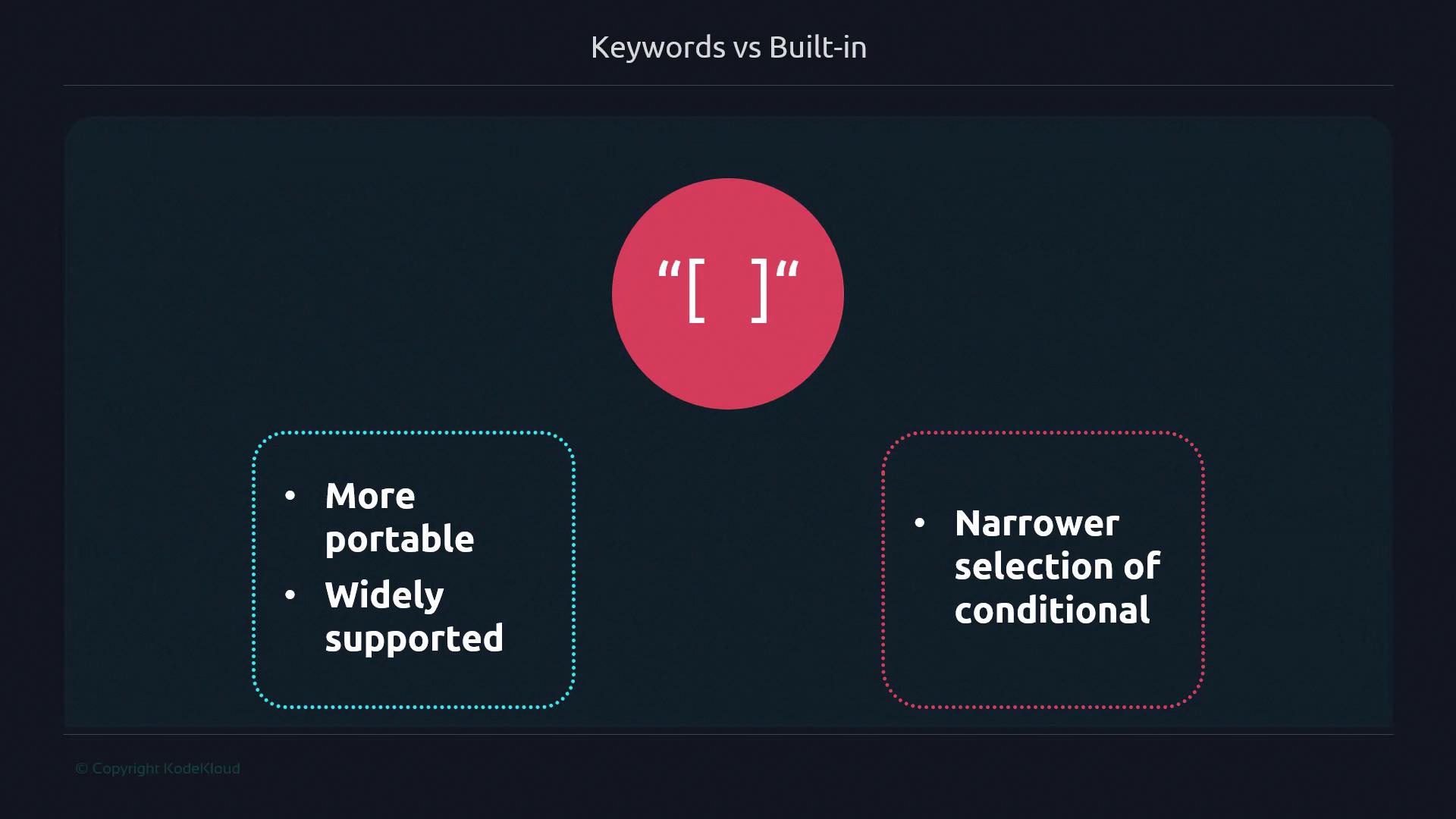
Advantages:
* Portable across POSIX-compliant shells
* Standard conditional syntax
Disadvantages:
* Limited to basic comparisons
* No pattern matching or grouping
### Double Square Brackets (`[[ ]]`)
![The image compares the advantages and disadvantages of using double square brackets "\[\[ \]\]" in programming, highlighting more support and wider conditional evaluation versus lack of backward compatibility and non-compliance with POSIX.](https://kodekloud.com/kk-media/image/upload/v1752868596/notes-assets/images/Advanced-Bash-Scripting-Keywords-builtins/double-square-brackets-comparison.jpg)
Advantages:
* Extended conditionals (regex, globs, grouping)
* Safer string comparisons
Disadvantages:
* Not POSIX compliant
* Bash-specific feature
## Summary: Built-ins vs Keywords
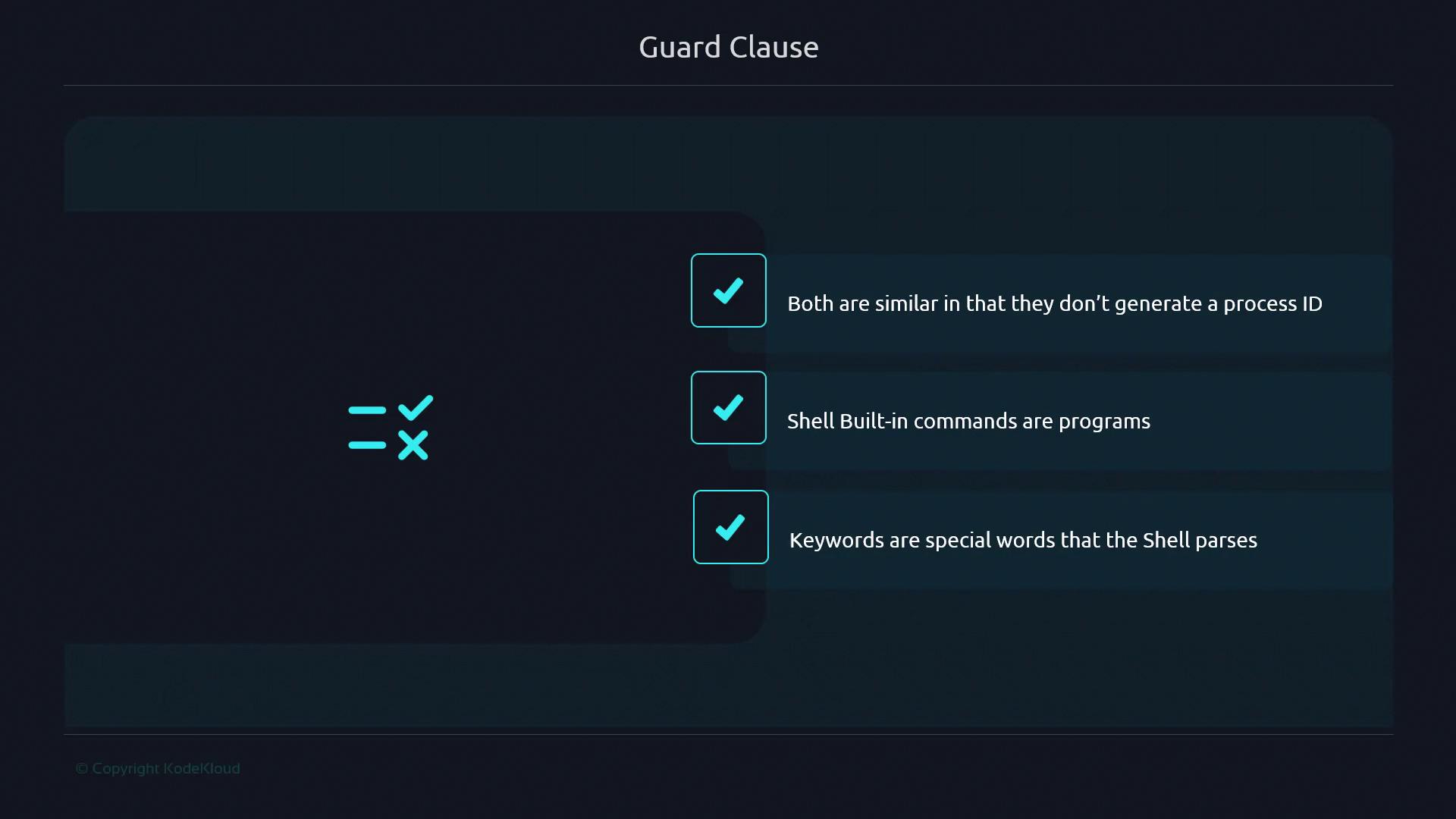
* Shell built-ins run inside Bash without forking.
* Keywords are parsed tokens controlling flow or behavior.
* Neither built-ins nor keywords spawn external processes.
Certain keywords (e.g., `time`) act like directives rather than forming explicit control structures. Armed with these distinctions, you can choose the most efficient and appropriate syntax for your Bash scripts.
## Links and References
* [Bash Reference Manual](https://www.gnu.org/software/bash/manual/)
* [POSIX Shell Syntax](https://pubs.opengroup.org/onlinepubs/9699919799/utilities/V3_chap02.html)
* [Bash Conditional Expression Documentation](https://www.gnu.org/software/bash/manual/html_node/Conditional-Constructs.html)