> ## Documentation Index
> Fetch the complete documentation index at: https://notes.kodekloud.com/llms.txt
> Use this file to discover all available pages before exploring further.
# Shebang
> This article explores the shebang directive, its impact on script execution, and best practices for portability across different shells.
In this lesson, we’ll explore how the **shebang** (`#!`) directive affects script execution and portability. You will learn to:
* Remove the shebang from a script and analyze its behavior.
* Trace system calls with `strace` to observe kernel execution.
* Demonstrate shebangs across different shells (e.g., Bash, C shell).
* Adopt a modern, portable shebang and avoid common pitfalls.
## The Shebang Analogy
Think of yourself as a polyglot translator facing an ancient manuscript. Each dialect (shell) has subtle differences. A shebang acts like a translator’s guide, ensuring your script is read by the intended interpreter. Without it, your login shell takes over, which may lead to unexpected behavior and portability issues.
Example of a classic shebang:
```bash theme={null}
#!/bin/bash
```
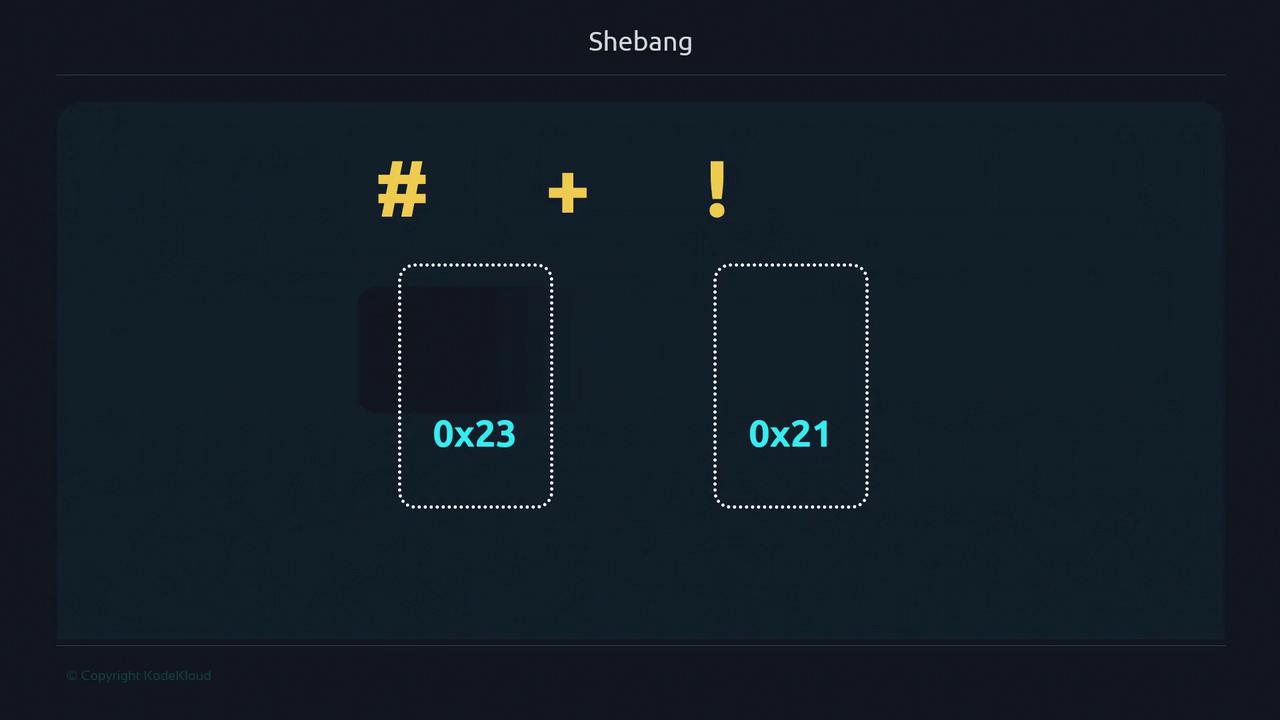
The term **shebang** blends “hash” (`#`, 0x23) with “bang” (`!`, 0x21), sometimes pronounced “shbang.”
## What Happens Without a Shebang?
Create `noshebang.sh` without a shebang:
```bash theme={null}
# noshebang.sh
WORDS="I don't have a shebang and I still run"
for word in ${WORDS}; do
if [[ 2 < 3 ]]; then
echo "${word}"
fi
done
```
Make it executable and run:
```bash theme={null}
chmod +x noshebang.sh
./noshebang.sh
# Each word prints because Bash (your login shell) interprets it
echo $SHELL
# /bin/bash
```
Relying on the parent shell works locally but isn't portable—other environments may default to `/bin/sh`, which lacks Bash-specific features.
## Tracing Kernel Execution with strace
Compare a script without and with a shebang:
```bash theme={null}
# shebang.sh
#!/bin/bash
WORDS="I don't have a shebang and I still run"
for word in ${WORDS}; do
if [[ 2 < 3 ]]; then
echo "${word}"
fi
done
```
Trace your shell’s PID (`$$`) in the background:
```bash theme={null}
sudo strace -Tfp $$ 2>&1 | grep -E 'execve' &
```
Run both scripts:
```bash theme={null}
./noshebang.sh
./shebang.sh
# [pid …] execve("./shebang.sh", ["./shebang.sh"], …) = 0
# Script runs successfully under /bin/bash
```
When the kernel detects `#!` followed by a valid interpreter, it invokes that program directly.
## Using a Different Shell: C Shell Example
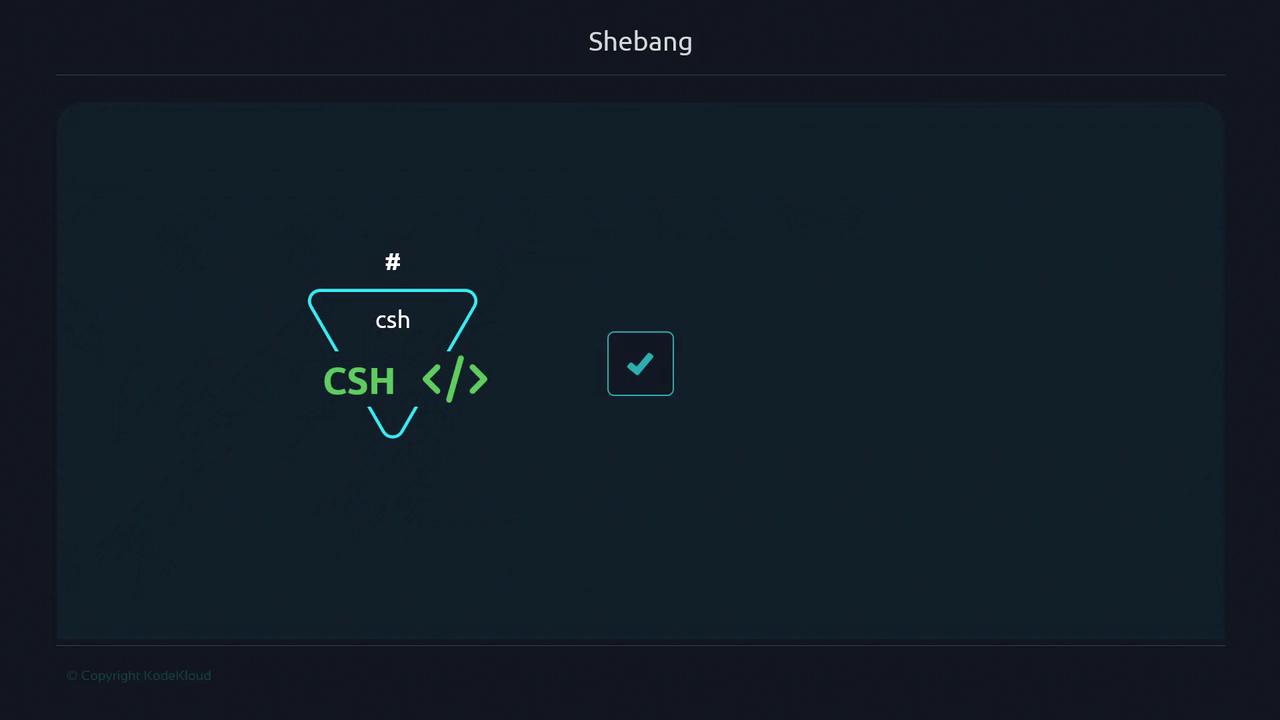
C shell (`csh`) syntax is distinct. Running a C shell script under Bash without a shebang will fail:
```csh theme={null}
# is_csh.sh
set x = 'a'
if ($x == 'a') then
echo "running on a c shell csh"
endif
```
```bash theme={null}
chmod +x is_csh.sh
./is_csh.sh
# -bash: ./is_csh.sh: /bin/csh: syntax error: unexpected end of file
```
Add the correct shebang:
```csh theme={null}
#!/bin/csh
set x = 'a'
if ($x == 'a') then
echo "running on a c shell csh"
endif
```
```bash theme={null}
./is_csh.sh
# running on a c shell csh
```
## Modern, Portable Shebang
Hardcoding interpreter paths can break across systems. Instead, use:
```bash theme={null}
#!/usr/bin/env bash
```
This invokes `env` to locate `bash` via your `PATH`, enhancing cross-platform compatibility.
Using `#!/usr/bin/env bash` avoids assumptions about interpreter locations, but it relies on `env` being in `/usr/bin`.
| Shebang Line | Description | Pros & Cons |
| ------------------- | ------------------------------ | ----------------------------------------------------------------- |
| #!/bin/bash | Direct path to Bash | Fast invocation, but not portable if Bash is installed elsewhere. |
| #!/usr/bin/env bash | Finds Bash in `PATH` via `env` | Portable across environments, depends on a correct `PATH`. |
### Demo: Bash Version Features
Create `bash_versions.sh`:
```bash theme={null}
#!/usr/bin/env bash
echo "Current Unix timestamp (integer): ${EPOCHSECONDS}"
echo "Current Unix timestamp (floating-point): ${EPOCHREALTIME}"
```
On macOS default Bash (v3):
```bash theme={null}
bash --version
./bash_versions.sh
# Current Unix timestamp (integer):
# Current Unix timestamp (floating-point):
```
After upgrading to Bash 5.2 (e.g., via Homebrew) and updating your `PATH`:
```bash theme={null}
bash --version
./bash_versions.sh
# Current Unix timestamp (integer): 1679282700
# Current Unix timestamp (floating-point): 1679282700.176761
```
By leveraging `#!/usr/bin/env bash`, you automatically use the most appropriate Bash installed on your system.
## Caveats & Recommendations
* Minimal environments (e.g., BusyBox) may not include `bash`. Verify available interpreters in `/etc/shells`:
```bash theme={null}
cat /etc/shells
# /bin/sh
# /bin/bash
# /sbin/nologin
…
```
If `/usr/bin/env` or your chosen shell isn’t available, scripts will fail. Always confirm interpreter paths before deployment.
* Select a shebang that aligns with your target environment and installed shells.
For all remaining course examples, we’ll use:
```bash theme={null}
#!/usr/bin/env bash
```
Adjust this line if your system requires a different interpreter path.
## Links and References
* [GNU Bash Manual](https://www.gnu.org/software/bash/manual/)
* [Shebang (Wikipedia)](https://en.wikipedia.org/wiki/Shebang_\(Unix\))
* [strace Documentation](https://strace.io/)
* [env Command Help](https://man7.org/linux/man-pages/man1/env.1.html)