> ## Documentation Index
> Fetch the complete documentation index at: https://notes.kodekloud.com/llms.txt
> Use this file to discover all available pages before exploring further.
# Special shell Question mark
> The article explains the special shell variable `$?` which holds the exit status of the last executed command for error handling in shell scripts.
In Bash and other POSIX-compliant shells, the special variable `$?` holds the exit status of the last executed command, script, or function. Checking this value is essential for robust error handling in shell scripts.
## Table of Contents
1. [Part 1: Using `$?`](#part-1-using-)
* [What Is an Exit Status?](#what-is-an-exit-status)
* [Inspecting `$?` in Practice](#inspecting--in-practice)
* [Common Exit Codes](#common-exit-codes)
* [Back-to-Back Commands](#back-to-back-commands)
* [Masking Errors](#masking-errors)
2. [Part 2: Writing Scripts That Leverage `$?`](#part-2-writing-scripts-that-leverage-)
* [Technique 1: `if` After Each Command](#technique-1-if-after-each-command)
* [Technique 2: OR Operator (`||`)](#technique-2-or-operator-)
* [Technique 3: `set -e`](#technique-3-set-e)
* [Custom Exit Codes and a `terminate` Function](#custom-exit-codes-and-a-terminate-function)
3. [References](#references)
***
## Part 1: Using `$?`
### What Is an Exit Status?
Every command returns an integer exit status.
* **0** means success.
* **Non-zero** indicates failure or a specific error condition.
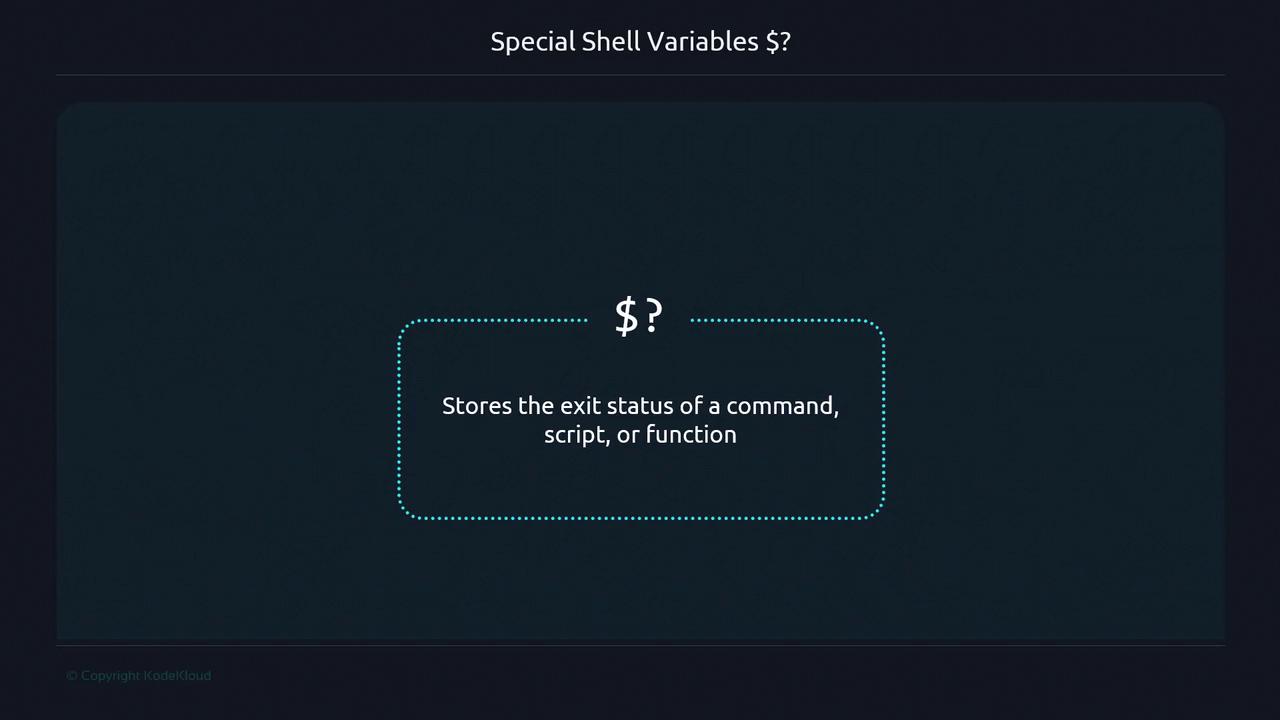
If you redirect both stdout and stderr (e.g., `> /dev/null 2>&1`), you won’t see any output, but `$?` still reflects success or failure.
### Inspecting `$?` in Practice
1. Script with a typo:
```bash theme={null}
#!/usr/bin/env bash
ehco "Hello!"
```
```bash theme={null}
$ ./wrong_echo.sh > /dev/null 2>&1
$ echo $?
127
```
Exit code **127** means “command not found.”
2. Successful command:
```bash theme={null}
$ ls
music videos photos documents
$ echo $?
0
```
3. File-not-found error:
```bash theme={null}
$ ls some_file.txt
ls: cannot access 'some_file.txt': No such file or directory
$ echo $?
2
```
### Common Exit Codes
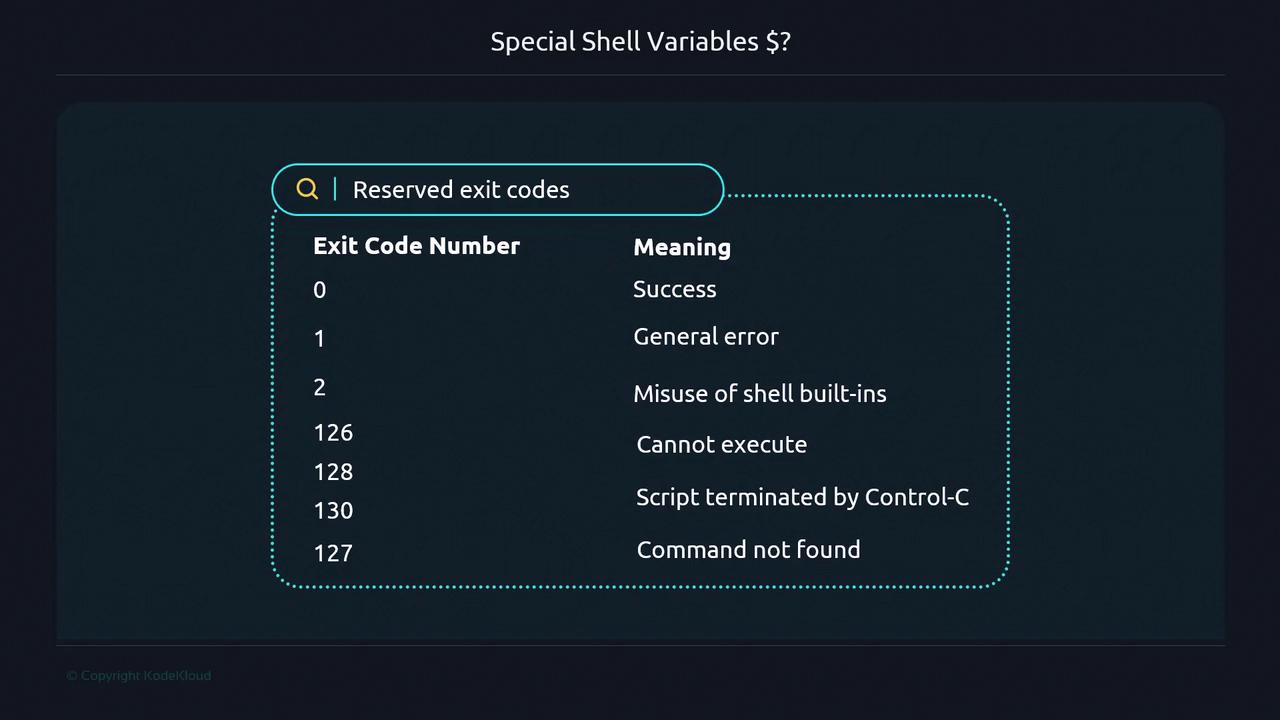
| Exit Code | Meaning |
| --------- | -------------------------------- |
| 0 | Success |
| 1 | General error |
| 2 | Misuse of shell built-ins |
| 126 | Command found but not executable |
| 127 | Command not found |
| 130 | Script terminated by Ctrl-C |
You can define custom exit codes (128 and above) to represent specific failure modes in your scripts.
### Back-to-Back Commands
When you execute multiple commands, `$?` always reflects the **last** exit status:
```bash theme={null}
$ ./script.sh
permission denied: ./script.sh
$ echo $?
126
$ ls script.sh
script.sh
$ echo $?
0
```
### Masking Errors
A trailing `exit 0` can hide earlier failures:
```bash theme={null}
#!/usr/bin/env bash
ehco "Hello!"
exit 0
```
```bash theme={null}
$ ./wrong_echo.sh
./wrong_echo.sh: line 2: ehco: command not found
$ echo $?
0
```
***
## Part 2: Writing Scripts That Leverage `$?`
To ensure your script stops on errors and reports accurate statuses, apply one of these techniques.
### Technique 1: `if` After Each Command
```bash theme={null}
#!/usr/bin/env bash
ehco "Hello!"
if [[ $? -ne 0 ]]; then
echo "Error: Failed to run command."
exit 1
fi
echo "Command ran successfully!"
exit 0
```
```bash theme={null}
$ ./wrong_echo-v2.sh
./wrong_echo-v2.sh: line 2: ehco: command not found
Error: Failed to run command.
$ echo $?
1
```
### Technique 2: OR Operator (`||`)
```bash theme={null}
#!/usr/bin/env bash
ehco "Hello!" || { echo "Error: Failed to run command."; exit 1; }
exit 0
```
```bash theme={null}
$ ./wrong_echo-v3.sh
./wrong_echo-v3.sh: line 1: ehco: command not found
Error: Failed to run command.
$ echo $?
1
```
### Technique 3: `set -e`
```bash theme={null}
#!/usr/bin/env bash
set -e
ehco "Hello!"
exit 0
```
```bash theme={null}
$ ./wrong_echo-sete.sh
./wrong_echo-sete.sh: line 2: ehco: command not found
$ echo $?
127
```
Using `set -e` in an interactive shell will terminate your session on the first error.
```bash theme={null}
$ set -e
$ ehco "Hello"
-bash: ehco: command not found
```
***
## Custom Exit Codes and a `terminate` Function
### Initial Script: `server_appender.sh`
```bash theme={null}
#!/usr/bin/env bash
readonly CONF_FILE="./fqdn.properties"
readonly SERVER_NAMES="server1 server2 server3"
readonly DEFAULT_USER="mummshad"
fqdn=$(cat "${CONF_FILE}")
for server in ${SERVER_NAMES}; do
echo "${DEFAULT_USER}@${server}.${fqdn}"
done
exit 0
```
If `fqdn.properties` is empty, this outputs malformed hostnames.
### Adding an Empty-File Check
```bash theme={null}
#!/usr/bin/env bash
readonly CONF_FILE="./fqdn.properties"
readonly SERVER_NAMES="server1 server2 server3"
readonly DEFAULT_USER="mummshad"
if [[ ! -s "${CONF_FILE}" ]]; then
echo "Error: ${CONF_FILE} is empty"
exit 1
fi
fqdn=$(cat "${CONF_FILE}")
for server in ${SERVER_NAMES}; do
echo "${DEFAULT_USER}@${server}.${fqdn}"
done
exit 0
```
```bash theme={null}
$ ./server_appender.sh
Error: ./fqdn.properties is empty
$ echo $?
1
```
### Defining a `terminate` Function
```bash theme={null}
#!/usr/bin/env bash
set -e
readonly CONF_FILE="./fqdn.properties"
readonly SERVER_NAMES="server1 server2 server3"
readonly DEFAULT_USER="mummshad"
readonly ERROR_FILE=150
terminate() {
local msg="$1"
local code="${2:-160}"
echo "Error: ${msg}" >&2
exit "${code}"
}
if [[ ! -s "${CONF_FILE}" ]]; then
terminate "FQDN file is empty" "${ERROR_FILE}"
fi
fqdn=$(cat "${CONF_FILE}")
for server in ${SERVER_NAMES}; do
echo "${DEFAULT_USER}@${server}.${fqdn}"
done
exit 0
```
```bash theme={null}
$ ./custom_exit_code_final.sh
Error: FQDN file is empty
$ echo $?
150
```
By combining `set -e`, custom exit codes, and a reusable `terminate` function, your Bash scripts will halt on failures and report meaningful statuses.
***
## References
* [Bash Reference Manual](https://www.gnu.org/software/bash/manual/bash.html)
* [Advanced Bash-Scripting Guide](https://tldp.org/LDP/abs/html/)
* [Shell Exit Status Conventions](https://tldp.org/LDP/abs/html/exitcodes.html)