> ## Documentation Index
> Fetch the complete documentation index at: https://notes.kodekloud.com/llms.txt
> Use this file to discover all available pages before exploring further.
# ifs
> The article explains the Internal Field Separator (IFS) in Bash, its default behavior, customization, and implications for string manipulation in shell scripting.
The Internal Field Separator (`IFS`) is a special shell variable that defines how Bash—and other POSIX-compatible shells—split strings into fields. While environment variables provide static, system-wide settings, shell variables like `IFS` are dynamic and scoped to your shell session. Properly managing `IFS` enhances portability by ensuring your scripts behave consistently across different systems.
By default, `IFS` includes space, tab, and newline. This default behavior impacts many common tasks, such as iterating over lists of filenames or parsing command output.
## Table of Default IFS Separators
| Separator | Escape Sequence | Description |
| --------- | --------------- | ------------------ |
| Space | `` | Splits on spaces |
| Tab | `\t` | Splits on tabs |
| Newline | `\n` | Splits on newlines |
## Default IFS in Action
Consider a simple Bash script that iterates over a space-separated list:
```bash theme={null}
#!/usr/bin/env bash
elements="alpha beta gamma"
for element in ${elements}; do
echo "${element} is now separated from the elements list"
done
```
Running this script yields:
```text theme={null}
alpha is now separated from the elements list
beta is now separated from the elements list
gamma is now separated from the elements list
```
Because `elements` splits on spaces by default, each word becomes its own iteration.
## Customizing IFS with ANSI-C Quoting
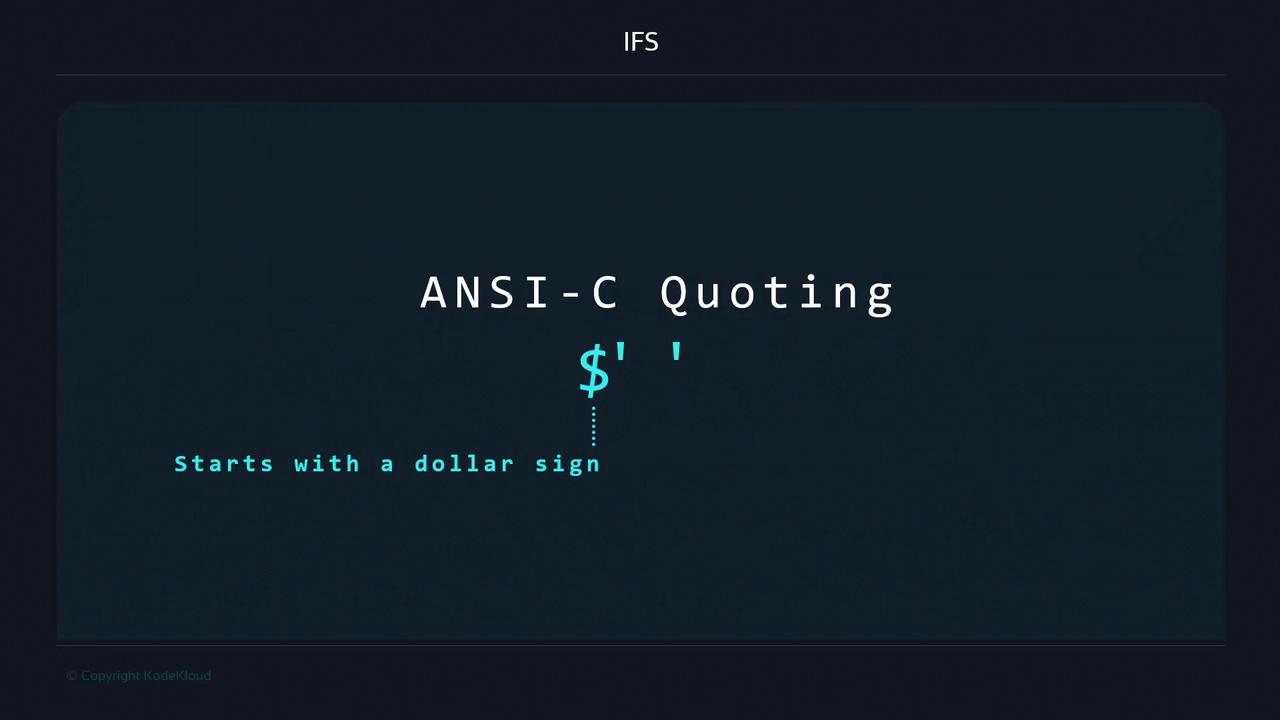
To explicitly redefine `IFS` to include space, tab, and newline, use ANSI-C quoting:
```bash theme={null}
IFS=$' \t\n'
```
The `$'…'` syntax tells Bash to process backslash escapes within single quotes, ensuring you include the exact characters you need.
## Changing the Field Separator
If your data uses a different delimiter—such as a colon (`:`)—override `IFS` before expanding variables. Without overriding, the string remains intact:
```bash theme={null}
#!/usr/bin/env bash
elements="one:two:three"
for element in ${elements}; do
echo "${element} is now separated from the elements list"
done
```
Output:
```text theme={null}
one:two:three is now separated from the elements list
```
Now set `IFS` to a colon:
```bash theme={null}
#!/usr/bin/env bash
IFS=":"
elements="one:two:three"
for element in ${elements}; do
echo "${element} is now separated from the elements list"
done
```
Output:
```text theme={null}
one is now separated from the elements list
two is now separated from the elements list
three is now separated from the elements list
```
Changing `IFS` globally can affect subsequent commands and scripts. Always restore it to its default value after making temporary adjustments.
## IFS and Literal Strings
`IFS` only applies when expanding variables. Looping over a quoted literal string bypasses field splitting:
```bash theme={null}
#!/usr/bin/env bash
IFS=":"
for element in "one:two:three"; do
echo "${element} is a value"
done
```
Output:
```text theme={null}
one:two:three is a value
```
Because there’s no variable expansion, `IFS` has no effect.
## Interactive IFS Changes
You can also reassign `IFS` directly in your interactive shell session:
```bash theme={null}
$ IFS=","
$ val="apple,banana,cherry"
$ set -- ${val}
$ echo $1
apple
$ echo $2
banana
$ echo $3
cherry
```
Here, `set -- ${val}` replaces the shell’s positional parameters with the split values of `val`.
## Restoring IFS and Handling Empty Strings
1. **Restore IFS to default**
```bash theme={null}
IFS=$' \t\n'
```
This command works in Bash, Zsh, and KornShell. Older shells might require specialized syntax.
2. **Set IFS to an empty string**
```bash theme={null}
IFS=''
```
When `IFS` is empty, no field splitting occurs—every expansion remains as a single, unsplit string.
## References
* [Bash Manual: Special Parameters](https://www.gnu.org/software/bash/manual/html_node/Special-Parameters.html#Special-Parameters)
* [POSIX Shell Syntax](https://pubs.opengroup.org/onlinepubs/9699919799/utilities/V3_chap02.html)
* [Advanced Bash-Scripting Guide](https://tldp.org/LDP/abs/html/)