> ## Documentation Index
> Fetch the complete documentation index at: https://notes.kodekloud.com/llms.txt
> Use this file to discover all available pages before exploring further.
# File descriptors
> This guide explains file descriptors in Unix and Linux, including their definition, usage, and standard streams.
On the command line, the numbers 1 and 2 refer to standard output and standard error—these are examples of *file descriptors*. In this guide, you will learn:
1. Additional file descriptor numbers beyond 0, 1, and 2
2. The precise definition of a file descriptor
3. Why the term “file” descriptor applies to streams like pipes and sockets
A file descriptor is a nonnegative integer that indexes an open I/O resource in the operating system, such as a disk file, network socket, or pipe. Although the name originates from early Unix file-handling, modern OSes treat sockets, pipes, and devices the same way.
***
## Reserved Standard Streams
By convention on Linux and most Unix-like systems, three file descriptors are preallocated for the main I/O streams:
| Descriptor Number | Stream | Description |
| ----------------- | ------ | --------------- |
| 0 | stdin | Standard input |
| 1 | stdout | Standard output |
| 2 | stderr | Standard error |
Any descriptor ≥ 3 can reference additional resources: open files, sockets, pipes, or terminal devices.
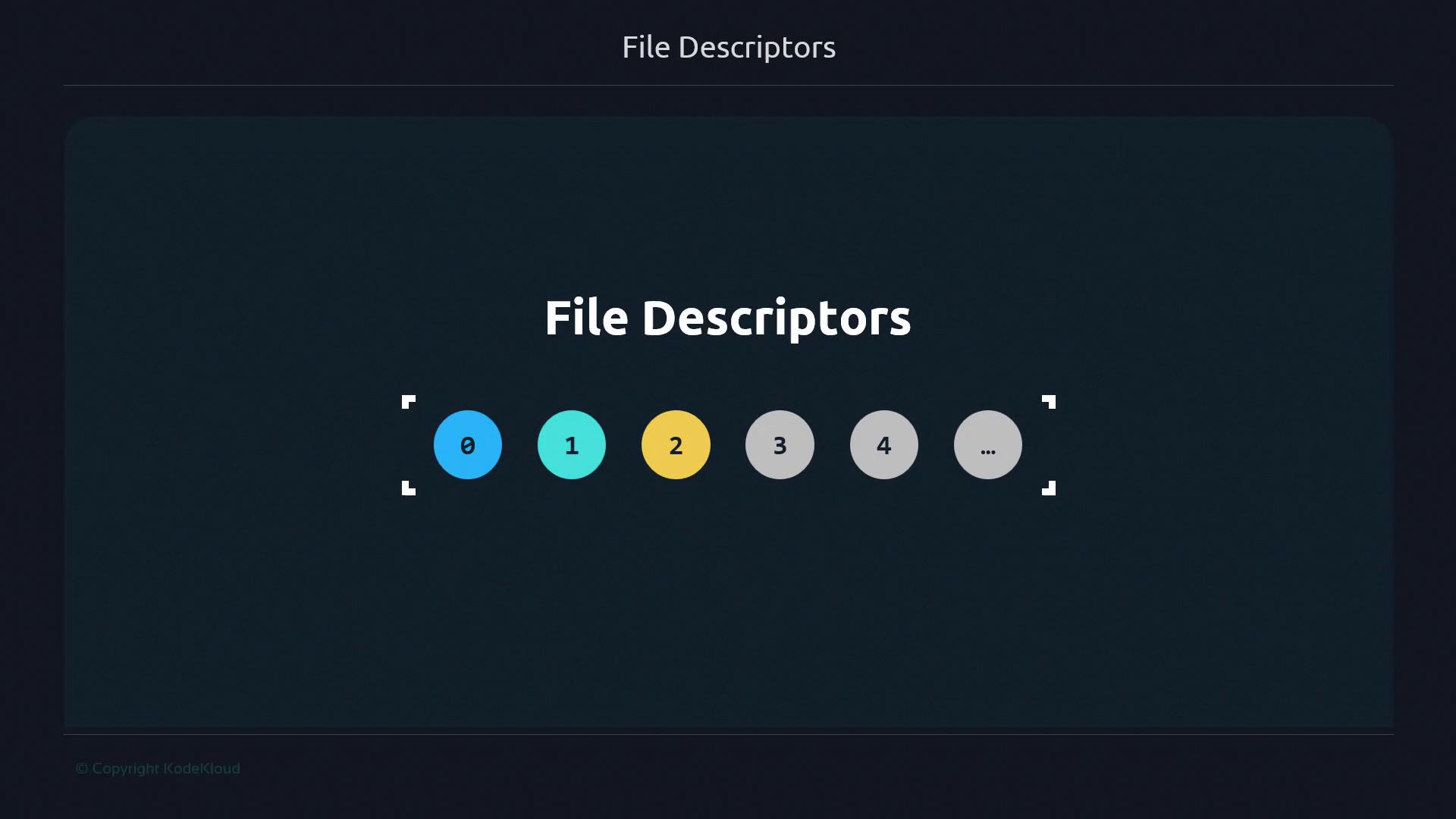
File descriptors are assigned per process. When a program opens a new file, the OS returns the smallest unused descriptor number (starting at 3).
***
## Real-World Analogy: Librarian and Call Numbers
Imagine a library where:
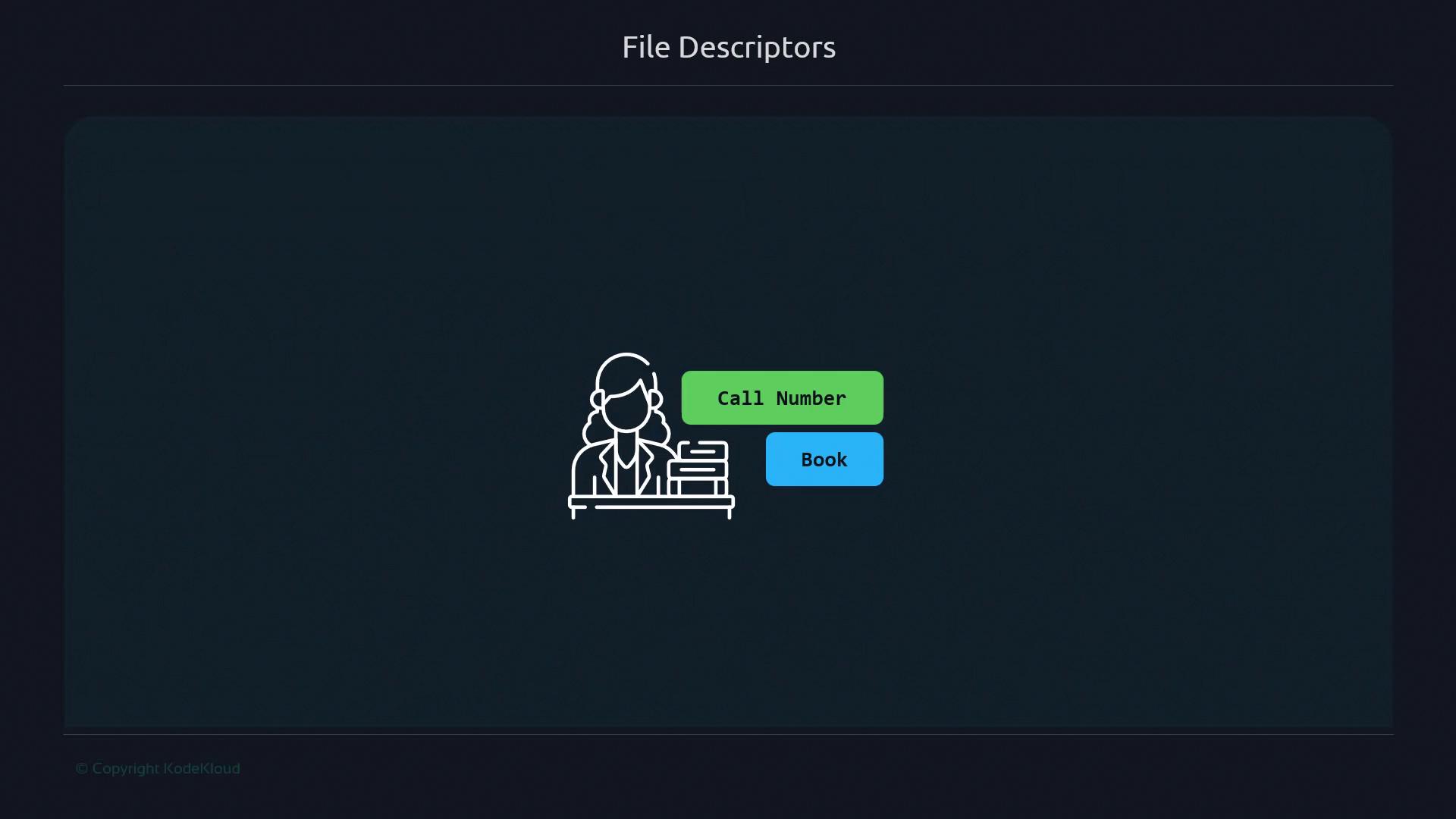
* The **librarian** is your operating system
* **Books** are files, sockets, or pipes
* **Call numbers** on the books are file descriptors
When you hand a call number (descriptor) to the librarian, they fetch the corresponding book (I/O resource). This models how your shell uses descriptors to route input/output.
***
## Standard Streams Mapped to Descriptors
Applying the library analogy to standard streams:
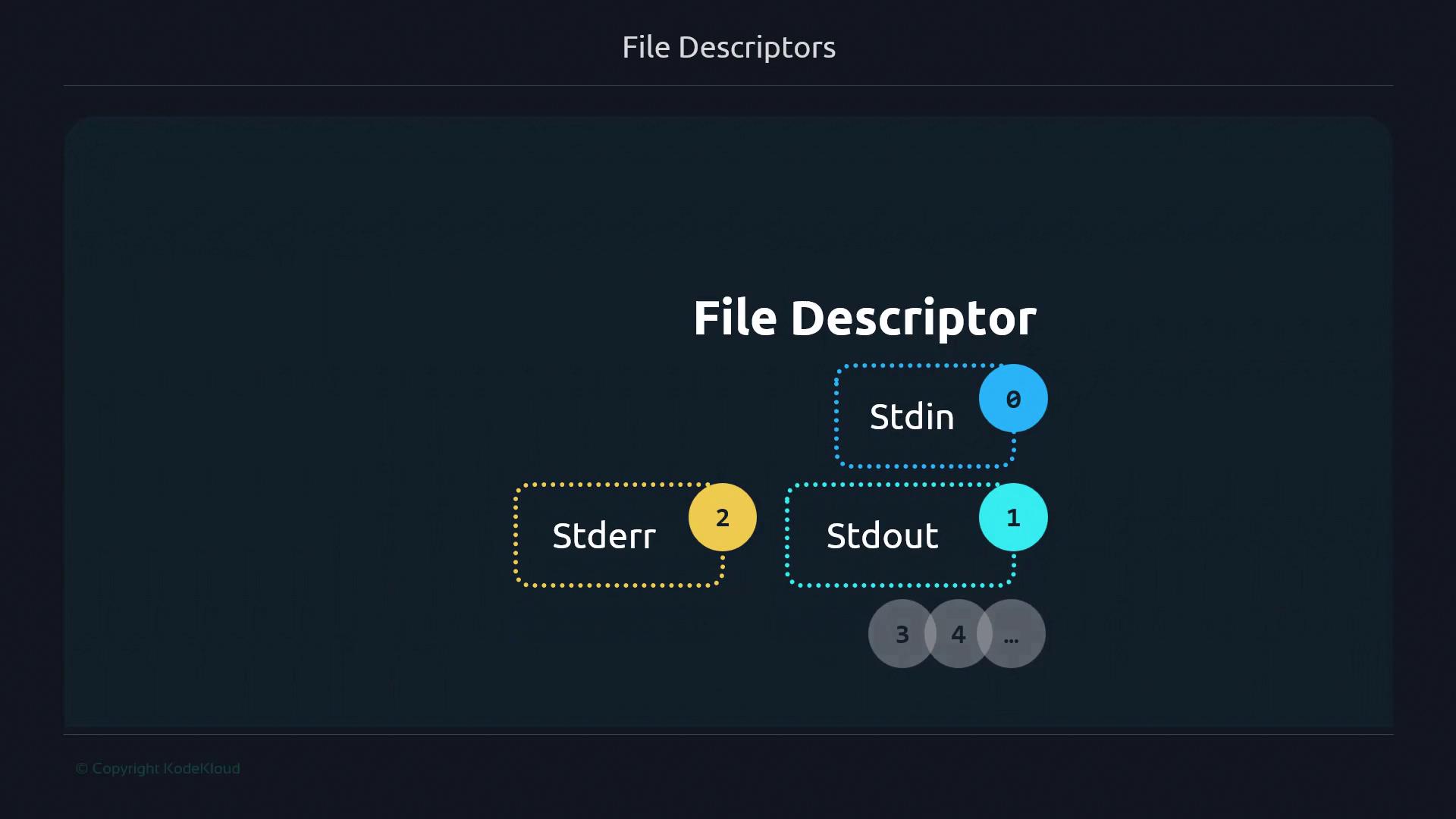
* stdin (0): Asking the librarian which book you want
* stdout (1): Receiving the book from the librarian
* stderr (2): Getting an error message if the book is unavailable
Just as a library holds many books, a running process can have dozens or even thousands of open descriptors (3, 4, 5, …).
***
## Further Reading and References
* [Advanced Bash-Scripting Guide: Redirection](https://tldp.org/LDP/abs/html/io-redirection.html)
* [Unix File Descriptor Tutorial](https://www.geeksforgeeks.org/file-descriptors-unix-linux/)
* [Bash Manual: Redirections](https://www.gnu.org/software/bash/manual/html_node/Redirections.html)