> ## Documentation Index
> Fetch the complete documentation index at: https://notes.kodekloud.com/llms.txt
> Use this file to discover all available pages before exploring further.

# Heredocs

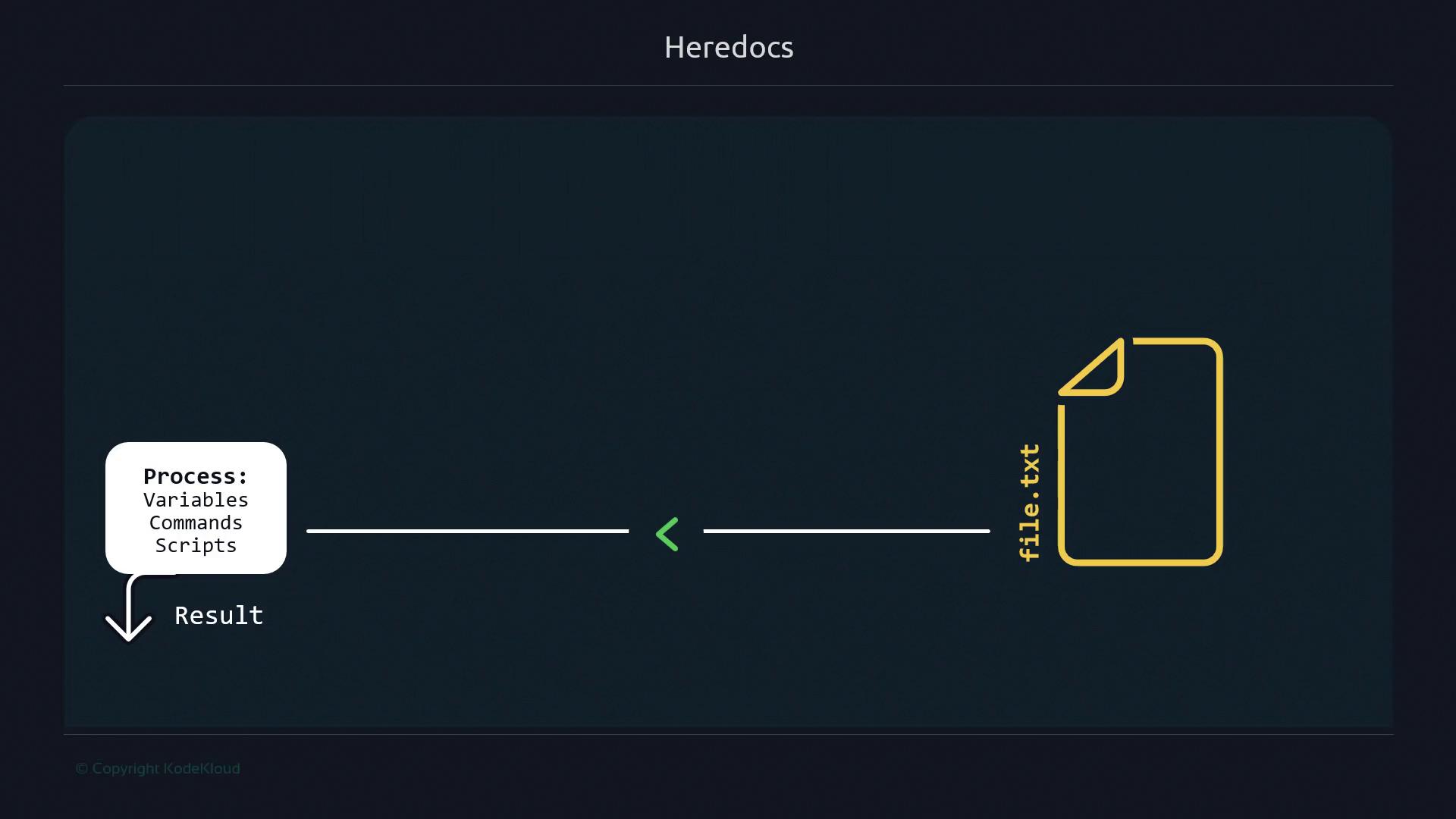
> Heredocs allow embedding multi-line text in Bash scripts, simplifying command execution and reducing errors compared to multiple echo statements.

Heredocs let you include multi-line text or commands directly within a Bash script, avoiding repetitive `echo` statements and manual editing. They’re invaluable for generating configuration files, embedding SQL queries, or executing batches of commands over SSH—especially in non-interactive environments where editors like Vim or Nano aren’t available.

<Callout icon="lightbulb" color="#1CB2FE">
  A Heredoc sends an entire block of text as input to a command. This keeps your scripts clean and reduces the risk of accidental overwrites when using `>` vs. `>>`.
</Callout>

<Frame>
  ![The image illustrates a process flow for "Heredocs," showing data from a file (file.txt) being processed with variables, commands, and scripts to produce a result.](https://kodekloud.com/kk-media/image/upload/v1752868634/notes-assets/images/Advanced-Bash-Scripting-Heredocs/heredocs-process-flow-file-data.jpg)
</Frame>

***

## Why Choose Heredocs Over Multiple `echo` Commands

Using individual `echo` lines quickly becomes error-prone as your script grows:

```bash theme={null}
echo "line1" > file.txt   # creates or overwrites file.txt
echo "line2" >> file.txt  # appends to file.txt
echo "line3" >> file.txt  # appends to file.txt
```

If you mistakenly use `>` instead of `>>`, you can overwrite your file. Heredocs treat the block as a single unit of input, eliminating this risk.

***

## Basic Heredoc Syntax

Feed a block of text into any command—here, `cat`—using the `<<DELIM` operator:

```bash theme={null}
cat <<EOF
line1
line2
line3
EOF
```

Output:

```text theme={null}
line1
line2
line3
```

To write directly to a file, redirect the command’s output:

```bash theme={null}
cat > file.txt <<EOF
line1
line2
line3
EOF
```

Tips for smooth usage:

* The closing delimiter must match exactly (case-sensitive) and have no leading spaces.
* Common delimiters include `EOF`, `EOM`, or a custom token of your choice.

```bash theme={null}
cat <<CUSTOM
alpha
beta
gamma
CUSTOM
```

<Callout icon="triangle-alert" color="#FF6B6B">
  If you mistype the closing token, the shell will continue to prompt for input until you either provide the correct delimiter or cancel with `Ctrl+C`.
</Callout>

***

## Common Use Cases for Heredocs

| Use Case                      | Example Command                |
| ----------------------------- | ------------------------------ |
| Generate configuration files  | `cat > app.conf <<EOF ... EOF` |
| Embed SQL scripts             | `psql <<SQL ... SQL`           |
| Batch SSH commands            | `ssh user@host <<EOF ... EOF`  |
| Create Dockerfiles on the fly | `docker build - <<EOF ... EOF` |

***

## Quick Checklist: Heredoc Benefits

<Frame>
  ![The image is a slide titled "Heredocs" with checkmarks next to "One-liner," "Include large blocks of text," and "Complex scripts."](https://kodekloud.com/kk-media/image/upload/v1752868635/notes-assets/images/Advanced-Bash-Scripting-Heredocs/heredocs-checkmarks-one-liner-texts-scripts.jpg)
</Frame>

* One-liner for simple operations
* Embed large blocks of text without quotes
* Support complex scripting scenarios

***

## Remote Command Execution via SSH

You can run multiple commands on a remote host in one go. First, check your remote directory:

```bash theme={null}
ssh ubuntu@54.161.198.22 ls
# Example output:
# guard_clause  pid  shebang
```

Next, supply commands through a Heredoc:

```bash theme={null}
ssh ubuntu@54.161.198.22 <<EOF
mkdir -p ~/heredocs
echo "Sample content for Heredocs file" > ~/heredocs/heredocsfile.txt
EOF
```

Verify the result:

```bash theme={null}
ssh ubuntu@54.161.198.22 <<EOF
ls ~/heredocs
cat ~/heredocs/heredocsfile.txt
EOF
```

Expected output:

```text theme={null}
heredocsfile.txt
Sample content for Heredocs file
```

***

## Here Strings for Single-Line Input

When you need to pass a single line of text into a command, a **Here String** (`<<<`) is more concise:

```bash theme={null}
export MESSAGE="Hello from Here String"
cat <<<"$MESSAGE"

# Or directly:
cat <<<"Hello World"
```

Here Strings avoid quoting headaches and extra redirection symbols for small data payloads.

***

## Links and References

* [Bash Scripting Guide](https://www.gnu.org/software/bash/manual/bash.html)
* [SSH Official Site](https://www.openssh.com/)
* [Docker Documentation](https://docs.docker.com/)
* [Kubernetes Official Docs](https://kubernetes.io/docs/)

Feel free to explore these resources to deepen your understanding of shell scripting techniques and automation workflows.

<CardGroup>
  <Card title="Watch Video" icon="video" cta="Learn more" href="https://learn.kodekloud.com/user/courses/advanced-bash-scripting/module/d972cdb8-d83f-4d2a-bf89-4d4b38161cf2/lesson/42f4460f-7e6d-40a3-b917-cd6d9c30e975" />

  <Card title="Practice Lab" icon="installation" cta="Learn more" href="https://learn.kodekloud.com/user/courses/advanced-bash-scripting/module/d972cdb8-d83f-4d2a-bf89-4d4b38161cf2/lesson/0e588629-aaae-4642-880d-446517df0e24" />
</CardGroup>
