> ## Documentation Index
> Fetch the complete documentation index at: https://notes.kodekloud.com/llms.txt
> Use this file to discover all available pages before exploring further.
# Xargs
> This article explains how to use `xargs` to build dynamic command lines from standard input for more flexible shell scripting.
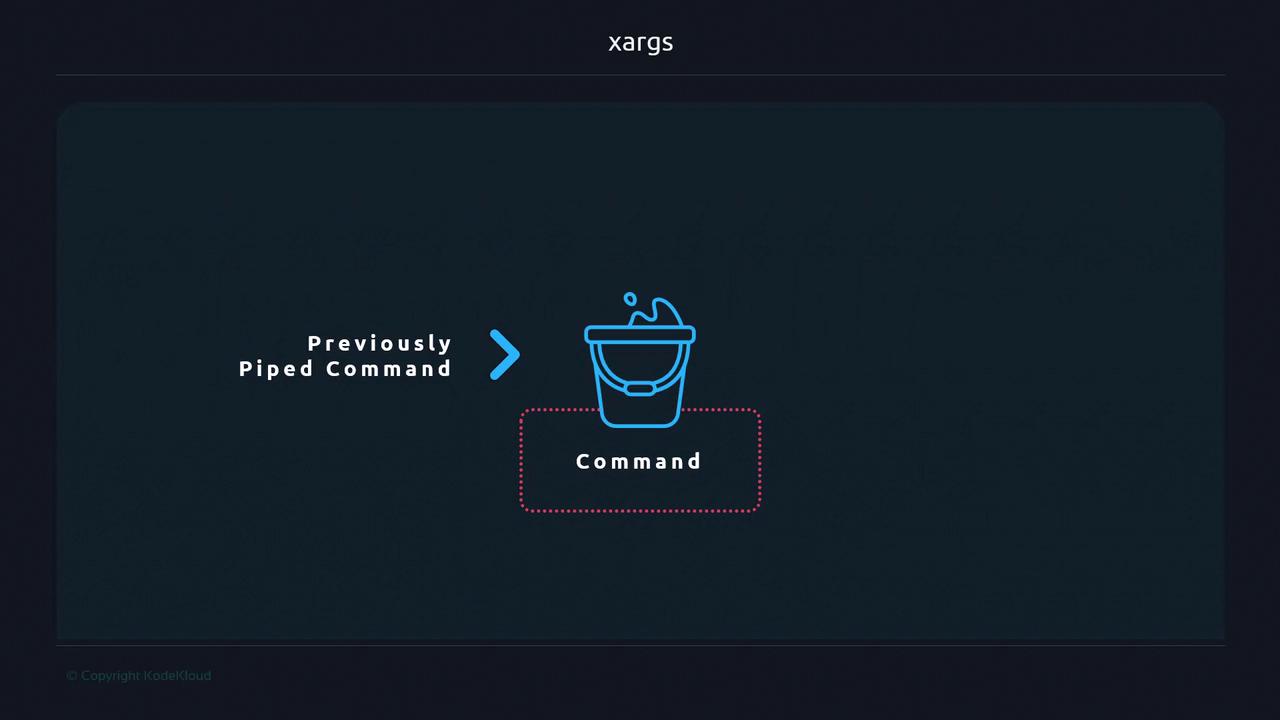
`xargs` is a powerful GNU utility that transforms piped data into arguments for another command. Instead of reading from stdin and writing to stdout like typical pipelines, `xargs` gathers items and appends them as parameters—enabling more flexible shell scripting and one-liners.
***
## Table of Contents
1. [Piping Basics](#piping-basics)
2. [How xargs Works](#how-xargs-works)
3. [Common Use Cases](#common-use-cases)
4. [Handling Special Characters](#handling-special-characters)
5. [Additional Resources](#additional-resources)
***
## Piping Basics
Most shell utilities can read from stdin or files. For example, to count words:
```bash theme={null}
echo "How many words are in this text?" | wc -w
# 7
```
You can redirect or pipe interchangeably:
```bash theme={null}
sort file.txt
sort < file.txt
cat file.txt
cat < file.txt
```
By contrast, `xargs` acts like a “bucket”—it collects output from a previous command and then invokes another command, passing those collected items as arguments.
***
## How xargs Works
Assume `file.txt` contains:
```text theme={null}
file
content
to demonstrate
xargs functionality
```
Piping to `echo` without `xargs` preserves newlines in the input stream but not in output:
```bash theme={null}
cat file.txt | xargs echo
# file content to demonstrate xargs functionality
```
Under the hood, `xargs`:
1. Reads whitespace (spaces, tabs, newlines) by default.
2. Constructs a single command line by concatenating all items.
3. Executes that command:
```bash theme={null}
echo file content to demonstrate xargs functionality
```
***
## Common Use Cases
### Supplying Arguments to Commands
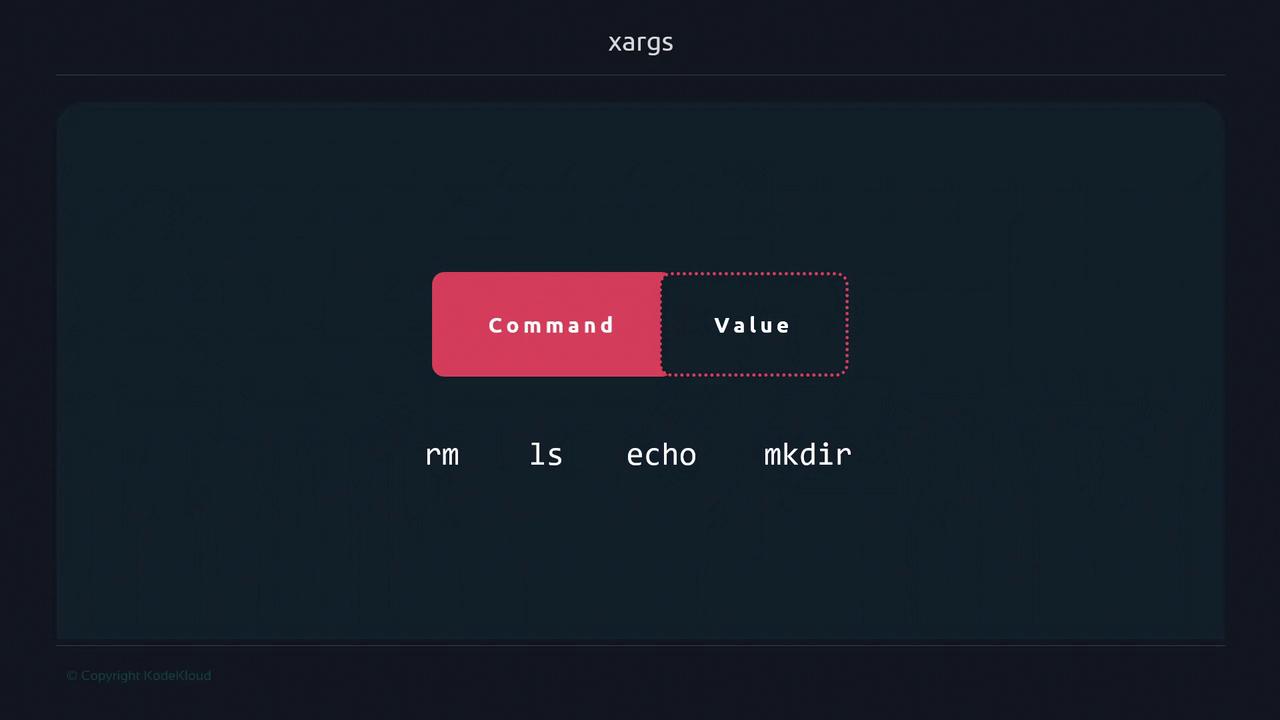
Commands like `rm`, `ls`, `mkdir` or even custom scripts require positional arguments. Instead of writing loops, `xargs` can automate this:
```bash theme={null}
# Prepend a custom message to file.txt contents
cat file.txt \
| xargs echo "The contents of file.txt passed by xargs are:"
# The contents of file.txt passed by xargs are: file content to demonstrate xargs functionality
```
### Creating Multiple Directories
Generate directories from a whitespace-separated list:
```bash theme={null}
echo "dir1 dir2 dir3" \
| xargs mkdir
ls
# dir1 dir2 dir3
```
### Table of Handy xargs Examples
| Use Case | Command Example |
| --------------------- | ------------------------------------------------- |
| Remove log files | `find . -name '*.log' \| xargs rm -f` |
| Create directories | `echo "a b c" \| xargs mkdir` |
| Parallel SSH sessions | `cat hosts.txt \| xargs -P4 -I{} ssh {} hostname` |
***
## Handling Special Characters
By default, `xargs` splits on any whitespace. Filenames containing spaces or special characters may break. Use `-0` with NUL-separated data (e.g., `find . -print0 \| xargs -0`) to handle arbitrary names safely.

***
## Additional Resources
* [GNU xargs Manual](https://www.gnu.org/software/findutils/manual/html_mono/findutils.html#xargs-invocation)
* [Bash Guide: Process Substitution & xargs](https://mywiki.wooledge.org/BashFAQ/082)
* [Linux `find` + `xargs` Examples](https://www.tecmint.com/15-practical-examples-of-linux-find-command/)
***