> ## Documentation Index
> Fetch the complete documentation index at: https://notes.kodekloud.com/llms.txt
> Use this file to discover all available pages before exploring further.
# Introduction
> Introduction to GNU sed for stream editing text from the command line, covering substitutions, line edits, flags, in-place editing, differences with BSD sed, and practical one-liners.
This lesson covers sed — the classic stream editor used for parsing, transforming, and editing text from the command line. sed is compact, fast, and ideal when you want to perform substitutions or line-based edits directly in shell pipelines or scripts.
Quick invocation:
```bash theme={null}
$ sed
```
To clarify when to reach for sed, here's a short comparison with two other common text tools: grep and awk.
| Tool | Primary purpose | When to use | Example | |
| ---- | ------------------------------------------ | -------------------------------------------------------- | ------------------------------- | ------------------------- |
| grep | Pattern matching | Quickly find lines that contain a pattern | \`df -h | grep "root"\` |
| awk | Field/record processing language | Extract or compute values from columns and rows | \`df -h | awk 'NR == 2 { print }'\` |
| sed | Stream editing (substitutions, line edits) | Replace text, perform inline edits, or transform streams | `sed 's/sample/are/g' poem.txt` | |
Examples below illustrate typical use cases and show how sed compares to grep and awk in practice.
## grep: fast pattern search
grep is optimized for locating matches across large inputs. It doesn’t provide a simple oneliner for replacements (you'd pipe into sed or use other tools for that).
Example — list filesystems and filter for the root entry:
```bash theme={null}
$ df -h
Filesystem Size Used Avail Use% Mounted on
/dev/root 7.7G 2.9G 4.9G 38% /
devtmpfs 486M 0 486M 0% /dev
tmpfs 490M 0 490M 0% /dev/shm
tmpfs 98M 828K 98M 1% /run
tmpfs 5.0M 0 5.0M 0% /run/lock
tmpfs 490M 0 490M 0% /sys/fs/cgroup
$ df -h | grep "root"
/dev/root 7.7G 2.9G 4.9G 38% /
```
## awk: field- and record-oriented processing
awk is a small but powerful programming language targeted at columns (fields) and rows (records). It’s ideal when you need conditional logic, arithmetic, or formatted output across fields.
Example — print the first non-header (second) line from df:
```bash theme={null}
$ df -h | awk 'NR == 2 { print }'
/dev/root 7.7G 2.9G 4.9G 38% /
```
## sed: stream editor for substitutions and line edits
sed excels at searching and transforming text in streams. Its syntax is compact and familiar to shell users. For many quick substitution tasks, sed is the simplest and most direct tool.
Example — replace every occurrence of "sample" with "are" in a file.
Contents of poem.txt:
```text theme={null}
Roses sample red,
Violets sample blue,
Sugar sample sweet,
And so sample you.
```
Run sed substitution:
```bash theme={null}
$ sed 's/sample/are/g' poem.txt
Roses are red,
Violets are blue,
Sugar are sweet,
And so are you.
```
Explanation of the sed substitution command:
* s — substitute command.
* First `/.../` — pattern to search for (sample).
* Second `/.../` — replacement string (are).
* g — global flag: replace all occurrences in each line. Without `g`, sed replaces only the first match on each line.
So:
```bash theme={null}
sed 's/sample/are/g' poem.txt
```
instructs sed to substitute all occurrences of "sample" with "are" for every line in poem.txt.
## What you'll learn in this section
We will progressively build sed knowledge:
* Basic commands: printing or deleting lines, simple substitutions.
* Flags and modifiers: `g`, address ranges, and regular-expression anchors.
* In-place edits: using `-i` and cross-platform gotchas.
* Advanced patterns: groups, backreferences, and multi-line techniques.
* Useful one-liners and examples for common editing tasks.
An important note: sed differs between platforms. The macOS version is based on BSD and differs in syntax/behavior from the GNU implementation commonly found on Linux.
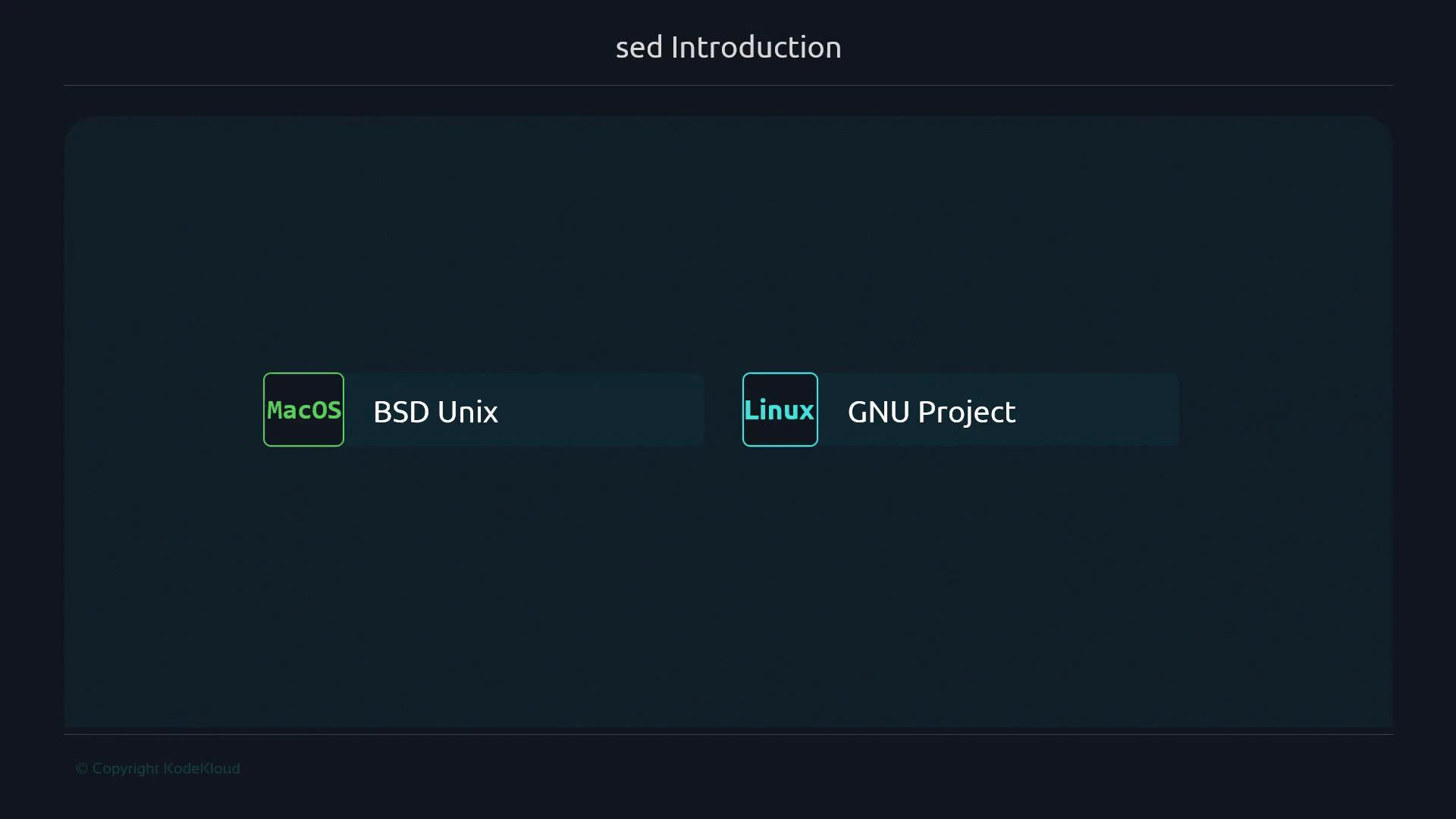 This lesson focuses on the GNU version of sed, which is more feature-rich and commonly available on Linux systems. If you're on macOS, be aware that some extended options may differ or be unavailable in the BSD sed.
Warning: In-place editing with sed (`-i`) and some extended expressions differ between GNU sed and BSD sed (macOS). When writing portable scripts, test sed commands on all target platforms or use POSIX-compatible constructs.
## Links and references
* [GNU sed Manual — GNU.org](https://www.gnu.org/software/sed/manual/sed.html)
* [sed one-liners collection](https://sed.sourceforge.net/sed1line.txt)
* [Differences between GNU sed and BSD sed (macOS)](https://stackoverflow.com/questions/2011852/portable-way-to-sed-i-in-place-editing)
* [Regular expressions (POSIX) reference](https://www.gnu.org/software/grep/manual/html_node/Regular-Expressions.html)
This lesson focuses on the GNU version of sed, which is more feature-rich and commonly available on Linux systems. If you're on macOS, be aware that some extended options may differ or be unavailable in the BSD sed.
Warning: In-place editing with sed (`-i`) and some extended expressions differ between GNU sed and BSD sed (macOS). When writing portable scripts, test sed commands on all target platforms or use POSIX-compatible constructs.
## Links and references
* [GNU sed Manual — GNU.org](https://www.gnu.org/software/sed/manual/sed.html)
* [sed one-liners collection](https://sed.sourceforge.net/sed1line.txt)
* [Differences between GNU sed and BSD sed (macOS)](https://stackoverflow.com/questions/2011852/portable-way-to-sed-i-in-place-editing)
* [Regular expressions (POSIX) reference](https://www.gnu.org/software/grep/manual/html_node/Regular-Expressions.html)