> ## Documentation Index
> Fetch the complete documentation index at: https://notes.kodekloud.com/llms.txt
> Use this file to discover all available pages before exploring further.
# WaitGroups
> This article explores WaitGroups in Go for managing concurrency and synchronizing multiple goroutines effectively.
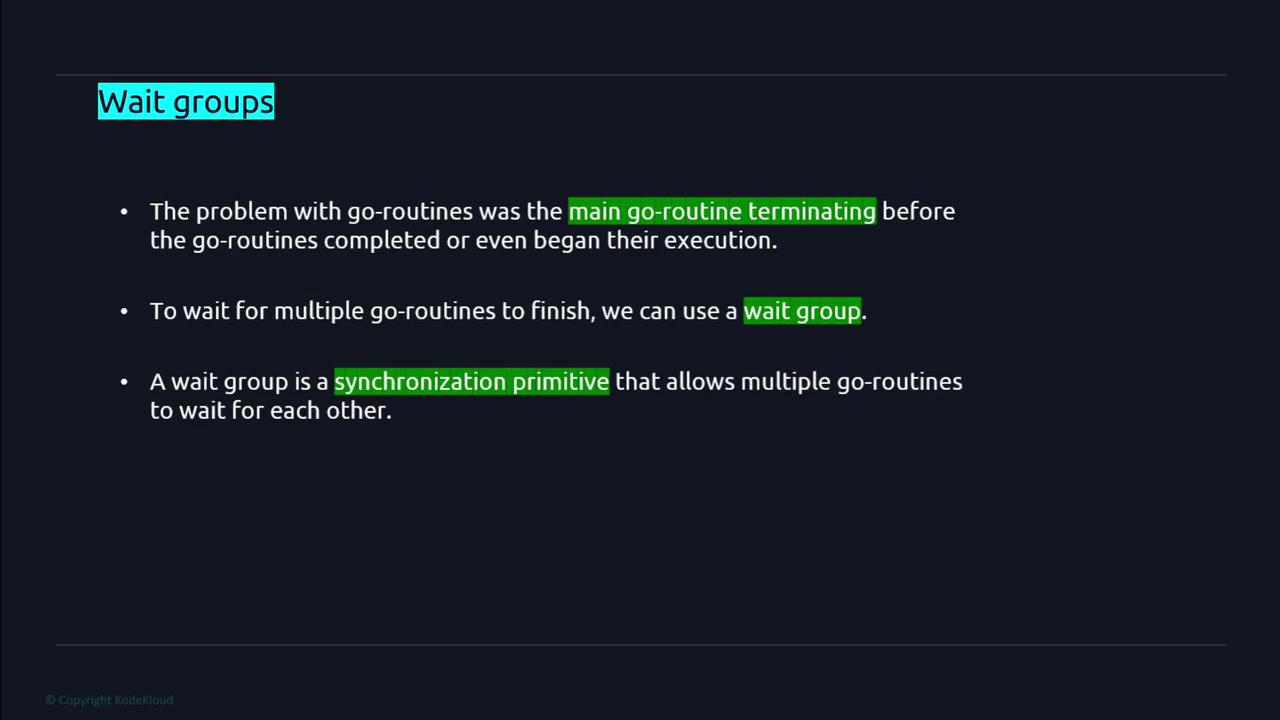
In this lesson, we explore WaitGroups in Go, a key tool for managing concurrency. In Go programs, the main goroutine can sometimes terminate before spawned goroutines have begun or finished execution. WaitGroups provide an elegant solution to synchronize multiple goroutines without resorting to arbitrary timeouts.
## Declaring and Using a WaitGroup
To get started, declare a WaitGroup just like any other variable using the `var` keyword. For example:
```go theme={null}
var wg sync.WaitGroup
```
Make sure to import the `sync` package at the beginning of your file:
```go theme={null}
import "sync"
```
A WaitGroup offers three primary methods to control goroutine execution:
1. **Add**\
Use this method to set the number of goroutines that the WaitGroup should wait for. It increases the internal counter by the specified number.
```go theme={null}
wg.Add(n) // n is the number of goroutines to wait for
```
2. **Wait**\
This method blocks the execution of the code until the WaitGroup's internal counter reaches zero. Typically, you call it after all desired goroutines have been launched.
```go theme={null}
wg.Wait()
```
3. **Done**\
Each goroutine should call `wg.Done()` when its work is completed. This method decreases the WaitGroup's counter by one.
```go theme={null}
wg.Done()
```
Ensure that every call to `wg.Add(n)` eventually corresponds to `n` calls to `wg.Done()`. Failing to do so will result in your program hanging indefinitely.
## Understanding WaitGroups with an Example
Consider a scenario where you need to manage three concurrent tasks. Initially, the WaitGroup's counter is zero. By invoking `wg.Add(3)`, the counter is increased to three. Each of the three goroutines will call `wg.Done()` upon task completion, decrementing the counter by one. Meanwhile, `wg.Wait()` blocks further execution until all goroutines complete and the counter reaches zero.
Below is a consolidated example that demonstrates the use of WaitGroups:
```go theme={null}
package main
import (
"fmt"
"sync"
"time"
)
// worker simulates a task performed by a goroutine.
func worker(id int, wg *sync.WaitGroup) {
defer wg.Done()
// Simulate some work with a delay.
time.Sleep(time.Second)
fmt.Printf("Worker %d done\n", id)
}
func main() {
var wg sync.WaitGroup
numWorkers := 3
// Increment the WaitGroup counter by the number of goroutines.
wg.Add(numWorkers)
// Launch the workers.
for i := 1; i <= numWorkers; i++ {
go worker(i, &wg)
}
// Block main until all goroutines finish.
wg.Wait()
fmt.Println("All workers complete")
}
```
In this example:
* The main function sets the WaitGroup counter to 3 using `wg.Add(3)`.
* Three goroutines are spawned, each executing the `worker` function.
* Each worker calls `wg.Done()` after finishing its task.
* The main goroutine waits on `wg.Wait()`, ensuring that it only proceeds after every worker has completed execution.
Using WaitGroups correctly helps to avoid potential issues with premature termination of your main routine, maintaining the reliability and predictability of concurrent execution.
That concludes our lesson on WaitGroups in Go. For further learning, you may explore more advanced concurrency patterns and synchronization techniques in Go.