> ## Documentation Index
> Fetch the complete documentation index at: https://notes.kodekloud.com/llms.txt
> Use this file to discover all available pages before exploring further.
# File Handling
> This article explores file handling in Golang, covering libraries, path construction, metadata retrieval, and reading and writing files.
In this article, we explore file handling in [Golang](https://learn.kodekloud.com/user/courses/golang). File handling involves managing files by retrieving metadata, creating new files, and reading from or writing to files. Golang’s standard libraries integrate these capabilities, ensuring consistent behavior across different operating systems.
## File Handling Libraries
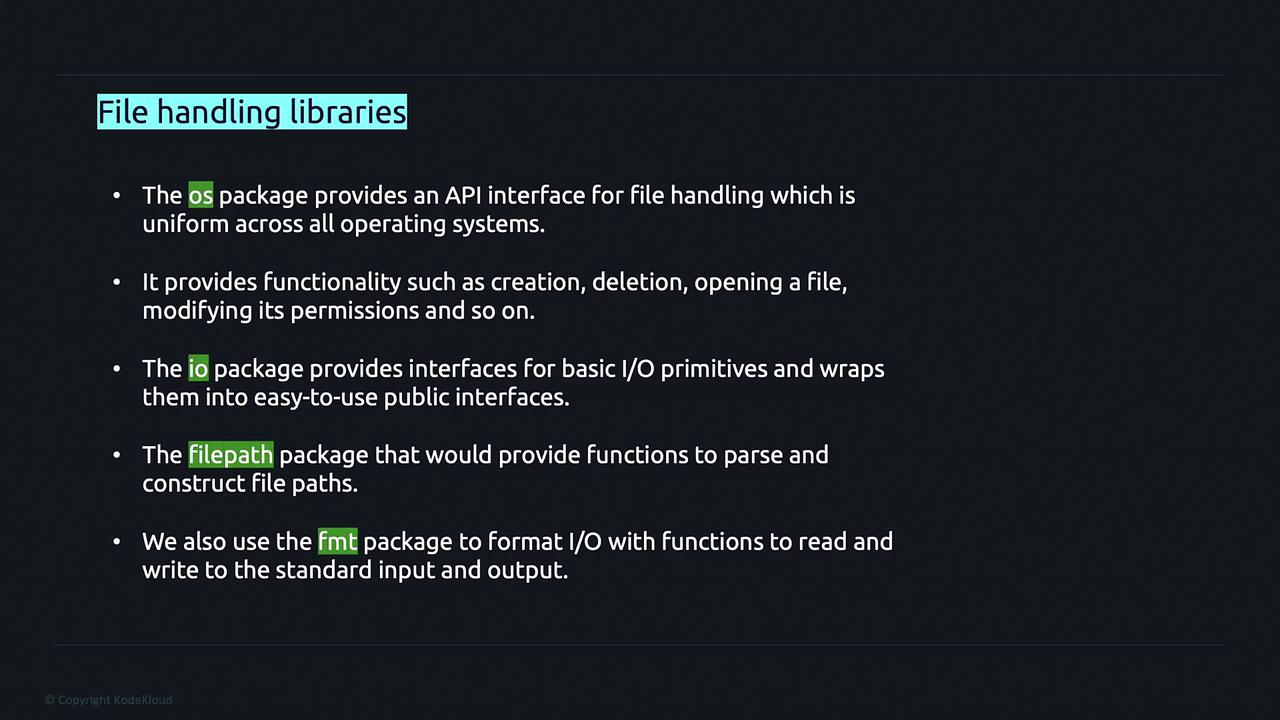
Golang provides several packages that simplify file handling operations:
* **os**: Functions for file operations such as creating, deleting, opening files, and modifying permissions.
* **io**: Basic I/O primitives enveloped in user-friendly interfaces.
* **filepath**: Functions for parsing and constructing file paths in a portable manner.
* **fmt**: Formatting functions for I/O operations, including printing output.
## File Path Construction Using the filepath Package
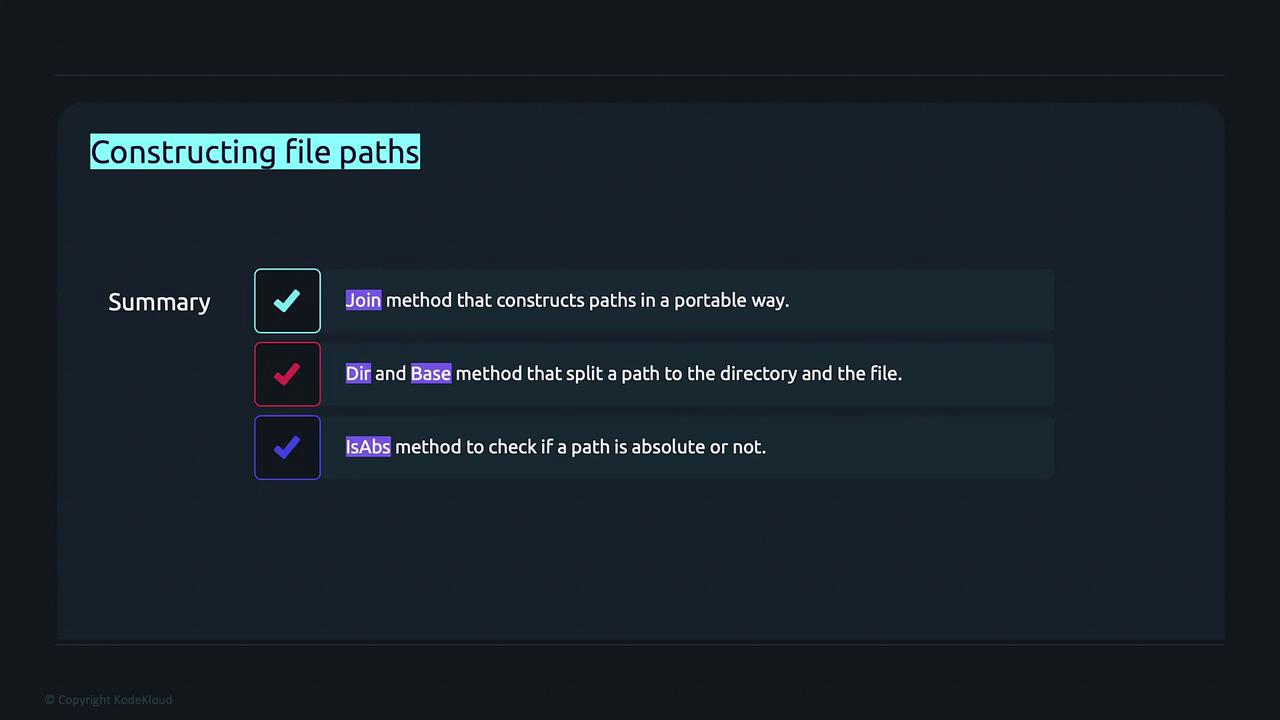
The `filepath` package offers methods to build and manipulate file paths portably across operating systems. Key methods include:
* **Join**: Constructs a path from multiple elements.
* **Dir**: Retrieves the directory portion of a path.
* **Base**: Extracts the last element of the path, typically the file name.
* **IsAbs**: Checks if a given path is absolute.
* **Ext**: Retrieves the file extension.
For example, the **Join** method concatenates path elements using the appropriate OS-specific separator:
### Example: Using filepath.Join
```go theme={null}
package main
import (
"fmt"
"path/filepath"
)
func main() {
// Construct a portable file path
path := filepath.Join("dir1", "dir2", "text.txt")
fmt.Println(path) // On Unix: dir1/dir2/text.txt
}
```
The Join method also normalizes the path by resolving extra separators or relative directory indicators (such as "../"):
```go theme={null}
package main
import (
"fmt"
"path/filepath"
)
func main() {
// Normalizes extra separators
path := filepath.Join("dir1", "dir2//", "text.txt")
fmt.Println(path) // Output: "dir1/dir2/text.txt"
}
```
The following examples illustrate related methods:
### Retrieve Directory with filepath.Dir
```go theme={null}
package main
import (
"fmt"
"path/filepath"
)
func main() {
path := filepath.Join("dir1", "dir2", "text.txt")
fmt.Println(filepath.Dir(path)) // Output: "dir1/dir2"
}
```
### Extract Filename with filepath.Base
```go theme={null}
package main
import (
"fmt"
"path/filepath"
)
func main() {
path := filepath.Join("dir1", "dir2", "text.txt")
fmt.Println(filepath.Base(path)) // Output: "text.txt"
}
```
### Check Absolute Path with filepath.IsAbs
```go theme={null}
package main
import (
"fmt"
"path/filepath"
)
func main() {
relPath := filepath.Join("dir1", "dir2", "text.txt")
absPath := "/dir/file"
fmt.Println(filepath.IsAbs(relPath)) // Output: false
fmt.Println(filepath.IsAbs(absPath)) // Output: true
}
```
### Retrieve File Extension with filepath.Ext
```go theme={null}
package main
import (
"fmt"
"path/filepath"
)
func main() {
path := filepath.Join("dir1", "dir2", "text.txt")
fmt.Println(filepath.Ext(path)) // Output: ".txt"
}
```
Changing the file extension reflects accordingly, as shown below:
```go theme={null}
package main
import (
"fmt"
"path/filepath"
)
func main() {
path := filepath.Join("dir1", "dir2", "text.js")
fmt.Println(filepath.Ext(path)) // Output: ".js"
}
```
## Retrieving File Metadata with os.Stat
Golang’s `os.Stat` function is used to obtain metadata about files or directories. This metadata includes file name, size, permissions, and an indicator of whether the path represents a directory.
Using `os.Stat` is a quick way to verify file attributes before processing them in your application.
```go theme={null}
package main
import (
"fmt"
"os"
"path/filepath"
)
func main() {
// Replace with your file path.
fileInfo, err := os.Stat("/Users/priyanka/temp.txt")
if err != nil {
fmt.Println(err)
return
}
fmt.Println("Name:", fileInfo.Name()) // e.g., temp.txt
fmt.Println("Size:", fileInfo.Size()) // File size in bytes
fmt.Println("Mode:", fileInfo.Mode()) // Permission bits
fmt.Println("IsDir:", fileInfo.IsDir()) // false if it's a file
}
```
Running the above code might produce an output similar to:
```text theme={null}
temp.txt
27
-rw-r--r--
false
```
## Reading Files
Golang provides convenient methods to read file contents. The `os.ReadFile` function reads the entire content of a file at once and returns a byte slice along with any error encountered.
```go theme={null}
package main
import (
"fmt"
"os"
)
func main() {
path := "/Users/priyanka/text.txt"
data, err := os.ReadFile(path)
if err != nil {
fmt.Println(err)
return
}
// Print raw byte slice output
fmt.Println(data)
// Convert to string for human-readable output
fmt.Println(string(data))
}
```
For a file containing "Hello World", the output might look like:
```text theme={null}
[72 101 108 108 111 32 87 111 114 108 100 10]
Hello World
```
For large files or when reading data in chunks, you can open the file with `os.Open` and then read portions into a buffer:
```go theme={null}
package main
import (
"fmt"
"os"
)
func main() {
file, err := os.Open("/Users/priyanka/text.txt")
if err != nil {
fmt.Println(err)
return
}
defer file.Close()
b := make([]byte, 4)
for {
n, err := file.Read(b)
if err != nil {
fmt.Println("Error:", err)
break
}
fmt.Print(string(b[:n]))
}
}
```
The output may appear as follows:
```text theme={null}
Hell
o Wo
rld
Error: EOF
```
## Writing and Appending to Files
Golang's `os.OpenFile` function provides a flexible method to open or create files with specific flags and permissions. Commonly used flags include:
| Flag | Description | Example Usage |
| ------------ | ------------------------------------------------------------- | ------------------------------------------- |
| os.O\_RDONLY | Open the file in read-only mode | Reading file contents |
| os.O\_WRONLY | Open the file in write-only mode | Writing data to a file |
| os.O\_RDWR | Open the file in read-write mode | Reading and writing simultaneously |
| os.O\_APPEND | Append data to the file when writing | Adding log entries or new content |
| os.O\_CREATE | Create the file if it does not exist | Creating a new file |
| os.O\_EXCL | Used with O\_CREATE to ensure the file does not already exist | Preventing accidental overwrites |
| os.O\_SYNC | Open the file for synchronous I/O | For data consistency in critical operations |
| os.O\_TRUNC | Truncate the file when opened | Overwriting existing file content |
To write strings to a file, use the `WriteString` method on the file object.
### Example: Appending Data to a File
```go theme={null}
package main
import (
"fmt"
"os"
)
func main() {
// Open file with append, create, and write-only flags, with 0644 permissions.
file, err := os.OpenFile("/Users/priyanka/temp.txt", os.O_APPEND|os.O_CREATE|os.O_WRONLY, 0644)
if err != nil {
fmt.Println(err)
return
}
defer file.Close()
// Append a string to the file.
if _, err := file.WriteString("Hope you had a good day!"); err != nil {
fmt.Println(err)
}
}
```
If the file does not exist, the `os.O_CREATE` flag ensures that it is created with the specified permissions. If the file exists, the string is appended to the current content.
***
In this article, we covered how to construct file paths, retrieve file metadata, read file contents (both entirely and in chunks), and write or append data to files using [Golang](https://learn.kodekloud.com/user/courses/golang). This foundational knowledge is essential for effectively managing files in your applications.