> ## Documentation Index
> Fetch the complete documentation index at: https://notes.kodekloud.com/llms.txt
> Use this file to discover all available pages before exploring further.
# Logging
> This article reviews Golangs built-in logging package and explores the Logrus framework for implementing robust logging solutions.
[Golang](https://learn.kodekloud.com/user/courses/golang) offers built-in logging capabilities along with support for third-party frameworks, allowing developers to implement robust logging solutions efficiently. In this article, we review the built-in log package and then explore a popular third-party logging framework: Logrus.
## Why Logging Matters
Logging is a critical aspect of application development and maintenance. It helps to:
* Identify and debug issues.
* Uncover performance bottlenecks.
* Conduct post-mortem analyses after outages or security incidents.
## What Should Be Logged?
At a minimum, every log entry should include:
* A timestamp indicating when the event took place.
* The log level (such as debug, error, or info).
* Contextual information to facilitate issue diagnosis.
## The Built-in Log Package
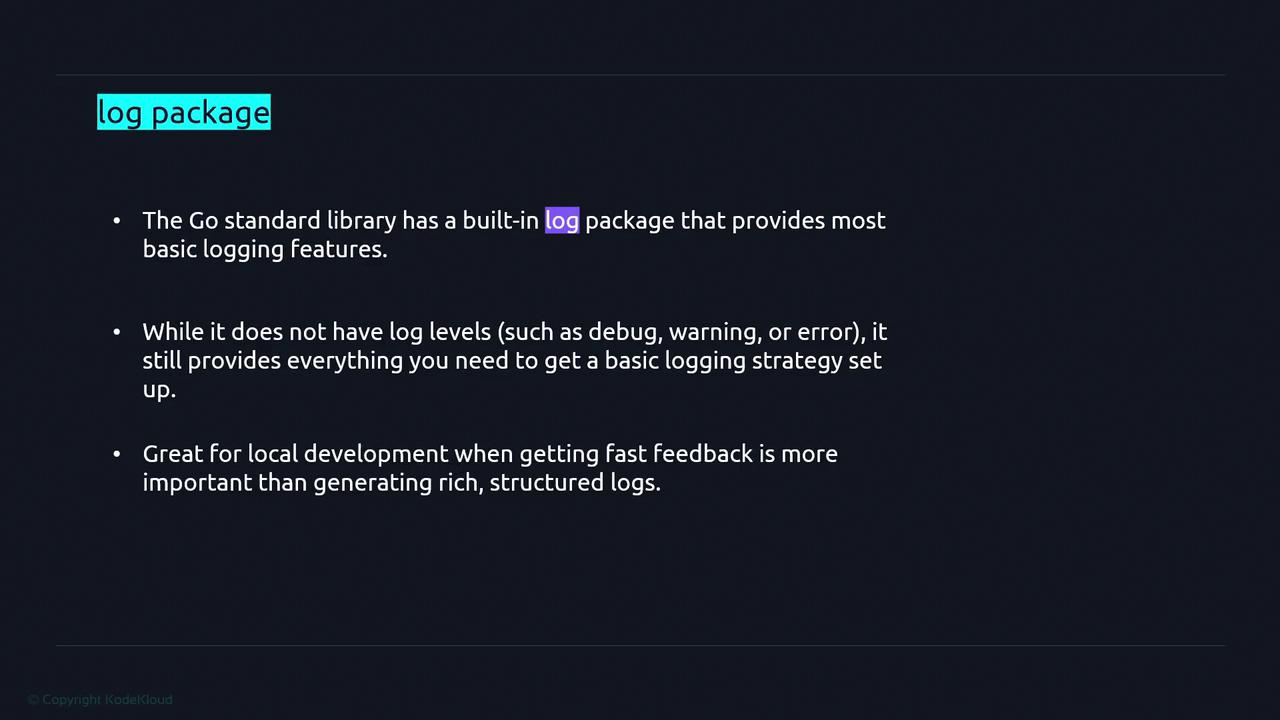
The Go standard library includes a basic log package. While it does not offer multiple log levels (like debug, warn, or error), it provides the essentials needed for a simple logging strategy—especially useful during local development when quick feedback is preferred over complex, structured logging.
For advanced logging requirements, consider adopting a framework that standardizes log data. This approach simplifies reading, aggregating, and analyzing logs, especially when consolidating data from multiple sources.
Two popular logging frameworks used in [Golang](https://learn.kodekloud.com/user/courses/golang) are GLog and Logrus. This article focuses on Logrus, a well-maintained package used in projects like Docker.
## Using the Built-in Log Package
Below is a basic example that demonstrates how to use Go's built-in log package to produce a simple log statement:
```go theme={null}
package main
import "log"
func main() {
log.Println("Hello world")
}
```
When you execute this program with:
```bash theme={null}
go run main.go
```
You will receive an output similar to:
```plaintext theme={null}
2022/11/27 21:54:11 Hello world
```
For quick local testing and simple applications, the built-in log package is often sufficient. However, for more complex applications, a dedicated logging framework may be more appropriate.
## Logging to a File
To store log messages in a file, you can leverage the OS package to open or create a file and then set it as the logging output destination. The file pointer returned by os.OpenFile satisfies the io.Writer interface, making it a suitable target for log output.
Below is a complete example demonstrating how to log to a file:
```go theme={null}
package main
import (
"fmt"
"log"
"os"
)
func main() {
file, err := os.OpenFile("/Users/priyanka/app.log", os.O_APPEND|os.O_CREATE|os.O_WRONLY, 0600)
if err != nil {
fmt.Println(err)
return
}
log.SetOutput(file)
log.Println("Hello world")
}
```
When executed, this program appends a log entry, complete with the current date, time, and message, to the specified file.
## Using Logrus
Logrus is a flexible logging framework that extends the functionality of the built-in log package by supporting multiple log levels and additional features. Installing Logrus is straightforward. Use the following command to download the package:
```bash theme={null}
go get github.com/sirupsen/logrus
```
Once installed, here's an example that logs a message into a file using Logrus:
```go theme={null}
package main
import (
"fmt"
"os"
"github.com/sirupsen/logrus"
)
func main() {
file, err := os.OpenFile("/Users/priyanka/app.log", os.O_APPEND|os.O_CREATE|os.O_WRONLY, 0644)
if err != nil {
fmt.Println(err)
return
}
logrus.SetOutput(file)
logrus.Info("Hello world")
}
```
Logrus supports multiple log levels, including:
* Trace
* Debug
* Info
* Warn
* Error
* Fatal
* Panic
The severity increases from Trace to Panic. For instance, using `logrus.Fatal("...")` prints a fatal message and terminates the program, while `logrus.Panic("...")` logs the message and then panics. To log warning messages, use `logrus.Warn("...")`.
Below is an example showing how to configure Logrus to capture debug and trace logs:
```go theme={null}
package main
import "github.com/sirupsen/logrus"
func main() {
// Set the logging level to DebugLevel to ensure debug messages are captured.
logrus.SetLevel(logrus.DebugLevel)
logrus.Debug("This is a debug message")
// To log a trace message, ensure that the level is set appropriately.
logrus.Trace("This is a trace message")
}
```
Remember that while the built-in log package is ideal for quick prototyping and trivial applications, production environments benefit greatly from the enhanced flexibility and features provided by frameworks such as Logrus.