> ## Documentation Index
> Fetch the complete documentation index at: https://notes.kodekloud.com/llms.txt
> Use this file to discover all available pages before exploring further.
# Developing and Publishing modules workflow
> Practical workflow and best practices for designing, versioning, tagging, and publishing Go modules so tools and developers can discover and consume them.
This lesson explains a practical workflow and the recommended practices for developing, versioning, and publishing a Go module so other developers and Go tools can discover and consume it.
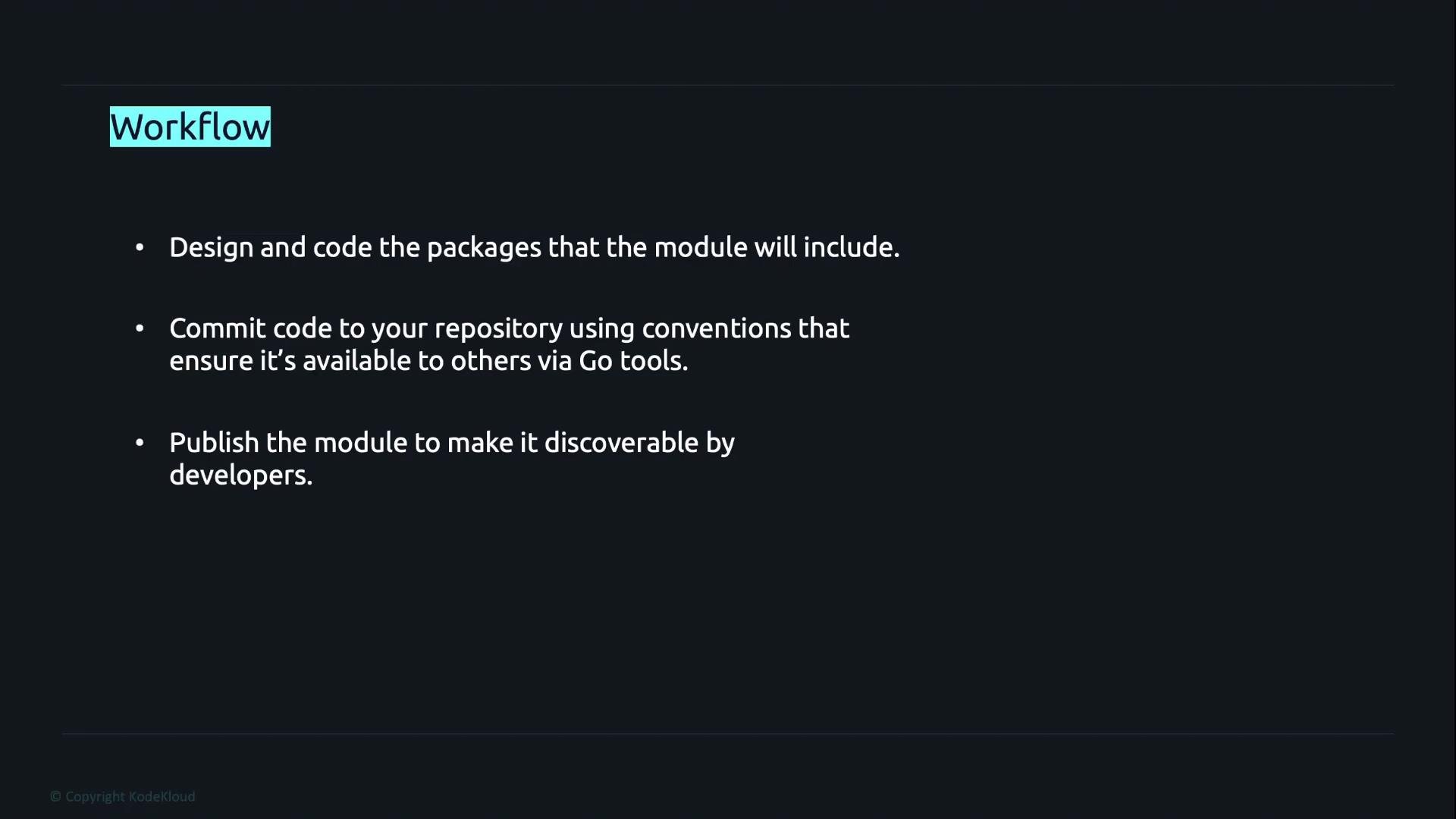
A typical end-to-end workflow:
1. Design and implement the packages and public API the module will expose.
2. Commit the code to a repository using Go module conventions so the module path and tags are discoverable.
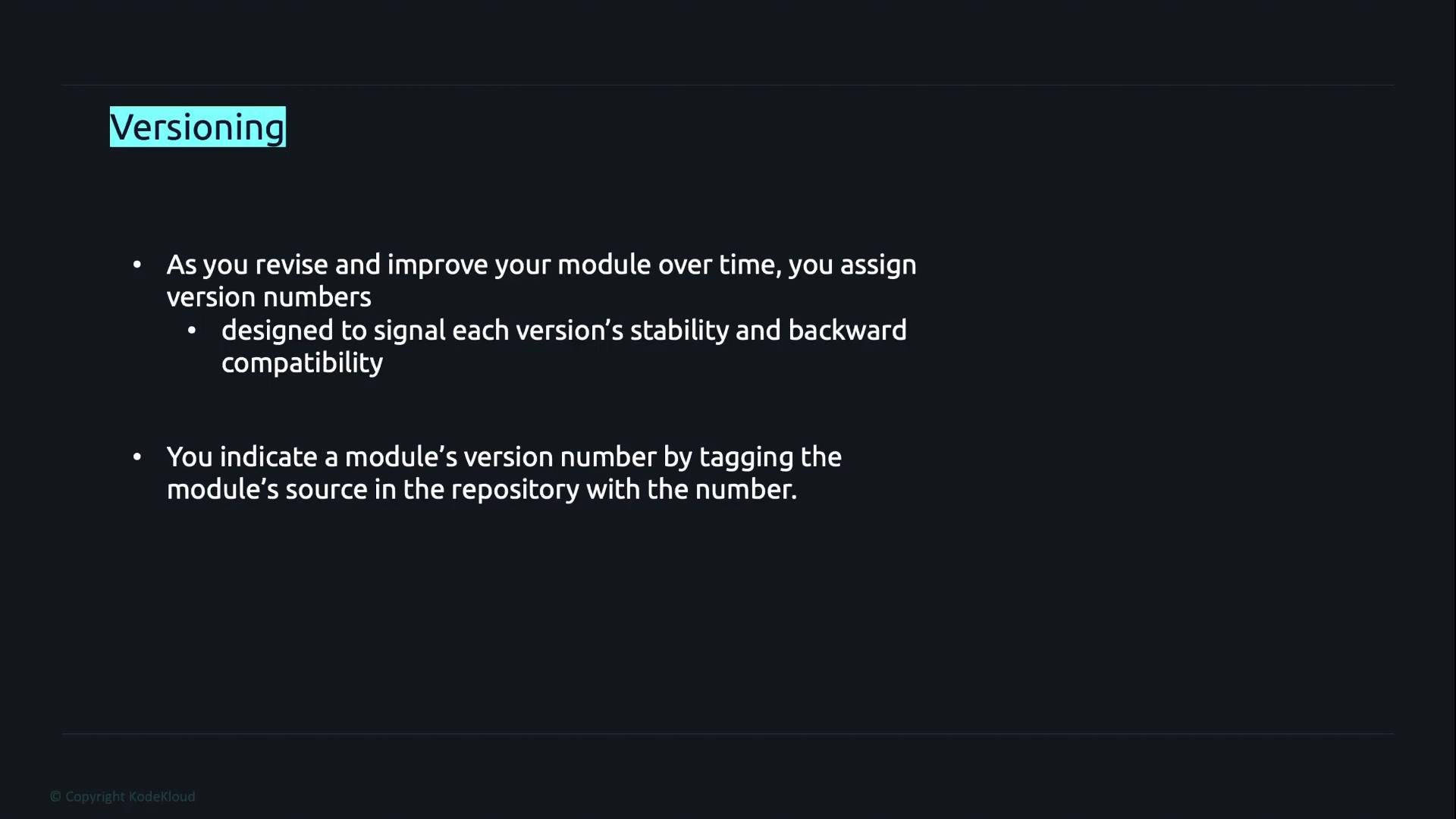
3. Publish the module by tagging releases (semantic versions) so Go tools and proxies can fetch specific versions.
 Design and development guidance
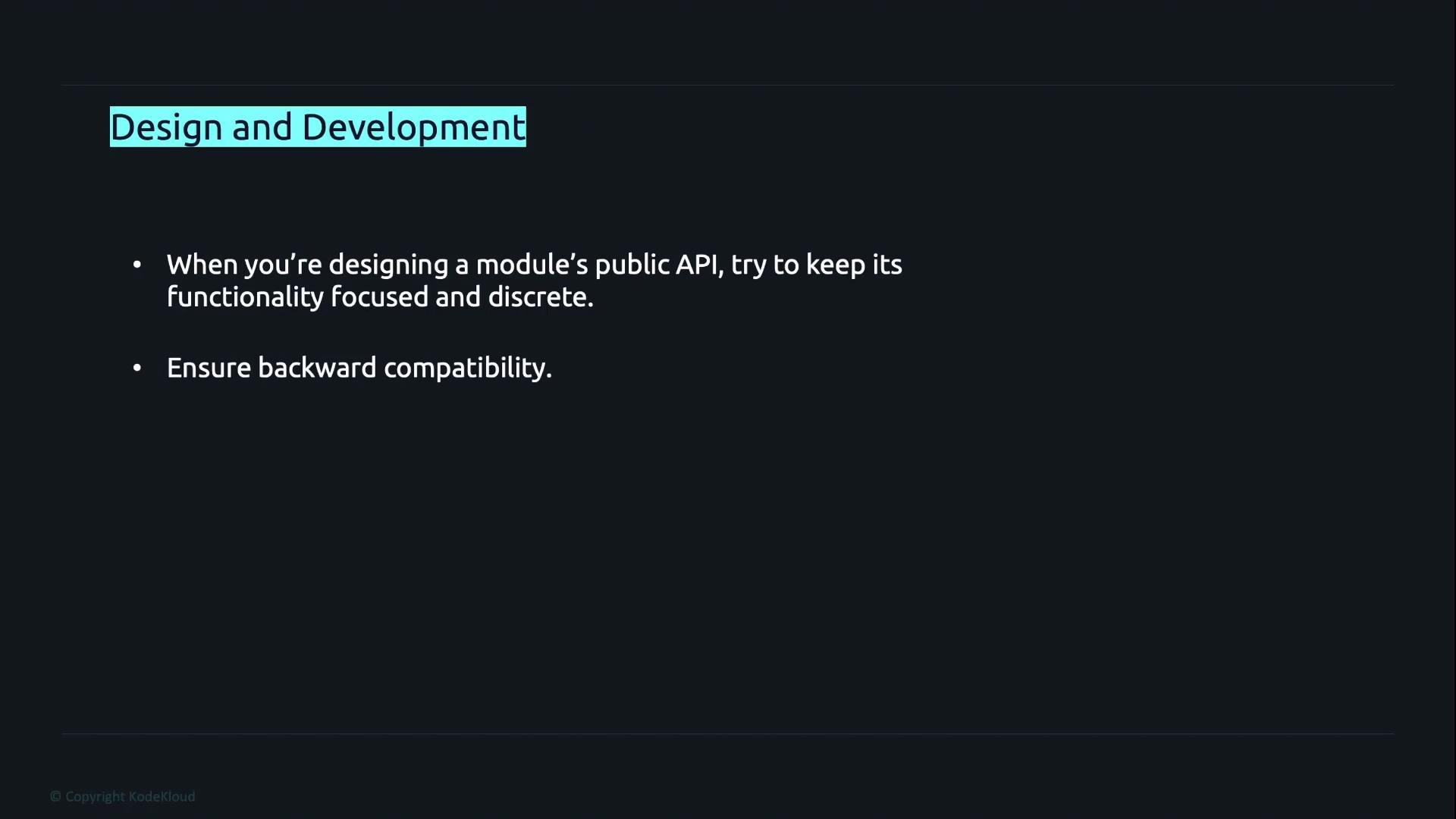
* Keep the module's public API focused, cohesive, and discoverable. Organize packages and exported identifiers so users can find functionality quickly.
* Aim for backward compatibility in minor and patch releases. When breaking changes are required, use semantic major versioning (see below) to signal the change to consumers.
* Write meaningful documentation comments and examples; pkg.go.dev uses them to generate user-facing docs and improves module discovery.
Design and development guidance
* Keep the module's public API focused, cohesive, and discoverable. Organize packages and exported identifiers so users can find functionality quickly.
* Aim for backward compatibility in minor and patch releases. When breaking changes are required, use semantic major versioning (see below) to signal the change to consumers.
* Write meaningful documentation comments and examples; pkg.go.dev uses them to generate user-facing docs and improves module discovery.
 Publishing modules and versioning
How Go discovers versions:
* Go tools use the module path in `go.mod` together with VCS tags to locate and download a particular version. Module proxies (for example, the default GOPROXY) also mirror these tagged versions.
* There is no centralized "upload" step: once the repository is reachable and properly tagged, `go` commands and proxies can fetch it.
* After a version is published, the module and its documentation are typically visible on [https://pkg.go.dev](https://pkg.go.dev) where developers can read docs and view source.
Common commands when releasing a version
| Command | Purpose |
| -: | - |
| `git tag v1.2.3` | Create a version tag that follows semantic versioning. |
| `git push origin v1.2.3` | Push the tag so remote hosts and Go proxies can fetch the release. |
| `go get example.com/user/repo@v1.2.3` | Consume a specific tagged release in a project. |
Example of tagging and pushing a release:
```bash theme={null}
# create a tag for the release
git tag v1.2.3
# push the tag to the remote so Go tools and proxies can fetch it
git push origin v1.2.3
```
To consume that specific release:
```bash theme={null}
go get example.com/user/repo@v1.2.3
```
Versioning rules to note
* Use semantic versioning (MAJOR.MINOR.PATCH) to communicate compatibility:
* Patch: backward-compatible bug fixes.
* Minor: backward-compatible new features.
* Major: incompatible API changes.
* For major versions v2 and higher, the module path in `go.mod` must include the major version suffix. For example:
```go theme={null}
module example.com/user/repo/v2
```
When you bump the major version to v2 or higher, ensure the module path in `go.mod` contains the `/vN` suffix (e.g., `/v2`). Tag releases with the corresponding semantic version (for example, `v2.0.0`) so Go tools resolve the correct import path and version.
Practical tips and common pitfalls
* Always keep `go.mod` consistent with your intended import path. Mismatched module paths and tags prevent clients from resolving the correct version.
* Use small, well-documented public APIs; users search by package and symbol names on sites like pkg.go.dev.
* If you rely on private repositories, configure a GOPROXY or authentication that your consumers can use to fetch private modules.
* Run `go vet`, `go test`, and `golangci-lint` (or similar) before tagging a release to reduce the chance of shipping regressions.
Further reading and references
* [Go Modules reference — golang.org](https://golang.org/ref/mod)
* [pkg.go.dev — Go package discovery](https://pkg.go.dev)
* [Semantic Versioning](https://semver.org/)
Publishing modules and versioning
How Go discovers versions:
* Go tools use the module path in `go.mod` together with VCS tags to locate and download a particular version. Module proxies (for example, the default GOPROXY) also mirror these tagged versions.
* There is no centralized "upload" step: once the repository is reachable and properly tagged, `go` commands and proxies can fetch it.
* After a version is published, the module and its documentation are typically visible on [https://pkg.go.dev](https://pkg.go.dev) where developers can read docs and view source.
Common commands when releasing a version
| Command | Purpose |
| -: | - |
| `git tag v1.2.3` | Create a version tag that follows semantic versioning. |
| `git push origin v1.2.3` | Push the tag so remote hosts and Go proxies can fetch the release. |
| `go get example.com/user/repo@v1.2.3` | Consume a specific tagged release in a project. |
Example of tagging and pushing a release:
```bash theme={null}
# create a tag for the release
git tag v1.2.3
# push the tag to the remote so Go tools and proxies can fetch it
git push origin v1.2.3
```
To consume that specific release:
```bash theme={null}
go get example.com/user/repo@v1.2.3
```
Versioning rules to note
* Use semantic versioning (MAJOR.MINOR.PATCH) to communicate compatibility:
* Patch: backward-compatible bug fixes.
* Minor: backward-compatible new features.
* Major: incompatible API changes.
* For major versions v2 and higher, the module path in `go.mod` must include the major version suffix. For example:
```go theme={null}
module example.com/user/repo/v2
```
When you bump the major version to v2 or higher, ensure the module path in `go.mod` contains the `/vN` suffix (e.g., `/v2`). Tag releases with the corresponding semantic version (for example, `v2.0.0`) so Go tools resolve the correct import path and version.
Practical tips and common pitfalls
* Always keep `go.mod` consistent with your intended import path. Mismatched module paths and tags prevent clients from resolving the correct version.
* Use small, well-documented public APIs; users search by package and symbol names on sites like pkg.go.dev.
* If you rely on private repositories, configure a GOPROXY or authentication that your consumers can use to fetch private modules.
* Run `go vet`, `go test`, and `golangci-lint` (or similar) before tagging a release to reduce the chance of shipping regressions.
Further reading and references
* [Go Modules reference — golang.org](https://golang.org/ref/mod)
* [pkg.go.dev — Go package discovery](https://pkg.go.dev)
* [Semantic Versioning](https://semver.org/)
 This documentation is built and hosted on [Mintlify](https://mintlify.com), a developer documentation platform.