> ## Documentation Index
> Fetch the complete documentation index at: https://notes.kodekloud.com/llms.txt
> Use this file to discover all available pages before exploring further.
# Package comments and godoc
> Guidelines and examples for writing Go package and identifier documentation that integrates with godoc and go doc, covering conventions, tools, and best practices.
Good documentation is an integral part of high-quality Go code. The Go toolchain encourages keeping documentation close to source code so it stays accurate and easy to update. This page summarizes conventions, commands, and examples for writing Go package and identifier documentation that integrates well with `godoc` and `go doc`.
Primary documentation tools
* `godoc` — historically provided an HTML view of package documentation and could run a local documentation server.
* `go doc` — the modern, included command-line tool that prints package and identifier documentation in the terminal.
You can run these commands locally:
```bash theme={null}
godoc
go doc PACKAGE_NAME
go doc PACKAGE_NAME.IDENTIFIER_NAME
```
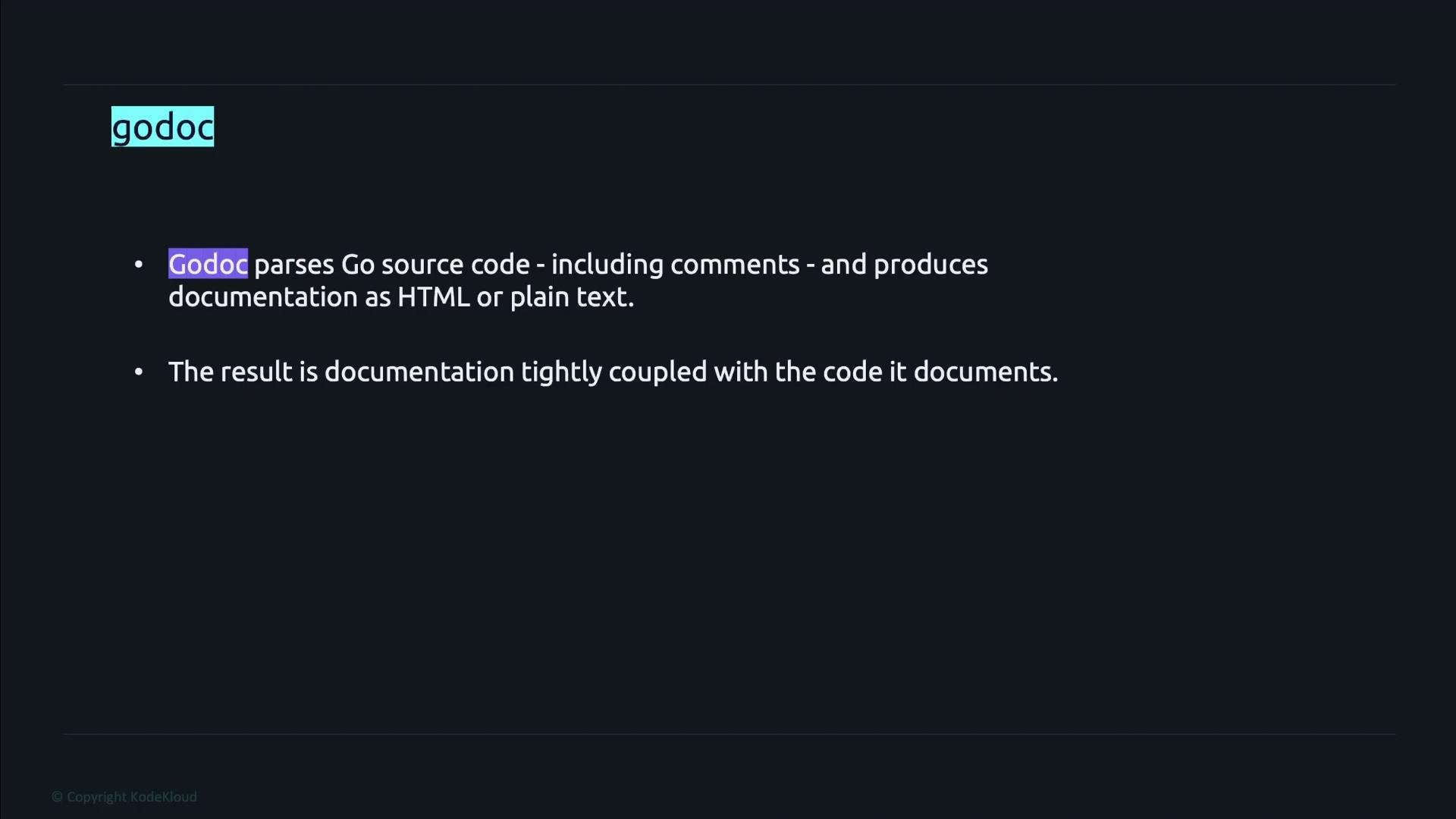 Why Go documentation matters
* Documentation lives next to code, so it is more likely to be updated when implementation changes.
* Well-structured comments improve discoverability of package features via `go doc` and generated HTML pages.
* Following canonical conventions produces clearer, more consistent output in generated docs.
Quick reference: tools and their common uses
| Tool | Primary use | Typical command |
| - | - | - |
| `go doc` | Inspect package and identifier docs in the terminal | `go doc fmt` |
| `godoc` | Serve HTML documentation locally (legacy but still used) | `godoc -http=:6060` |
Convention and best practices
* Place a comment directly before the declaration of a package, type, variable, constant, or function. Do not insert a blank line between the comment and the declaration.
* Use a blank comment line to separate paragraphs inside long comments.
* Package-level documentation is commonly placed in a file named `doc.go` inside the package.
* Comments for exported identifiers (those that start with an uppercase letter) should begin with the identifier name. For example, a comment for `Nimbus` should start with "Nimbus ...". This canonical convention yields nicer generated documentation.
Example: a well-documented package and function
```go theme={null}
// Package decrypt provides simple decryption algorithms.
//
// The Nimbus implementation demonstrates a basic rune-shifting decryption.
package decrypt
import "strings"
// Nimbus shifts each rune's Unicode code point back by 3 and returns the result.
func Nimbus(s string) string {
var b strings.Builder
b.Grow(len(s))
for _, r := range s {
b.WriteRune(r - 3)
}
return b.String()
}
```
How `go doc` presents information
* `go doc decrypt` prints package-level documentation and a list of exported identifiers in the package.
* `go doc decrypt Nimbus` prints the documentation for the `Nimbus` identifier (its comment and signature).
Example usage and expected output (conceptual)
```bash theme={null}
# Show package documentation and exported identifiers
go doc decrypt
```
Output (example):
```text theme={null}
package decrypt
Package decrypt provides simple decryption algorithms.
FUNCTIONS:
func Nimbus(s string) string
```
```bash theme={null}
# Show documentation for a single identifier
go doc decrypt Nimbus
```
Output (example):
```text theme={null}
func Nimbus(s string) string
Nimbus shifts each rune's Unicode code point back by 3 and returns the result.
```
Exported identifiers should have comments that start with the identifier name (for example, "Nimbus ..."). This convention improves clarity and produces better generated documentation.
Do not insert a blank line between a declaration and its preceding comment. A blank line detaches the comment from the declaration and prevents tools like `go doc` from associating the comment with the symbol.
A few final tips
* At minimum, document all exported identifiers — this significantly helps users of your package.
* Keep comments concise and accurate; update them as the code evolves.
* Use `go doc` for quick local inspection; use `godoc` or static site generators when you need an HTML view or a local documentation server.
* Consider adding a `doc.go` with package overview, examples, and package-level details to improve discoverability.
Links and references
* [Go project documentation](https://golang.org/doc/)
* [godoc source and usage notes](https://pkg.go.dev/golang.org/x/tools/cmd/godoc)
* [The `go doc` command documentation](https://pkg.go.dev/cmd/go#hdr-Document_the_packages)
* [Effective Go: commenting](https://golang.org/doc/effective_go#commentary)
That's it for this lesson.
This documentation is built and hosted on [Mintlify](https://mintlify.com), a developer documentation platform.
Why Go documentation matters
* Documentation lives next to code, so it is more likely to be updated when implementation changes.
* Well-structured comments improve discoverability of package features via `go doc` and generated HTML pages.
* Following canonical conventions produces clearer, more consistent output in generated docs.
Quick reference: tools and their common uses
| Tool | Primary use | Typical command |
| - | - | - |
| `go doc` | Inspect package and identifier docs in the terminal | `go doc fmt` |
| `godoc` | Serve HTML documentation locally (legacy but still used) | `godoc -http=:6060` |
Convention and best practices
* Place a comment directly before the declaration of a package, type, variable, constant, or function. Do not insert a blank line between the comment and the declaration.
* Use a blank comment line to separate paragraphs inside long comments.
* Package-level documentation is commonly placed in a file named `doc.go` inside the package.
* Comments for exported identifiers (those that start with an uppercase letter) should begin with the identifier name. For example, a comment for `Nimbus` should start with "Nimbus ...". This canonical convention yields nicer generated documentation.
Example: a well-documented package and function
```go theme={null}
// Package decrypt provides simple decryption algorithms.
//
// The Nimbus implementation demonstrates a basic rune-shifting decryption.
package decrypt
import "strings"
// Nimbus shifts each rune's Unicode code point back by 3 and returns the result.
func Nimbus(s string) string {
var b strings.Builder
b.Grow(len(s))
for _, r := range s {
b.WriteRune(r - 3)
}
return b.String()
}
```
How `go doc` presents information
* `go doc decrypt` prints package-level documentation and a list of exported identifiers in the package.
* `go doc decrypt Nimbus` prints the documentation for the `Nimbus` identifier (its comment and signature).
Example usage and expected output (conceptual)
```bash theme={null}
# Show package documentation and exported identifiers
go doc decrypt
```
Output (example):
```text theme={null}
package decrypt
Package decrypt provides simple decryption algorithms.
FUNCTIONS:
func Nimbus(s string) string
```
```bash theme={null}
# Show documentation for a single identifier
go doc decrypt Nimbus
```
Output (example):
```text theme={null}
func Nimbus(s string) string
Nimbus shifts each rune's Unicode code point back by 3 and returns the result.
```
Exported identifiers should have comments that start with the identifier name (for example, "Nimbus ..."). This convention improves clarity and produces better generated documentation.
Do not insert a blank line between a declaration and its preceding comment. A blank line detaches the comment from the declaration and prevents tools like `go doc` from associating the comment with the symbol.
A few final tips
* At minimum, document all exported identifiers — this significantly helps users of your package.
* Keep comments concise and accurate; update them as the code evolves.
* Use `go doc` for quick local inspection; use `godoc` or static site generators when you need an HTML view or a local documentation server.
* Consider adding a `doc.go` with package overview, examples, and package-level details to improve discoverability.
Links and references
* [Go project documentation](https://golang.org/doc/)
* [godoc source and usage notes](https://pkg.go.dev/golang.org/x/tools/cmd/godoc)
* [The `go doc` command documentation](https://pkg.go.dev/cmd/go#hdr-Document_the_packages)
* [Effective Go: commenting](https://golang.org/doc/effective_go#commentary)
That's it for this lesson.
This documentation is built and hosted on [Mintlify](https://mintlify.com), a developer documentation platform.