> ## Documentation Index
> Fetch the complete documentation index at: https://notes.kodekloud.com/llms.txt
> Use this file to discover all available pages before exploring further.
# Repositories Modules and Packages
> Explains Go repositories, modules, packages, module initialization with go.mod and dependency management for versioning, publishing, and organizing reusable Go libraries.
In this lesson we cover library management in Go and the three core concepts you need to master: repositories, modules, and packages. Understanding how these pieces fit together is essential for dependency management, versioning, and publishing reusable Go libraries.
A repository is the version-control location (for example, a Git repository) that holds one or more projects' source code. Repositories are familiar from tools like GitHub, GitLab, or Bitbucket and are the usual place you store your module(s).
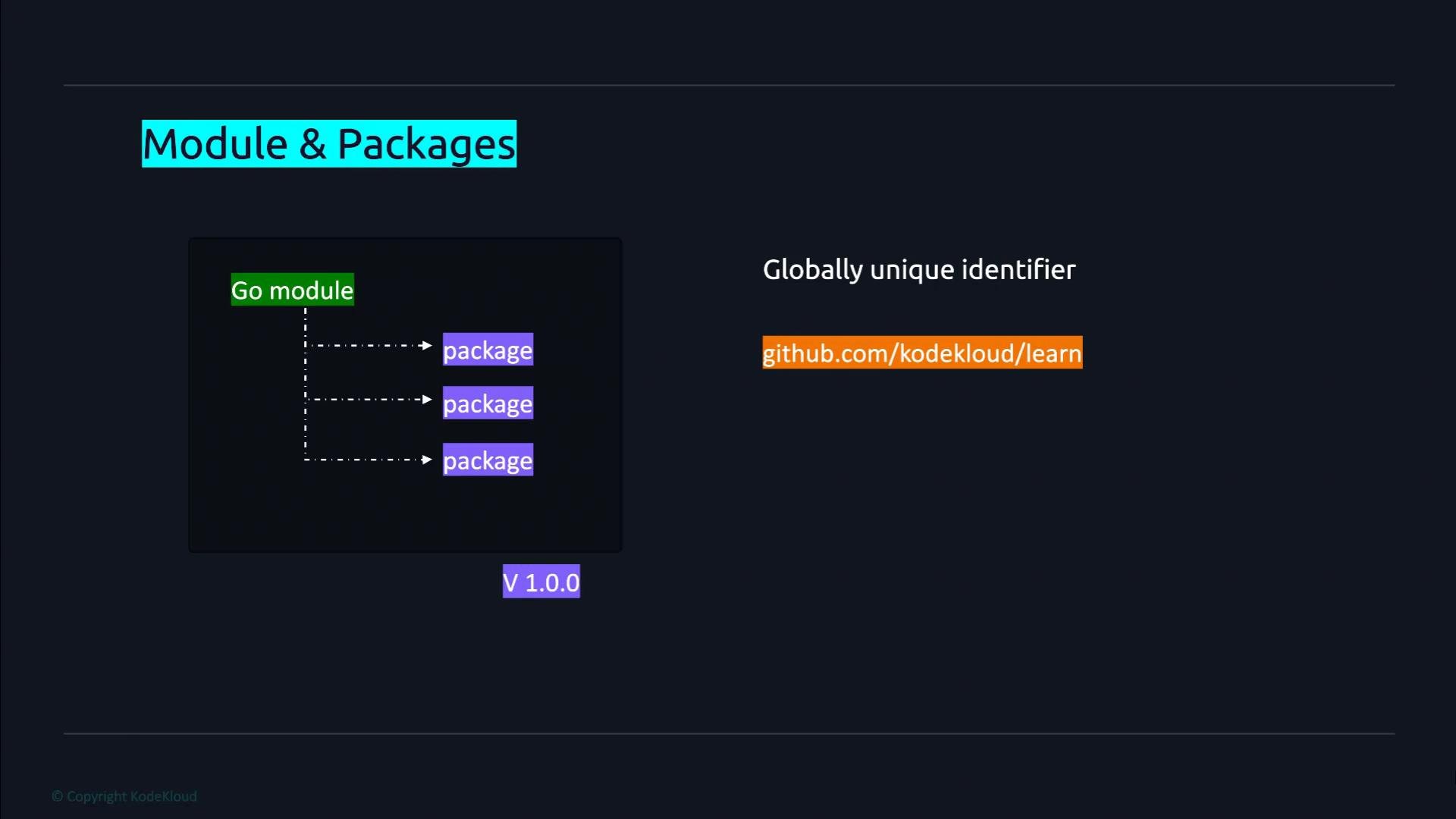
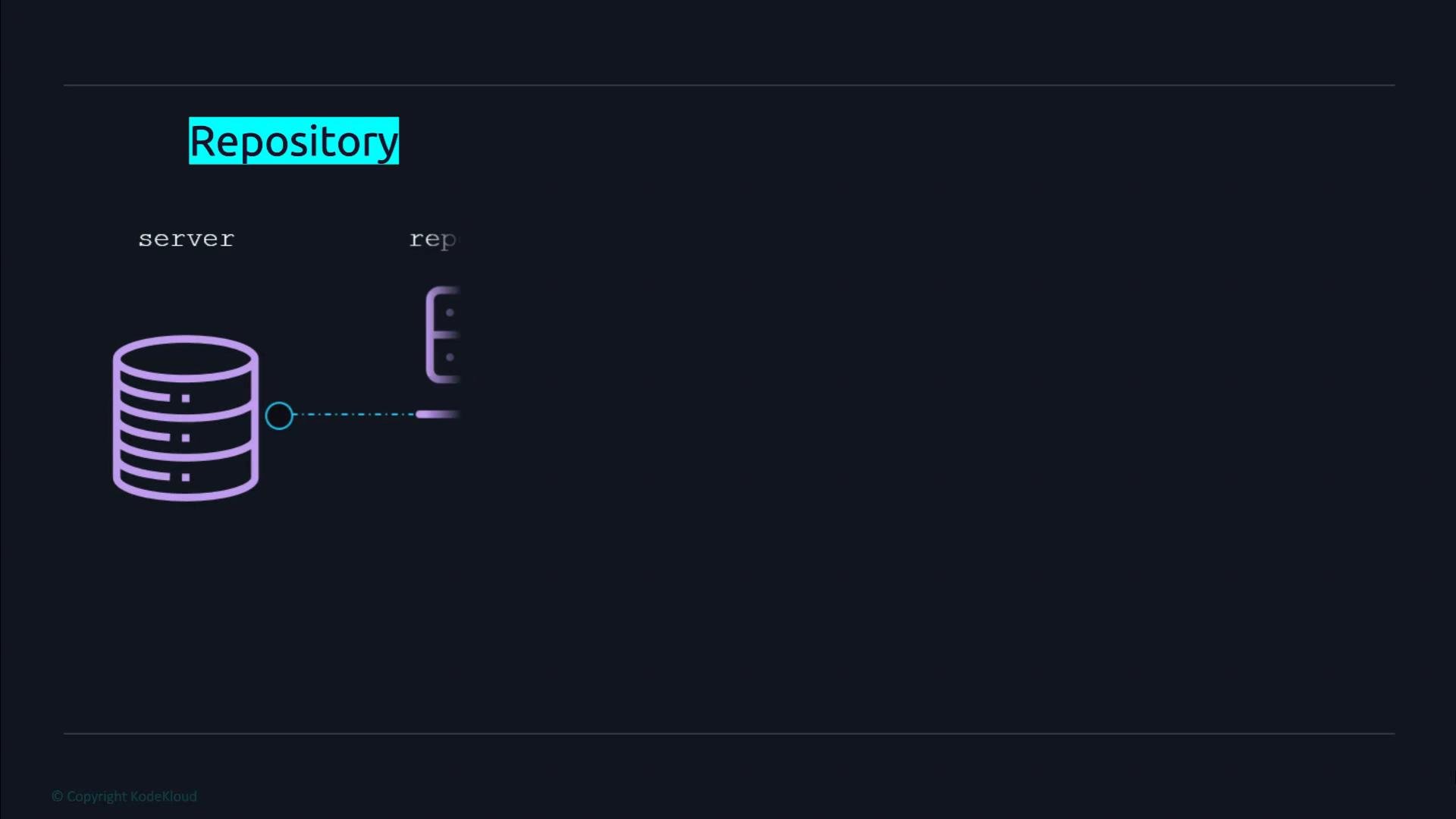 A module is a collection of Go packages that has a `go.mod` file at its root. The module is the unit of versioning and distribution in modern Go — it represents a library or an application. A module may contain one or more packages; packages are how Go organizes code into reusable units.
The module is identified by its module path (import path). For published modules, this should be a globally unique path (commonly the repository import path, e.g., `github.com/youruser/yourrepo`). For private modules you can use a private repository path or configure your tooling to resolve private hosts.
A module is a collection of Go packages that has a `go.mod` file at its root. The module is the unit of versioning and distribution in modern Go — it represents a library or an application. A module may contain one or more packages; packages are how Go organizes code into reusable units.
The module is identified by its module path (import path). For published modules, this should be a globally unique path (commonly the repository import path, e.g., `github.com/youruser/yourrepo`). For private modules you can use a private repository path or configure your tooling to resolve private hosts.
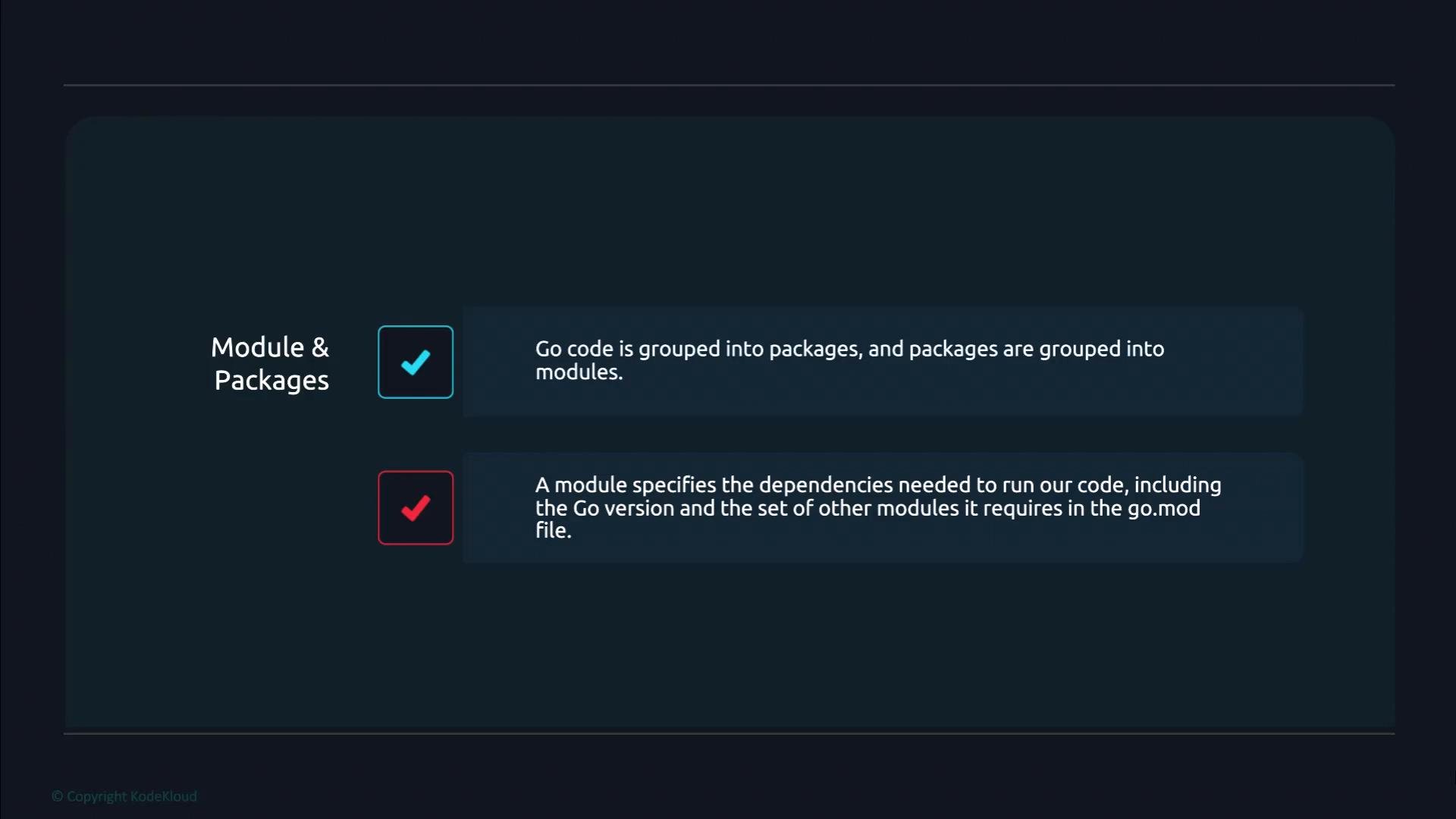
 Quick summary of relationships and what `go.mod` records:
* Go code is grouped into packages.
* Packages are grouped into modules.
* Each module has a `go.mod` file that records the module path, the Go language version, and the other modules it depends on.
Quick summary of relationships and what `go.mod` records:
* Go code is grouped into packages.
* Packages are grouped into modules.
* Each module has a `go.mod` file that records the module path, the Go language version, and the other modules it depends on.
 Definitions at a glance
| Resource | Role | Typical identifier / example |
| - | - | - |
| Repository | Version-controlled storage for source code | `github.com/youruser/yourrepo` |
| Module | Versioned collection of packages with `go.mod` | `module example.com/learn` |
| Package | Namespace for Go source files (import path used within code) | `example.com/learn/pkg/mathutil` |
Creating a module — step by step
1. Pick or create a directory where you keep your project source. In this example we create `learn` under a local workspace.
2. Run `go mod init` with the module path. The module path should be globally unique when you intend to publish the module; otherwise use a stable private import path.
Example commands:
```bash theme={null}
# from the directory where you want your project
mkdir -p ~/Desktop/kodekloud/learn
cd ~/Desktop/kodekloud/learn
# initialize the module with a globally unique path
go mod init example.com/learn
```
Expected output:
```bash theme={null}
$ go mod init example.com/learn
go: creating new go.mod: module example.com/learn
```
This will create a `go.mod` file in the `learn` directory. Initially it contains the module path and the Go version. As you add imports from other modules, `go` commands will update `go.mod` and create a `go.sum` file to lock dependency checksums.
Choose a stable, unique module path for the life of the module. If you plan to publish, use the canonical repository import path (for example, `github.com/youruser/yourrepo`). For private modules you can manage local overrides with the `replace` directive in `go.mod` or configure private proxy settings.
We will examine the `go.mod` file format, dependency versioning, and common workflows (like `go get`, `go list -m all`, and `go mod tidy`) in later lessons.
Links and references
* [Go Modules: official documentation](https://go.dev/ref/mod)
* [Managing Go modules](https://go.dev/doc/modules/managing-dependencies)
This documentation is built and hosted on [Mintlify](https://mintlify.com), a developer documentation platform.
Definitions at a glance
| Resource | Role | Typical identifier / example |
| - | - | - |
| Repository | Version-controlled storage for source code | `github.com/youruser/yourrepo` |
| Module | Versioned collection of packages with `go.mod` | `module example.com/learn` |
| Package | Namespace for Go source files (import path used within code) | `example.com/learn/pkg/mathutil` |
Creating a module — step by step
1. Pick or create a directory where you keep your project source. In this example we create `learn` under a local workspace.
2. Run `go mod init` with the module path. The module path should be globally unique when you intend to publish the module; otherwise use a stable private import path.
Example commands:
```bash theme={null}
# from the directory where you want your project
mkdir -p ~/Desktop/kodekloud/learn
cd ~/Desktop/kodekloud/learn
# initialize the module with a globally unique path
go mod init example.com/learn
```
Expected output:
```bash theme={null}
$ go mod init example.com/learn
go: creating new go.mod: module example.com/learn
```
This will create a `go.mod` file in the `learn` directory. Initially it contains the module path and the Go version. As you add imports from other modules, `go` commands will update `go.mod` and create a `go.sum` file to lock dependency checksums.
Choose a stable, unique module path for the life of the module. If you plan to publish, use the canonical repository import path (for example, `github.com/youruser/yourrepo`). For private modules you can manage local overrides with the `replace` directive in `go.mod` or configure private proxy settings.
We will examine the `go.mod` file format, dependency versioning, and common workflows (like `go get`, `go list -m all`, and `go mod tidy`) in later lessons.
Links and references
* [Go Modules: official documentation](https://go.dev/ref/mod)
* [Managing Go modules](https://go.dev/doc/modules/managing-dependencies)
This documentation is built and hosted on [Mintlify](https://mintlify.com), a developer documentation platform.