> ## Documentation Index
> Fetch the complete documentation index at: https://notes.kodekloud.com/llms.txt
> Use this file to discover all available pages before exploring further.
# Backing upRestoring Jenkins
> Guide to backing up and restoring Jenkins, covering what to include, snapshot and plugin methods, practical commands, security considerations, and restore best practices.
Regular backups of your Jenkins instance are essential for disaster recovery, preserving configuration and build metadata, and recovering accidentally deleted files. This guide explains reliable backup methods, what to include in backups, practical commands, and security/restore considerations.
## Backup approaches (overview)
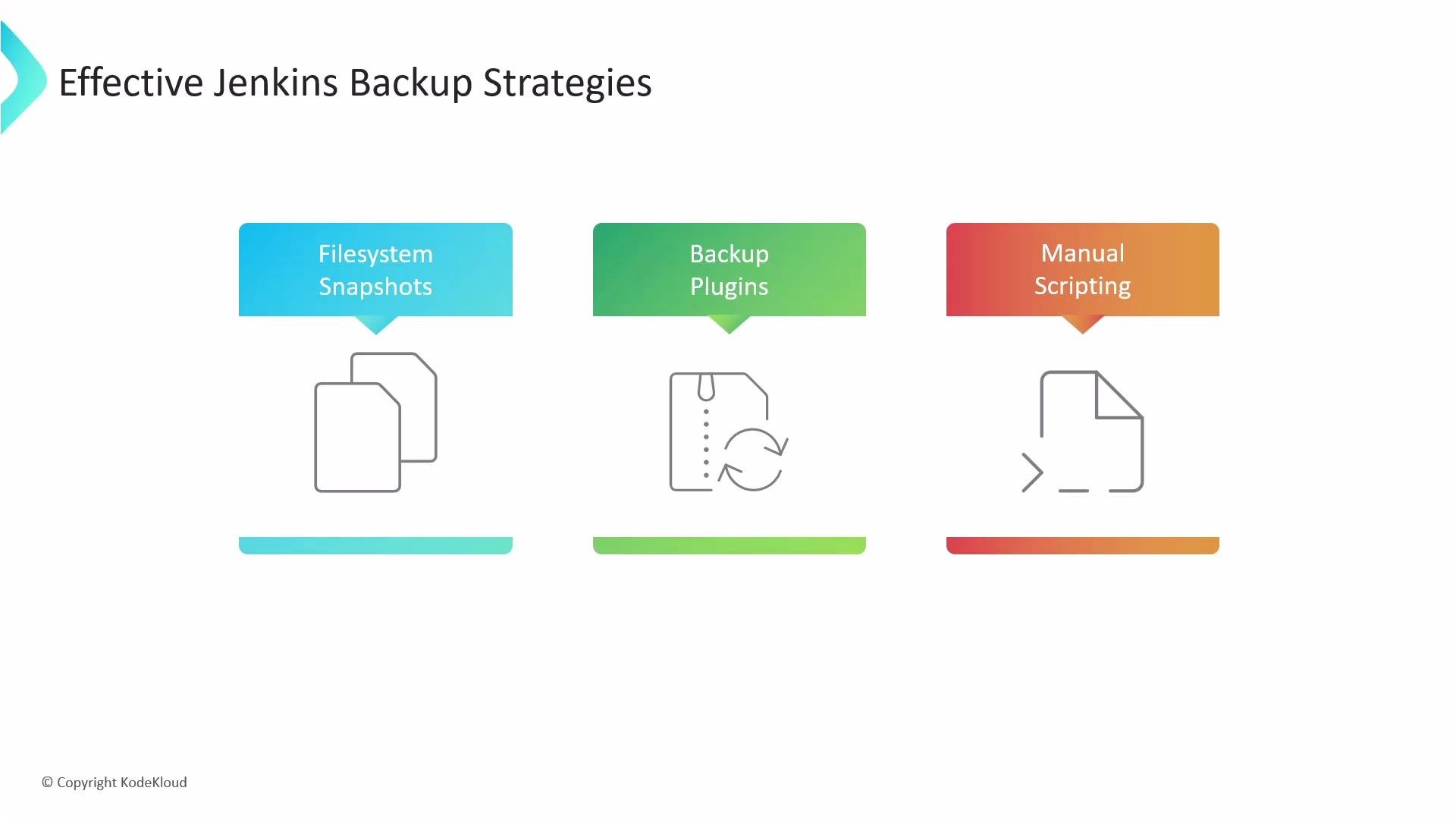
There are three common approaches. Combining them gives the best protection (frequent snapshots + periodic off-site archives + plugin or script-based backups).
| Approach | When to use | Notes |
| ---------------------------------- | ----------------------------------------------------------------- | -------------------------------------------------------------------------------------------------------------------------------------- |
| Filesystem snapshots (recommended) | Production or large instances where consistency matters | Use LVM, cloud block snapshots (EBS, Persistent Disks), or storage-array snapshots to capture a point-in-time image of `JENKINS_HOME`. |
| Backup plugins | Small-to-medium installations or scheduled incremental configs | Plugins like ThinBackup can schedule job/config backups. Convenient but may miss low-level state. |
| Manual/custom scripts | Custom workflows or when integrating with external backup systems | Use `rsync`/`tar` to copy `JENKINS_HOME` to a backup location; often combined with off-site transfer (S3, NAS, etc.). |
 ## What to back up (scope)
The most important directory is the Jenkins home directory (`JENKINS_HOME`). On many systems this defaults to `/var/lib/jenkins`, but it can vary if `JENKINS_HOME` was set explicitly. This directory contains job configurations, build history, plugin binaries and metadata, secrets, and global configuration.
Representative layout of `JENKINS_HOME`:
```bash theme={null}
$ tree /var/lib/jenkins
├── config.xml # Jenkins root configuration file
├── *.xml # other site-wide configuration files
├── nodes # optional, node-specific configuration and workspace info
├── jobs
│ └── [JOBNAME]
│ ├── config.xml # job configuration file
│ └── builds
│ └── [BUILD_ID]
│ ├── build.xml # build result summary
│ └── changelog.xml # change log
├── plugins # root directory for all Jenkins plugins
│ └── [PLUGIN].jpi # .jpi or .hpi file for the plugin
├── secrets # secret keys and encrypted blobs for credentials
│ ├── hudson.util.Secret # used for encrypting some Jenkins data
│ ├── master.key # used for encrypting the hudson.util.Secret key
│ └── identity.key.enc
├── userContent # files served under https://server/userContent/
└── workspace # working directories for jobs (VCS checkouts, build work)
```
Key items to include:
* `config.xml` and other top-level `*.xml` files (system/global config).
* `jobs/*/config.xml` and job metadata (job definitions and build history).
* `plugins/` — plugin binaries and metadata speed recovery; you can re-download plugins from the Update Center if necessary, but keeping copies simplifies restores.
* `secrets/` and encryption keys (`hudson.util.Secret`, `master.key`, `identity.key.enc`) — required to decrypt credentials and should be protected.
* `userContent/` if your instance serves custom assets.
Common items you can exclude to save space:
* `workspace/` and large archived build artifacts if you retain artifacts in an artifact repository (Nexus, Artifactory) or can rebuild.
* Plugin caches, transient plugin state, and temporary files that can be re-downloaded.
## Practical notes for consistent backups
* Filesystem snapshots are the safest way to capture a consistent `JENKINS_HOME` without stopping Jenkins—use LVM snapshots or your cloud-provider snapshot tool to create a point-in-time copy and then back up the snapshot.
* If you use file-copy tools (tar/rsync) directly against a running Jenkins, stop Jenkins first or use a snapshot to avoid inconsistent state.
* Always protect backups of secret keys (`master.key`, `hudson.util.Secret`) by encrypting them at rest and restricting access.
* Verify ownership and permissions after a restore (e.g., `chown -R jenkins:jenkins /var/lib/jenkins`).
For scheduled backups in production, consider a hybrid strategy: frequent snapshots for point-in-time consistency plus periodic off-site archival (S3, Glacier, or object storage) and occasional plugin-based exports for human-readable job/config backups.
## Example backup commands
* Stopped, consistent tarball (simplest — requires stopping Jenkins):
```bash theme={null}
sudo systemctl stop jenkins
sudo tar -czf /backup/jenkins-home-$(date +%F).tar.gz -C /var/lib jenkins
sudo systemctl start jenkins
```
* Live selective rsync backup (avoid workspace and archived artifacts):
```bash theme={null}
rsync -a --delete \
--exclude 'workspace/' \
--exclude 'jobs/*/builds/*/archive/' \
/var/lib/jenkins/ /backup/jenkins-home/
```
* Using an LVM or cloud snapshot (recommended for production): create the snapshot via your storage provider, mount it read-only, then copy the snapshot volume to long-term storage. Commands vary by provider (EBS snapshots, GCE persistent disk snapshots, etc.).
## Security and restoration considerations
Back up `secrets/` and encryption keys securely. Backups that expose `master.key`, `hudson.util.Secret`, or SSH keys must be encrypted at rest and access-controlled. Leaked backups can expose credentials and lead to compromise.
* When restoring, ensure plugin compatibility between the restored `plugins/` and the Jenkins core version; mismatches can break jobs or UI behavior.
* If restoring to a new host, set correct permissions and ownership (e.g., `chown -R jenkins:jenkins /var/lib/jenkins`), and restore SELinux contexts if required.
* Test restores periodically to validate backup integrity and the restoration process. A backup is only useful when you can restore it reliably.
## Plugins: ThinBackup and alternatives
* ThinBackup: actively maintained plugin that schedules backups of jobs and configuration. It’s convenient for job/config-level backups and minimal restores.
* Limitations: plugin-based backups may miss low-level state (secrets, certain plugin data). Combine plugin backups with filesystem snapshots for full coverage.
## Summary / Best practices
* Prioritize backing up `JENKINS_HOME` (jobs, config, plugins, secrets).
* Prefer filesystem snapshots for consistency; use `tar`/`rsync` when Jenkins is stopped or when backing up from a snapshot.
* Keep secrets encrypted and access-controlled.
* Combine methods: snapshots + offsite archival + plugin backups to meet recovery objectives.
* Regularly test restores and document your restore procedure.
## Links and references
* [Jenkins Home Directory documentation](https://www.jenkins.io/doc/book/installing/)
* [Jenkins Backup and Restore best practices](https://www.jenkins.io/doc/book/system-administration/backing-up/)
* [Kubernetes and Jenkins persistence patterns](https://kubernetes.io/docs/concepts/storage/)
## What to back up (scope)
The most important directory is the Jenkins home directory (`JENKINS_HOME`). On many systems this defaults to `/var/lib/jenkins`, but it can vary if `JENKINS_HOME` was set explicitly. This directory contains job configurations, build history, plugin binaries and metadata, secrets, and global configuration.
Representative layout of `JENKINS_HOME`:
```bash theme={null}
$ tree /var/lib/jenkins
├── config.xml # Jenkins root configuration file
├── *.xml # other site-wide configuration files
├── nodes # optional, node-specific configuration and workspace info
├── jobs
│ └── [JOBNAME]
│ ├── config.xml # job configuration file
│ └── builds
│ └── [BUILD_ID]
│ ├── build.xml # build result summary
│ └── changelog.xml # change log
├── plugins # root directory for all Jenkins plugins
│ └── [PLUGIN].jpi # .jpi or .hpi file for the plugin
├── secrets # secret keys and encrypted blobs for credentials
│ ├── hudson.util.Secret # used for encrypting some Jenkins data
│ ├── master.key # used for encrypting the hudson.util.Secret key
│ └── identity.key.enc
├── userContent # files served under https://server/userContent/
└── workspace # working directories for jobs (VCS checkouts, build work)
```
Key items to include:
* `config.xml` and other top-level `*.xml` files (system/global config).
* `jobs/*/config.xml` and job metadata (job definitions and build history).
* `plugins/` — plugin binaries and metadata speed recovery; you can re-download plugins from the Update Center if necessary, but keeping copies simplifies restores.
* `secrets/` and encryption keys (`hudson.util.Secret`, `master.key`, `identity.key.enc`) — required to decrypt credentials and should be protected.
* `userContent/` if your instance serves custom assets.
Common items you can exclude to save space:
* `workspace/` and large archived build artifacts if you retain artifacts in an artifact repository (Nexus, Artifactory) or can rebuild.
* Plugin caches, transient plugin state, and temporary files that can be re-downloaded.
## Practical notes for consistent backups
* Filesystem snapshots are the safest way to capture a consistent `JENKINS_HOME` without stopping Jenkins—use LVM snapshots or your cloud-provider snapshot tool to create a point-in-time copy and then back up the snapshot.
* If you use file-copy tools (tar/rsync) directly against a running Jenkins, stop Jenkins first or use a snapshot to avoid inconsistent state.
* Always protect backups of secret keys (`master.key`, `hudson.util.Secret`) by encrypting them at rest and restricting access.
* Verify ownership and permissions after a restore (e.g., `chown -R jenkins:jenkins /var/lib/jenkins`).
For scheduled backups in production, consider a hybrid strategy: frequent snapshots for point-in-time consistency plus periodic off-site archival (S3, Glacier, or object storage) and occasional plugin-based exports for human-readable job/config backups.
## Example backup commands
* Stopped, consistent tarball (simplest — requires stopping Jenkins):
```bash theme={null}
sudo systemctl stop jenkins
sudo tar -czf /backup/jenkins-home-$(date +%F).tar.gz -C /var/lib jenkins
sudo systemctl start jenkins
```
* Live selective rsync backup (avoid workspace and archived artifacts):
```bash theme={null}
rsync -a --delete \
--exclude 'workspace/' \
--exclude 'jobs/*/builds/*/archive/' \
/var/lib/jenkins/ /backup/jenkins-home/
```
* Using an LVM or cloud snapshot (recommended for production): create the snapshot via your storage provider, mount it read-only, then copy the snapshot volume to long-term storage. Commands vary by provider (EBS snapshots, GCE persistent disk snapshots, etc.).
## Security and restoration considerations
Back up `secrets/` and encryption keys securely. Backups that expose `master.key`, `hudson.util.Secret`, or SSH keys must be encrypted at rest and access-controlled. Leaked backups can expose credentials and lead to compromise.
* When restoring, ensure plugin compatibility between the restored `plugins/` and the Jenkins core version; mismatches can break jobs or UI behavior.
* If restoring to a new host, set correct permissions and ownership (e.g., `chown -R jenkins:jenkins /var/lib/jenkins`), and restore SELinux contexts if required.
* Test restores periodically to validate backup integrity and the restoration process. A backup is only useful when you can restore it reliably.
## Plugins: ThinBackup and alternatives
* ThinBackup: actively maintained plugin that schedules backups of jobs and configuration. It’s convenient for job/config-level backups and minimal restores.
* Limitations: plugin-based backups may miss low-level state (secrets, certain plugin data). Combine plugin backups with filesystem snapshots for full coverage.
## Summary / Best practices
* Prioritize backing up `JENKINS_HOME` (jobs, config, plugins, secrets).
* Prefer filesystem snapshots for consistency; use `tar`/`rsync` when Jenkins is stopped or when backing up from a snapshot.
* Keep secrets encrypted and access-controlled.
* Combine methods: snapshots + offsite archival + plugin backups to meet recovery objectives.
* Regularly test restores and document your restore procedure.
## Links and references
* [Jenkins Home Directory documentation](https://www.jenkins.io/doc/book/installing/)
* [Jenkins Backup and Restore best practices](https://www.jenkins.io/doc/book/system-administration/backing-up/)
* [Kubernetes and Jenkins persistence patterns](https://kubernetes.io/docs/concepts/storage/)