> ## Documentation Index
> Fetch the complete documentation index at: https://notes.kodekloud.com/llms.txt
> Use this file to discover all available pages before exploring further.
# Declarative vs Scripted Pipeline
> Explains differences between Declarative and Scripted Jenkins pipelines, their Jenkinsfile usage, syntax tradeoffs, and when to use each for CI/CD workflows.
This lesson explains the differences between Declarative and Scripted Jenkins pipelines, how they map to a Jenkinsfile, and when to use each style in your CI/CD workflows.
Both styles:
* Live in a `Jenkinsfile` inside your source repository.
* Use the same Jenkins Pipeline subsystem and the Pipeline DSL (Groovy-based).
* Can reuse shared libraries to centralize common pipeline code.
The main difference is abstraction and target audience:
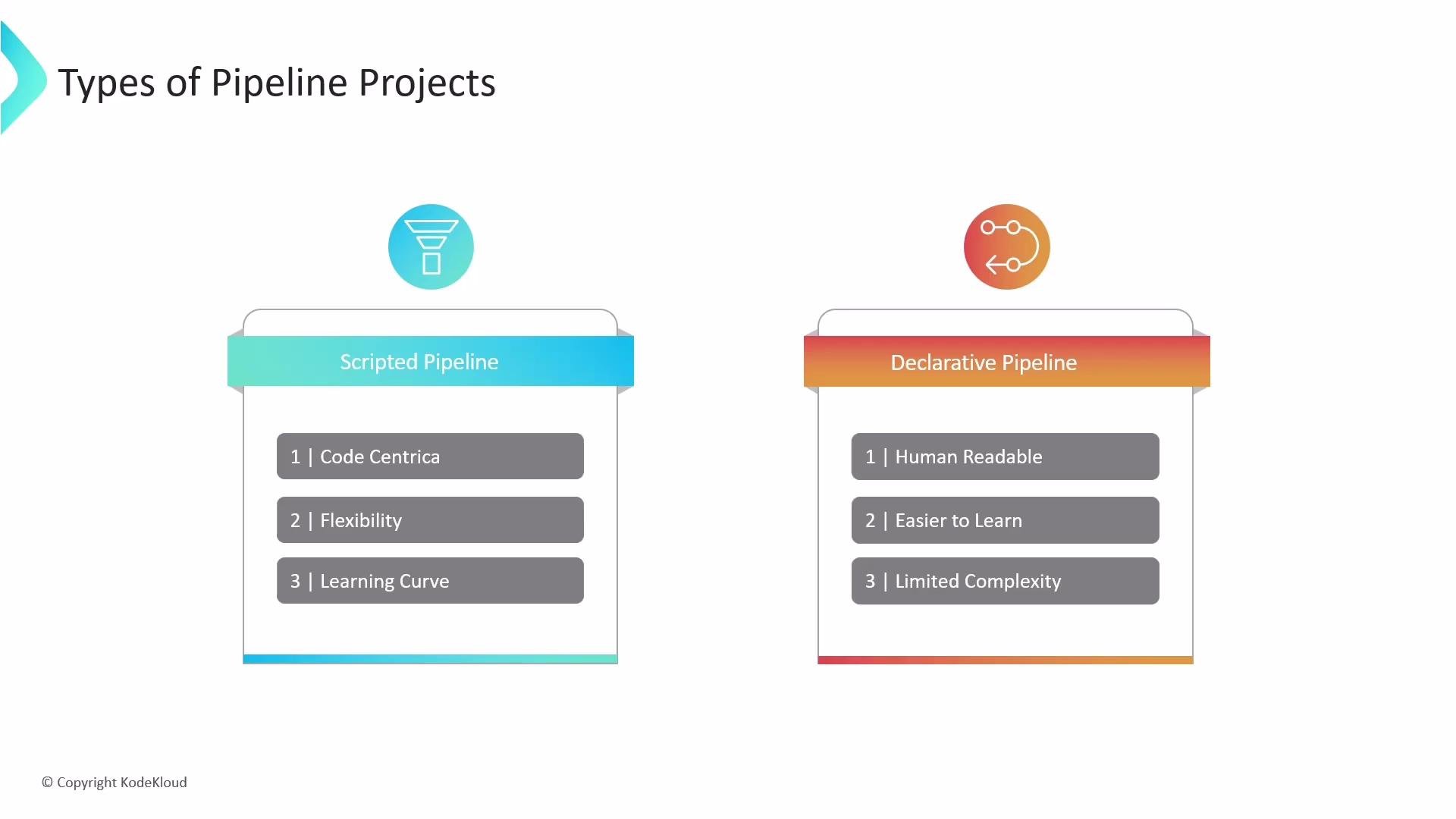
* Scripted pipelines: code-first, expose raw Groovy, and offer maximum flexibility.
* Declarative pipelines: provide a structured, opinionated syntax that simplifies common tasks and enforces a consistent pipeline structure.
Both styles are stored in a `Jenkinsfile` in your source repository. Declarative provides a structured, opinionated layer on top of the Pipeline DSL (Groovy), while scripted pipelines allow you to write arbitrary Groovy code for advanced scenarios.
## Scripted Pipeline
Scripted pipelines are Groovy scripts that usually start with a top-level `node` block. They expose the full power of Groovy, which makes them ideal for complex logic, dynamic control flow, and advanced automation.
Key points:
* Code-centric and flexible.
* Full access to Groovy language features.
* Best for complex or highly dynamic workflows.
* Steeper learning curve and requires better programming skills.
Example (Scripted Jenkinsfile):
```groovy theme={null}
node {
try {
stage('Checkout') {
checkout scm
}
stage('Build') {
echo 'Building...'
// custom Groovy code or complex logic can go here
}
stage('Test') {
echo 'Testing...'
}
} finally {
stage('Cleanup') {
echo 'Cleaning up...'
}
}
}
```
## Declarative Pipeline
Declarative pipelines use a predefined, higher-level syntax with built-in blocks and validation. They are easier to read and write for typical CI/CD workflows and help teams follow consistent patterns.
Key points:
* Structured and opinionated syntax.
* Built-in blocks like `pipeline`, `agent`, `stages`, `steps`, `post`, `environment`, and `options`.
* Validation helps catch common mistakes early.
* Supports limited scripted snippets via `script {}` when needed.
Example (Declarative Jenkinsfile):
```groovy theme={null}
pipeline {
agent any
stages {
stage('Checkout') {
steps {
checkout scm
}
}
stage('Build') {
steps {
echo 'Building...'
}
}
stage('Test') {
steps {
echo 'Testing...'
}
}
}
post {
always {
echo 'Cleaning up...'
}
success {
echo 'Pipeline succeeded.'
}
failure {
echo 'Pipeline failed.'
}
}
}
```
## Quick Comparison
| Area | Scripted Pipeline | Declarative Pipeline |
| ------------- | --------------------------------- | ----------------------------------- |
| Syntax style | Code-centric (Groovy) | Structured, domain-specific |
| Typical start | `node { ... }` | `pipeline { ... }` |
| Flexibility | Maximum — arbitrary Groovy | Constrained but consistent |
| Validation | Minimal — runtime errors possible | Built-in validation and linting |
| Use case | Complex logic, dynamic flows | Standard CI/CD flows, team-friendly |
| Mixing styles | Native Groovy only | Use `script {}` for snippets |
## Choosing between Declarative and Scripted
* Prefer Declarative when you want predictable, maintainable, and easy-to-read pipelines for most CI/CD tasks.
* Choose Scripted when you need fine-grained control, advanced Groovy programming, or highly dynamic pipeline generation.
* You can mix approaches: use Declarative as the primary structure and insert `script {}` blocks for specific scripted needs, or move complex shared logic into libraries.
If you start with Declarative and require custom logic, extend it via `script {}` blocks or migrate parts to Scripted pipelines. Centralize shared logic in reusable libraries to avoid duplication across multiple pipelines.
For more details and examples, see the Jenkins Pipeline documentation: [Jenkins Pipeline Syntax](https://www.jenkins.io/doc/book/pipeline/syntax/).