> ## Documentation Index
> Fetch the complete documentation index at: https://notes.kodekloud.com/llms.txt
> Use this file to discover all available pages before exploring further.
# EC2 and pricing spot on demand savings plan reserved instance dedicated host Capacity Reservation
> This article explores AWS EC2 pricing models to optimize cloud spending and align infrastructure costs with application growth and usage patterns.
In this lesson, we dive into AWS EC2 pricing and explore six cost models designed to optimize your cloud spend. By understanding how each option works, you can align your infrastructure costs with your application’s growth and usage patterns.
## Cloud Growth Phases
Every organization’s cloud journey typically moves through three phases:
* **Start-up Phase**\
Experimentation with limited users, resources created and terminated on demand, pay-per-use billing.
* **Steady Phase**\
Achieved product-market fit, predictable 24/7 usage, consistent resource requirements.
* **Growth Phase**\
Fluctuating hourly demand, advanced analytics and batch processing, high user volume.
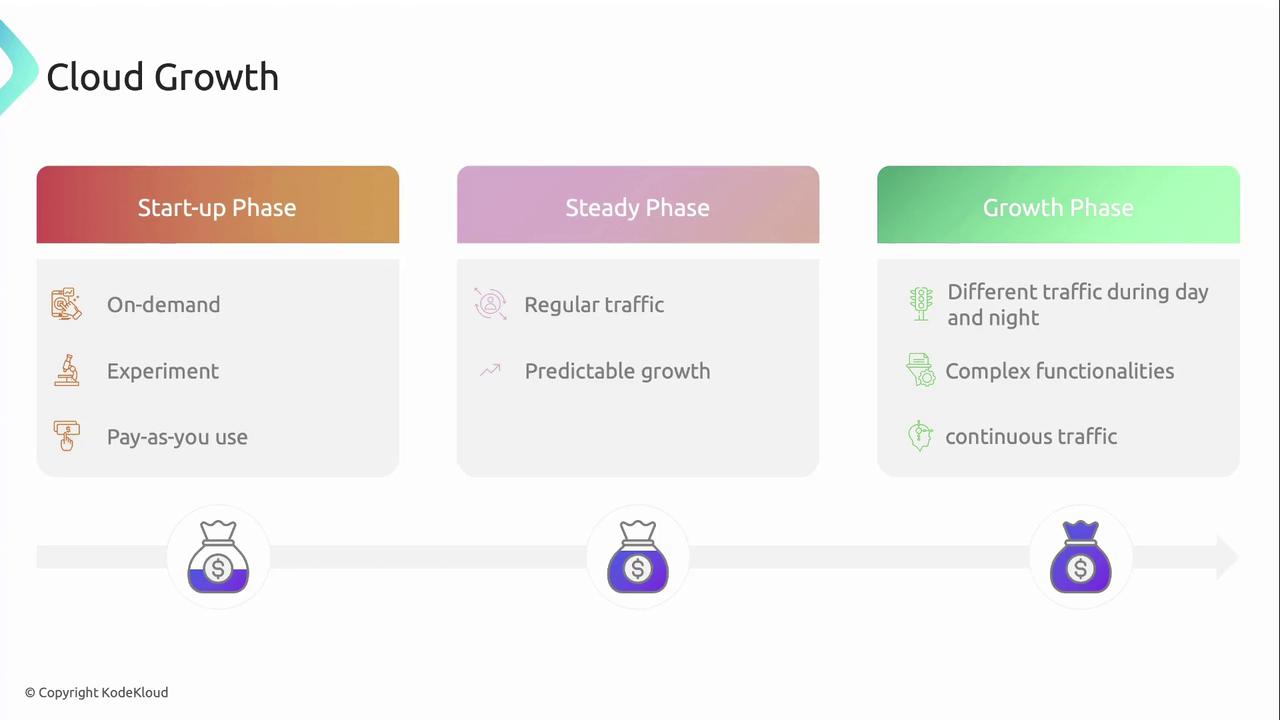
As your application evolves, selecting the right EC2 pricing model is key to achieving cost efficiency without sacrificing performance.
## Why EC2 Cost Management Matters
Amazon EC2 often represents a significant portion of your AWS bill. Gaining clarity on EC2’s billing mechanisms empowers you to:
* Identify idle or underutilized resources
* Apply the most cost-effective pricing option
* Forecast and control cloud expenditure
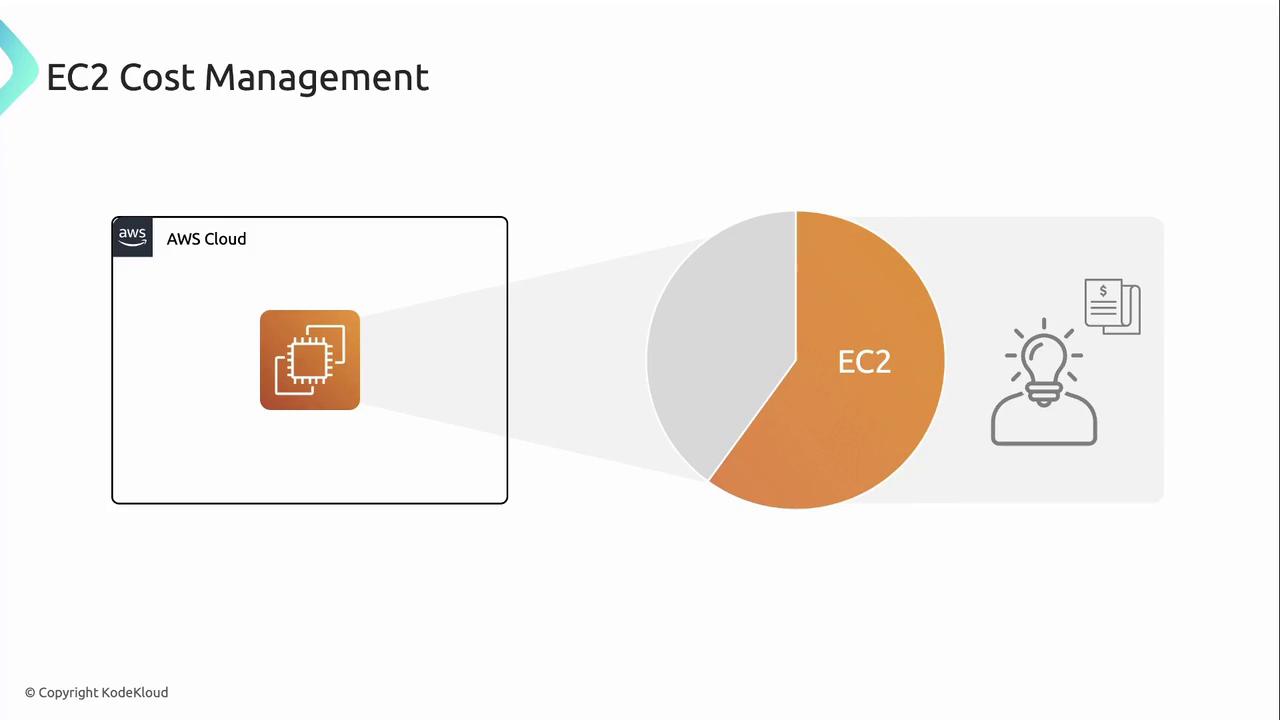
AWS provides six pricing models for EC2 instances:
* On-Demand Instances
* Spot Instances
* Savings Plans
* Reserved Instances
* Dedicated Hosts
* On-Demand Capacity Reservations
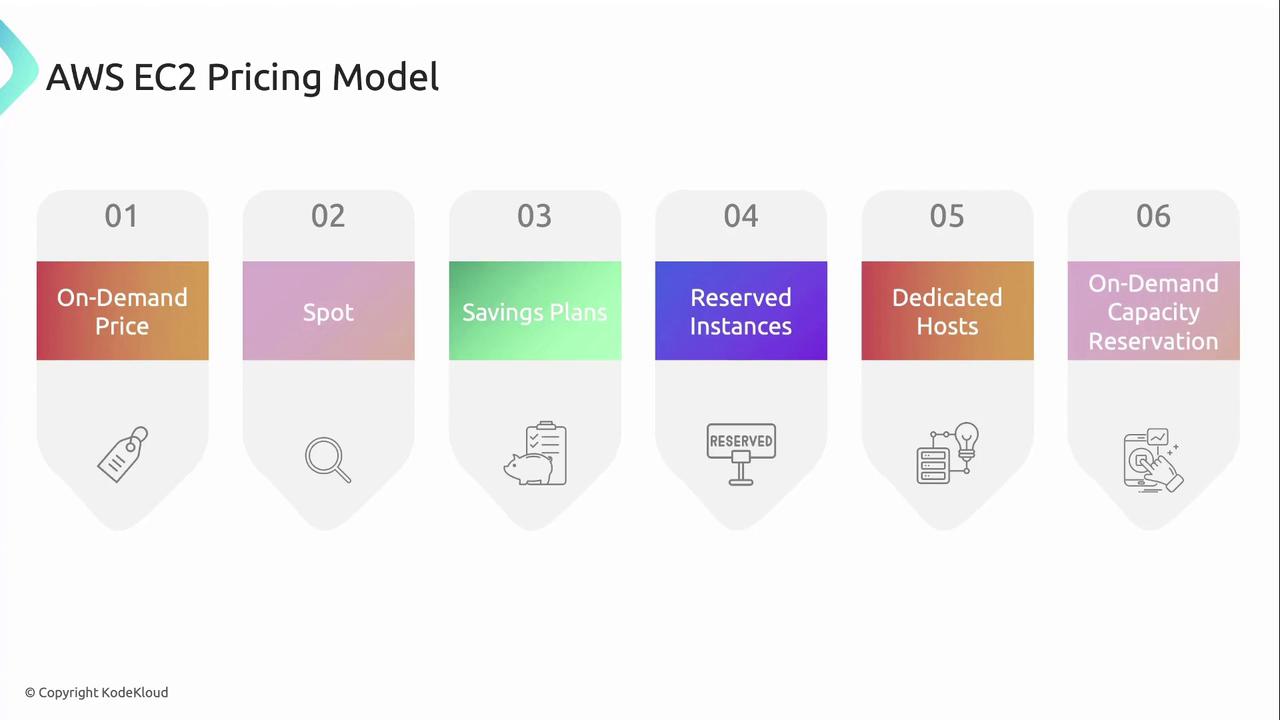
To compare these options at a glance, refer to the table below:
| Pricing Model | Ideal Use Case | Commitment | Potential Savings |
| ------------------------------- | ------------------------------------------- | ---------- | ------------------------------------ |
| On-Demand | Spiky workloads, dev/test | None | None |
| Spot Instances | Batch jobs, fault-tolerant apps | None | Up to 90% |
| Savings Plans | Consistent compute spend | 1–3 years | Up to 66% (Compute) / 72% (EC2) |
| Reserved Instances | Predictable, long-term workloads | 1–3 years | Up to 72% |
| Dedicated Hosts | BYOL, compliance, regulatory requirements | None | Additional RI/Savings Plan discounts |
| On-Demand Capacity Reservations | Business-critical & high-availability needs | On-demand | None |
## On-Demand Instances
On-Demand Instances let you pay by the second with no long-term commitments. AWS allocates capacity immediately upon launch, and you’re charged only for the time the instance runs.
Features:
* No upfront fees
* Per-second billing
* Full flexibility to launch and terminate
Use cases:
* Development and testing environments
* Spiky or unpredictable traffic patterns
* Applications with short-term or intermittent workloads
## Spot Instances
Spot Instances provide access to spare EC2 capacity at discounts of up to 90% off On-Demand prices. AWS may reclaim Spot Instances with a two-minute warning when capacity is needed elsewhere.
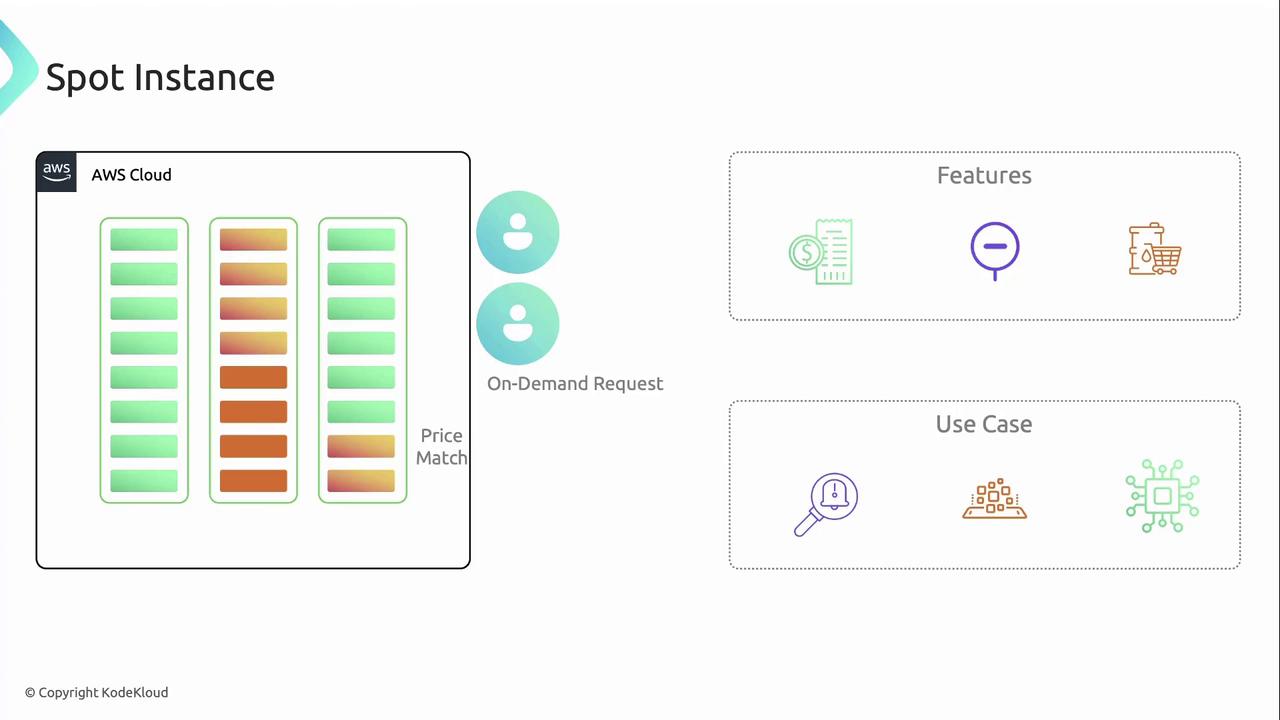
Key points:
* Variable pricing based on supply and demand
* Two-minute interruption notice
* No upfront commitment
Use cases:
* Stateless, fault-tolerant workloads
* Batch processing and big data analytics
* Flexible start and end times
Spot Instances are ideal for workloads that can gracefully handle interruptions. Consider integrating checkpointing or auto-scaling to reduce impact.
## Savings Plans
Savings Plans offer significant discounts in exchange for a constant hourly spend commitment over a one- or three-year term.
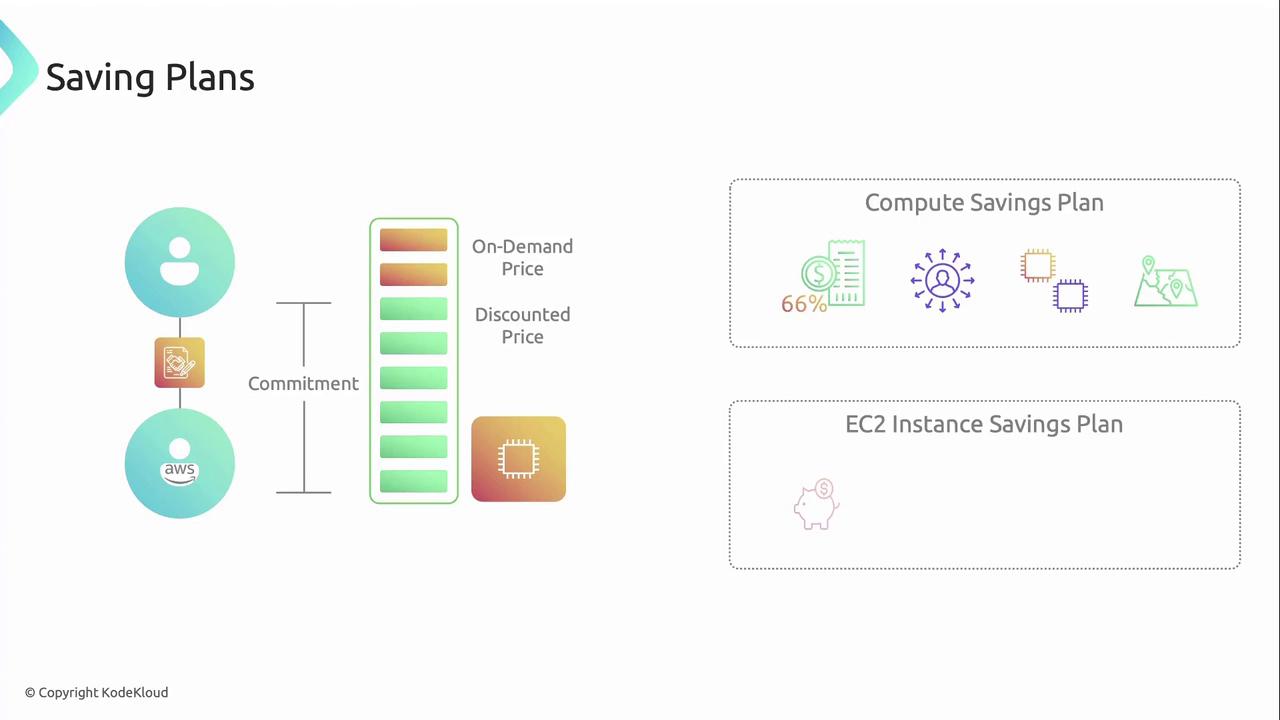
Two plan types:
1. **Compute Savings Plan**
* Up to 66% savings
* Applies to any EC2 instance, regardless of family, region, OS, or tenancy
2. **EC2 Instance Savings Plan**
* Up to 72% savings
* Locked to a specific instance family in one region
* Flexibility to change instance size, OS, and tenancy within that family
Savings Plans automatically apply your commitment to the lowest-cost usage across eligible instance types.
## Reserved Instances
Reserved Instances (RIs) are an older commitment model offering deep discounts in exchange for a one- or three-year term.
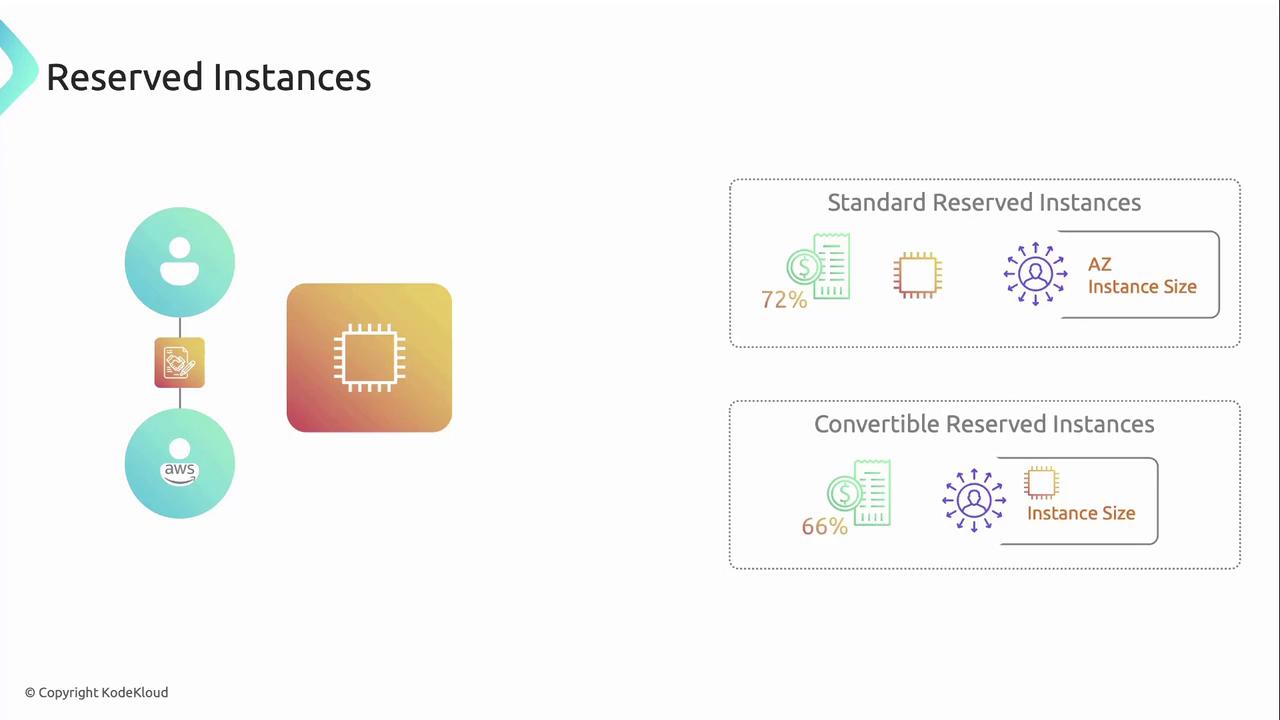
Types of RIs:
* **Standard Reserved Instances**
* Up to 72% off On-Demand pricing
* Modify availability zone, instance size, and network platform
* **Convertible Reserved Instances**
* Up to 66% off On-Demand pricing
* Exchange one RI for another of equal or greater value
* Change instance families, OS, and tenancy
## Dedicated Hosts
Dedicated Hosts allocate a physical server solely for your use, enabling you to bring existing software licenses and meet strict compliance requirements.
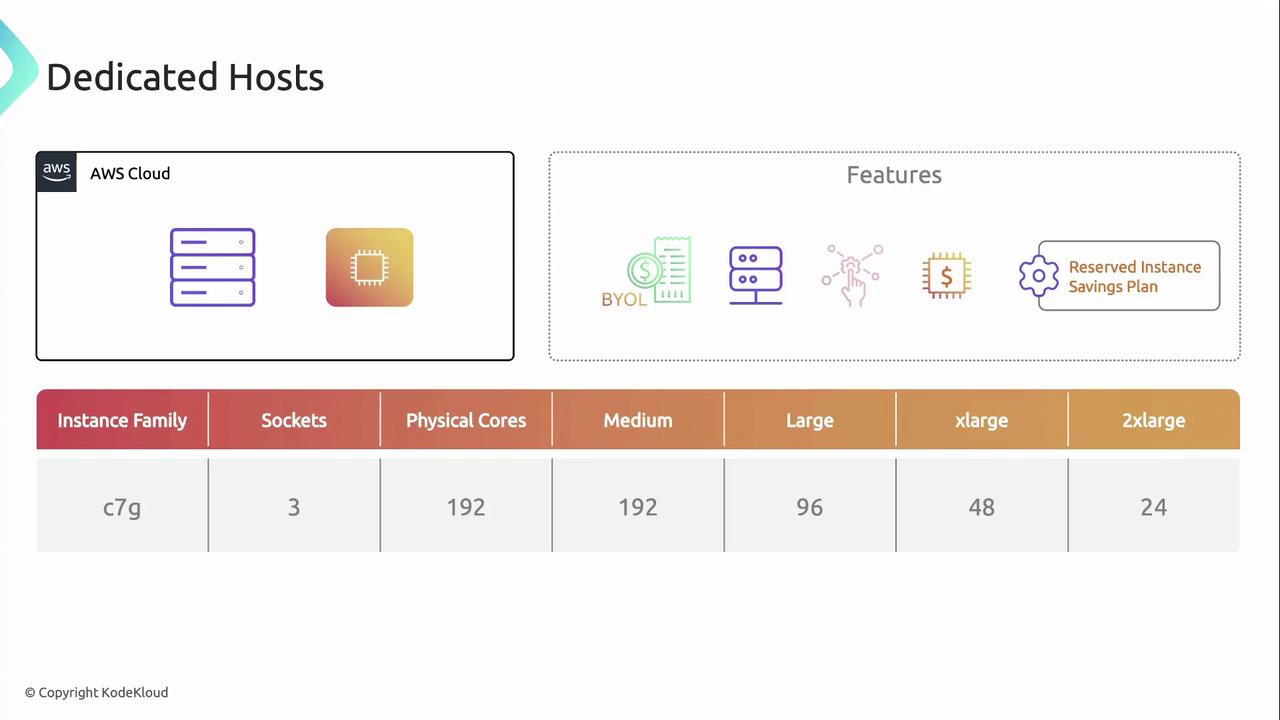
Key features:
* Full control over sockets and cores
* Ideal for BYOL, compliance, and regulatory mandates
* Combine with RIs and Savings Plans for extra discounts
Example c7g host capacity:
* 192 medium instances
* 96 large instances
* 48 xlarge instances
* 24 2xlarge instances
## On-Demand Capacity Reservations
On-Demand Capacity Reservations let you reserve compute capacity in a specific Availability Zone, ensuring capacity is available when you need it.
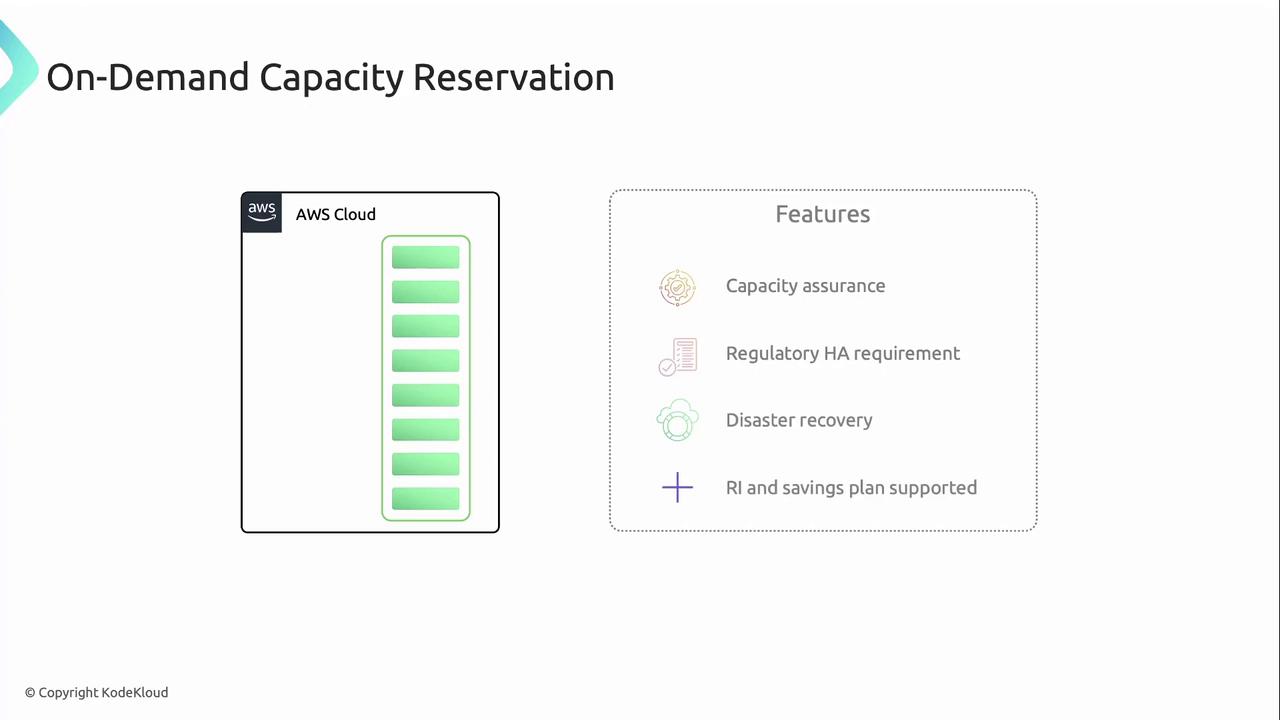
Use cases:
* Business-critical applications requiring guaranteed capacity
* Regulatory or compliance mandates for high availability
* Disaster recovery and failover scenarios
You are billed for your reserved capacity whether or not you run instances. Apply RIs or Savings Plans to offset reservation costs.
***
With this overview of AWS EC2 pricing models, you can match your workloads to the most cost-effective option and optimize your cloud investment.
## Links and References
* [AWS EC2 Pricing](https://aws.amazon.com/ec2/pricing/)
* [AWS Spot Instances](https://docs.aws.amazon.com/AWSEC2/latest/UserGuide/using-spot-instances.html)
* [AWS Savings Plans](https://aws.amazon.com/savingsplans/)