> ## Documentation Index
> Fetch the complete documentation index at: https://notes.kodekloud.com/llms.txt
> Use this file to discover all available pages before exploring further.
# Versioning
> This article explains Amazon S3 versioning, its states, management, and implications for data recovery and storage costs.
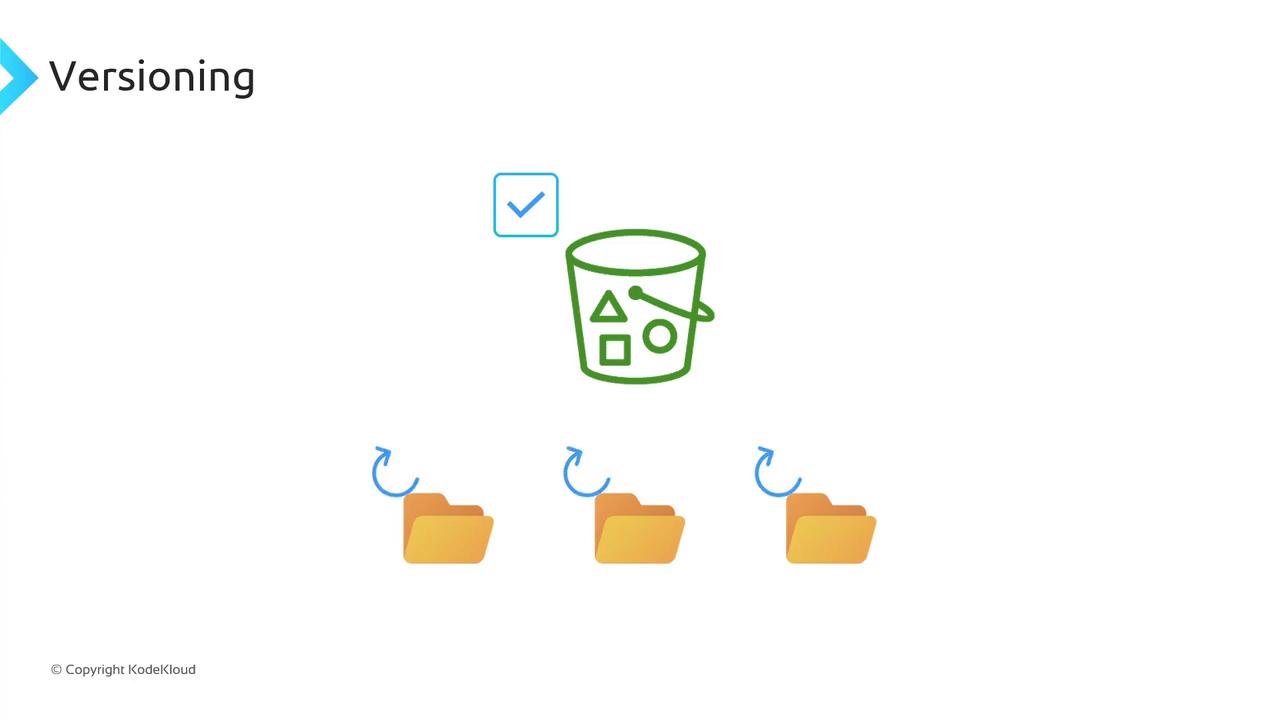
In this lesson, we dive into **Amazon S3 versioning**—a powerful feature that helps you recover from accidental deletes or overwrites. By default, new S3 buckets have versioning **disabled**, which means:
* Deleting an object (e.g., `file1.txt`) removes it permanently.
* Uploading a new object with the same key (e.g., `file5.txt`) overwrites the existing object, making any previous data unrecoverable.
Enabling versioning lets you retain, retrieve, and restore every version of an object stored in your bucket.
## Bucket Versioning States
You can configure versioning at the bucket level. An S3 bucket exists in one of three states:
| State | Description |
| --------------- | ----------------------------------------------------------------------------------------------- |
| **Unversioned** | Versioning is disabled (default). New uploads overwrite existing objects without version IDs. |
| **Enabled** | All new and updated objects receive unique version IDs. |
| **Suspended** | Existing versions stay intact; new uploads behave like an unversioned bucket (null version ID). |
Once you **enable** versioning, you can never fully turn it off—only **suspend** it. Suspending does **not** delete prior versions; it simply stops assigning new version IDs.
## Enabling Versioning and Managing Object Version IDs
When versioning is **Enabled**:
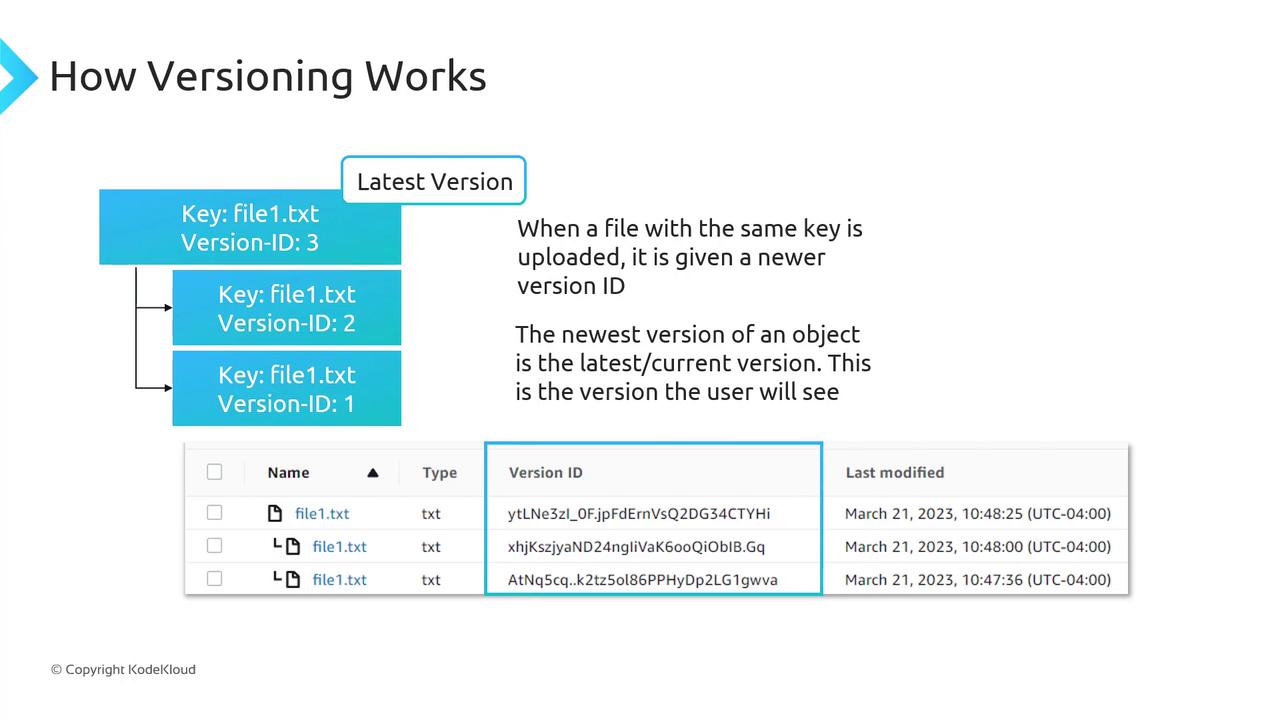
1. The first upload of `file1.txt` might get version ID `1`.
2. Re-uploading the same key creates version ID `2`, preserving version `1`.
3. A third upload assigns version ID `3`, and so on.
The most recent upload is the **current** or **latest** version. A GET request without `versionId` returns this version.
### Enabling Versioning via Console and CLI
Console:
1. Open the [S3 console](https://console.aws.amazon.com/s3/).
2. Select your bucket → **Properties** → **Bucket Versioning** → **Enable** → **Save**.
CLI:
```bash theme={null}
aws s3api put-bucket-versioning \
--bucket my-bucket \
--versioning-configuration Status=Enabled
```
A GET or LIST operation on an unversioned bucket always shows `VersionId: null`.
## Delete Markers
With versioning **enabled**, deleting an object without specifying a version ID does **not** remove its data. Instead, S3 inserts a **delete marker**, which becomes the current version and hides previous versions.
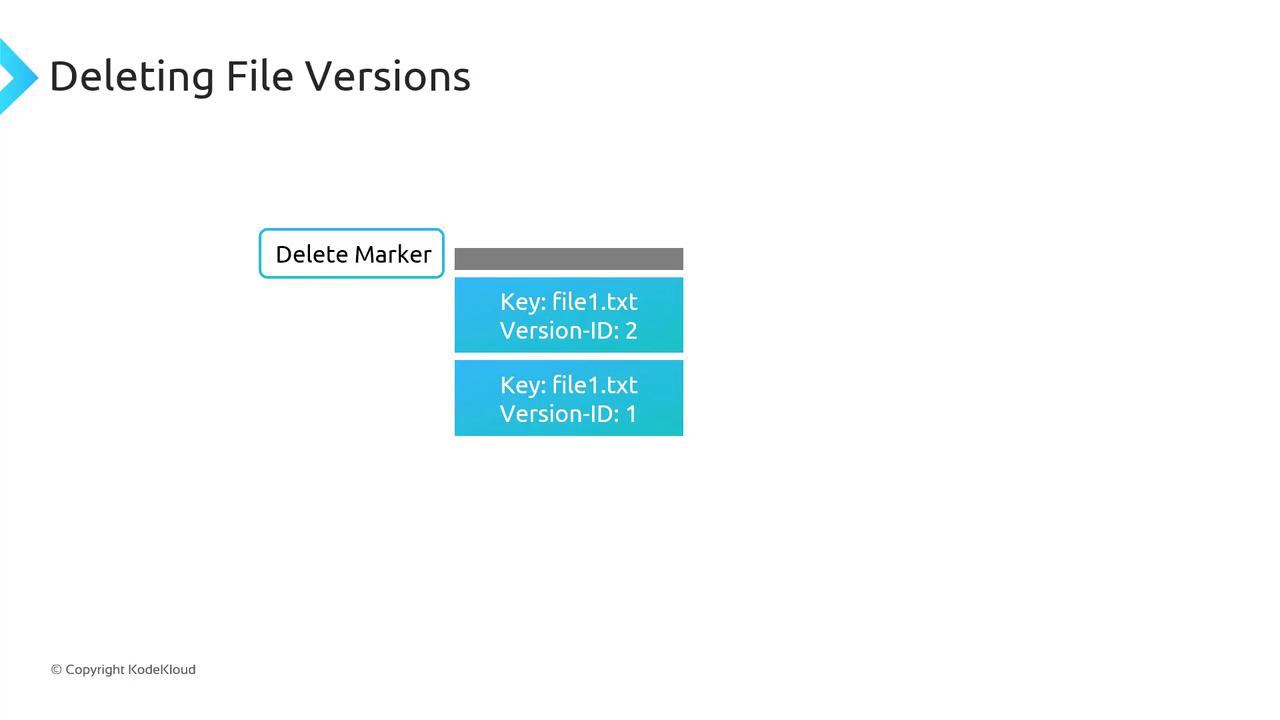
* To **undelete**, remove the delete marker; the next latest version immediately becomes current.
* To remove a specific version (e.g., version `2` of `file1.txt`), delete that version ID directly—other versions remain intact.
## Pricing Considerations
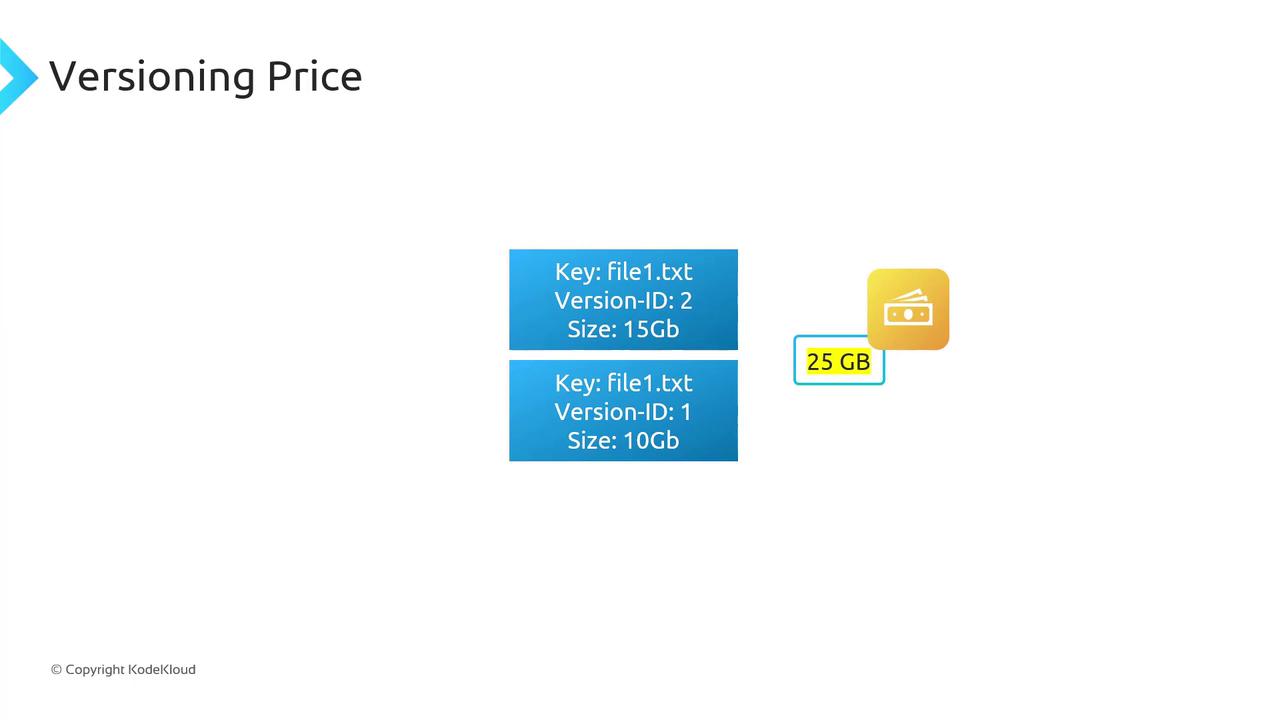
Every version of an object counts towards your storage usage. You pay for the **sum of all versions**:
| Version | Size |
| ---------------------- | --------- |
| Version 1 of file1.txt | 10 GB |
| Version 2 of file1.txt | 15 GB |
| **Total billable** | **25 GB** |
Enabling versioning can significantly increase your storage costs. Implement [Lifecycle rules](https://docs.aws.amazon.com/AmazonS3/latest/userguide/object-lifecycle-mgmt.html) to expire or transition older versions to cheaper storage classes.
## Suspending Versioning
When you **suspend** versioning on a bucket:
* Existing object versions remain stored.
* New uploads receive a `null` version ID and overwrite objects as in an unversioned bucket.
S3 never purges prior versions automatically. To remove old versions, you must delete them manually or configure a Lifecycle policy.
## MFA Delete
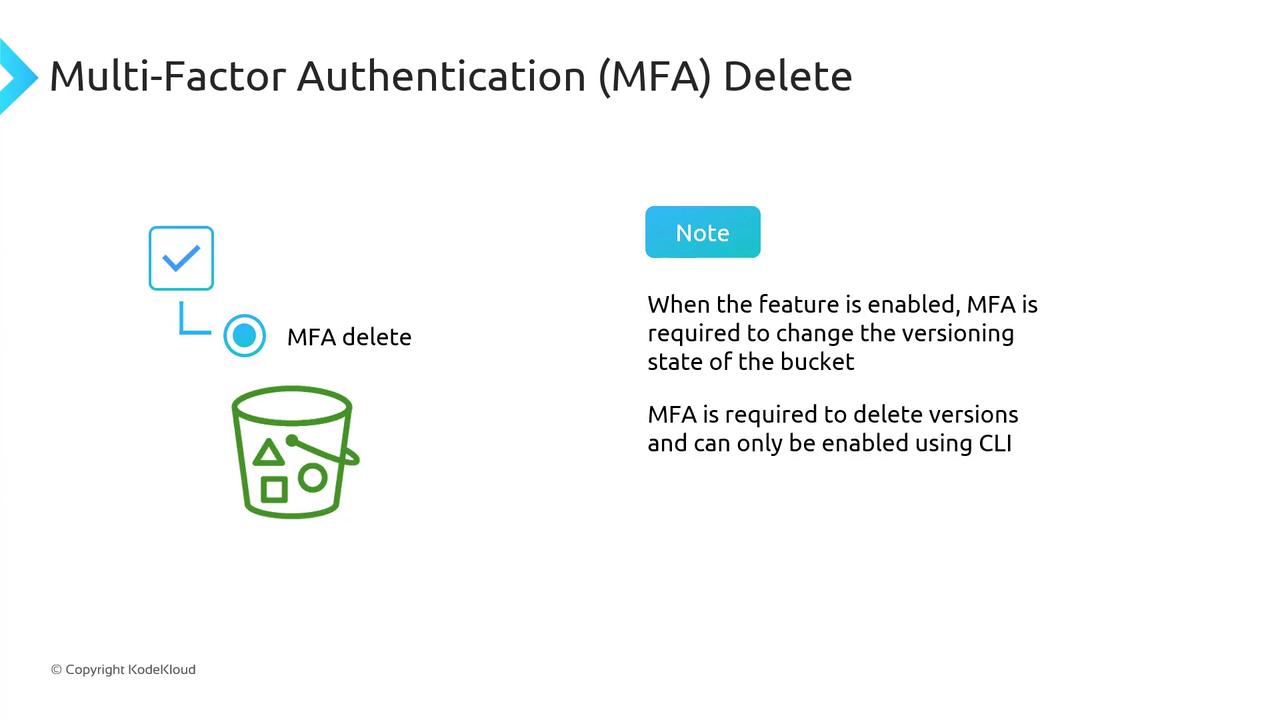
**Multi-Factor Authentication (MFA) Delete** adds a security layer for versioning-related operations:
* Changing the bucket’s versioning state (Enabled/Suspended) requires MFA.
* Permanently deleting object versions also requires MFA.
> MFA Delete is only configurable via the AWS CLI.
## Links and References
* [Amazon S3 Versioning Overview](https://docs.aws.amazon.com/AmazonS3/latest/userguide/Versioning.html)
* [AWS CLI S3API Reference](https://docs.aws.amazon.com/cli/latest/reference/s3api/index.html)
* [Managing Object Lifecycle](https://docs.aws.amazon.com/AmazonS3/latest/userguide/object-lifecycle-mgmt.html)