> ## Documentation Index
> Fetch the complete documentation index at: https://notes.kodekloud.com/llms.txt
> Use this file to discover all available pages before exploring further.
# S3 Object Lock
> Amazon S3’s Object Lock feature enforces data immutability, preventing deletion or overwriting to meet regulatory and compliance requirements.
Amazon S3’s Object Lock feature enables you to enforce a write-once-read-many (WORM) model, ensuring complete data immutability. By preventing objects from being permanently deleted or overwritten, Object Lock helps you meet stringent regulatory and compliance requirements.
## How Object Lock Works
You can apply Object Lock at two levels:
1. **Object-level** – Lock individual objects when you upload them.
2. **Bucket-level rule** – Automatically lock every new object in the bucket.
Once locked, objects cannot be deleted or altered until the retention period expires (or until you remove a legal hold).
## Use Case: Financial Records Retention
Regulated industries—such as banking and insurance—must often retain records for a defined period. With Object Lock, you can specify exactly how long data must remain immutable.
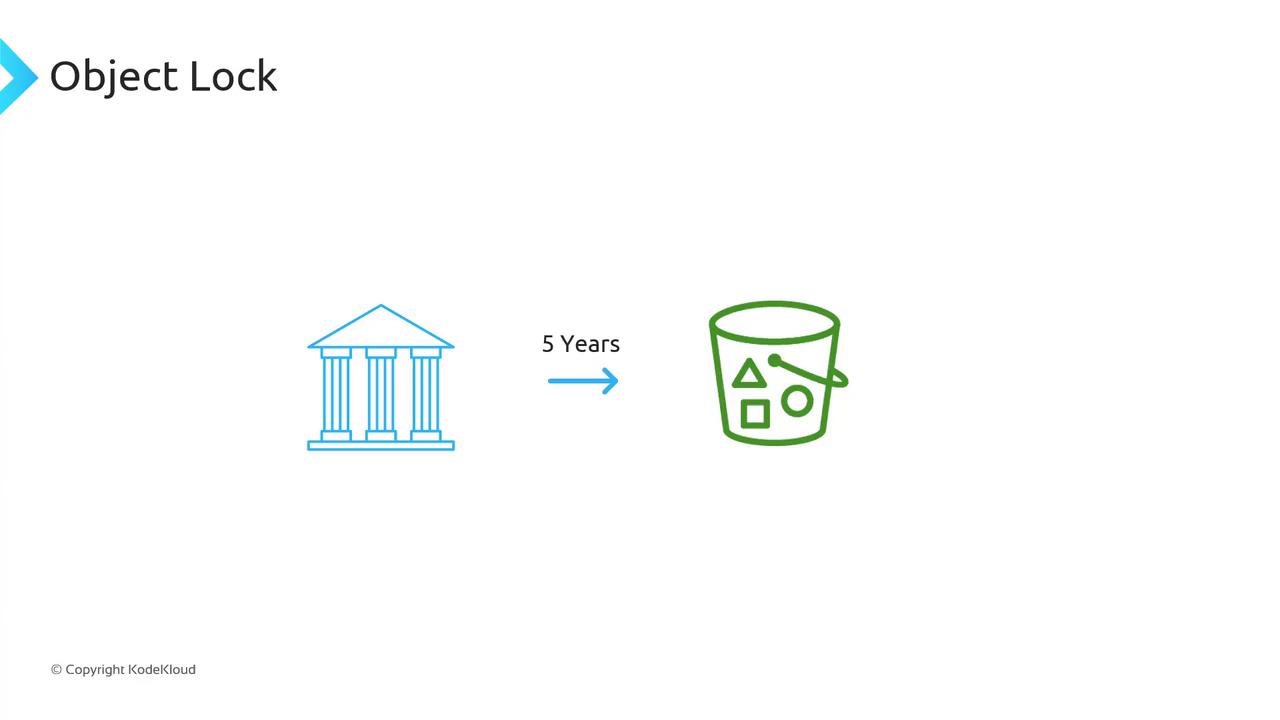
For example, enforcing a five-year retention period ensures that critical financial records remain tamper-proof until that timeframe ends.
## Object Lock Modes
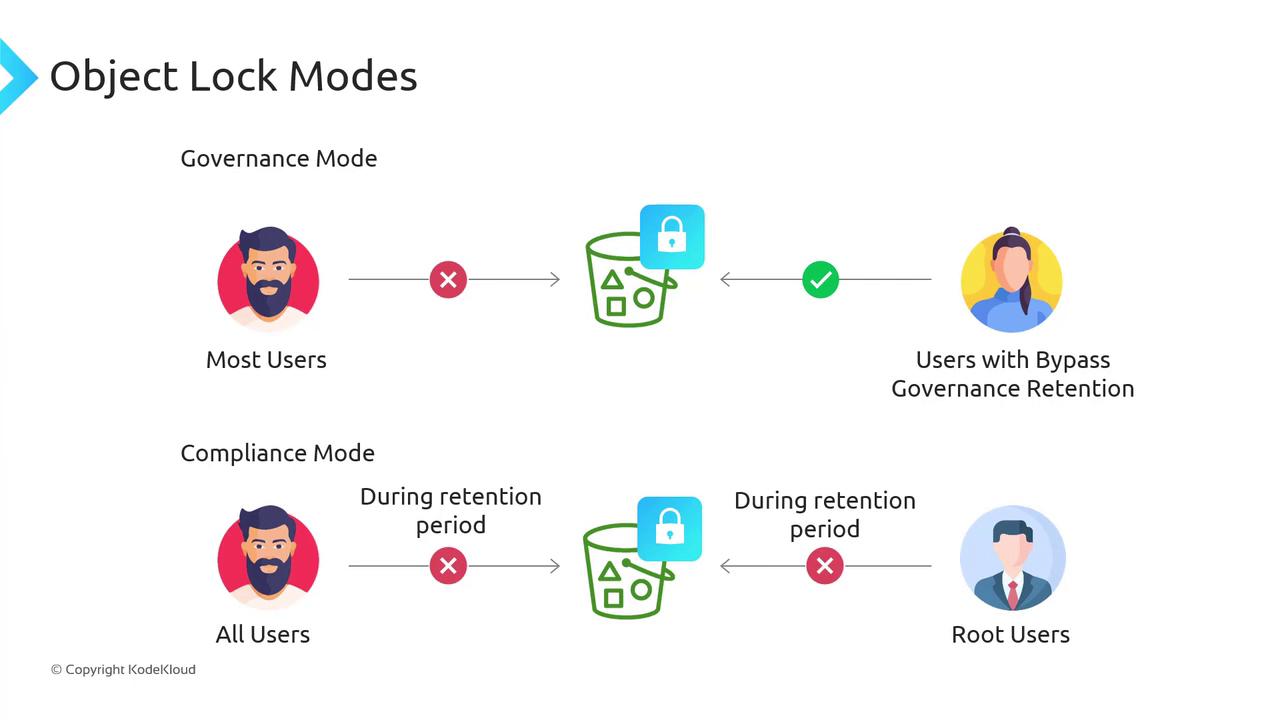
Choose one of two retention modes when locking an object:
| Mode | Description | Required Permission |
| --------------- | ---------------------------------------------------------------------------------------------- | -------------------------------- |
| Governance Mode | Most users are blocked from deleting or overwriting. Principals with bypass rights can modify. | `s3:BypassGovernanceRetention` |
| Compliance Mode | All users—including the root user—are blocked from deleting or shortening retention. | None (only AWS account deletion) |
Governance Mode lets security admins with the `s3:BypassGovernanceRetention` permission perform emergency deletions if needed.\
Compliance Mode guarantees unbreakable WORM protection—for any removal, you must delete the entire AWS account.
## Legal Hold
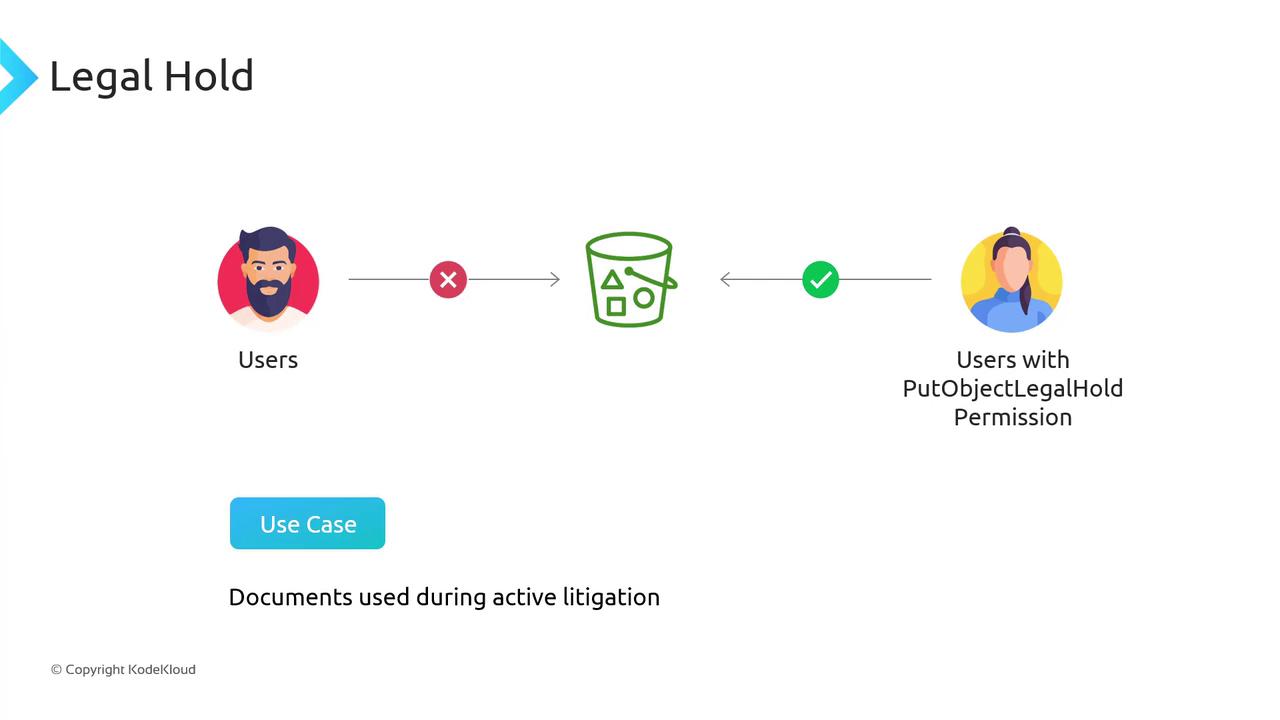
When the exact retention period is unknown—such as during active litigation—you can apply a Legal Hold. This disables object deletion or modification indefinitely until the hold is lifted.
Only principals with the `s3:PutObjectLegalHold` permission can remove a Legal Hold.
```bash theme={null}
aws s3api put-object-legal-hold \
--bucket my-bucket \
--key important-document.pdf \
--legal-hold Status=ON
```
## Prerequisites
Object Lock must be enabled **at bucket creation** and cannot be turned on afterward.\
Ensure Versioning is also enabled on the same bucket.
* Enable **Versioning** on your S3 bucket.
* Enable **Object Lock** when you create the bucket.
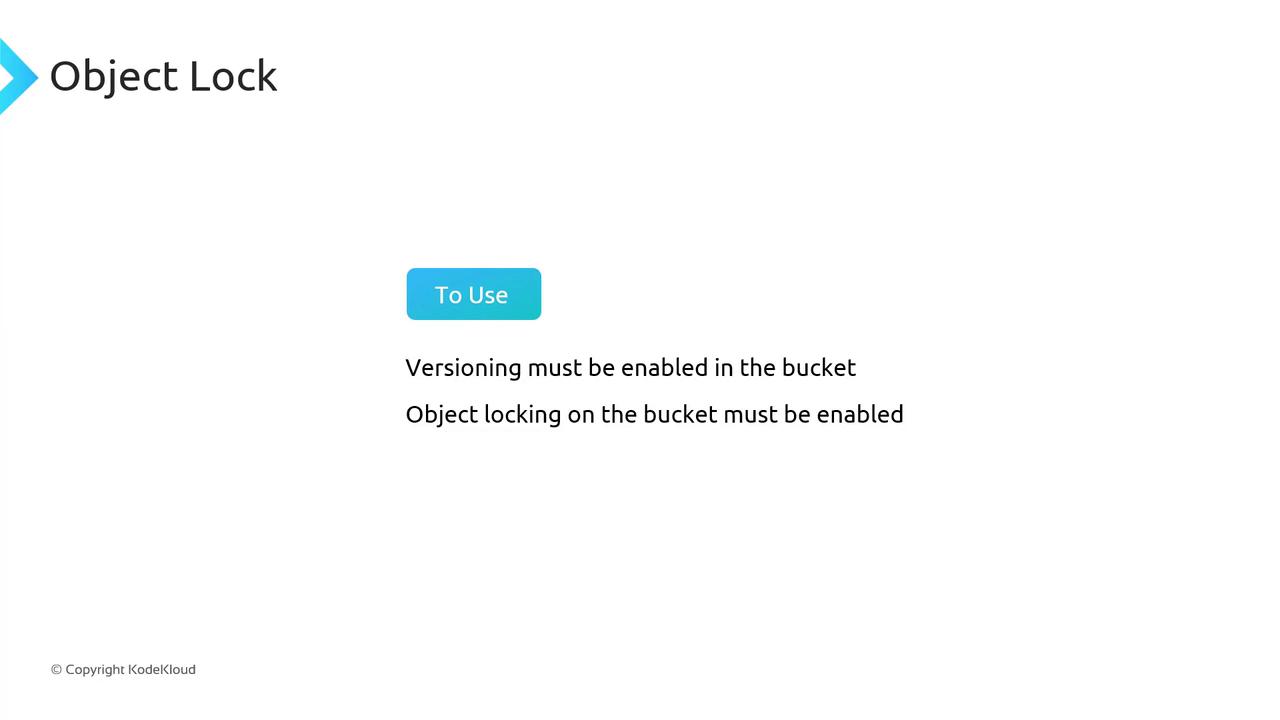
Once both settings are enabled, you can configure retention periods, switch modes, and apply Legal Holds to satisfy compliance mandates.
***
## References
* [Amazon S3 Object Lock Overview](https://docs.aws.amazon.com/AmazonS3/latest/userguide/object-lock.html)
* [Using S3 Versioning](https://docs.aws.amazon.com/AmazonS3/latest/userguide/Versioning.html)
* [AWS CLI put-object-legal-hold](https://docs.aws.amazon.com/cli/latest/reference/s3api/put-object-legal-hold.html)