> ## Documentation Index
> Fetch the complete documentation index at: https://notes.kodekloud.com/llms.txt
> Use this file to discover all available pages before exploring further.
# AAD and AKS
> This article explains Azure Active Directory identity types and their roles in AKS authentication and authorization.
Before diving into AKS authentication and authorization, it’s essential to understand the core Azure Active Directory (AAD) identity types. AAD identities establish trust, authenticate users and applications, and control access across Azure services.
## Azure AD Identity Types
At a high level, Azure AD supports four identity types:
1. **User Identity**\
An individual AAD account used for interactive sign-ins and access control.
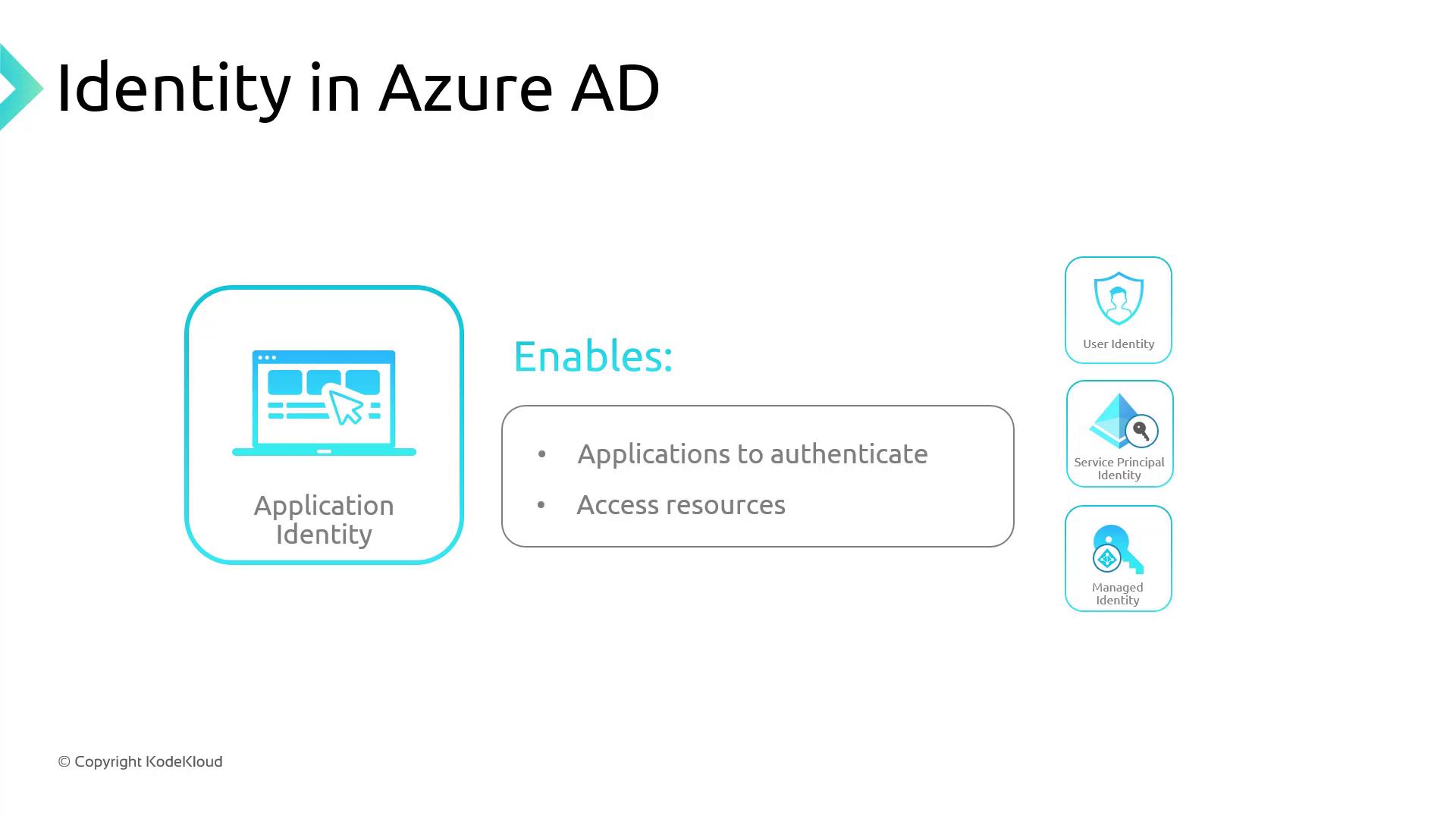
2. **Application Identity**\
A registered app in AAD that can authenticate and access resources on behalf of a user or itself.
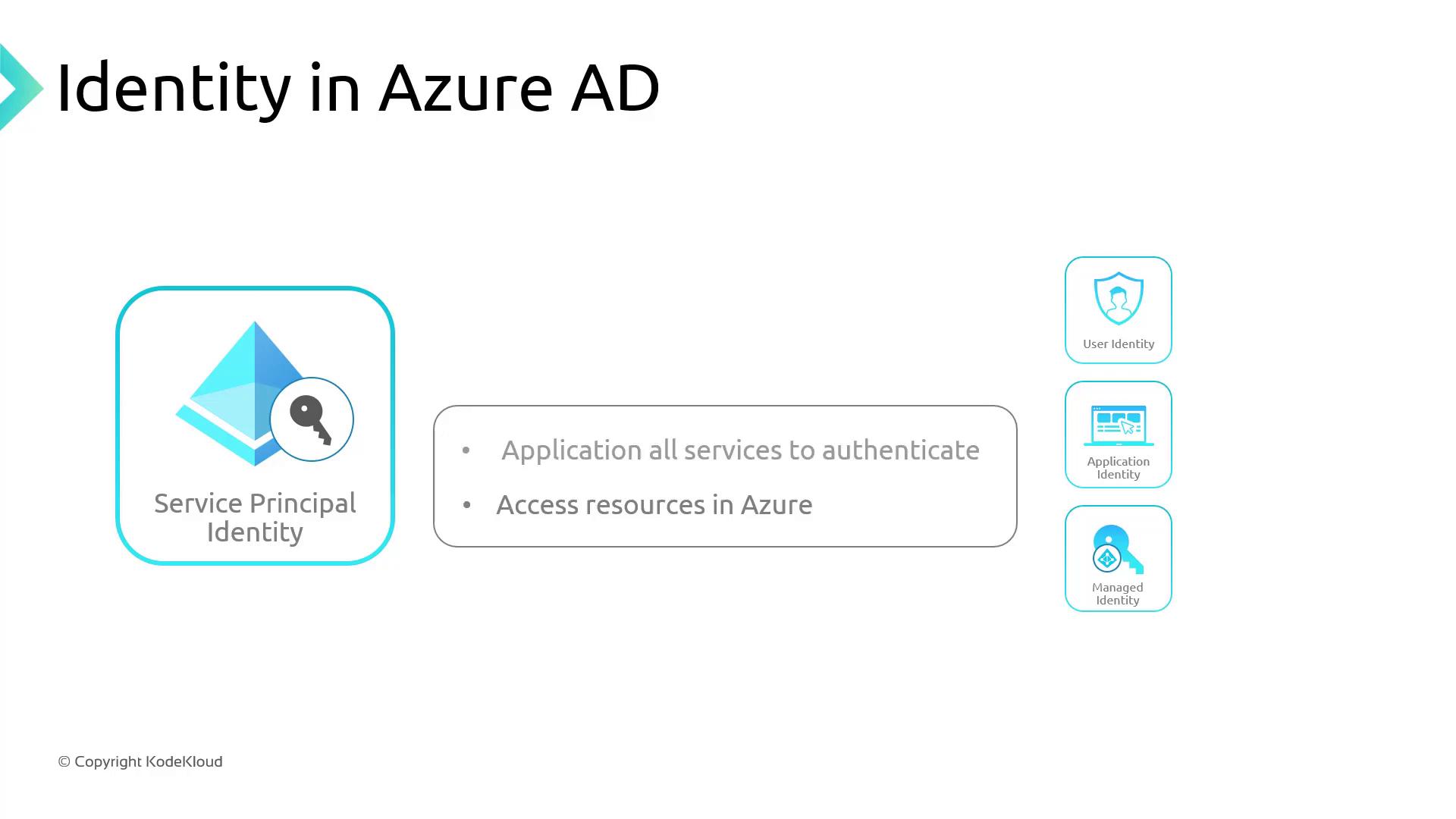
3. **Service Principal**\
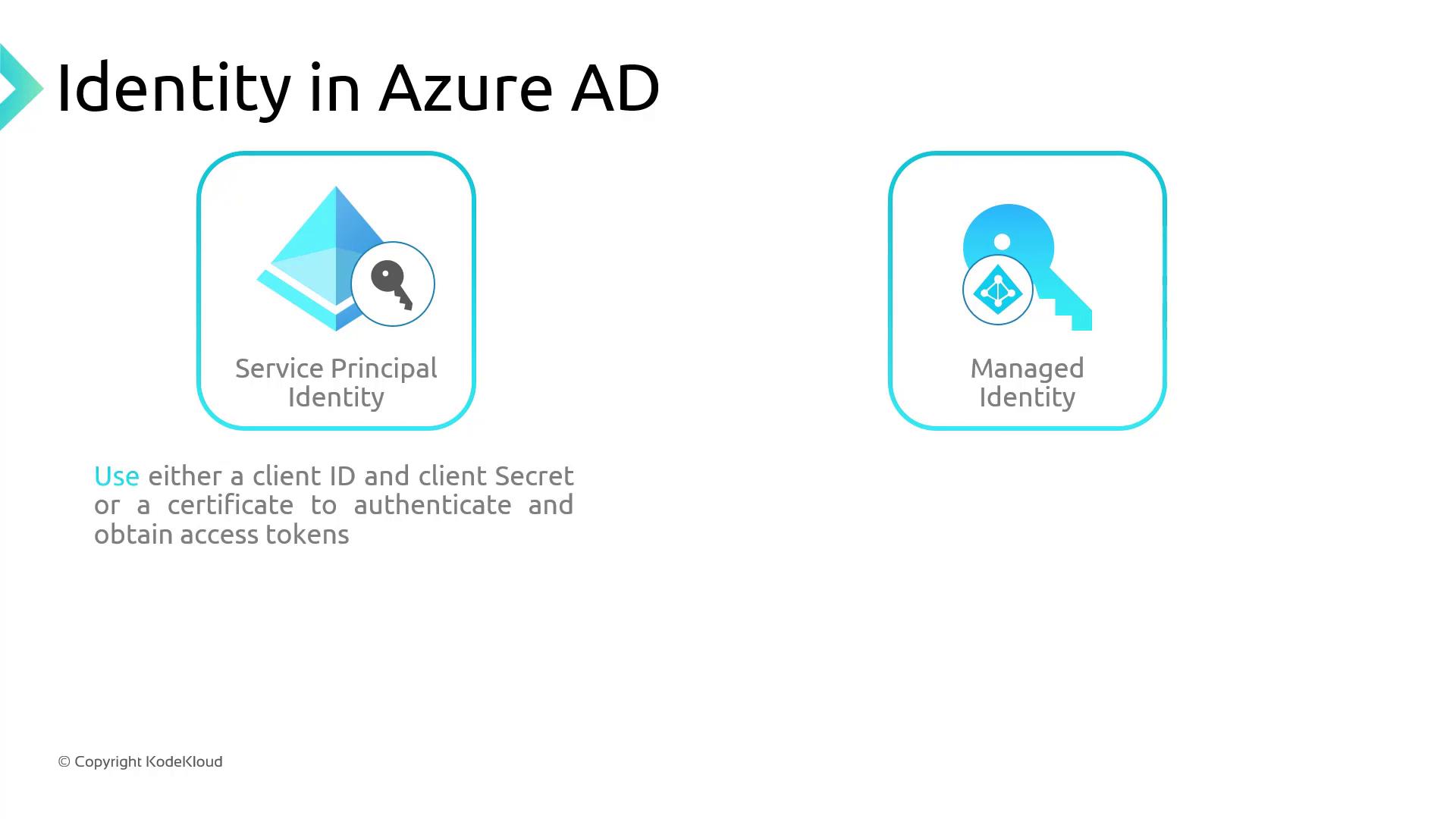
A non-interactive app identity for automation, CI/CD pipelines, or service-to-service scenarios. It authenticates with a client ID and secret (or certificate).
Service principals require regular secret or certificate rotations. If credentials expire, any AKS operations using that principal will fail.
4. **Managed Identity**\
A system-assigned or user-assigned identity created and managed by Azure. Eliminates manual secret management by obtaining tokens directly from AAD.
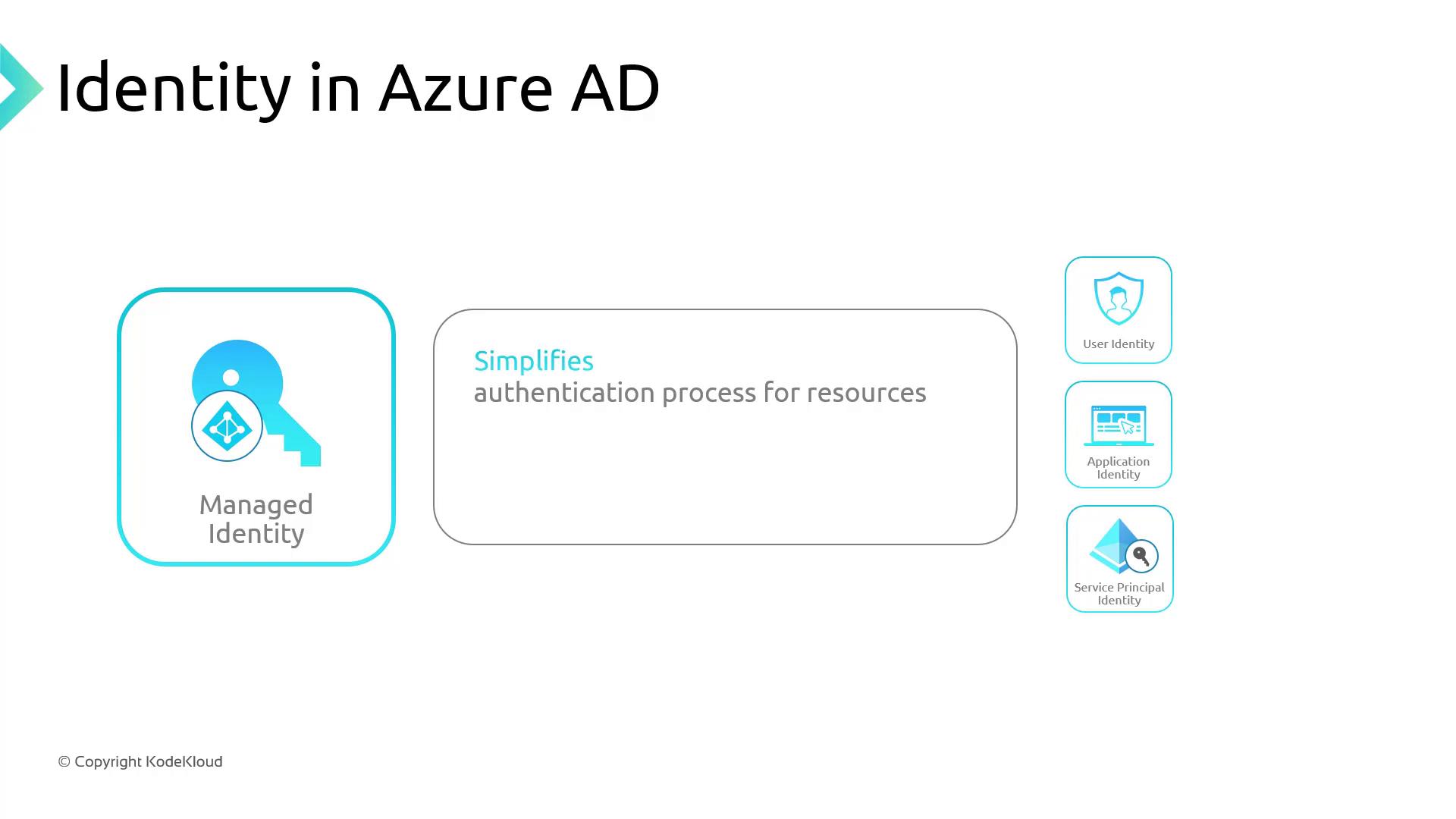
If you’re familiar with on-premises Active Directory, managed identities behave like built-in system accounts that Azure handles automatically.
### Service Principal vs. Managed Identity
| Feature | Service Principal | Managed Identity |
| --------------------- | ---------------------------------- | --------------------------------------------- |
| Credential Management | Secrets or certificates to rotate | No secrets; tokens issued transparently |
| Lifecycle | Provisioned manually | Auto-provisioned with Azure resources |
| Use Cases | Custom automation, CI/CD pipelines | AKS control plane, VM-to-Azure service access |
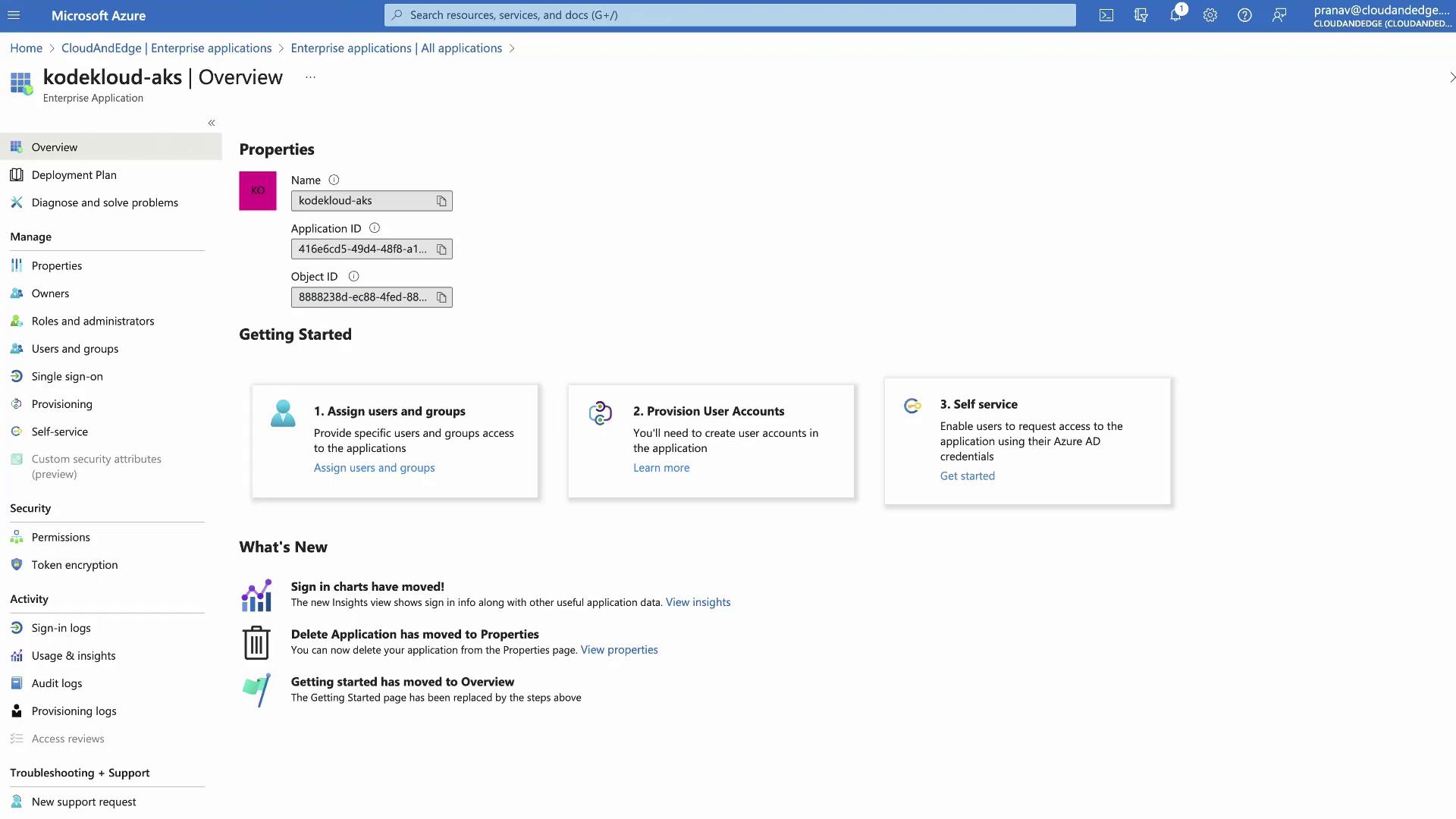
When you create an AKS cluster with default settings, Azure provisions:
* A managed identity for the cluster control plane
* Two service principals in the same resource group
* The managed identity appears under **Enterprise Applications** in AAD
***
## Kubernetes Role-Based Access Control (RBAC)
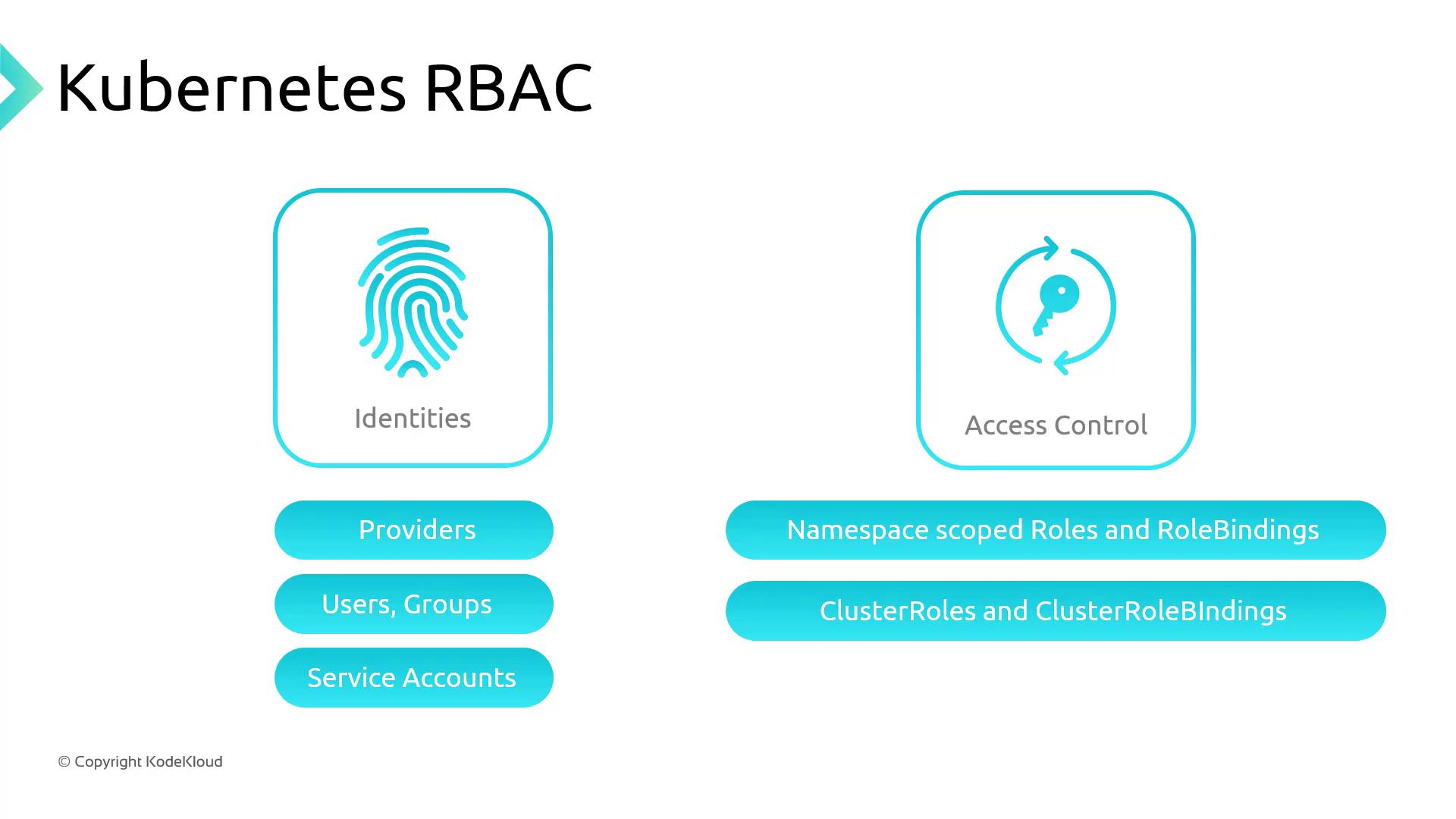
Kubernetes RBAC lets you define fine-grained permissions via **Roles** and **RoleBindings**:
* **Roles** (namespace-scoped) or **ClusterRoles** (cluster-wide) specify allowed `verbs` on resources.
* **RoleBindings** or **ClusterRoleBindings** assign these roles to subjects (users, groups, or service accounts).
Kubernetes supports multiple identity providers out-of-the-box:
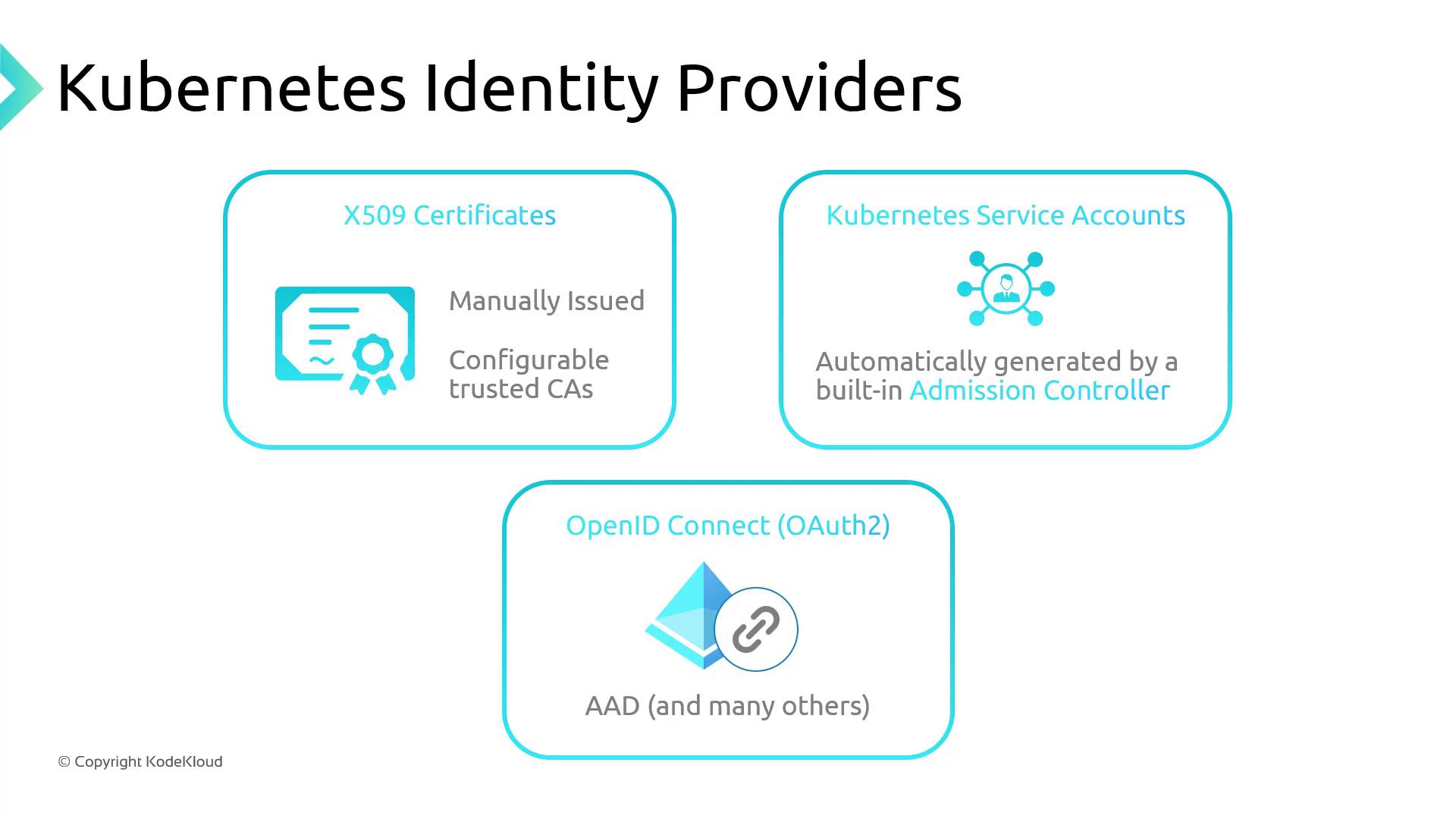
1. **X.509 Certificates**
2. **Service Accounts** (in-cluster)
3. **OpenID Connect** (e.g., Azure AD)
### Example ClusterRole
Grants `get` and `patch` on `daemonsets` and `deployments` (in the `apps` API group), and `get` on `configmaps` (in the core API group):
```yaml theme={null}
apiVersion: rbac.authorization.k8s.io/v1
kind: ClusterRole
metadata:
name: kodekloud-clusterrole
rules:
- apiGroups: ["apps"]
resources: ["daemonsets", "deployments"]
verbs: ["get", "patch"]
- apiGroups: [""]
resources: ["configmaps"]
verbs: ["get"]
```
### Example ClusterRoleBinding
Binds the above `ClusterRole` to an Azure AD group by its object ID:
```yaml theme={null}
apiVersion: rbac.authorization.k8s.io/v1
kind: ClusterRoleBinding
metadata:
name: cluster-reader-rolebinding
roleRef:
apiGroup: rbac.authorization.k8s.io
kind: ClusterRole
name: kodekloud-clusterrole
subjects:
- apiGroup: rbac.authorization.k8s.io
kind: Group
name: 8e9a4227-0e29-4d2a-9fd3-cacae5a6821e
```
***
## AKS Authentication and Authorization Options
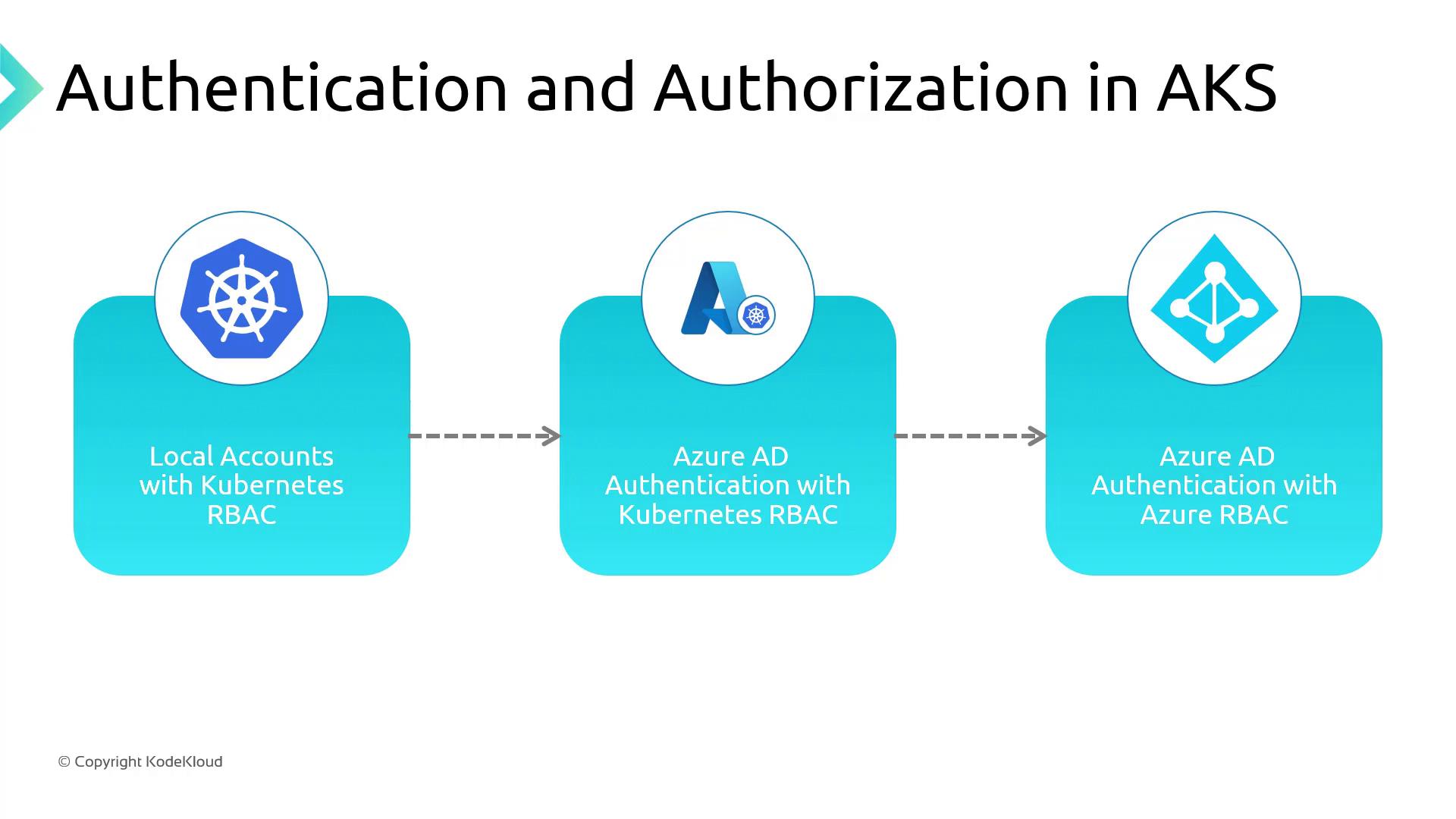
You can choose between three authentication and authorization modes when deploying AKS:
| Method | Authentication | Authorization | Key Benefit |
| ------------------------------------------ | ---------------------------- | ---------------------- | ----------------------------------------- |
| Local Accounts + Kubernetes RBAC (Default) | K8s service accounts, tokens | Kubernetes RBAC | Quick start with built-in K8s controls |
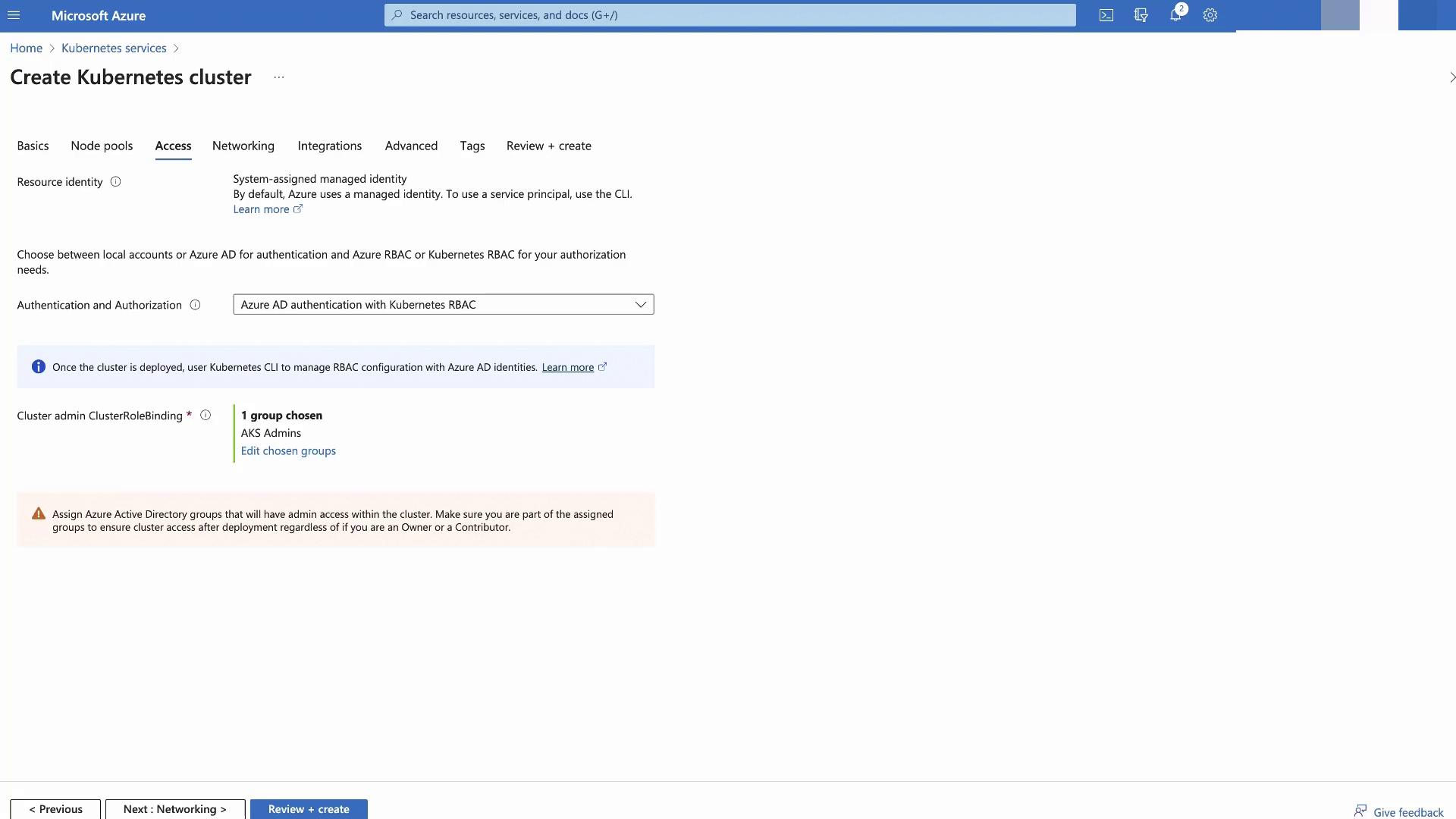
| Azure AD Auth + Kubernetes RBAC | Azure AD users/groups | Kubernetes RBAC | Leverage MFA, conditional access policies |
| Azure AD Auth + Azure RBAC | Azure AD users/groups | Azure role assignments | Centralized IAM across Azure resources |
1. Local Accounts with Kubernetes RBAC (Default)
* Native service accounts, roles, and bindings stored in the cluster
* Auth via certificates, tokens, or basic auth
2. Azure AD Authentication with Kubernetes RBAC
* Users sign in with Azure AD credentials
* K8s RBAC enforces permissions
* Supports Azure AD features like MFA
3. Azure AD Authentication and Azure RBAC
* Azure AD handles both authentication and authorization
* Use Azure role assignments to grant AKS permissions
* Provides a seamless IAM experience across Azure
Feel free to experiment with these modes in your environment. Next up: [Azure Defender for AKS](https://learn.microsoft.com/azure/defender-for-kubernetes/overview).
## Links and References
* [Azure AD Documentation](https://learn.microsoft.com/azure/active-directory/)
* [AKS Authentication Concepts](https://learn.microsoft.com/azure/aks/azure-ad-integration)
* [Kubernetes RBAC Guide](https://kubernetes.io/docs/reference/access-authn-authz/rbac/)