> ## Documentation Index
> Fetch the complete documentation index at: https://notes.kodekloud.com/llms.txt
> Use this file to discover all available pages before exploring further.
# Conclusion
> This article recaps the journey through Azure Kubernetes Service, covering foundational concepts, containerization, cluster management, security, and CI/CD workflows.
## Conclusion
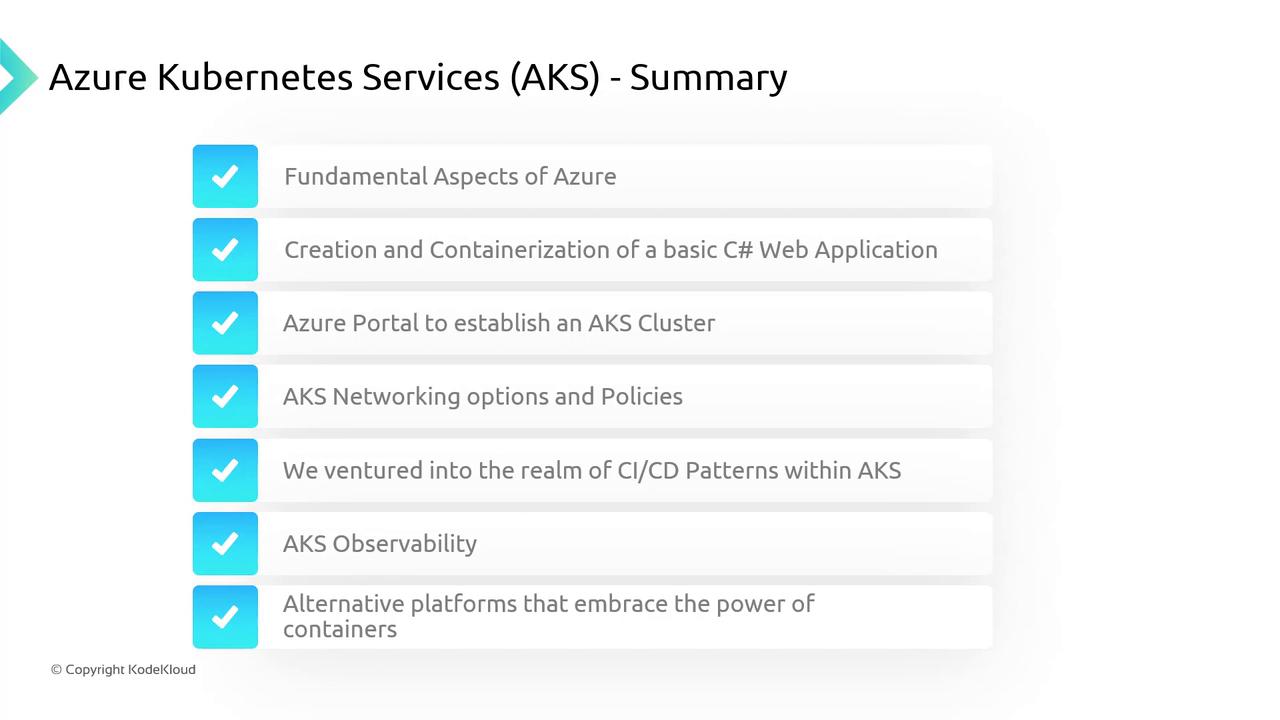
In this final module, we recap your journey through Azure Kubernetes Service (AKS), from fundamental Azure concepts to production-ready container orchestration.
**1. Azure Foundations**\
You explored Azure compute, storage, and networking services to establish a solid base for container workloads.
**2. Containerizing Applications**\
Using Docker Desktop and a custom Dockerfile, you packaged a C# application into a Docker image ready for Kubernetes.
**3. Provisioning an AKS Cluster**\
In the Azure Portal, you created an AKS cluster and used `kubectl` commands to deploy, scale, and manage your application replicas.
**4. Integrating Azure Container Registry**\
You configured Azure Container Registry (ACR) to host your container images, enabling streamlined rollouts, updates, and rollbacks.
**5. Managing Clusters with Kubernetes Fleet**\
Discover how Kubernetes Fleet simplifies governance and policy enforcement across multiple AKS clusters.
**6. Networking & Policies**\
We reviewed AKS networking options—CNI plug-ins, ingress controllers, service meshes—and applied Network Policies to secure pod communication.
**7. Security & Governance**\
Implementing Azure AD integration, Defender for AKS, and Azure Policy, you enforced identity-based access, threat protection, and compliance checks.
**8. CI/CD Pipelines**\
You built declarative CI/CD workflows with Azure DevOps or GitHub Actions to automate build, test, and deployment stages.
**9. Observability in AKS**\
Leveraging Azure Monitor, Log Analytics, and Application Insights, you instrumented your cluster for metrics, logs, and distributed tracing.
**10. Alternative Container Platforms**\
Finally, you compared AKS with Azure Container Instances (ACI) and Azure Service Fabric to choose the right compute option for your needs.
Don’t forget to delete your AKS cluster and associated resources using the Azure Portal or CLI (`az group delete`) to avoid unexpected charges.
Advance your skills by exploring:
* Custom metrics and Horizontal Pod Autoscaler
* Azure Policy for Kubernetes
* Securing multi-tenant clusters with Azure Private Link
We hope this course has empowered you to deploy, secure, and monitor production-grade AKS workloads with confidence. Happy containerizing!