> ## Documentation Index
> Fetch the complete documentation index at: https://notes.kodekloud.com/llms.txt
> Use this file to discover all available pages before exploring further.
# Azure Compute Fundamentals
> This article explains Azures virtual machine types, their use cases, and how to choose the right series for specific workloads.
Azure offers a rich portfolio of virtual machine (VM) types and sizes to support workloads from development and testing to mission-critical production systems and large-scale deployments. Most VM series are also compatible with Azure Kubernetes Service (AKS), giving you flexibility in containerized environments.
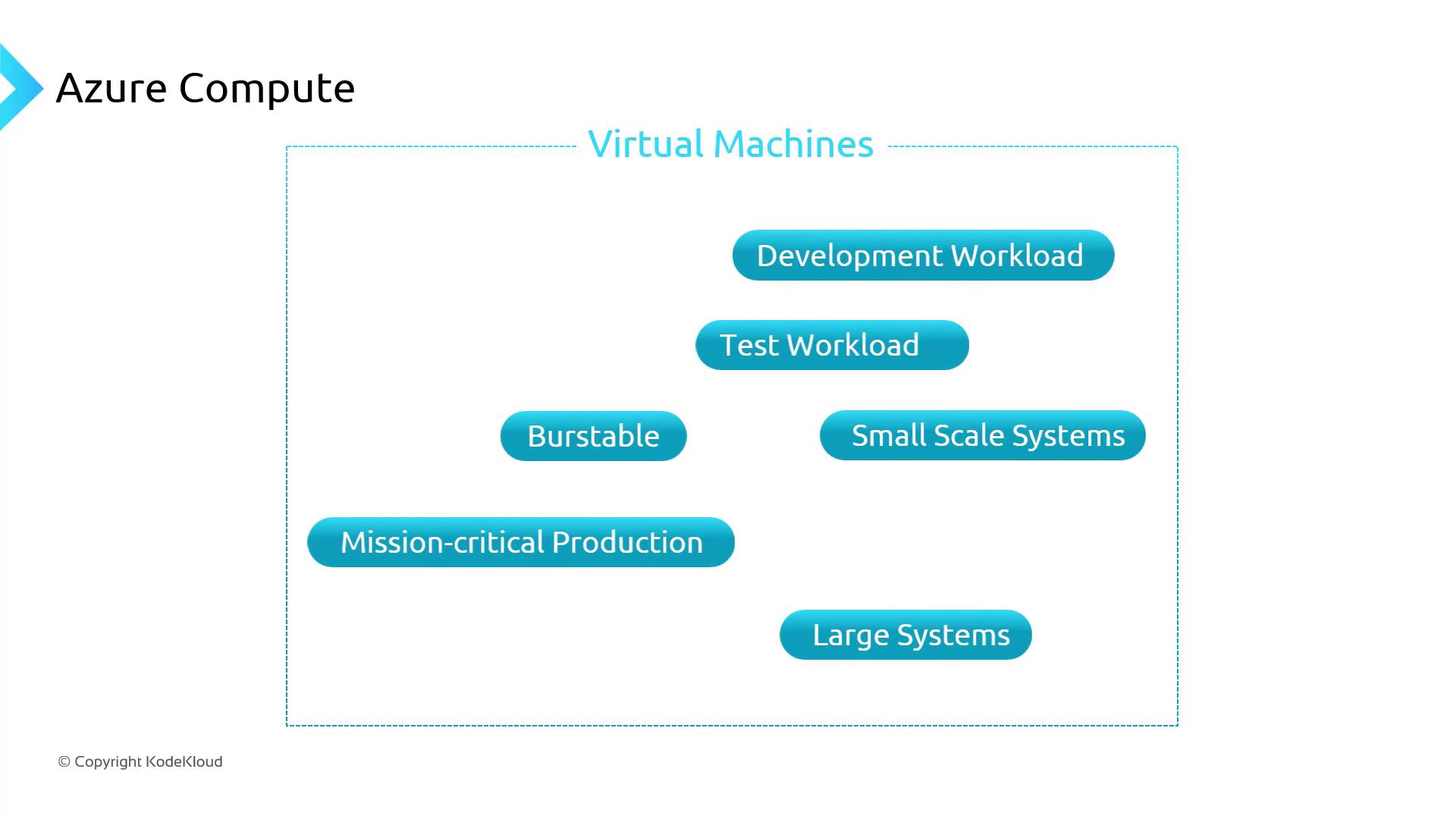
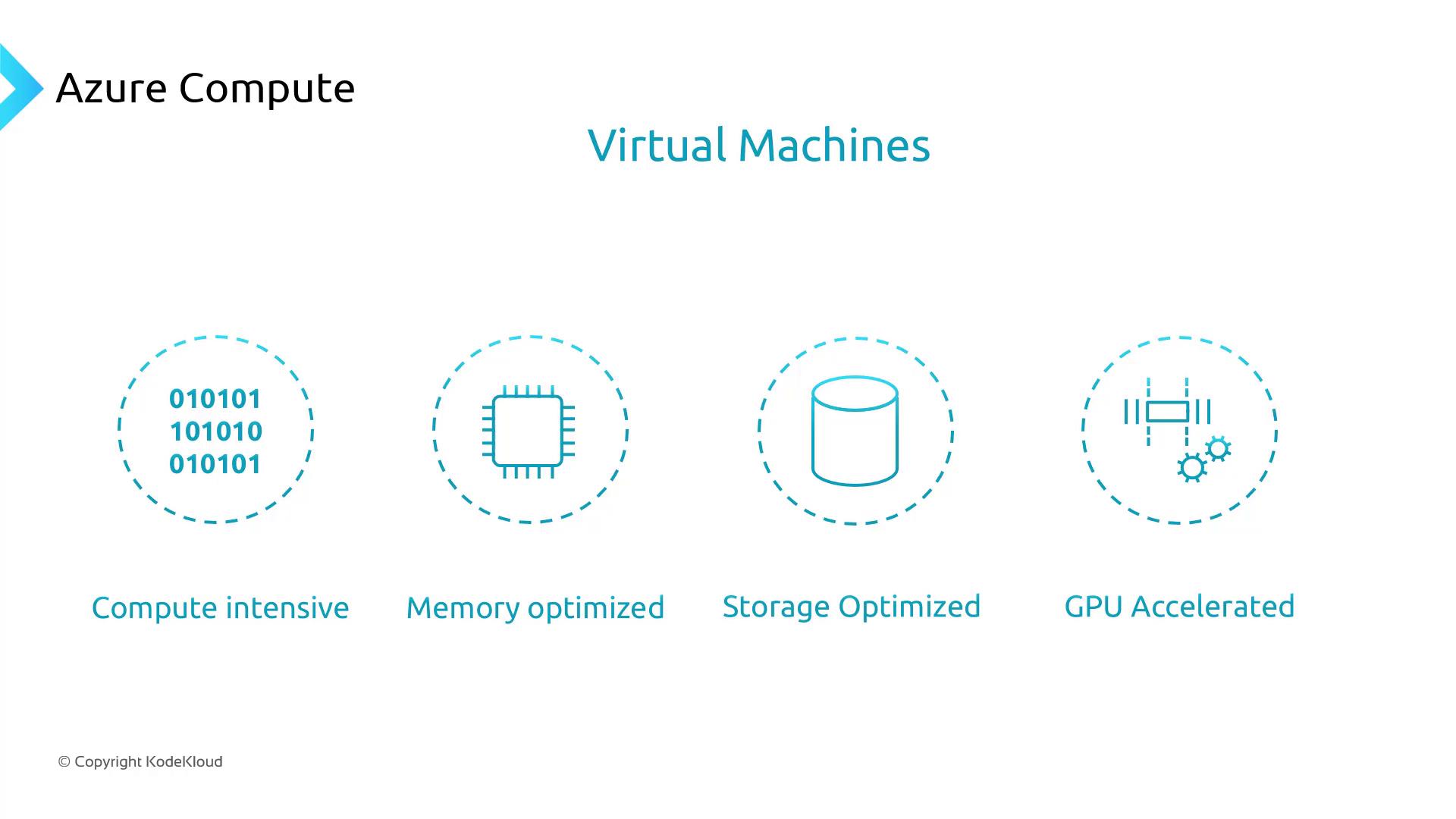
Each VM series is optimized for specific workload profiles—compute-intensive, memory-optimized, storage-optimized, GPU-accelerated, and more. If you’re new to Azure, it’s important to understand these series and their naming conventions. For a complete list of available VM sizes and their specifications, see the official Azure VM sizes reference.
For detailed specifications and regional availability, visit [Azure VM Sizes](https://aka.ms/azure-vm-sizes).
## Common Azure VM Series and Use Cases
| VM Series | Use Case | Example Workloads |
| ------------------ | -------------------------------------------------------- | ------------------------------------------- |
| Memory-optimized | High memory-to-core ratio, premium disk support | SQL Server, SAP HANA, in-memory caching |
| General-purpose | Balanced CPU-to-memory ratio | Web servers, small to medium databases |
| Storage-optimized | High disk throughput and low-latency I/O with local NVMe | Big data, ETL, data warehousing |
| GPU-accelerated | Graphics-intensive and AI/deep learning tasks | Model training, rendering, HPC simulations |
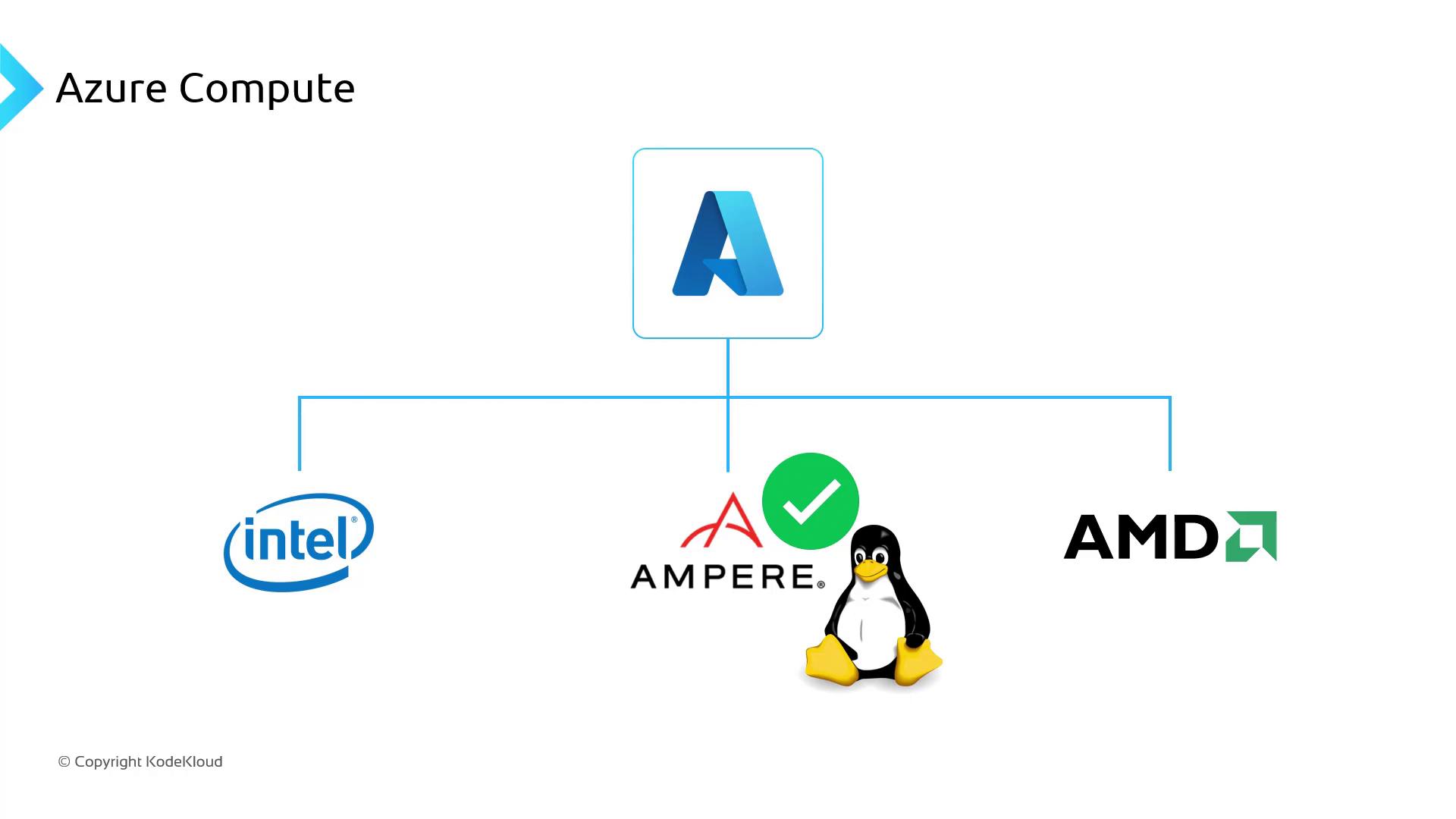
| ARM-based (Ampere) | Cost-effective performance for Linux containers | Microservices, CI/CD agents, edge computing |
## Choosing the Right VM Series
When selecting a VM series, align its capabilities with your workload requirements:
* **Memory-optimized (E-series)**\
Optimal for mission-critical databases and in-memory analytics.
* **General-purpose (D-series)**\
Ideal for balanced workloads like web servers and small databases.
* **Storage-optimized (Ls-series)**\
Best for applications needing high disk I/O throughput.
* **GPU-accelerated (N-series)**\
Designed for AI, machine learning, and graphics rendering.
* **ARM-based (Ampere Altra)**\
Provides a favorable performance-to-cost ratio for Linux container workloads.
## Understanding Azure VM Naming Conventions
Azure VM names encode key details about the series, size, features, and generation. Decoding these names simplifies the selection process:
```text theme={null}
Standard_E64ds_v5
│ │ │ └─ v5: Latest version
│ │ └──── d: Premium disk & cache support
│ └──────── 64 vCPUs
└────────────────── Series E: Memory-optimized
```
* **Standard**: Indicates billing tier
* **Series** (e.g., E, D, Ls, N)
* **vCPU count**
* **Features** (d = premium disks, s = support for accelerated networking)
* **Version** (v\)
Selecting an unsupported VM size for your AKS cluster can lead to scheduling failures. Always verify compatibility in the [AKS VM compatibility guide](https://docs.microsoft.com/azure/aks/quotas-skus-regions).
***
## Links and References
* [Azure VM Sizes Reference](https://aka.ms/azure-vm-sizes)
* [Azure Kubernetes Service (AKS) Documentation](https://docs.microsoft.com/azure/aks/)
* [Compute Optimized VMs Overview](https://docs.microsoft.com/azure/virtual-machines/sizes-compute)
* [Azure Pricing Calculator](https://azure.microsoft.com/pricing/calculator/)