> ## Documentation Index
> Fetch the complete documentation index at: https://notes.kodekloud.com/llms.txt
> Use this file to discover all available pages before exploring further.
# Azure Storage Fundamentals
> This article explains Azure Storage services including Block, File, and Object Storage for various storage needs.
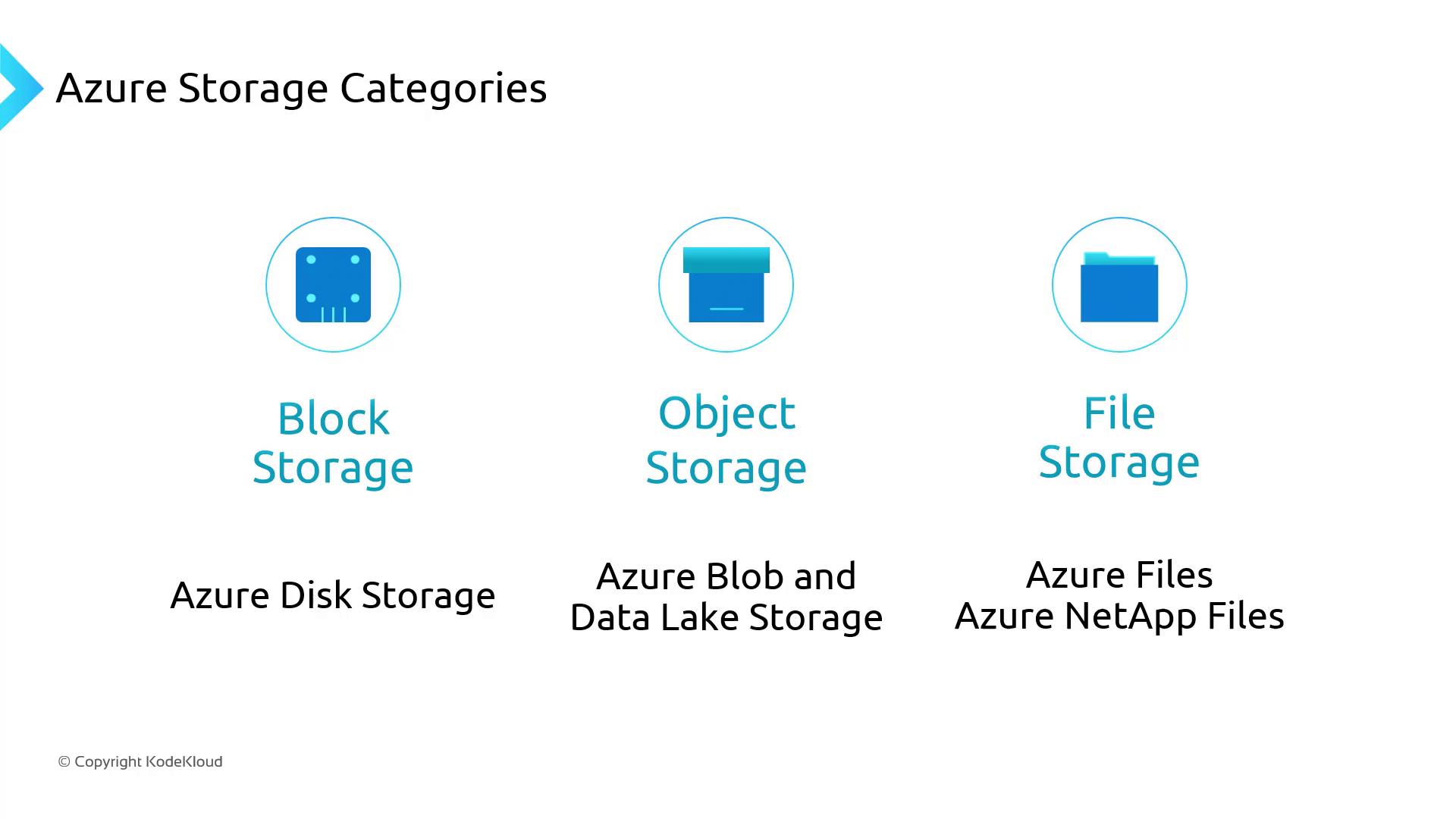
Azure Storage offers three primary services suited for different storage scenarios:
* **Block Storage (Azure Disks):** Persistent disks for VMs or Kubernetes Data Disks
* **File Storage (Azure Files & Azure NetApp Files):** SMB/NFS file shares for lift-and-shift or shared volumes
* **Object Storage (Azure Blob & Data Lake Storage):** Massively scalable unstructured data store
***
## 1. Block Storage – Azure Disks
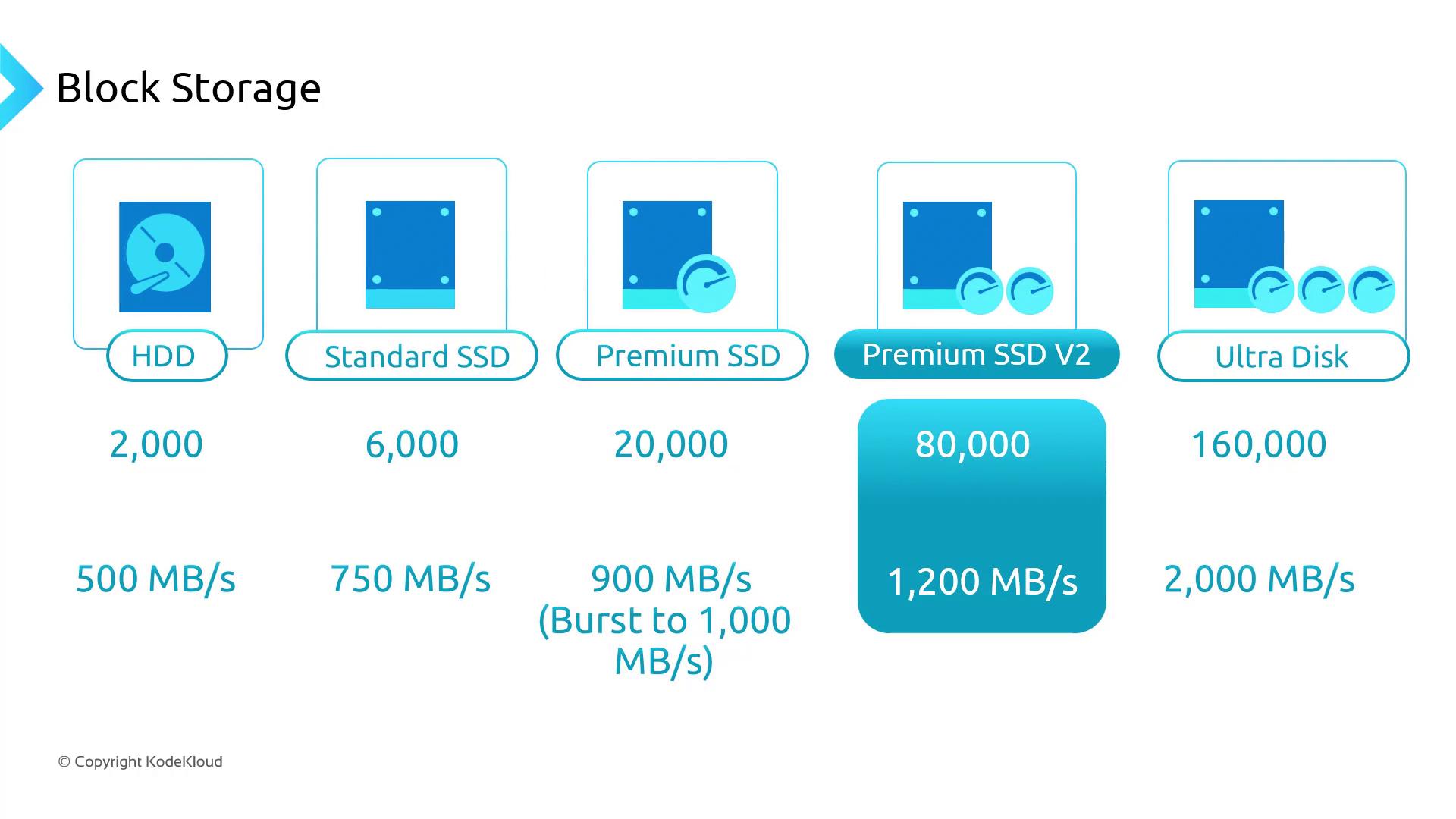
Azure Disks provides high-performance block storage with multiple SKUs to fit your IOPS and throughput needs. As you move from Standard HDD to Ultra Disk, performance and cost both increase. Premium SSD v2 slots in between Premium SSD and Ultra Disk for balanced performance.
| Disk SKU | Backing Media | Max IOPS | Max Throughput (MB/s) |
| -------------- | ---------------- | ------------- | --------------------- |
| Standard HDD | HDD | Up to 500 | Up to 60 |
| Standard SSD | SATA SSD | Up to 6,000 | Up to 200 |
| Premium SSD | NVMe SSD | Up to 20,000 | Up to 900 |
| Premium SSD v2 | NVMe SSD (v2) | Up to 80,000 | Up to 2,000 |
| Ultra Disk | NVMe SSD (ultra) | Up to 160,000 | Up to 4,000 |
Premium SSD v2 cannot be used as an OS disk.\
In AKS, Azure Disks mount as `ReadWriteOnce`, so a disk is accessible by a single node at a time.
***
## 2. File Storage – Azure Files & Azure NetApp Files
For workloads requiring shared file access, Azure Files offers fully managed SMB and NFS shares:
| SKU | Protocols | Billing Model | Throughput / Latency |
| -------------- | --------- | -------------------- | -------------------------------- |
| Standard (HDD) | SMB / NFS | Pay for data used | Lower throughput, higher latency |
| Premium (SSD) | SMB / NFS | Provisioned capacity | High throughput, low latency |
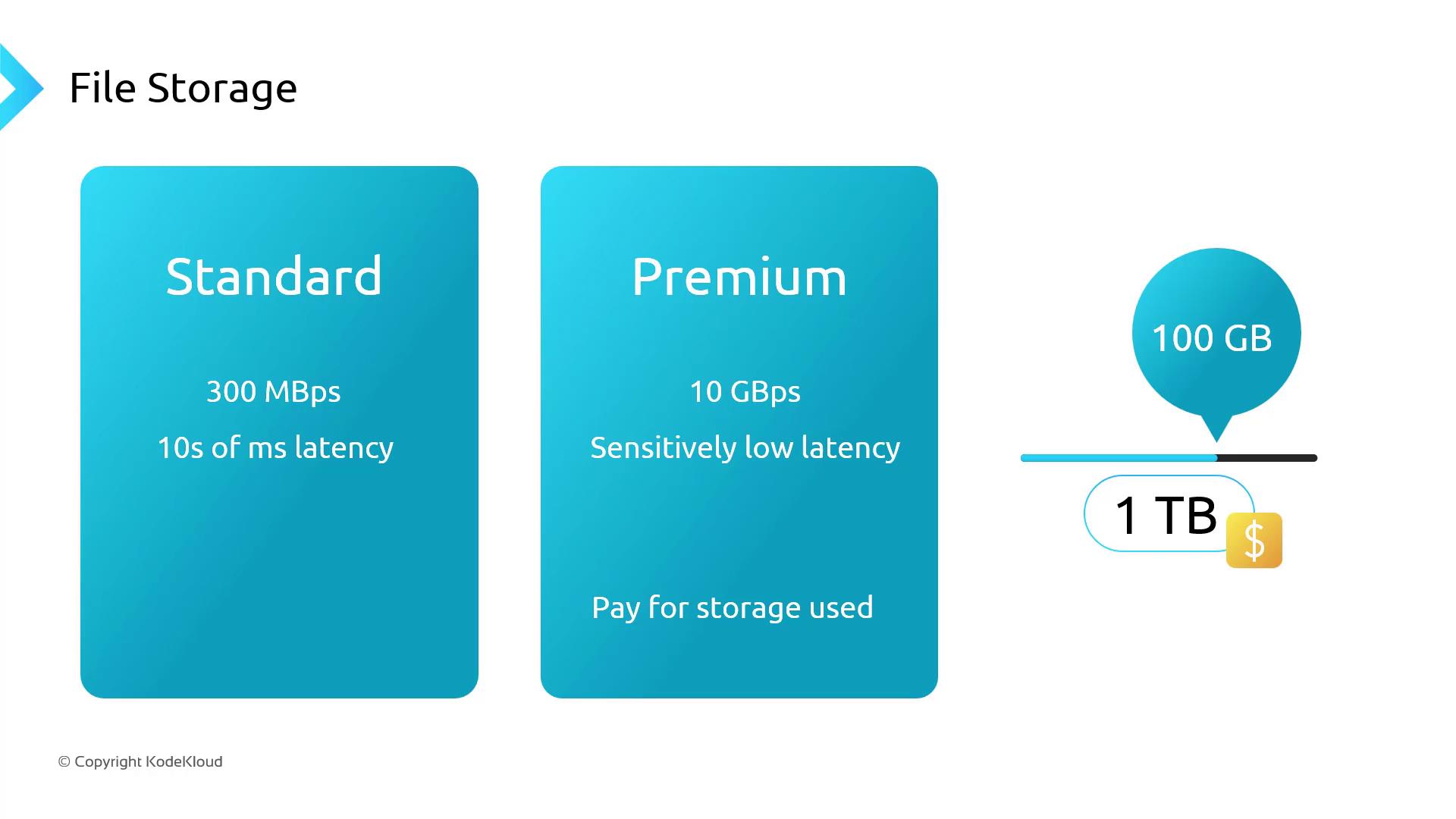
If you provision 1 TB on a Premium share but only use 100 GB, you pay for the full 1 TB.\
Consider Azure NetApp Files for enterprise-grade performance and multitenant workloads.
***
## 3. Object Storage – Azure Blob & Data Lake Gen2
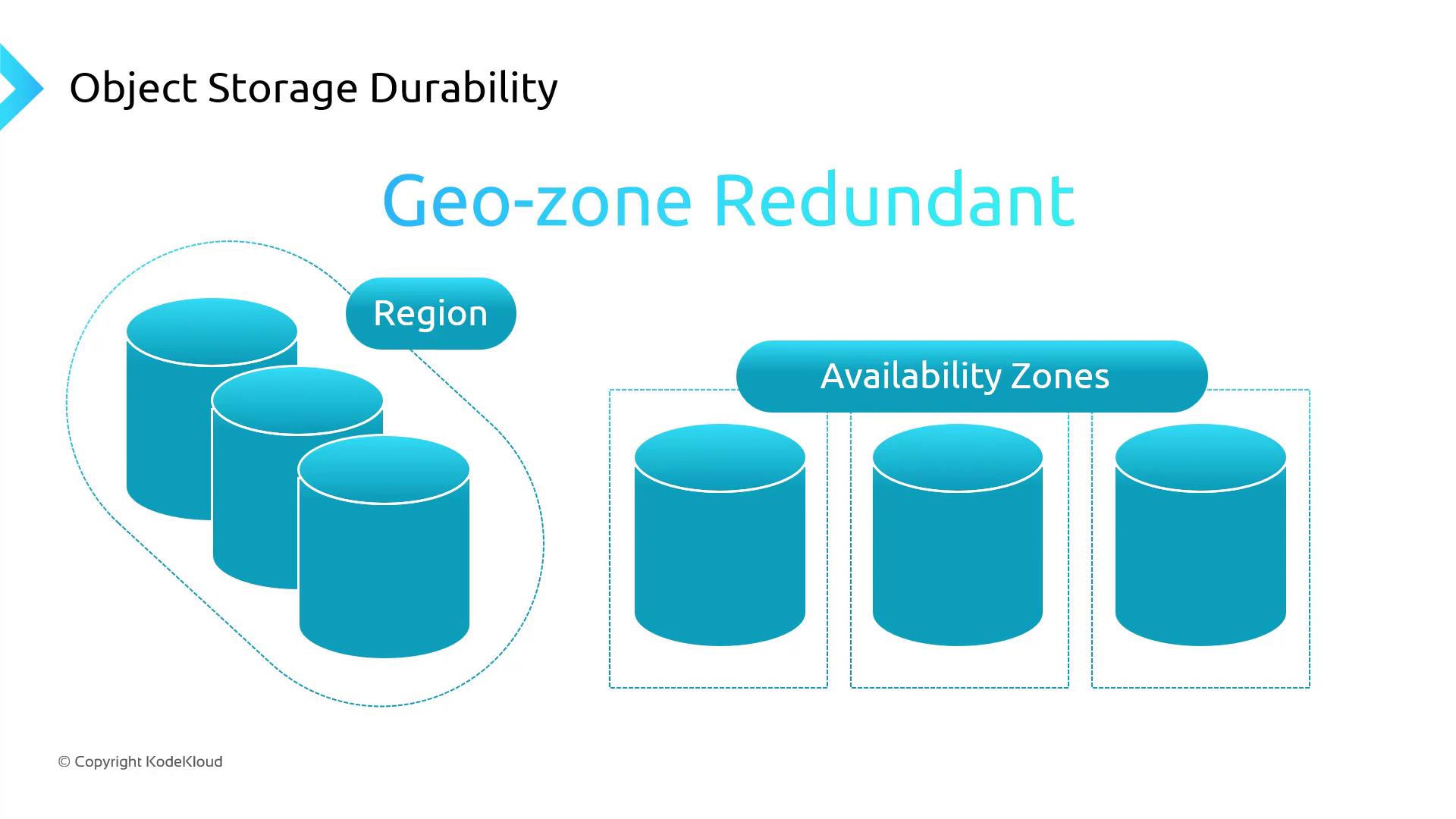
Azure Blob Storage is designed for massive volumes of unstructured data. You can select performance tiers (Standard or Premium) and enable a hierarchical namespace (ADLS Gen2) for analytics workloads. Four durability options ensure data resilience:
| Durability Option | Scope | Copies & Replication |
| ------------------------------------------ | -------------------- | --------------------------------------- |
| Locally Redundant Storage (LRS) | Single region | 3 copies within one data center |
| Zone-Redundant Storage (ZRS) | Single region, zones | 3 copies across availability zones |
| Read-Access Geo-Redundant Storage (RA-GRS) | Multi-region primary | LRS + read-only in paired region |
| Geo-Zone-Redundant Storage (GZRS) | Multi-region, zones | ZRS + geo-replication to another region |
In AKS, mount Blob Storage (including ADLS Gen2) directly into pods or containers with the \[Blob CSI driver]\[blob-csi-driver]. This enables native file-system access to logs, images, documents, and other unstructured data.
***
## Links and References
* [Azure Disks documentation](https://docs.microsoft.com/azure/virtual-machines/disks-types)
* [Azure Files documentation](https://docs.microsoft.com/azure/storage/files/)
* [Azure NetApp Files overview](https://docs.microsoft.com/azure/azure-netapp-files/)
* [Azure Blob Storage overview](https://docs.microsoft.com/azure/storage/blobs/)
* [Blob CSI driver GitHub](https://github.com/kubernetes-sigs/blob-csi-driver)