> ## Documentation Index
> Fetch the complete documentation index at: https://notes.kodekloud.com/llms.txt
> Use this file to discover all available pages before exploring further.
# Azure network and security fundamentals
> Azure provides networking and security services for hybrid and multi-cloud deployments, enabling traffic security, workload isolation, and protection across various environments.
Azure delivers a comprehensive suite of networking and security services designed for hybrid and multi-cloud deployments. With native capabilities and integration options, you can secure traffic, isolate workloads, and extend protection across on-premises networks and third-party solutions.
Many enterprises combine Azure’s built-in controls with partner offerings to achieve unified policy enforcement and advanced threat protection.
In this guide, we’ll explore:
* Core Azure networking constructs
* Strategies for privately securing PaaS services
* Native load-balancing and traffic-distribution options
***
## Virtual Networks and Subnets
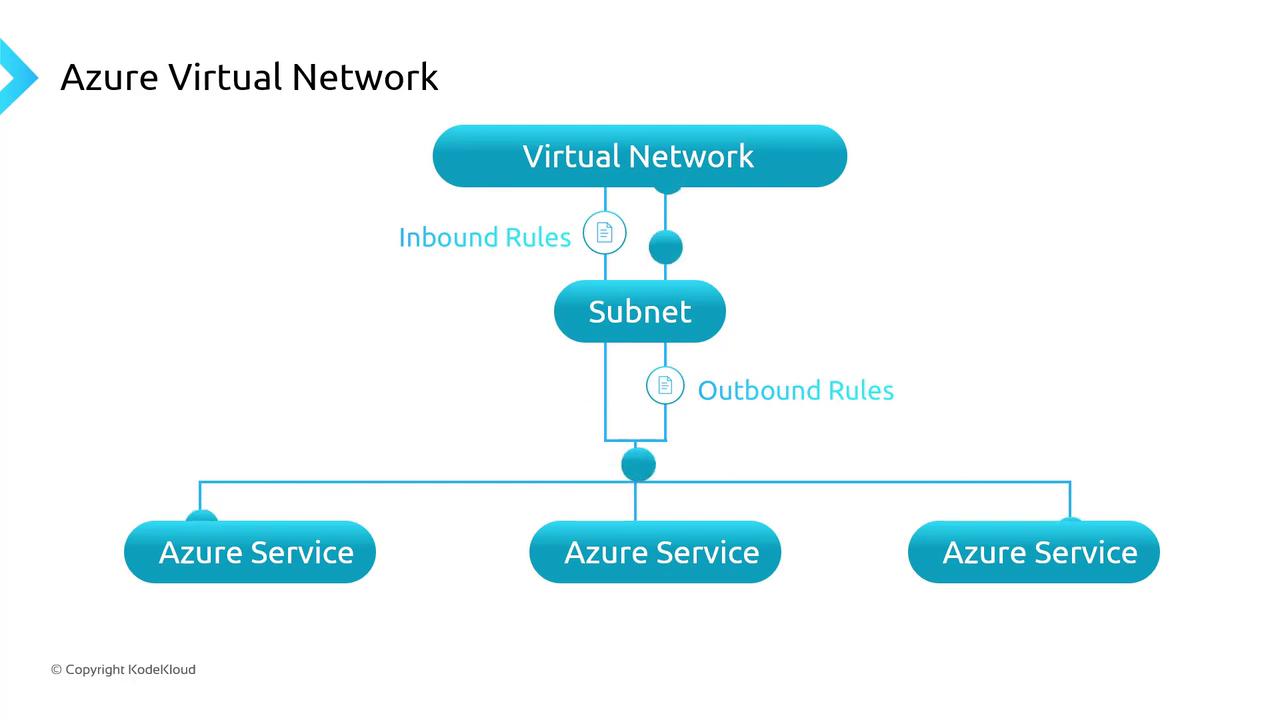
An Azure Virtual Network (VNet) is your private IP-based network in Azure. It defines an address space you divide into subnets, isolating workloads and controlling traffic flow.
Key routing scopes:
* Subnets within the same VNet
* Peered VNets
* On-premises networks (VPN or ExpressRoute)
* The public internet
To enforce security at subnet or NIC level, attach a Network Security Group (NSG). NSGs evaluate rules in priority order to **allow** or **deny** traffic based on source/destination IP, port, and protocol. By default, an implicit “deny all” rule blocks any traffic not explicitly permitted.
When designing NSG rules, remember that higher-priority (lower numeric) rules take precedence. Always review the default security rules to avoid unintended access.
If you have AWS experience, note that Azure subnets can span Availability Zones. A single VNet supports both private and public IP assignments, simplifying hybrid connectivity.
***
## Securing PaaS Endpoints Privately
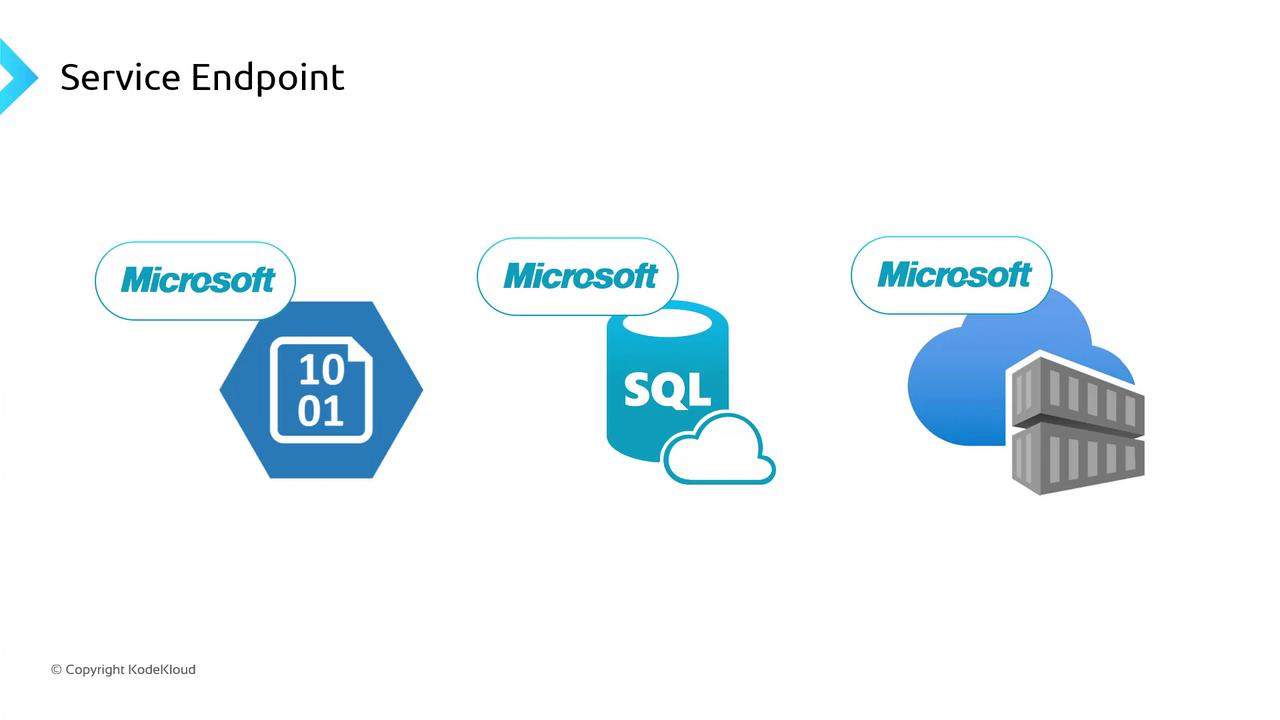
Azure’s multi-tenant PaaS services (Storage, SQL Database, Container Registry, etc.) use public endpoints by default. To restrict traffic to your private network, you have three main options:
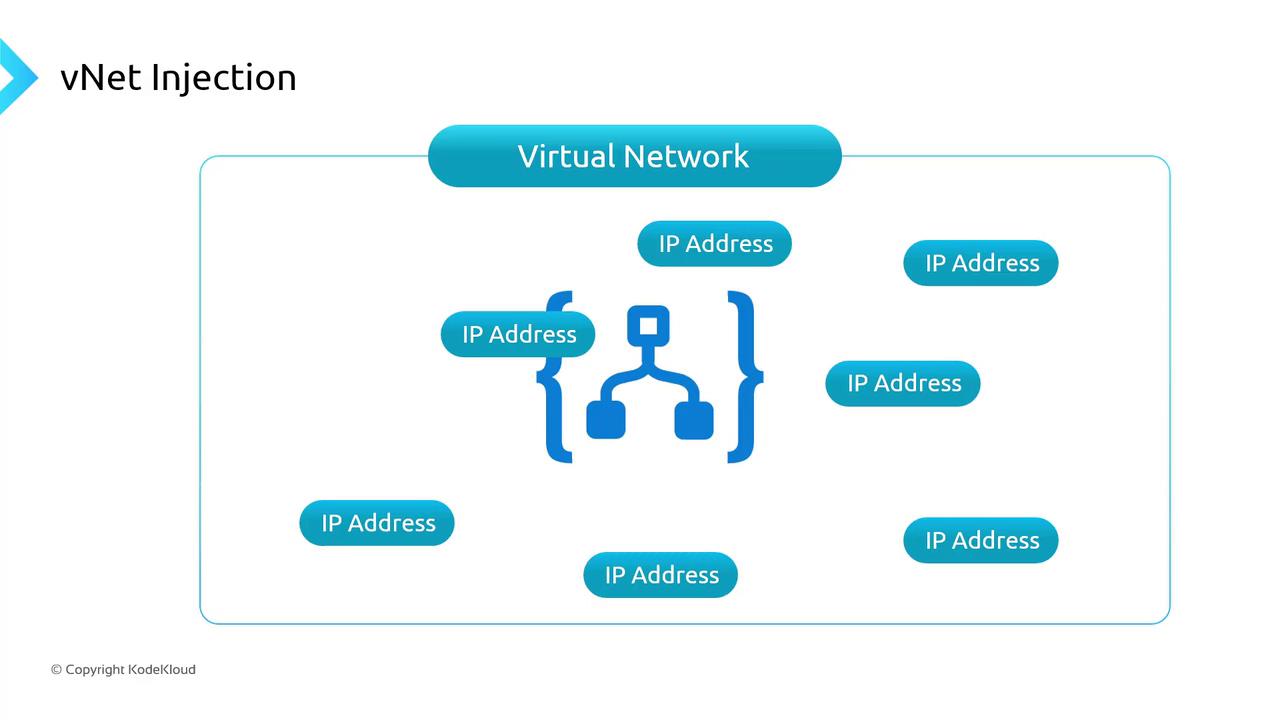
1. **VNet Injection**\
Deploy a dedicated instance inside your VNet. The service appliance gets a private IP from your address space.
2. **Service Endpoints**\
Secure the service’s public endpoint to only accept requests from specified VNets/subnets, all over the Microsoft backbone.
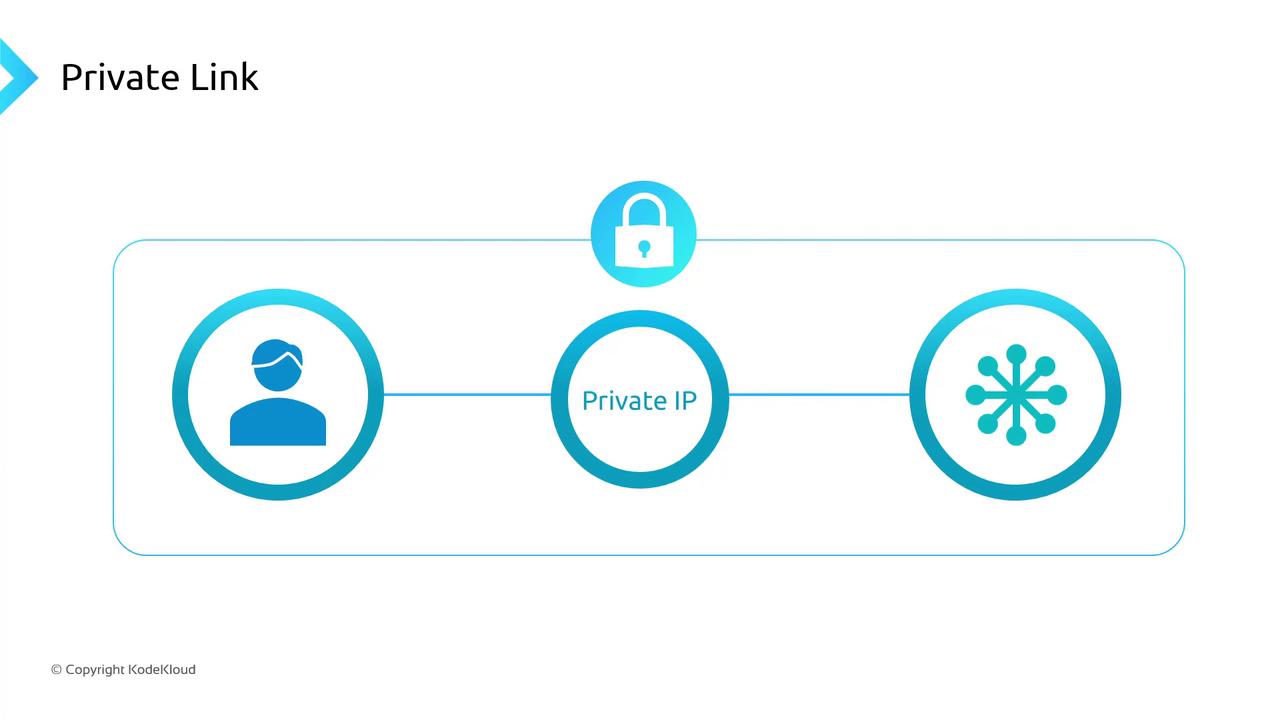
3. **Private Link (Private Endpoint)**\
Map a private IP in your VNet to a specific service instance. Traffic flows entirely over Azure’s private network.
VNet Injection can incur higher costs and isn’t supported for every PaaS service. Evaluate your security requirements and budget before choosing.
***
## Load Balancing Options
Azure offers four native services to distribute incoming traffic. Select based on OSI layer, geographic scope, and feature set.
| Service | Layer | Scope | Use Case |
| ------------------------- | ------- | ---------- | ------------------------------------------------------- |
| Azure Load Balancer | Layer 4 | Regional\* | TCP/UDP distribution, standard and basic SKUs |
| Azure Application Gateway | Layer 7 | Regional | HTTP(S) routing, cookie-based sessions, WAF support |
| Azure Front Door | Layer 7 | Global | Global HTTP(S) failover, accelerated content delivery |
| Azure Traffic Manager | DNS | Global | Geo-routing, priority/failover based on endpoint health |
\*Global LB preview available in select regions.
Key considerations:
* For **Layer 4** (raw TCP/UDP), choose Azure Load Balancer.
* For **Layer 7** HTTP(S) with URL/path-based rules and Web Application Firewall (WAF), use Application Gateway or Front Door.
* Use Traffic Manager for DNS-level routing, global geo-distribution, and health-check based failover.
***
## Links and References
* [Azure Virtual Network documentation](https://docs.microsoft.com/azure/virtual-network/)
* [Azure Private Link overview](https://docs.microsoft.com/azure/private-link/)
* [Azure Load Balancer documentation](https://docs.microsoft.com/azure/load-balancer/)
* [Azure Application Gateway documentation](https://docs.microsoft.com/azure/application-gateway/)
* [Azure Front Door documentation](https://docs.microsoft.com/azure/frontdoor/)