> ## Documentation Index
> Fetch the complete documentation index at: https://notes.kodekloud.com/llms.txt
> Use this file to discover all available pages before exploring further.
# Section Introduction
> This lesson covers deploying, managing, and scaling containerized applications on Azure Kubernetes Service, providing essential concepts and hands-on skills for success.
In this lesson, you’ll build a strong foundation for deploying, managing, and scaling containerized applications on Azure Kubernetes Service (AKS). Whether you’re new to Kubernetes or looking to deepen your expertise, this module equips you with the essential concepts and hands-on skills to succeed in production environments.
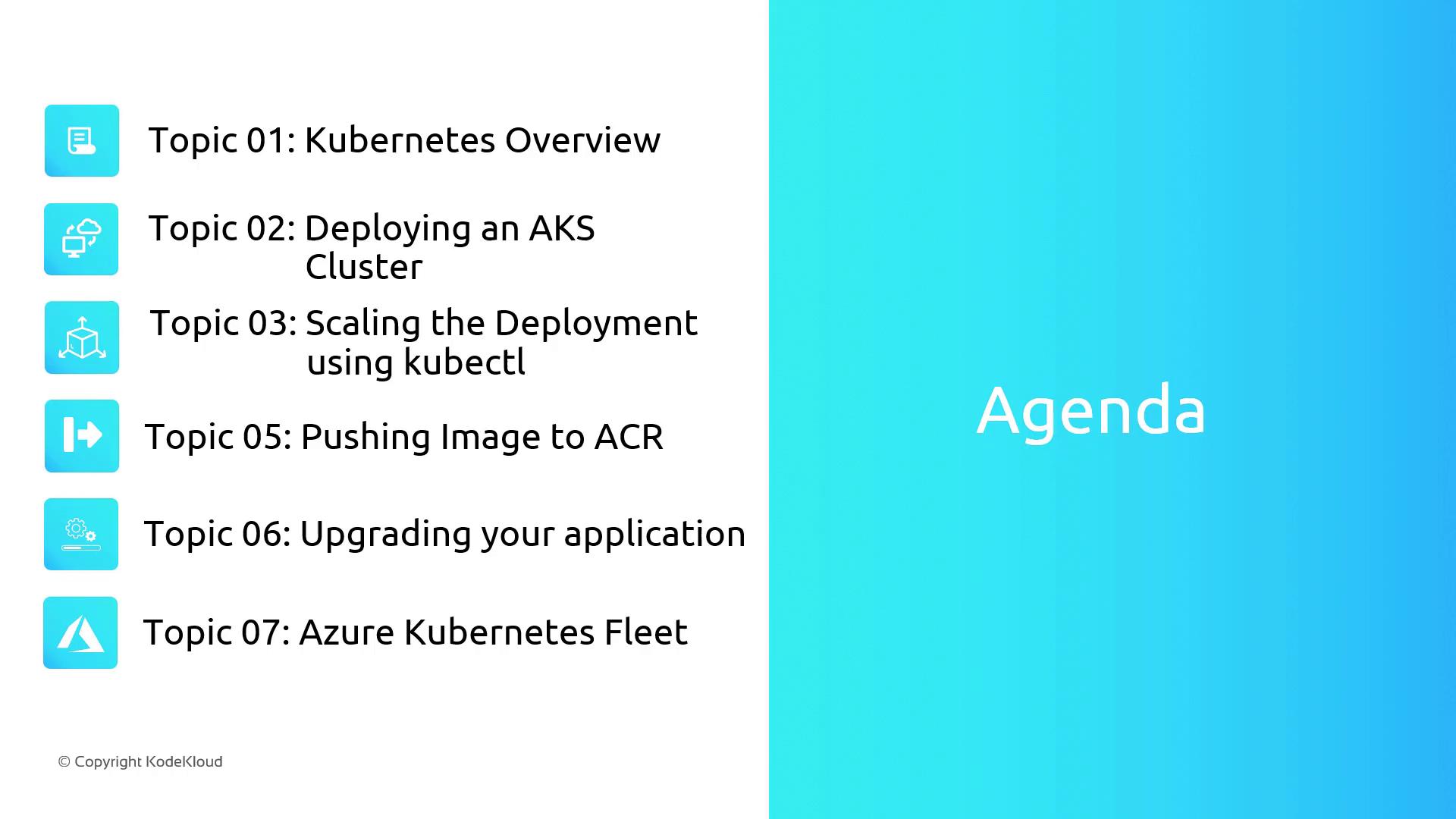
By the end of this section, you will be able to:
* Understand Kubernetes core components: pods, deployments, services, and namespaces
* Provision and configure an AKS cluster via the Azure portal
* Deploy applications using `kubectl` and implement scaling strategies
* Manage container images with Azure Container Registry (ACR)
* Perform application upgrades and rollbacks in AKS
* Centrally govern multiple clusters using Azure Kubernetes Fleet
Make sure you have:
* An active [Azure subscription](https://azure.microsoft.com/free/)
* Azure CLI installed and logged in (`az login`)
* Basic familiarity with Docker containers
## Kubernetes Core Concepts
| Resource Type | Purpose | Example CLI Command |
| ------------- | ------------------------------------ | ------------------------------------------------------------- |
| Pod | Smallest deployable unit | `kubectl run nginx --image=nginx` |
| Deployment | Declarative updates and self-healing | `kubectl create deployment webapp --image=myregistry/webapp` |
| Service | Stable network endpoint for pods | `kubectl expose deployment webapp --port=80 --type=ClusterIP` |
| Namespace | Logical cluster partitioning | `kubectl create namespace dev-environment` |
## Lesson Overview
1. **Kubernetes Fundamentals**\
Dive into pods, deployments, services, and namespaces—key building blocks for any AKS deployment.
2. **Provisioning an AKS Cluster**\
Step through the [Azure portal](https://portal.azure.com/) to create your cluster, configure networking, and set up node pools.
3. **Application Deployment & Scaling**\
Use [kubectl](https://kubernetes.io/docs/reference/kubectl/overview/) to deploy, scale, and update your applications seamlessly.
4. **Container Image Management**\
Push and version images in [Azure Container Registry (ACR)](https://learn.microsoft.com/azure/container-registry/), and integrate ACR with AKS for secure pulls.
5. **Upgrades & Rollbacks**\
Implement rolling updates and rollbacks to maintain availability during application releases.
6. **Centralized Fleet Management**\
Orchestrate multiple clusters with [Azure Kubernetes Fleet](https://learn.microsoft.com/azure/kubernetes-service/fleet-manager-overview/) for consistent policy enforcement and simplified operations.
Let’s get started on this exciting journey into AKS!