> ## Documentation Index
> Fetch the complete documentation index at: https://notes.kodekloud.com/llms.txt
> Use this file to discover all available pages before exploring further.
# Standalone MCP vs Supergateway
> Compares using a Supergateway versus running a standalone MCP over HTTP, recommending direct agent connections to MCP in Docker for simpler production use and testing with curl.
Hello — welcome to this section.
Quick recap: earlier we validated the MCP read path end-to-end using `curl`. That flow covered the health check, handshake, and subsequent interactions with the MCP server. At that time the setup had two moving parts: a Kubernetes MCP server running inside Docker, and a Supergateway that translated the server's stdio-based protocol into HTTP so `curl` could reach it.
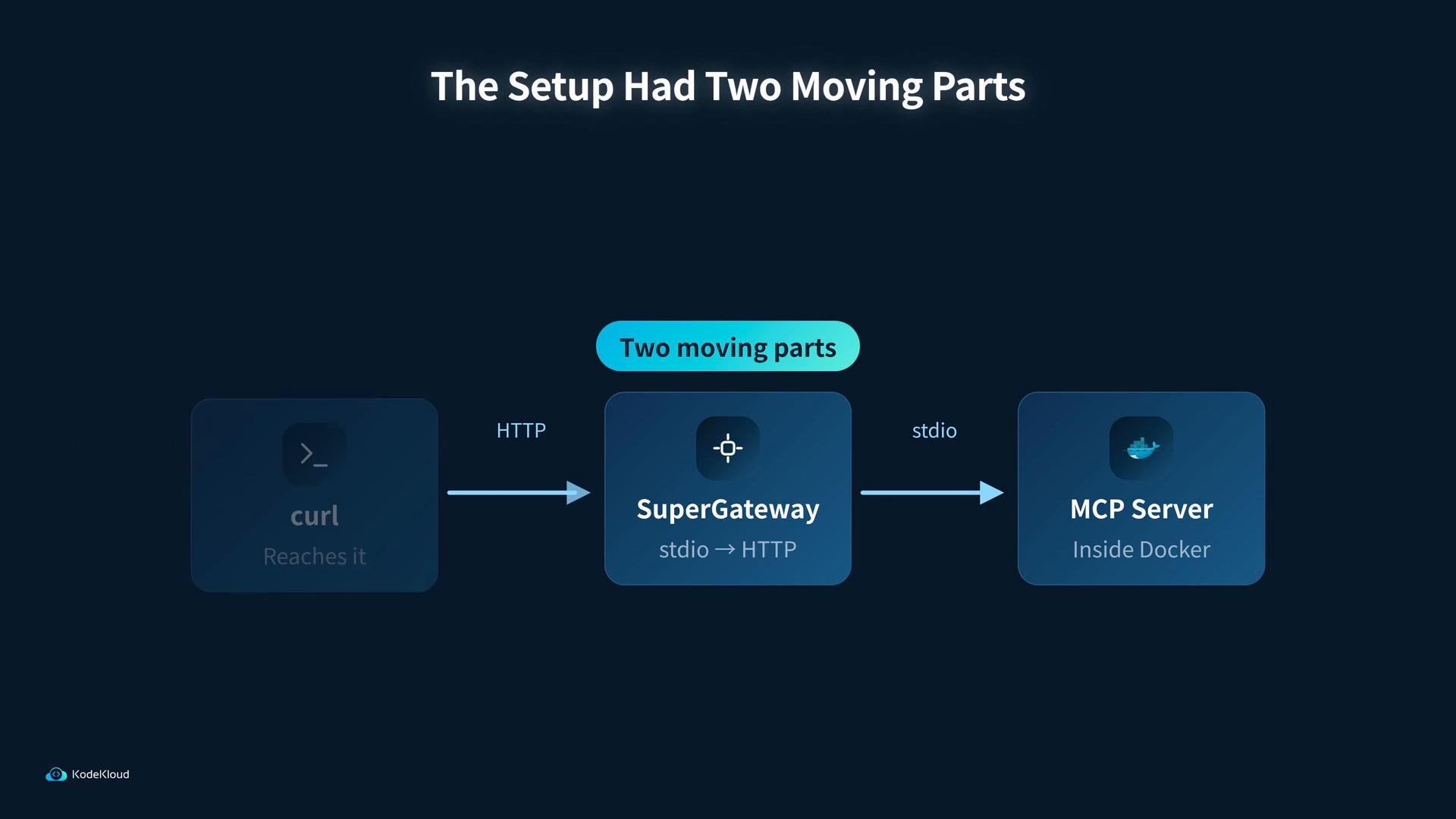 That demonstration showed the full read path but introduced an extra translation layer. The question going forward: do we still need the Supergateway?
A typical `curl` call we used looked like this:
```bash theme={null}
curl -X POST http://localhost:8080/mcp \
-H "Content-Type: application/json" \
-d '{ "method": "tools/list" }'
```
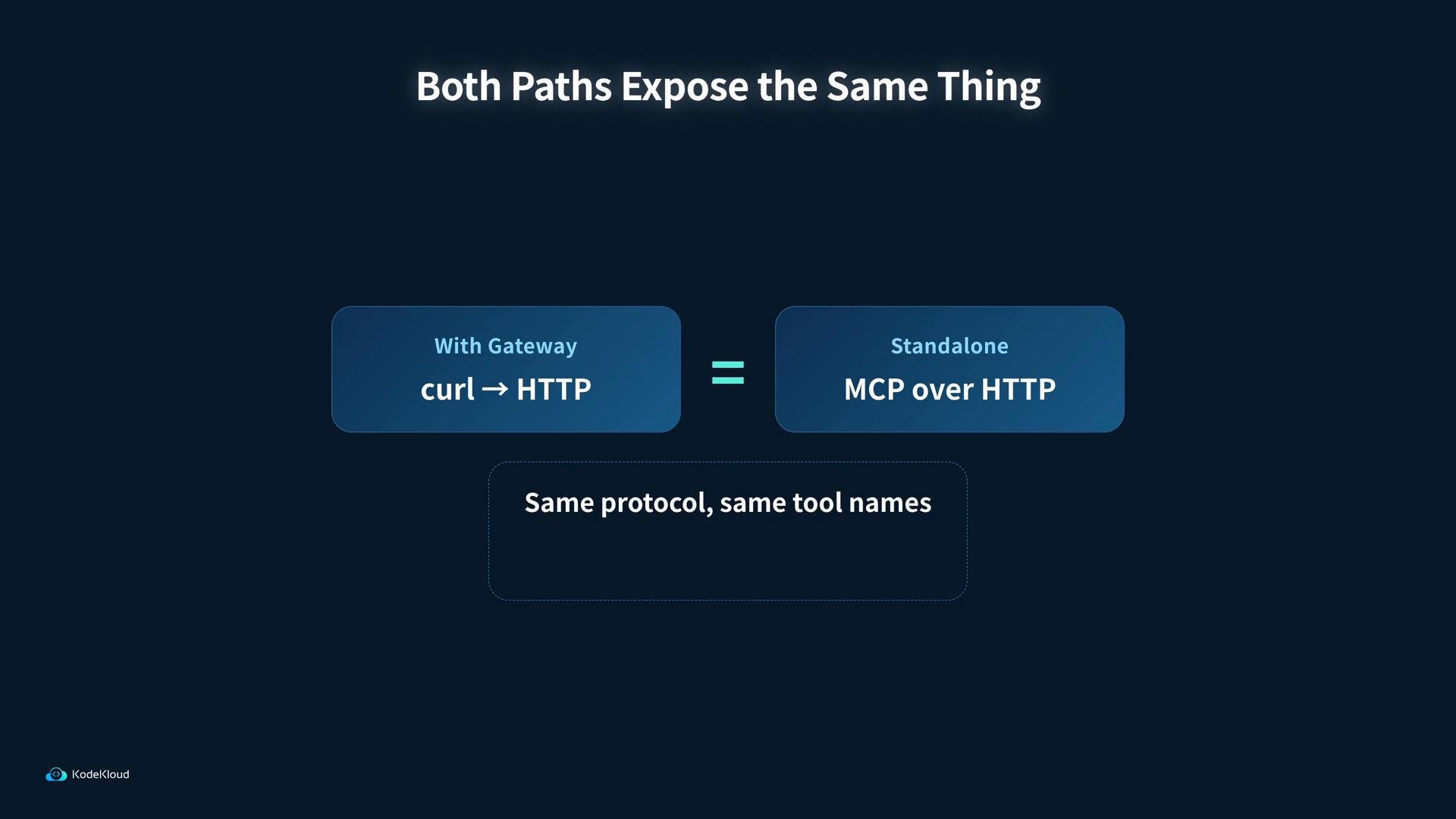
Both approaches — running the MCP through a Supergateway or exposing the MCP over HTTP directly — surface the same MCP protocol and the same tool names. For example, common `kubectl`-style tools such as `kubectl` and `describe` are available in both setups.
That demonstration showed the full read path but introduced an extra translation layer. The question going forward: do we still need the Supergateway?
A typical `curl` call we used looked like this:
```bash theme={null}
curl -X POST http://localhost:8080/mcp \
-H "Content-Type: application/json" \
-d '{ "method": "tools/list" }'
```
Both approaches — running the MCP through a Supergateway or exposing the MCP over HTTP directly — surface the same MCP protocol and the same tool names. For example, common `kubectl`-style tools such as `kubectl` and `describe` are available in both setups.
 Below is a concise comparison to help decide which path to choose when building the agent:
| Aspect | With Supergateway | Standalone MCP (HTTP) |
| - | - | - |
| Purpose | Translates stdio protocol to HTTP for tools like `curl` | Exposes the MCP service directly over HTTP |
| Complexity | Extra translation layer; useful for quick ad-hoc testing | Simpler runtime topology — fewer moving parts |
| Tooling | Works with `curl` and other HTTP clients without modifying MCP | Agent can connect directly to MCP; better for production/agents |
| Typical use | Debugging / interoperability with tools expecting HTTP | Building persistent agents that talk to MCP natively |
When building a long-lived agent that talks to MCP, running a standalone MCP service inside Docker and connecting the agent directly is cleaner and removes the translation layer. Both approaches expose the same protocol and tool set, so you won’t lose functionality by removing the Supergateway.
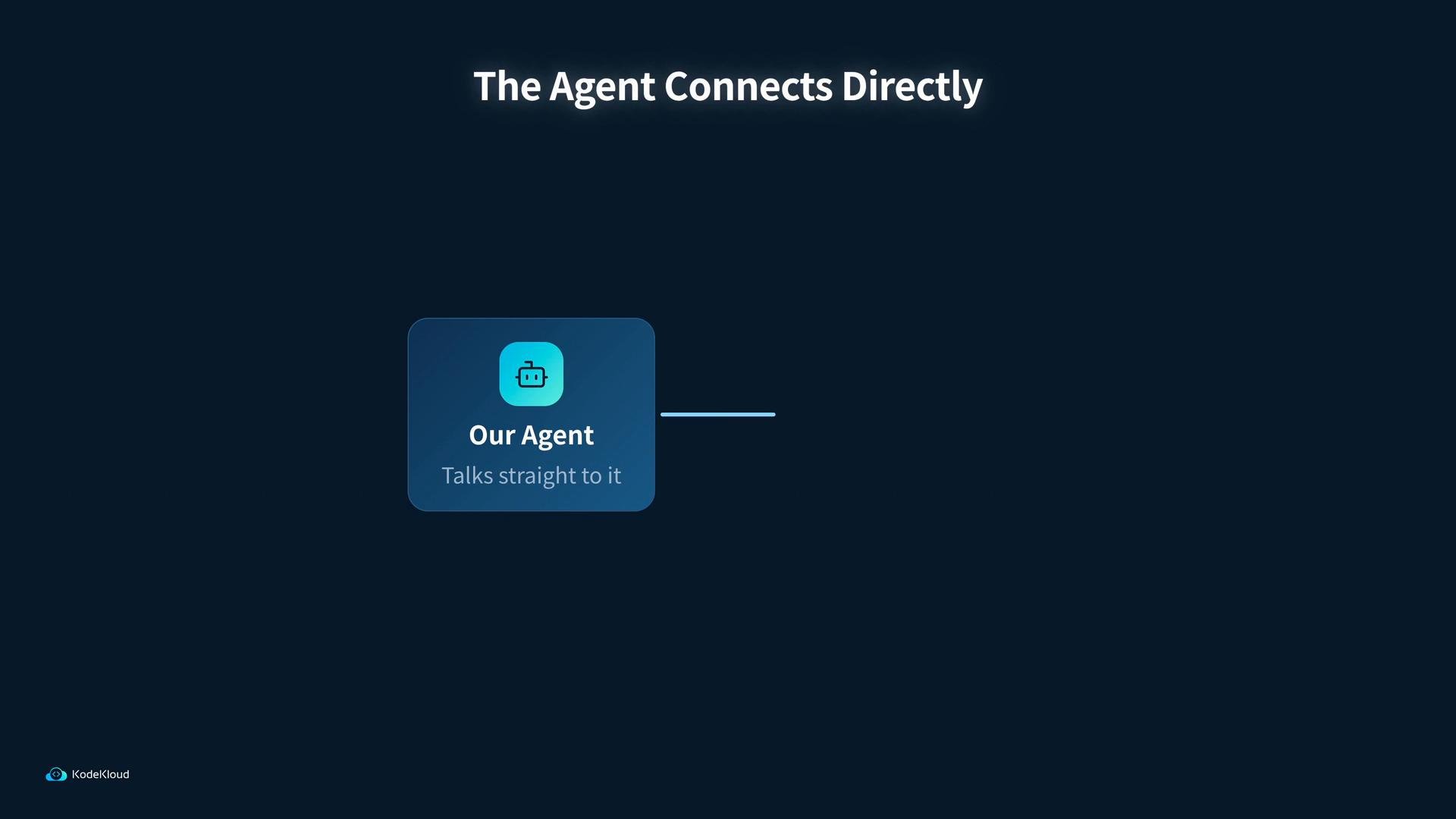
Because the next step is to create a full-fledged agent that connects directly to the MCP service, we will remove the Supergateway translation layer. Instead, we'll run the MCP Kubernetes service in Docker and have the agent talk straight to it over HTTP.
Below is a concise comparison to help decide which path to choose when building the agent:
| Aspect | With Supergateway | Standalone MCP (HTTP) |
| - | - | - |
| Purpose | Translates stdio protocol to HTTP for tools like `curl` | Exposes the MCP service directly over HTTP |
| Complexity | Extra translation layer; useful for quick ad-hoc testing | Simpler runtime topology — fewer moving parts |
| Tooling | Works with `curl` and other HTTP clients without modifying MCP | Agent can connect directly to MCP; better for production/agents |
| Typical use | Debugging / interoperability with tools expecting HTTP | Building persistent agents that talk to MCP natively |
When building a long-lived agent that talks to MCP, running a standalone MCP service inside Docker and connecting the agent directly is cleaner and removes the translation layer. Both approaches expose the same protocol and tool set, so you won’t lose functionality by removing the Supergateway.
Because the next step is to create a full-fledged agent that connects directly to the MCP service, we will remove the Supergateway translation layer. Instead, we'll run the MCP Kubernetes service in Docker and have the agent talk straight to it over HTTP.
 Next steps
* Start the standalone MCP service in Docker.
* Validate the MCP endpoints (health, handshake, tools) using `curl` or an HTTP client.
* Connect the agent directly to the MCP service and verify tool invocation (for example, `tools/list` and `kubectl`-style commands).
References
* [Kubernetes Basics](https://kubernetes.io/docs/concepts/overview/what-is-kubernetes/)
* [Docker Hub](https://hub.docker.com/)
* For MCP-specific details, follow your MCP project's README or internal spec to ensure the HTTP endpoints, health checks, and handshake semantics match the agent's expectations.
That’s all for this section — see you in the next step where we run and validate the standalone MCP service.
This documentation is built and hosted on [Mintlify](https://mintlify.com), a developer documentation platform.
Next steps
* Start the standalone MCP service in Docker.
* Validate the MCP endpoints (health, handshake, tools) using `curl` or an HTTP client.
* Connect the agent directly to the MCP service and verify tool invocation (for example, `tools/list` and `kubectl`-style commands).
References
* [Kubernetes Basics](https://kubernetes.io/docs/concepts/overview/what-is-kubernetes/)
* [Docker Hub](https://hub.docker.com/)
* For MCP-specific details, follow your MCP project's README or internal spec to ensure the HTTP endpoints, health checks, and handshake semantics match the agent's expectations.
That’s all for this section — see you in the next step where we run and validate the standalone MCP service.
This documentation is built and hosted on [Mintlify](https://mintlify.com), a developer documentation platform.