> ## Documentation Index
> Fetch the complete documentation index at: https://notes.kodekloud.com/llms.txt
> Use this file to discover all available pages before exploring further.
# MCP in 90 Seconds What It Is and Why Agents Need It
> Explains the Model Context Protocol and how agents use JSON-RPC to connect to tools like kubectl, plus steps to set up an MCP server with Kubernetes
Welcome back. This quick overview explains the Model Context Protocol (MCP), how agents use it to access external tools, and what you’ll set up in the hands‑on portion of this lesson.
What is MCP?
* MCP is an open standard that connects clients (typically language-model-driven agents) to tools and resources.
* Clients request actions via JSON-RPC messages, and servers advertise and execute the capabilities they expose (for example, CLI tools, cluster queries, or other automated tasks).
* Common transports include local stdio (a server process wrapping CLI tools) and remote transports such as HTTP or Server-Sent Events (SSE).
How it works (high level)
* A client sends a JSON-RPC request to perform an action.
* The server lists the tools and capabilities it can run (for example, kubectl operations).
* The server executes the requested tool and returns results back to the client.
Typical example tools an MCP server might expose:
```bash theme={null}
kubectl get
kubectl describe
kubectl logs
```
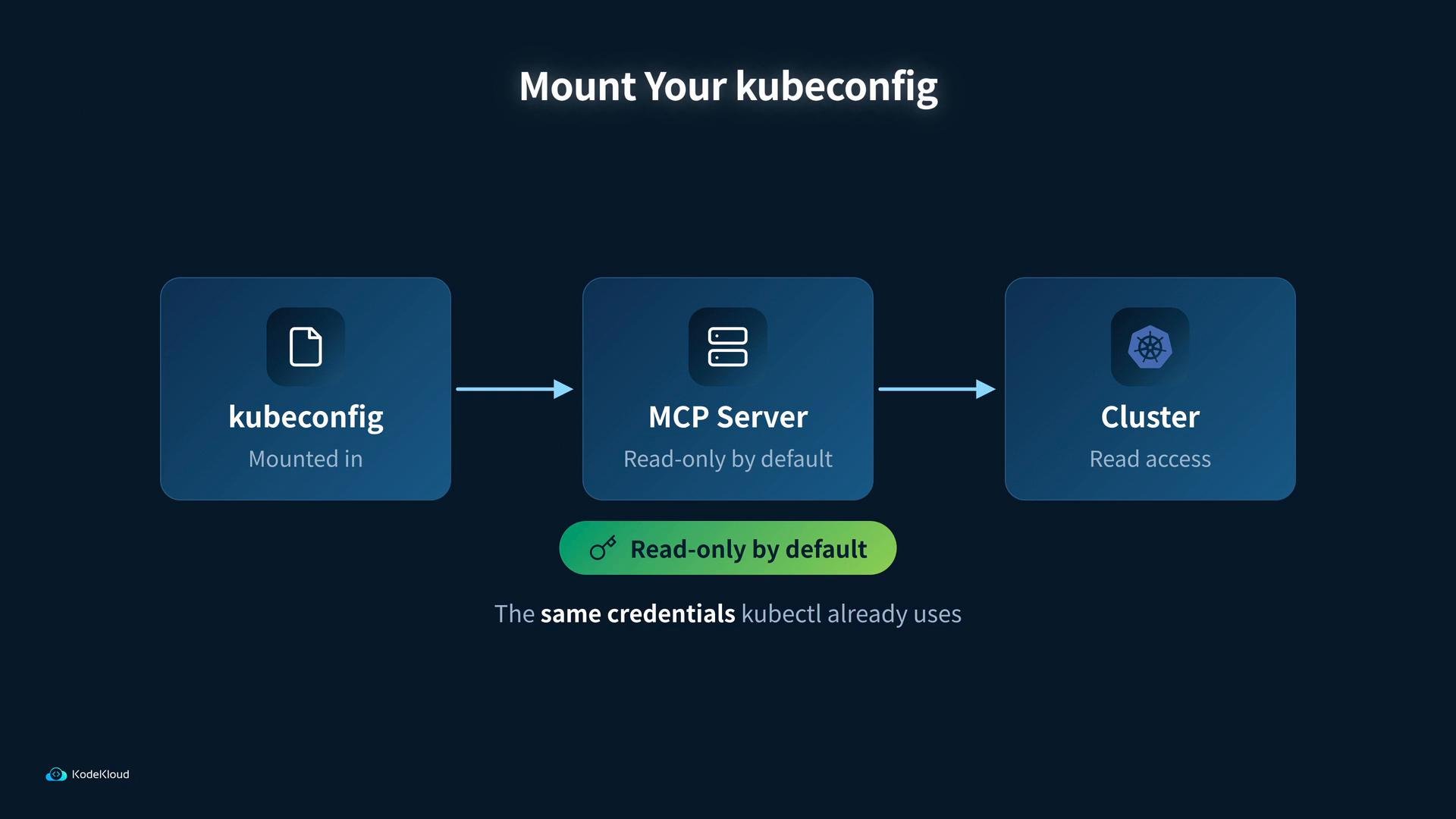
When an MCP server exposes Kubernetes tooling, a standard MCP image can wrap `kubectl` as MCP tools. You mount your kubeconfig into the MCP server container so the server can access the cluster using the same credentials `kubectl` uses. By default this setup is read‑only, but always verify permissions for your environment.
 Lesson plan — what we’ll do
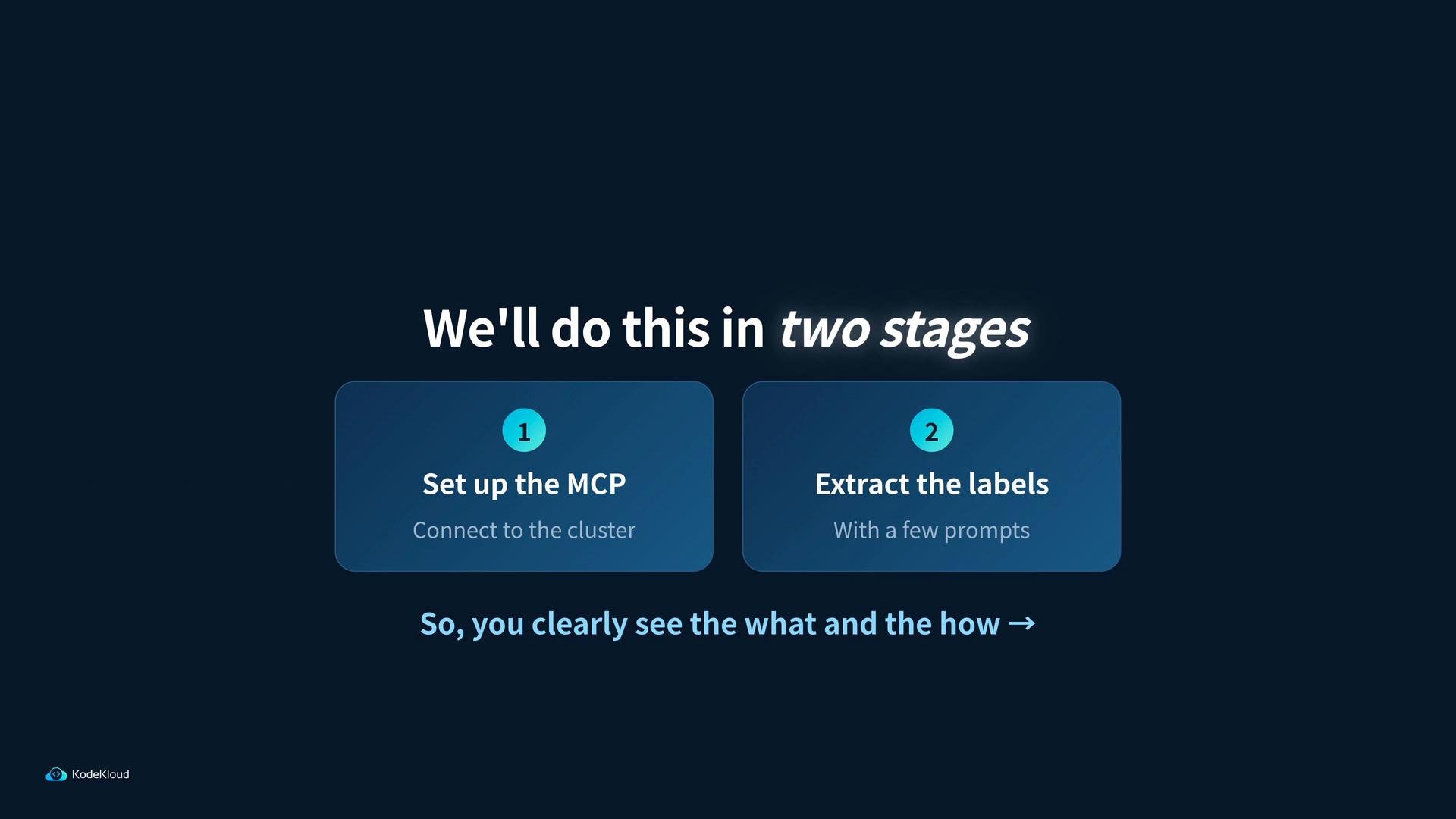
* Stage 1: Set up the MCP instance and connect it to the Kubernetes cluster you created.
* Stage 2: Use a simple client to prompt the MCP server and extract resource labels from the cluster.
Lesson plan — what we’ll do
* Stage 1: Set up the MCP instance and connect it to the Kubernetes cluster you created.
* Stage 2: Use a simple client to prompt the MCP server and extract resource labels from the cluster.
 Tip: When mounting your kubeconfig into an MCP server, verify what permissions that kubeconfig grants. The MCP image defaults to read-only behavior, but you should still follow your security best practices for credentials and least privilege.
Quick reference — MCP components and common transports
| Component | Purpose | Example / Notes |
| - | - | - |
| Client | Initiates actions using JSON-RPC | Typically an LLM-based agent that decides which tools to call |
| Server | Advertises and runs tools | Wraps CLIs (e.g., `kubectl`) or exposes APIs |
| Transport | How messages are sent | `stdio` (local process), `HTTP`, `Server-Sent Events (SSE)` |
| Tools | The actionable capabilities | `kubectl get`, `kubectl describe`, `kubectl logs` |
Links and references
* MCP repository: [https://github.com/microsoft/mcp](https://github.com/microsoft/mcp)
* JSON-RPC specification: [https://www.jsonrpc.org/specification](https://www.jsonrpc.org/specification)
* kubectl reference: [https://kubernetes.io/docs/reference/kubectl/](https://kubernetes.io/docs/reference/kubectl/)
* Kubeconfig concepts: [https://kubernetes.io/docs/concepts/configuration/organize-cluster-access-kubeconfig/](https://kubernetes.io/docs/concepts/configuration/organize-cluster-access-kubeconfig/)
* Server-Sent Events (SSE) overview: [https://developer.mozilla.org/en-US/docs/Web/API/Server-sent\_events/Using\_server-sent\_events/](https://developer.mozilla.org/en-US/docs/Web/API/Server-sent_events/Using_server-sent_events/)
Next: we’ll walk through spinning up an MCP server that uses your kubeconfig and then run a few client prompts to extract labels from cluster resources.
This documentation is built and hosted on [Mintlify](https://mintlify.com), a developer documentation platform.
Tip: When mounting your kubeconfig into an MCP server, verify what permissions that kubeconfig grants. The MCP image defaults to read-only behavior, but you should still follow your security best practices for credentials and least privilege.
Quick reference — MCP components and common transports
| Component | Purpose | Example / Notes |
| - | - | - |
| Client | Initiates actions using JSON-RPC | Typically an LLM-based agent that decides which tools to call |
| Server | Advertises and runs tools | Wraps CLIs (e.g., `kubectl`) or exposes APIs |
| Transport | How messages are sent | `stdio` (local process), `HTTP`, `Server-Sent Events (SSE)` |
| Tools | The actionable capabilities | `kubectl get`, `kubectl describe`, `kubectl logs` |
Links and references
* MCP repository: [https://github.com/microsoft/mcp](https://github.com/microsoft/mcp)
* JSON-RPC specification: [https://www.jsonrpc.org/specification](https://www.jsonrpc.org/specification)
* kubectl reference: [https://kubernetes.io/docs/reference/kubectl/](https://kubernetes.io/docs/reference/kubectl/)
* Kubeconfig concepts: [https://kubernetes.io/docs/concepts/configuration/organize-cluster-access-kubeconfig/](https://kubernetes.io/docs/concepts/configuration/organize-cluster-access-kubeconfig/)
* Server-Sent Events (SSE) overview: [https://developer.mozilla.org/en-US/docs/Web/API/Server-sent\_events/Using\_server-sent\_events/](https://developer.mozilla.org/en-US/docs/Web/API/Server-sent_events/Using_server-sent_events/)
Next: we’ll walk through spinning up an MCP server that uses your kubeconfig and then run a few client prompts to extract labels from cluster resources.
This documentation is built and hosted on [Mintlify](https://mintlify.com), a developer documentation platform.