> ## Documentation Index
> Fetch the complete documentation index at: https://notes.kodekloud.com/llms.txt
> Use this file to discover all available pages before exploring further.
# API Gateway Construct
> Guide to a reusable CDKTF construct that exposes an AWS Lambda via API Gateway using Lambda proxy integration.
In this lesson we build a reusable API Gateway construct that exposes an AWS Lambda function over HTTP using a REST API and Lambda proxy integration. The construct will:
* Create a REST API.
* Add a root `ANY` method that proxies to the Lambda.
* Add a `{proxy+}` resource and an `ANY` proxy method (Lambda proxy integration, `AWS_PROXY`) to catch all sub-paths.
* Grant API Gateway permission to invoke the Lambda.
* Deploy the API to a stage and expose the public invoke URL.
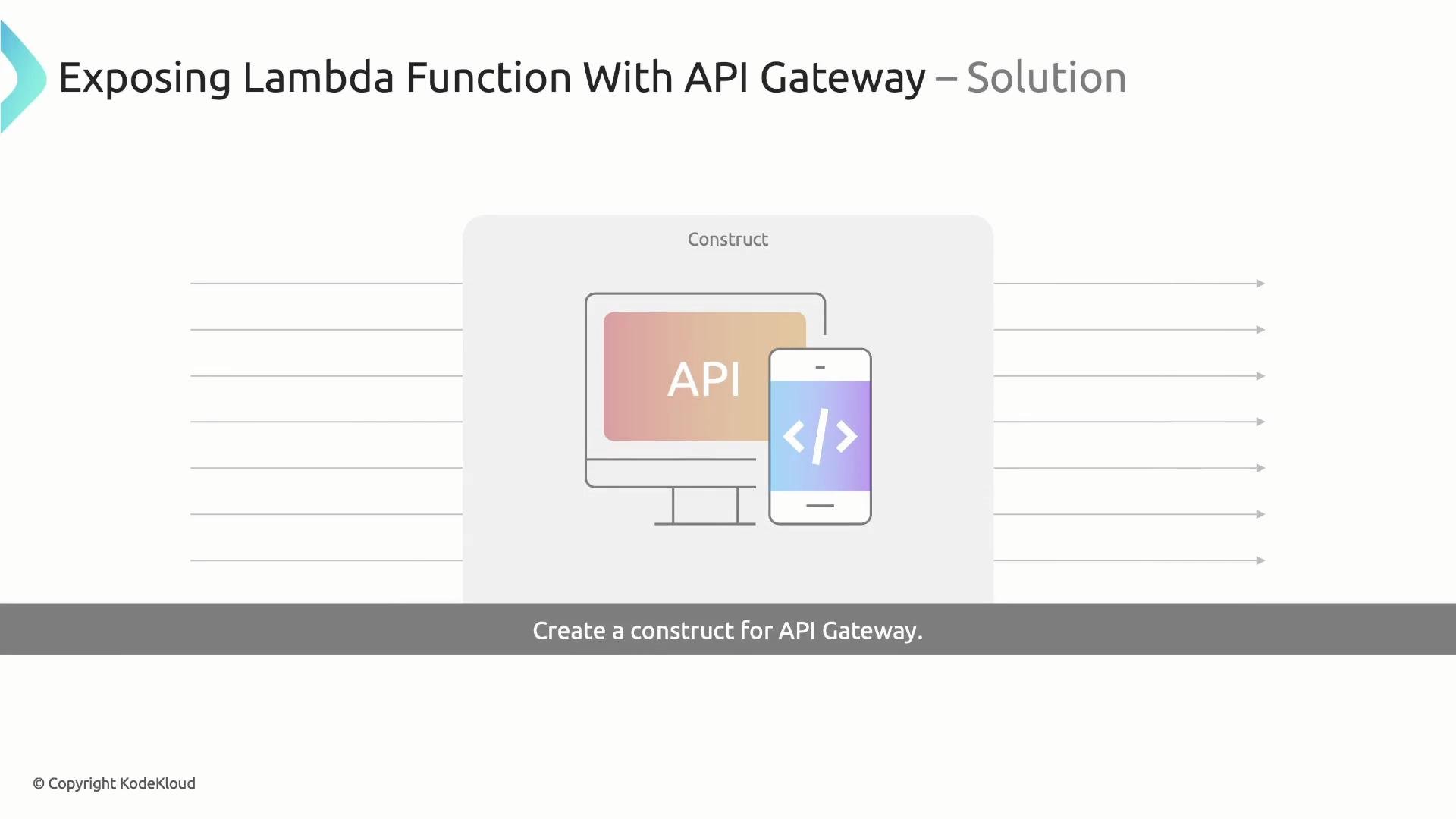
The resulting architecture looks like this:
 Below is a minimal stack example showing how to create the Lambda function and consume the `LambdaRestApi` construct once implemented.
```typescript theme={null}
// examples/MyStack.ts
import { Construct } from 'constructs';
import { App, TerraformStack, TerraformOutput } from 'cdktf';
import * as aws from '@cdktf/provider-aws';
import { LambdaFunction } from './constructs/LambdaFunction';
import { LambdaRestApi } from './constructs/LambdaRestApi';
class MyStack extends TerraformStack {
constructor(scope: Construct, id: string) {
super(scope, id);
// AWS provider for the stack
new aws.AwsProvider(this, 'aws-provider', {
region: 'us-east-1',
});
// Create the Lambda function (custom construct)
const lambdaFn = new LambdaFunction(this, 'lambda-function', {
functionName: 'cdktf-name-picker-api',
bundle: './function-name-picker',
handler: 'index.handler',
});
// Create the API Gateway construct, attach the Lambda, and expose the URL
const api = new LambdaRestApi(this, 'lambda-rest-api', {
handler: lambdaFn,
stageName: 'dev',
});
// Output the API URL
new TerraformOutput(this, 'apiUrl', {
value: api.url,
});
}
}
const app = new App();
new MyStack(app, 'cdktf-name-picker');
app.synth();
```
## Naming helper: getConstructName
A small helper prefixes construct identifiers with the current Terraform stack id. This produces readable and unique resource names in the AWS console.
Create `utils/utils.ts`:
```typescript theme={null}
// utils/utils.ts
import { TerraformStack } from 'cdktf';
import { Construct } from 'constructs';
/**
* Build a construct name prefixed with the current Terraform stack id.
* Example: "-rest-api"
*/
export const getConstructName = (scope: Construct, id: string) =>
`${TerraformStack.of(scope).id}-${id}`;
```
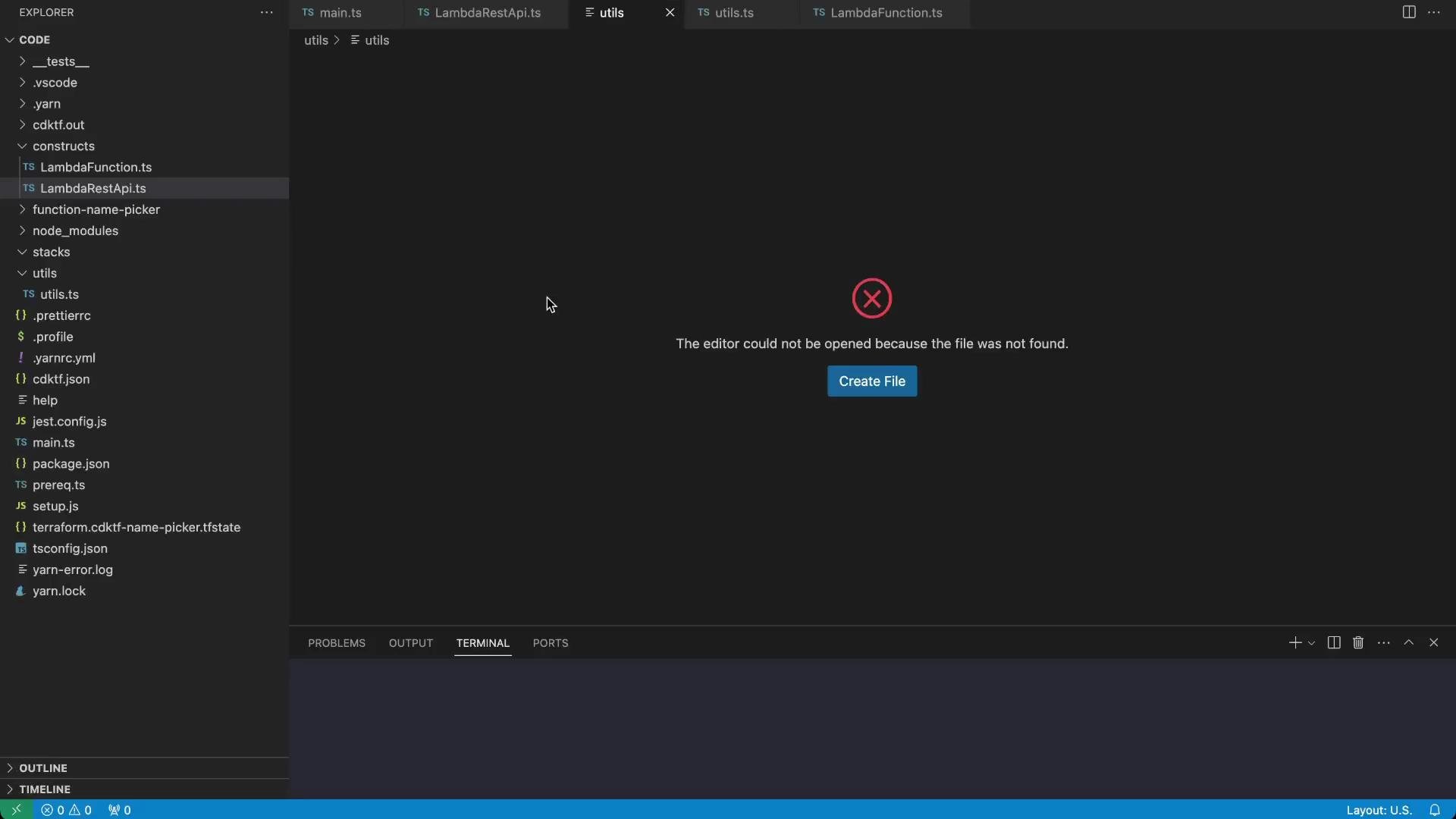
If your editor doesn't pick up the new file immediately, reload Visual Studio Code to refresh the project files.
Below is a minimal stack example showing how to create the Lambda function and consume the `LambdaRestApi` construct once implemented.
```typescript theme={null}
// examples/MyStack.ts
import { Construct } from 'constructs';
import { App, TerraformStack, TerraformOutput } from 'cdktf';
import * as aws from '@cdktf/provider-aws';
import { LambdaFunction } from './constructs/LambdaFunction';
import { LambdaRestApi } from './constructs/LambdaRestApi';
class MyStack extends TerraformStack {
constructor(scope: Construct, id: string) {
super(scope, id);
// AWS provider for the stack
new aws.AwsProvider(this, 'aws-provider', {
region: 'us-east-1',
});
// Create the Lambda function (custom construct)
const lambdaFn = new LambdaFunction(this, 'lambda-function', {
functionName: 'cdktf-name-picker-api',
bundle: './function-name-picker',
handler: 'index.handler',
});
// Create the API Gateway construct, attach the Lambda, and expose the URL
const api = new LambdaRestApi(this, 'lambda-rest-api', {
handler: lambdaFn,
stageName: 'dev',
});
// Output the API URL
new TerraformOutput(this, 'apiUrl', {
value: api.url,
});
}
}
const app = new App();
new MyStack(app, 'cdktf-name-picker');
app.synth();
```
## Naming helper: getConstructName
A small helper prefixes construct identifiers with the current Terraform stack id. This produces readable and unique resource names in the AWS console.
Create `utils/utils.ts`:
```typescript theme={null}
// utils/utils.ts
import { TerraformStack } from 'cdktf';
import { Construct } from 'constructs';
/**
* Build a construct name prefixed with the current Terraform stack id.
* Example: "-rest-api"
*/
export const getConstructName = (scope: Construct, id: string) =>
`${TerraformStack.of(scope).id}-${id}`;
```
If your editor doesn't pick up the new file immediately, reload Visual Studio Code to refresh the project files.
 ## LambdaRestApi construct
Create `constructs/LambdaRestApi.ts`. The `LambdaRestApi` construct encapsulates all API Gateway resources and wiring required to expose a Lambda function via HTTP. Key responsibilities:
* Create an `ApiGatewayRestApi`.
* Add root `ANY` method integrated with Lambda.
* Create a `{proxy+}` resource with `ANY` method and `AWS_PROXY` integration to forward all sub-path requests.
* Add a `LambdaPermission` that lets API Gateway invoke the Lambda.
* Deploy the API to the specified stage and expose a `url` property.
Create the file `constructs/LambdaRestApi.ts` with the following implementation:
```typescript theme={null}
// constructs/LambdaRestApi.ts
import { Construct } from 'constructs';
import * as aws from '@cdktf/provider-aws';
import { getConstructName } from '../utils/utils';
interface LambdaRestApiProps {
// handler should be the construct instance that represents the Lambda function.
// Type can be adjusted to the exact Lambda construct type you use.
handler: any;
stageName: string;
}
export class LambdaRestApi extends Construct {
public readonly url: string;
constructor(scope: Construct, id: string, { handler, stageName }: LambdaRestApiProps) {
super(scope, id);
// Create the REST API
const restApi = new aws.ApiGatewayRestApi(this, 'rest-api', {
name: getConstructName(this, 'rest-api'),
});
// Attach ANY method to the root resource (proxy to Lambda)
this.createApiGatewayLambdaMethod('root', restApi, restApi.rootResourceId, handler);
// Create a proxy resource to handle all sub-paths: /{proxy+}
const proxyResource = new aws.ApiGatewayResource(this, 'proxy-resource', {
restApiId: restApi.id,
parentId: restApi.rootResourceId,
pathPart: '{proxy+}',
});
// Attach ANY method to the proxy resource (proxy to Lambda)
this.createApiGatewayLambdaMethod('proxy-resource', restApi, proxyResource.id, handler);
// Allow API Gateway to invoke the Lambda function
new aws.LambdaPermission(this, 'api-gateway-permission', {
action: 'lambda:InvokeFunction',
functionName: handler.functionName,
principal: 'apigateway.amazonaws.com',
sourceArn: `${restApi.executionArn}/*/*`,
});
// Deploy the API to the specified stage
new aws.ApiGatewayDeployment(this, 'deployment', {
restApiId: restApi.id,
stageName,
// dependsOn ensures the deployment occurs after resources and methods are created
dependsOn: [proxyResource, handler],
});
// Construct and expose the invoke URL for the API Gateway REST API.
// This assumes the provider region is 'us-east-1' as in the example stack.
// Adjust the region as needed or derive it from the provider configuration.
this.url = `https://${restApi.id}.execute-api.us-east-1.amazonaws.com/${stageName}`;
}
/**
* Helper to add an ANY method and an AWS_PROXY integration pointing to the given Lambda.
*/
private createApiGatewayLambdaMethod(
idPrefix: string,
restApi: aws.ApiGatewayRestApi,
resourceId: string,
apiLambda: any
) {
// Create an ANY method without authorization
new aws.ApiGatewayMethod(this, `${idPrefix}-method`, {
restApiId: restApi.id,
resourceId,
httpMethod: 'ANY',
authorization: 'NONE',
});
// Create an AWS_PROXY integration forwarding the request to Lambda (integrationHttpMethod = POST)
new aws.ApiGatewayIntegration(this, `${idPrefix}-lambda-integration`, {
restApiId: restApi.id,
resourceId,
httpMethod: 'ANY',
integrationHttpMethod: 'POST',
type: 'AWS_PROXY',
uri: apiLambda.invokeArn,
});
}
}
```
### Implementation notes and best practices
* The root `ANY` method and the `{proxy+}` `ANY` method together allow all HTTP methods (GET, POST, PUT, DELETE, etc.) to be proxied to the Lambda.
* For Lambda proxy integrations, `integrationHttpMethod` must be `POST`.
* Use integration `type: 'AWS_PROXY'` to enable forwarding of the full request payload and headers to the Lambda.
* The `sourceArn` in `LambdaPermission` restricts invocation to this API. The pattern `${restApi.executionArn}/*/*` covers all stages and HTTP methods for the API.
If your deployment uses a different AWS region, update the `execute-api` hostname in the `url` property or derive the region from the provider config to construct the correct invoke URL programmatically.
Carefully scope `LambdaPermission` with `sourceArn`. Overly broad permissions can allow unintended services to invoke your function. The example uses `${restApi.executionArn}/*/*` to limit access to this API.
## Resources created by the construct
| Resource Type | Purpose | Example (CDK for Terraform) |
| ------------- | ------------------------------------- | ------------------------------------ |
| REST API | Top-level API Gateway REST API | `new aws.ApiGatewayRestApi(...)` |
| Resource | Adds `{proxy+}` sub-resource | `new aws.ApiGatewayResource(...)` |
| Method | Root and proxy ANY methods | `new aws.ApiGatewayMethod(...)` |
| Integration | Lambda proxy integration (AWS\_PROXY) | `new aws.ApiGatewayIntegration(...)` |
| Permission | Allows API Gateway to invoke Lambda | `new aws.LambdaPermission(...)` |
| Deployment | Deploys API to a stage | `new aws.ApiGatewayDeployment(...)` |
## How to use the construct in your stack
1. Implement your Lambda function as a construct (example provided in the sample stack).
2. Instantiate `LambdaRestApi`, passing the Lambda construct instance and the desired `stageName`.
3. Use the construct's `url` property to create a `TerraformOutput` or to wire that URL into other systems.
This pattern encapsulates all API Gateway wiring into a single, reusable construct. It keeps stack code concise, improves resource naming consistency, and makes it easy to reuse the same API wiring across multiple services.
## References
* API Gateway REST API (Terraform AWS Provider): [https://registry.terraform.io/providers/hashicorp/aws/latest/docs/resources/api\_gateway\_rest\_api](https://registry.terraform.io/providers/hashicorp/aws/latest/docs/resources/api_gateway_rest_api)
* Lambda Permission (Terraform AWS Provider): [https://registry.terraform.io/providers/hashicorp/aws/latest/docs/resources/lambda\_permission](https://registry.terraform.io/providers/hashicorp/aws/latest/docs/resources/lambda_permission)
* CDK for Terraform (cdktf): [https://developer.hashicorp.com/terraform/cdktf](https://developer.hashicorp.com/terraform/cdktf)
This construct is a straightforward approach to exposing Lambda functions via HTTP with CDK for Terraform and TypeScript, using Lambda proxy integration for flexible request handling.
## LambdaRestApi construct
Create `constructs/LambdaRestApi.ts`. The `LambdaRestApi` construct encapsulates all API Gateway resources and wiring required to expose a Lambda function via HTTP. Key responsibilities:
* Create an `ApiGatewayRestApi`.
* Add root `ANY` method integrated with Lambda.
* Create a `{proxy+}` resource with `ANY` method and `AWS_PROXY` integration to forward all sub-path requests.
* Add a `LambdaPermission` that lets API Gateway invoke the Lambda.
* Deploy the API to the specified stage and expose a `url` property.
Create the file `constructs/LambdaRestApi.ts` with the following implementation:
```typescript theme={null}
// constructs/LambdaRestApi.ts
import { Construct } from 'constructs';
import * as aws from '@cdktf/provider-aws';
import { getConstructName } from '../utils/utils';
interface LambdaRestApiProps {
// handler should be the construct instance that represents the Lambda function.
// Type can be adjusted to the exact Lambda construct type you use.
handler: any;
stageName: string;
}
export class LambdaRestApi extends Construct {
public readonly url: string;
constructor(scope: Construct, id: string, { handler, stageName }: LambdaRestApiProps) {
super(scope, id);
// Create the REST API
const restApi = new aws.ApiGatewayRestApi(this, 'rest-api', {
name: getConstructName(this, 'rest-api'),
});
// Attach ANY method to the root resource (proxy to Lambda)
this.createApiGatewayLambdaMethod('root', restApi, restApi.rootResourceId, handler);
// Create a proxy resource to handle all sub-paths: /{proxy+}
const proxyResource = new aws.ApiGatewayResource(this, 'proxy-resource', {
restApiId: restApi.id,
parentId: restApi.rootResourceId,
pathPart: '{proxy+}',
});
// Attach ANY method to the proxy resource (proxy to Lambda)
this.createApiGatewayLambdaMethod('proxy-resource', restApi, proxyResource.id, handler);
// Allow API Gateway to invoke the Lambda function
new aws.LambdaPermission(this, 'api-gateway-permission', {
action: 'lambda:InvokeFunction',
functionName: handler.functionName,
principal: 'apigateway.amazonaws.com',
sourceArn: `${restApi.executionArn}/*/*`,
});
// Deploy the API to the specified stage
new aws.ApiGatewayDeployment(this, 'deployment', {
restApiId: restApi.id,
stageName,
// dependsOn ensures the deployment occurs after resources and methods are created
dependsOn: [proxyResource, handler],
});
// Construct and expose the invoke URL for the API Gateway REST API.
// This assumes the provider region is 'us-east-1' as in the example stack.
// Adjust the region as needed or derive it from the provider configuration.
this.url = `https://${restApi.id}.execute-api.us-east-1.amazonaws.com/${stageName}`;
}
/**
* Helper to add an ANY method and an AWS_PROXY integration pointing to the given Lambda.
*/
private createApiGatewayLambdaMethod(
idPrefix: string,
restApi: aws.ApiGatewayRestApi,
resourceId: string,
apiLambda: any
) {
// Create an ANY method without authorization
new aws.ApiGatewayMethod(this, `${idPrefix}-method`, {
restApiId: restApi.id,
resourceId,
httpMethod: 'ANY',
authorization: 'NONE',
});
// Create an AWS_PROXY integration forwarding the request to Lambda (integrationHttpMethod = POST)
new aws.ApiGatewayIntegration(this, `${idPrefix}-lambda-integration`, {
restApiId: restApi.id,
resourceId,
httpMethod: 'ANY',
integrationHttpMethod: 'POST',
type: 'AWS_PROXY',
uri: apiLambda.invokeArn,
});
}
}
```
### Implementation notes and best practices
* The root `ANY` method and the `{proxy+}` `ANY` method together allow all HTTP methods (GET, POST, PUT, DELETE, etc.) to be proxied to the Lambda.
* For Lambda proxy integrations, `integrationHttpMethod` must be `POST`.
* Use integration `type: 'AWS_PROXY'` to enable forwarding of the full request payload and headers to the Lambda.
* The `sourceArn` in `LambdaPermission` restricts invocation to this API. The pattern `${restApi.executionArn}/*/*` covers all stages and HTTP methods for the API.
If your deployment uses a different AWS region, update the `execute-api` hostname in the `url` property or derive the region from the provider config to construct the correct invoke URL programmatically.
Carefully scope `LambdaPermission` with `sourceArn`. Overly broad permissions can allow unintended services to invoke your function. The example uses `${restApi.executionArn}/*/*` to limit access to this API.
## Resources created by the construct
| Resource Type | Purpose | Example (CDK for Terraform) |
| ------------- | ------------------------------------- | ------------------------------------ |
| REST API | Top-level API Gateway REST API | `new aws.ApiGatewayRestApi(...)` |
| Resource | Adds `{proxy+}` sub-resource | `new aws.ApiGatewayResource(...)` |
| Method | Root and proxy ANY methods | `new aws.ApiGatewayMethod(...)` |
| Integration | Lambda proxy integration (AWS\_PROXY) | `new aws.ApiGatewayIntegration(...)` |
| Permission | Allows API Gateway to invoke Lambda | `new aws.LambdaPermission(...)` |
| Deployment | Deploys API to a stage | `new aws.ApiGatewayDeployment(...)` |
## How to use the construct in your stack
1. Implement your Lambda function as a construct (example provided in the sample stack).
2. Instantiate `LambdaRestApi`, passing the Lambda construct instance and the desired `stageName`.
3. Use the construct's `url` property to create a `TerraformOutput` or to wire that URL into other systems.
This pattern encapsulates all API Gateway wiring into a single, reusable construct. It keeps stack code concise, improves resource naming consistency, and makes it easy to reuse the same API wiring across multiple services.
## References
* API Gateway REST API (Terraform AWS Provider): [https://registry.terraform.io/providers/hashicorp/aws/latest/docs/resources/api\_gateway\_rest\_api](https://registry.terraform.io/providers/hashicorp/aws/latest/docs/resources/api_gateway_rest_api)
* Lambda Permission (Terraform AWS Provider): [https://registry.terraform.io/providers/hashicorp/aws/latest/docs/resources/lambda\_permission](https://registry.terraform.io/providers/hashicorp/aws/latest/docs/resources/lambda_permission)
* CDK for Terraform (cdktf): [https://developer.hashicorp.com/terraform/cdktf](https://developer.hashicorp.com/terraform/cdktf)
This construct is a straightforward approach to exposing Lambda functions via HTTP with CDK for Terraform and TypeScript, using Lambda proxy integration for flexible request handling.