> ## Documentation Index
> Fetch the complete documentation index at: https://notes.kodekloud.com/llms.txt
> Use this file to discover all available pages before exploring further.
# Lambda Function Construct
> Guide to building a reusable CDKTF construct that packages and deploys AWS Lambda functions using TerraformAsset and manages IAM role and logging policy
This guide shows how to encapsulate AWS Lambda deployment logic into a reusable CDKTF construct. The construct creates an IAM role, attaches the managed policy required for CloudWatch logging, and provisions the Lambda function. It also demonstrates two packaging approaches for the function code: a simple `execSync` demo (not recommended) and the recommended `TerraformAsset` approach, which allows CDKTF/Terraform to detect code changes and redeploy automatically.
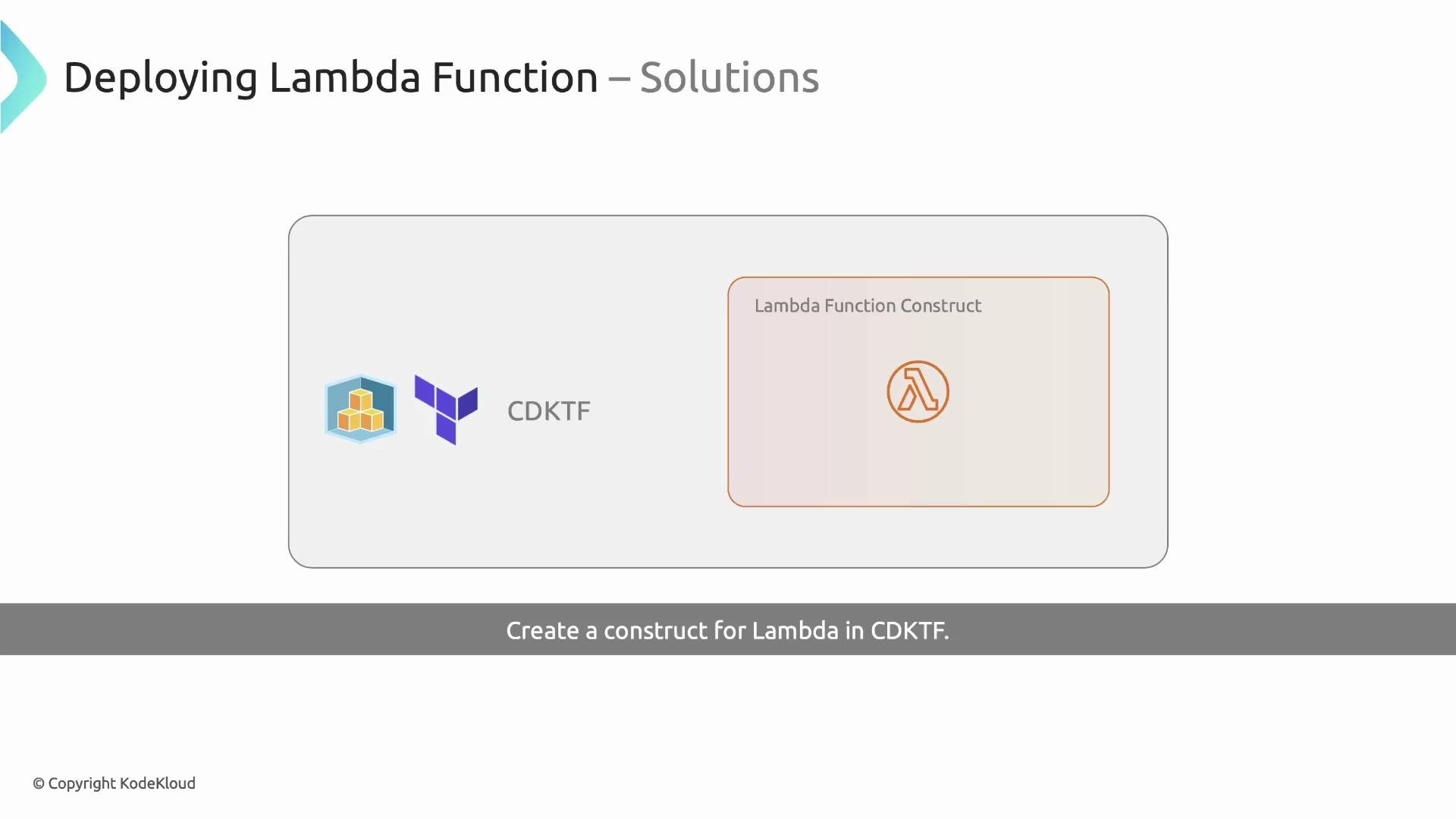 ## Create the Lambda construct file
Name the file according to the class (for example `constructs/LambdaFunction.ts`). The construct:
* Accepts configuration props (e.g. `functionName`, `bundle`, and other Lambda-specific options).
* Creates an IAM role with an assume-role policy for Lambda.
* Attaches the AWS managed policy `AWSLambdaBasicExecutionRole` so the function can write logs to CloudWatch.
* Packages the function code and configures the Lambda resource with the produced archive.
Key design decisions:
* Omit `role` and `filename` from public props so the construct fully controls the execution role and packaging artifact.
* Provide a `bundle` prop that points to the directory containing the function code (for packaging).
Below is a consolidated TypeScript implementation that follows these rules and demonstrates the recommended `TerraformAsset` approach (plus an execSync example shown but commented out):
```typescript theme={null}
// constructs/LambdaFunction.ts
import { iamRole, iamRolePolicyAttachment, lambdaFunction } from '@cdktf/provider-aws';
import { LambdaFunctionConfig } from '@cdktf/provider-aws/lib/lambda-function';
import { AssetType, TerraformAsset } from 'cdktf';
import { execSync } from 'child_process';
import { Construct } from 'constructs';
import * as path from 'path';
// Prevent callers from specifying `role` and `filename` directly.
// We'll supply `role` and compute `filename` inside the construct.
interface LambdaFunctionProps extends Omit {
bundle: string; // path to folder containing function code (for packaging)
functionName: string; // logical function name
}
export class LambdaFunction extends Construct {
public readonly lambdaFunction: lambdaFunction.LambdaFunction;
constructor(scope: Construct, id: string, { functionName, bundle, ...rest }: LambdaFunctionProps) {
super(scope, id);
// Option A: simple execSync packaging (demonstration only)
// WARNING: this approach runs at synth time and CDKTF/Terraform won't track changes reliably.
// const filename = path.join(process.env.INIT_CWD!, `./out/${bundle}.zip`);
// execSync(`rm -rf ./out && mkdir -p ./out && cd ${bundle} && zip -r ${filename} .`, {
// cwd: process.env.INIT_CWD!,
// });
// Option B: recommended - use TerraformAsset to package and make CDKTF aware of changes
const asset = new TerraformAsset(this, 'lambda-asset', {
path: path.join(process.env.INIT_CWD!, bundle),
type: AssetType.ARCHIVE,
});
// Create IAM role for Lambda
const lambdaRole = new iamRole.IamRole(this, 'lambda-execution-role', {
name: `${functionName}-execution-role`,
assumeRolePolicy: JSON.stringify({
Version: '2012-10-17',
Statement: [
{
Effect: 'Allow',
Principal: {
Service: 'lambda.amazonaws.com',
},
Action: 'sts:AssumeRole',
},
],
}),
});
// Attach managed policy for basic Lambda execution (CloudWatch logs)
new iamRolePolicyAttachment.IamRolePolicyAttachment(this, 'LambdaExecutionRolePolicy', {
role: lambdaRole.name,
policyArn: 'arn:aws:iam::aws:policy/service-role/AWSLambdaBasicExecutionRole',
});
// Create the Lambda function resource using the packaged asset
// The Lambda resource expects the `filename` to be the path to the archive artifact produced by TerraformAsset.
this.lambdaFunction = new lambdaFunction.LambdaFunction(this, 'lambda-function', {
functionName,
role: lambdaRole.arn,
runtime: 'nodejs18.x',
timeout: 30,
filename: asset.path, // TerraformAsset makes the archive available here
...rest, // forward any remaining LambdaFunctionConfig props (handler, environment, etc.)
});
}
}
```
We deliberately omit `role` and `filename` from the public props so the construct controls them. Callers can still override other Lambda properties (for example `timeout` or `handler`).
## Using the construct in your stack
Instantiate the construct in your stack and pass the `bundle` directory (the folder that contains your function code) along with handler and optional overrides:
```typescript theme={null}
// main.ts
import { Construct } from 'constructs';
import { App, TerraformStack, TerraformOutput } from 'cdktf';
import { provider } from '@cdktf/provider-aws';
import { LambdaFunction } from './constructs/LambdaFunction';
class MyStack extends TerraformStack {
constructor(scope: Construct, id: string) {
super(scope, id);
new provider.AwsProvider(this, 'aws-provider', {
region: 'us-east-1',
});
new LambdaFunction(this, 'lambda-function', {
functionName: 'cdktf-name-picker-api',
bundle: './function-name-picker', // folder containing index.js
handler: 'index.handler',
timeout: 40, // optional override
});
new TerraformOutput(this, 'lets-go', { value: 'lets go!' });
}
}
const app = new App();
new MyStack(app, 'cdktf-name-picker');
app.synth();
```
Tips:
* `bundle` should be a path relative to your project root (often `process.env.INIT_CWD` is used inside the construct).
* Provide `handler` in the usual `file.exports` format (e.g. `index.handler`).
## Verify the Lambda in the AWS Console
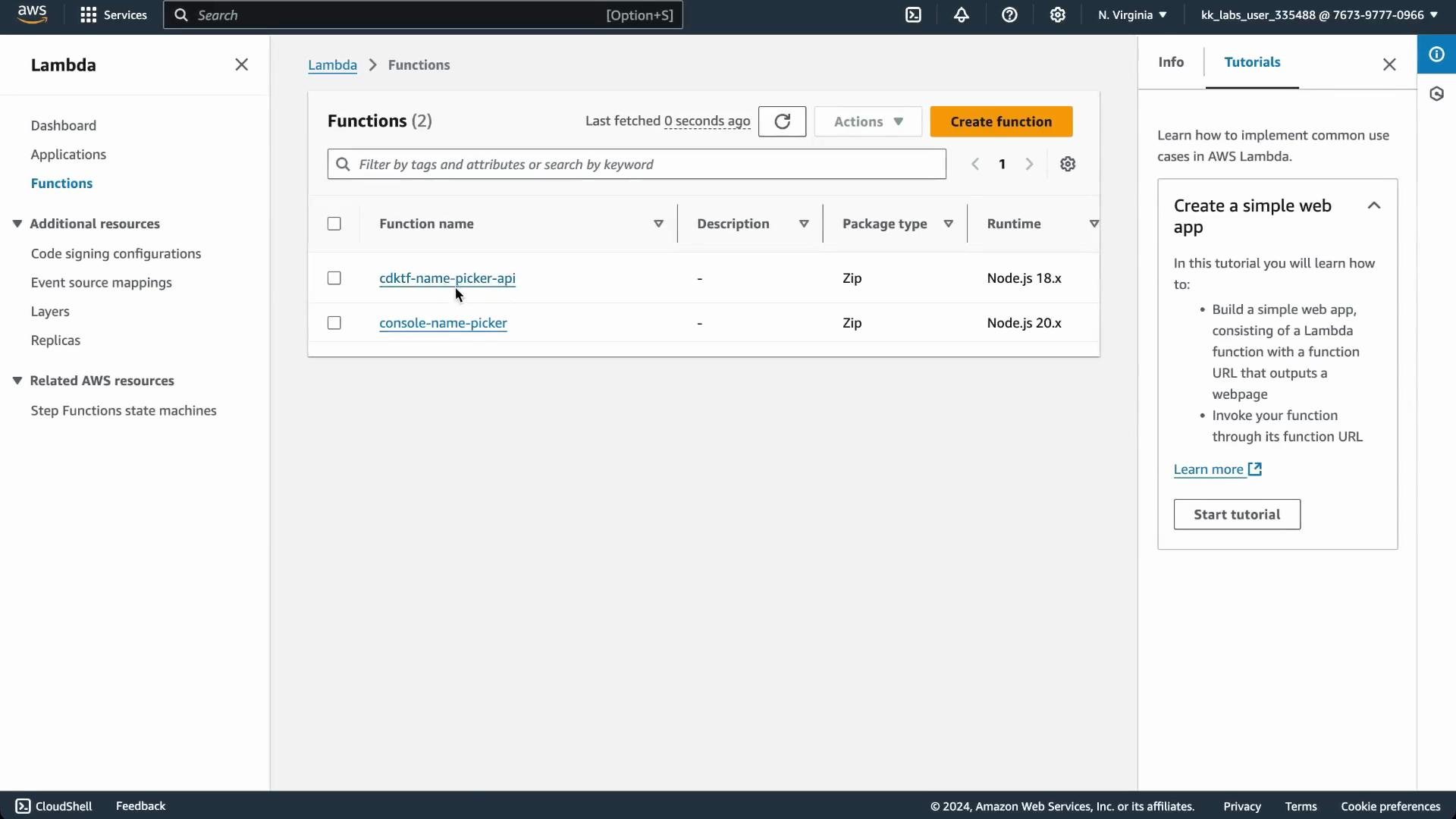
After `yarn deploy` (or your deployment command), you should see the Lambda function with its role and attached policy in the AWS Lambda console.
## Create the Lambda construct file
Name the file according to the class (for example `constructs/LambdaFunction.ts`). The construct:
* Accepts configuration props (e.g. `functionName`, `bundle`, and other Lambda-specific options).
* Creates an IAM role with an assume-role policy for Lambda.
* Attaches the AWS managed policy `AWSLambdaBasicExecutionRole` so the function can write logs to CloudWatch.
* Packages the function code and configures the Lambda resource with the produced archive.
Key design decisions:
* Omit `role` and `filename` from public props so the construct fully controls the execution role and packaging artifact.
* Provide a `bundle` prop that points to the directory containing the function code (for packaging).
Below is a consolidated TypeScript implementation that follows these rules and demonstrates the recommended `TerraformAsset` approach (plus an execSync example shown but commented out):
```typescript theme={null}
// constructs/LambdaFunction.ts
import { iamRole, iamRolePolicyAttachment, lambdaFunction } from '@cdktf/provider-aws';
import { LambdaFunctionConfig } from '@cdktf/provider-aws/lib/lambda-function';
import { AssetType, TerraformAsset } from 'cdktf';
import { execSync } from 'child_process';
import { Construct } from 'constructs';
import * as path from 'path';
// Prevent callers from specifying `role` and `filename` directly.
// We'll supply `role` and compute `filename` inside the construct.
interface LambdaFunctionProps extends Omit {
bundle: string; // path to folder containing function code (for packaging)
functionName: string; // logical function name
}
export class LambdaFunction extends Construct {
public readonly lambdaFunction: lambdaFunction.LambdaFunction;
constructor(scope: Construct, id: string, { functionName, bundle, ...rest }: LambdaFunctionProps) {
super(scope, id);
// Option A: simple execSync packaging (demonstration only)
// WARNING: this approach runs at synth time and CDKTF/Terraform won't track changes reliably.
// const filename = path.join(process.env.INIT_CWD!, `./out/${bundle}.zip`);
// execSync(`rm -rf ./out && mkdir -p ./out && cd ${bundle} && zip -r ${filename} .`, {
// cwd: process.env.INIT_CWD!,
// });
// Option B: recommended - use TerraformAsset to package and make CDKTF aware of changes
const asset = new TerraformAsset(this, 'lambda-asset', {
path: path.join(process.env.INIT_CWD!, bundle),
type: AssetType.ARCHIVE,
});
// Create IAM role for Lambda
const lambdaRole = new iamRole.IamRole(this, 'lambda-execution-role', {
name: `${functionName}-execution-role`,
assumeRolePolicy: JSON.stringify({
Version: '2012-10-17',
Statement: [
{
Effect: 'Allow',
Principal: {
Service: 'lambda.amazonaws.com',
},
Action: 'sts:AssumeRole',
},
],
}),
});
// Attach managed policy for basic Lambda execution (CloudWatch logs)
new iamRolePolicyAttachment.IamRolePolicyAttachment(this, 'LambdaExecutionRolePolicy', {
role: lambdaRole.name,
policyArn: 'arn:aws:iam::aws:policy/service-role/AWSLambdaBasicExecutionRole',
});
// Create the Lambda function resource using the packaged asset
// The Lambda resource expects the `filename` to be the path to the archive artifact produced by TerraformAsset.
this.lambdaFunction = new lambdaFunction.LambdaFunction(this, 'lambda-function', {
functionName,
role: lambdaRole.arn,
runtime: 'nodejs18.x',
timeout: 30,
filename: asset.path, // TerraformAsset makes the archive available here
...rest, // forward any remaining LambdaFunctionConfig props (handler, environment, etc.)
});
}
}
```
We deliberately omit `role` and `filename` from the public props so the construct controls them. Callers can still override other Lambda properties (for example `timeout` or `handler`).
## Using the construct in your stack
Instantiate the construct in your stack and pass the `bundle` directory (the folder that contains your function code) along with handler and optional overrides:
```typescript theme={null}
// main.ts
import { Construct } from 'constructs';
import { App, TerraformStack, TerraformOutput } from 'cdktf';
import { provider } from '@cdktf/provider-aws';
import { LambdaFunction } from './constructs/LambdaFunction';
class MyStack extends TerraformStack {
constructor(scope: Construct, id: string) {
super(scope, id);
new provider.AwsProvider(this, 'aws-provider', {
region: 'us-east-1',
});
new LambdaFunction(this, 'lambda-function', {
functionName: 'cdktf-name-picker-api',
bundle: './function-name-picker', // folder containing index.js
handler: 'index.handler',
timeout: 40, // optional override
});
new TerraformOutput(this, 'lets-go', { value: 'lets go!' });
}
}
const app = new App();
new MyStack(app, 'cdktf-name-picker');
app.synth();
```
Tips:
* `bundle` should be a path relative to your project root (often `process.env.INIT_CWD` is used inside the construct).
* Provide `handler` in the usual `file.exports` format (e.g. `index.handler`).
## Verify the Lambda in the AWS Console
After `yarn deploy` (or your deployment command), you should see the Lambda function with its role and attached policy in the AWS Lambda console.
 Open the function to inspect the code and run tests in the console:
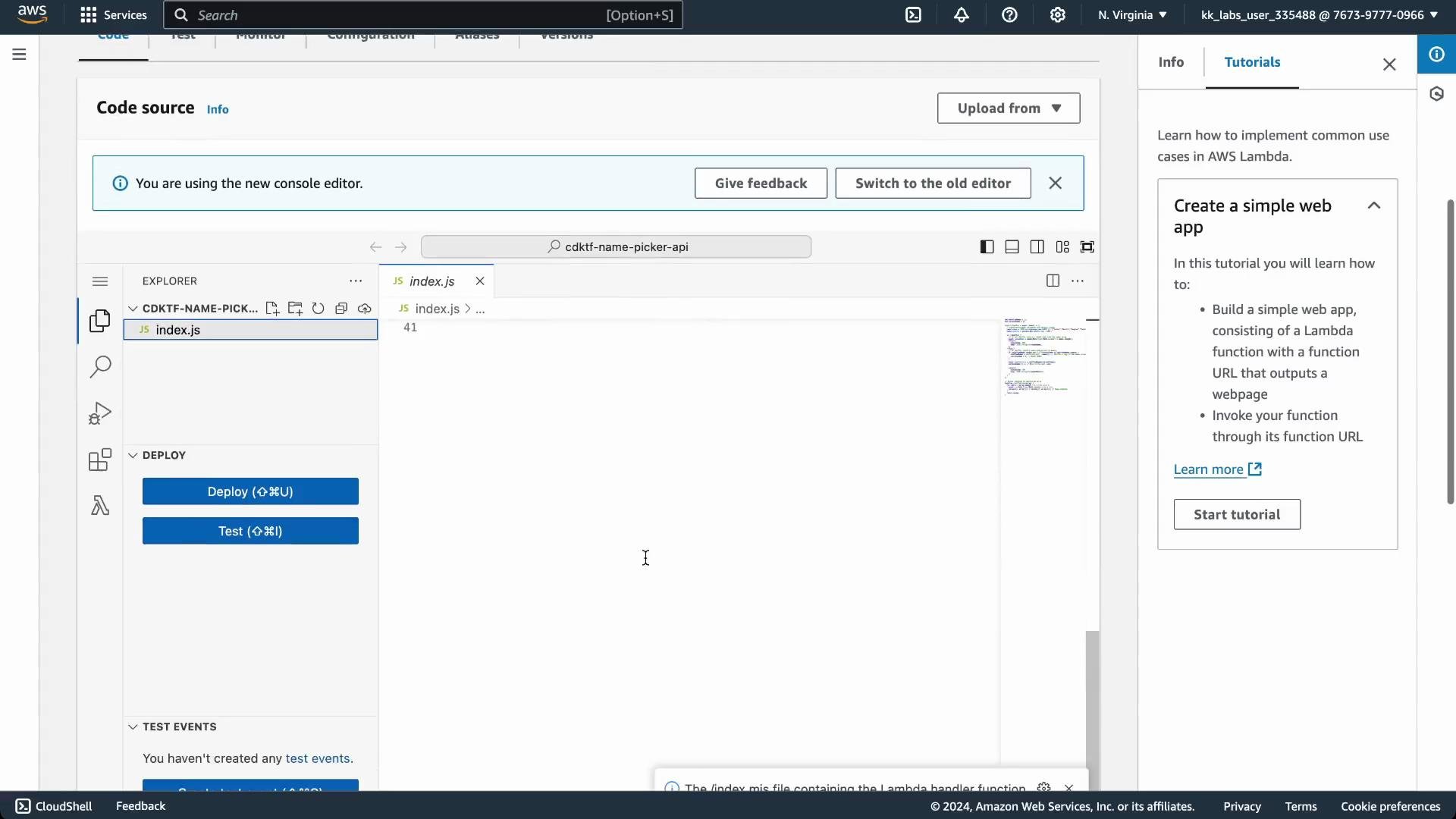 A successful test invocation returns a JSON response similar to:
```json theme={null}
{
"statusCode": 200,
"body": "\"Carolyn\""
}
```
## Example Lambda handler (index.js)
Save this file as `function-name-picker/index.js`. It's a compact Node.js handler that either returns a random name or cycles through a shuffled list (when `SHUFFLE=true`).
```javascript theme={null}
let shuffledNames = [];
let currentIndex = 0;
exports.handler = async (event) => {
console.log('Received event', event);
// Parse environment variables with default values
const names = JSON.parse(process.env.NAMES || '["Arthur","Martin","Douglas","Carolyn"]');
const shuffle = process.env.SHUFFLE === 'true';
if (!shuffle) {
// Return a random name
const randomName = names[Math.floor(Math.random() * names.length)];
return {
statusCode: 200,
body: JSON.stringify(randomName),
};
} else {
// Return names in shuffled order, preserving state in container memory
if (shuffledNames.length === 0 || currentIndex >= shuffledNames.length) {
shuffledNames = shuffleArray([...names]);
currentIndex = 0;
}
const nameToReturn = shuffledNames[currentIndex];
currentIndex += 1;
return {
statusCode: 200,
body: JSON.stringify(nameToReturn),
};
}
};
// Helper function to shuffle an array
function shuffleArray(array) {
for (let i = array.length - 1; i > 0; i--) {
const j = Math.floor(Math.random() * (i + 1));
[array[i], array[j]] = [array[j], array[i]];
}
return array;
}
```
## Packaging approaches
This guide demonstrates two packaging strategies: a quick `execSync` approach (for demonstration only) and the recommended `TerraformAsset` approach that integrates with Terraform's change detection.
### 1) Packaging with execSync (not recommended)
This approach runs shell commands at synth time to create a ZIP archive. It works, but Terraform/CDKTF will not reliably detect code changes produced after the archive was created during synth.
```typescript theme={null}
// demo packaging with execSync (not recommended)
import { execSync } from 'child_process';
import * as path from 'path';
const filename = path.join(process.env.INIT_CWD!, `./out/${bundle}.zip`);
execSync(`rm -rf ./out && mkdir -p ./out && cd ${bundle} && zip -r ${filename} .`, {
cwd: process.env.INIT_CWD!,
});
```
Running packaging during synth (via `execSync`) means Terraform/CDKTF does not record the archive as an asset. Subsequent code changes may not trigger deploys — you can end up with "No changes" even when source changed.
Why this is problematic:
* Packaging happens outside Terraform's asset tracking.
* Terraform won't detect subsequent code changes and may skip deployments.
* Requires manual steps or extra tooling to ensure the archive is refreshed before each deploy.
### 2) Packaging with TerraformAsset (recommended)
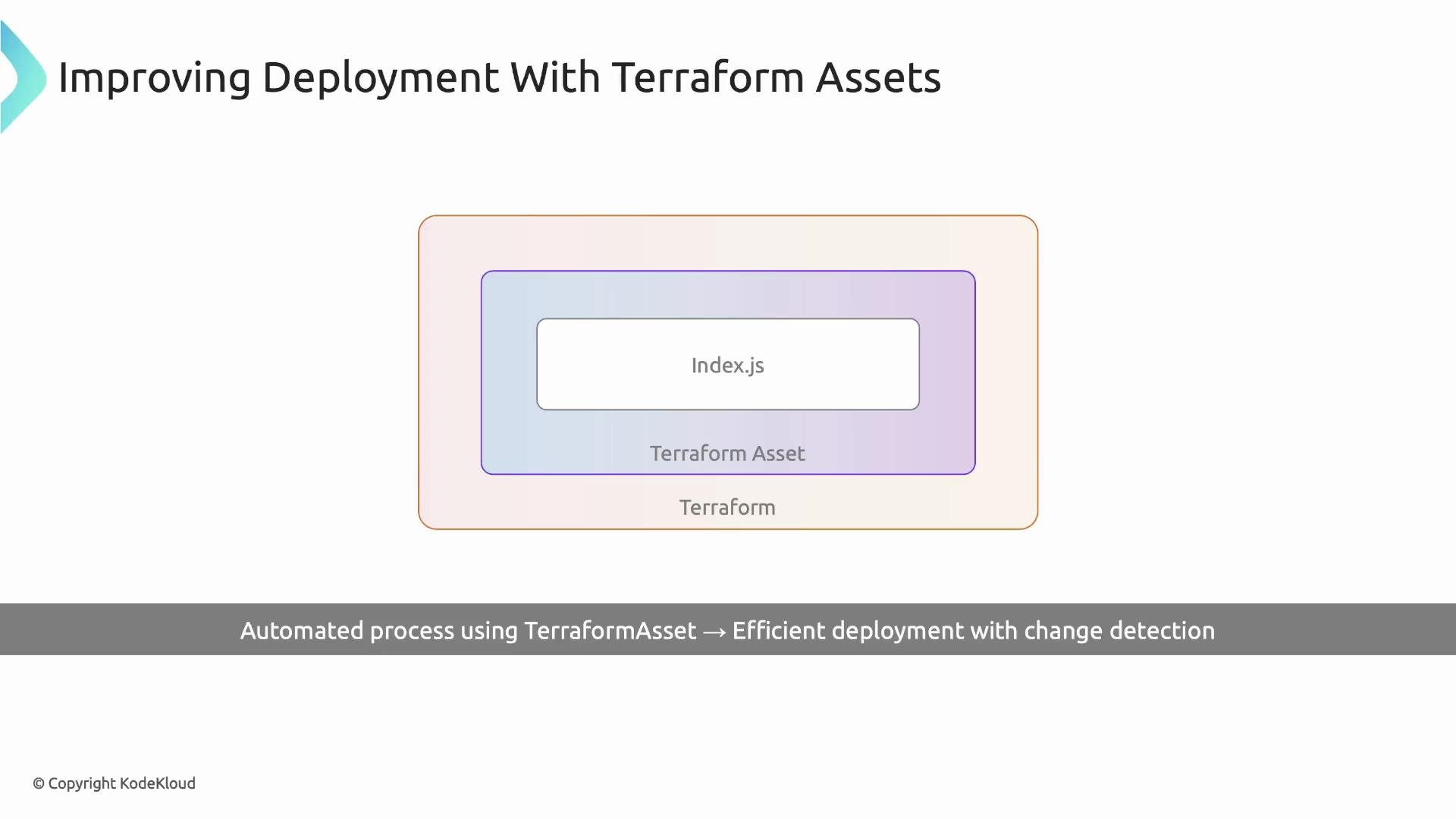
`TerraformAsset` produces an archive that Terraform treats as an asset. When the bundle contents change, Terraform will detect differences and prompt to apply updates, ensuring the Lambda is redeployed with the new code.
A successful test invocation returns a JSON response similar to:
```json theme={null}
{
"statusCode": 200,
"body": "\"Carolyn\""
}
```
## Example Lambda handler (index.js)
Save this file as `function-name-picker/index.js`. It's a compact Node.js handler that either returns a random name or cycles through a shuffled list (when `SHUFFLE=true`).
```javascript theme={null}
let shuffledNames = [];
let currentIndex = 0;
exports.handler = async (event) => {
console.log('Received event', event);
// Parse environment variables with default values
const names = JSON.parse(process.env.NAMES || '["Arthur","Martin","Douglas","Carolyn"]');
const shuffle = process.env.SHUFFLE === 'true';
if (!shuffle) {
// Return a random name
const randomName = names[Math.floor(Math.random() * names.length)];
return {
statusCode: 200,
body: JSON.stringify(randomName),
};
} else {
// Return names in shuffled order, preserving state in container memory
if (shuffledNames.length === 0 || currentIndex >= shuffledNames.length) {
shuffledNames = shuffleArray([...names]);
currentIndex = 0;
}
const nameToReturn = shuffledNames[currentIndex];
currentIndex += 1;
return {
statusCode: 200,
body: JSON.stringify(nameToReturn),
};
}
};
// Helper function to shuffle an array
function shuffleArray(array) {
for (let i = array.length - 1; i > 0; i--) {
const j = Math.floor(Math.random() * (i + 1));
[array[i], array[j]] = [array[j], array[i]];
}
return array;
}
```
## Packaging approaches
This guide demonstrates two packaging strategies: a quick `execSync` approach (for demonstration only) and the recommended `TerraformAsset` approach that integrates with Terraform's change detection.
### 1) Packaging with execSync (not recommended)
This approach runs shell commands at synth time to create a ZIP archive. It works, but Terraform/CDKTF will not reliably detect code changes produced after the archive was created during synth.
```typescript theme={null}
// demo packaging with execSync (not recommended)
import { execSync } from 'child_process';
import * as path from 'path';
const filename = path.join(process.env.INIT_CWD!, `./out/${bundle}.zip`);
execSync(`rm -rf ./out && mkdir -p ./out && cd ${bundle} && zip -r ${filename} .`, {
cwd: process.env.INIT_CWD!,
});
```
Running packaging during synth (via `execSync`) means Terraform/CDKTF does not record the archive as an asset. Subsequent code changes may not trigger deploys — you can end up with "No changes" even when source changed.
Why this is problematic:
* Packaging happens outside Terraform's asset tracking.
* Terraform won't detect subsequent code changes and may skip deployments.
* Requires manual steps or extra tooling to ensure the archive is refreshed before each deploy.
### 2) Packaging with TerraformAsset (recommended)
`TerraformAsset` produces an archive that Terraform treats as an asset. When the bundle contents change, Terraform will detect differences and prompt to apply updates, ensuring the Lambda is redeployed with the new code.
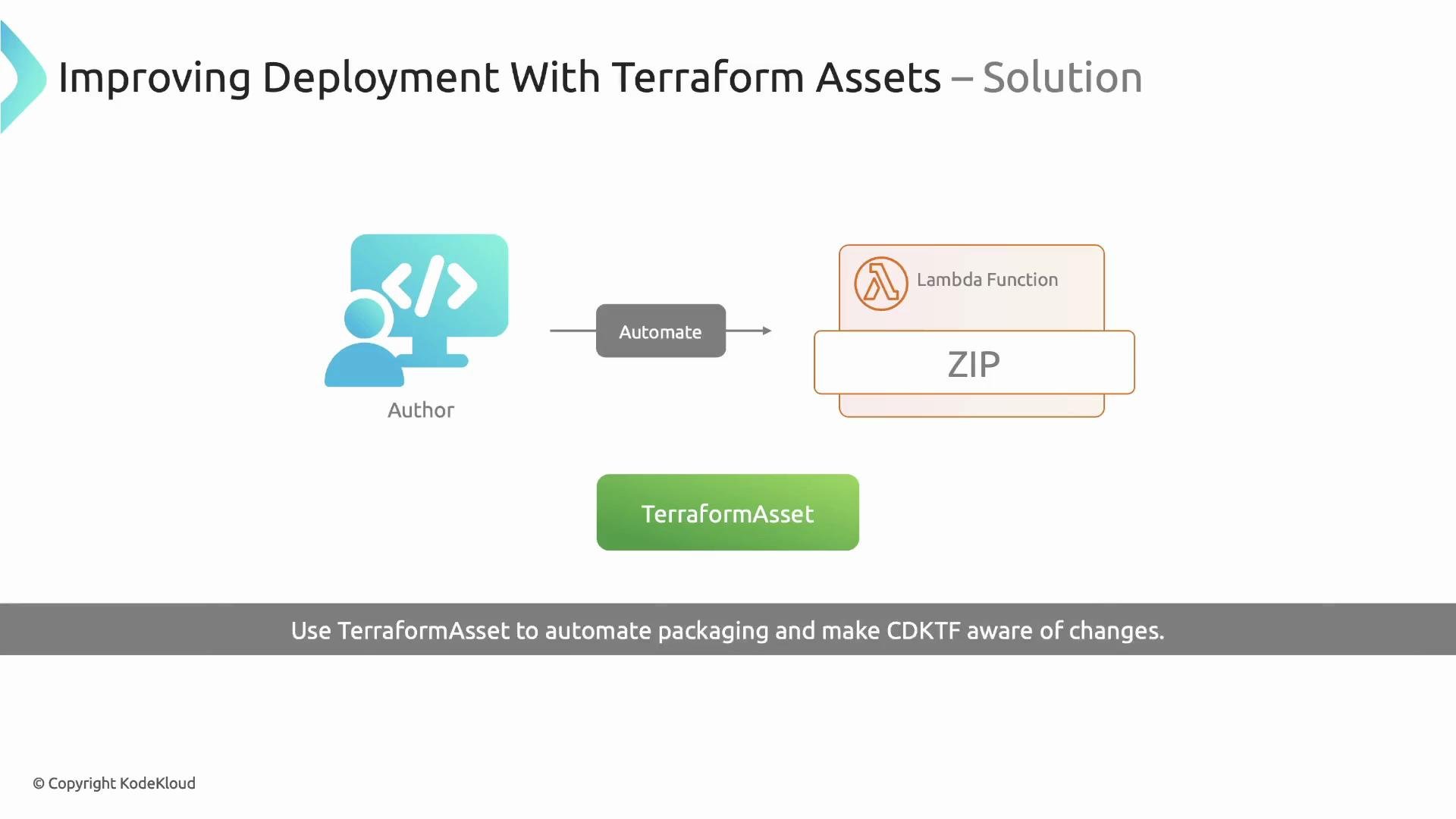 Example usage (already shown in the construct):
```typescript theme={null}
const asset = new TerraformAsset(this, 'lambda-asset', {
path: path.join(process.env.INIT_CWD!, bundle),
type: AssetType.ARCHIVE,
});
// then use asset.path as the Lambda `filename`
this.lambdaFunction = new lambdaFunction.LambdaFunction(this, 'lambda-function', {
functionName,
role: lambdaRole.arn,
runtime: 'nodejs18.x',
timeout: 30,
filename: asset.path,
...rest,
});
```
When you change `index.js` and run `yarn deploy` (or your CDKTF deploy command):
* Terraform detects the updated asset hash.
* Terraform prompts and applies the change.
* The updated Lambda code is uploaded and becomes active.
* CloudWatch logs will reflect the new behavior (e.g. new `console.log` output).
Example usage (already shown in the construct):
```typescript theme={null}
const asset = new TerraformAsset(this, 'lambda-asset', {
path: path.join(process.env.INIT_CWD!, bundle),
type: AssetType.ARCHIVE,
});
// then use asset.path as the Lambda `filename`
this.lambdaFunction = new lambdaFunction.LambdaFunction(this, 'lambda-function', {
functionName,
role: lambdaRole.arn,
runtime: 'nodejs18.x',
timeout: 30,
filename: asset.path,
...rest,
});
```
When you change `index.js` and run `yarn deploy` (or your CDKTF deploy command):
* Terraform detects the updated asset hash.
* Terraform prompts and applies the change.
* The updated Lambda code is uploaded and becomes active.
* CloudWatch logs will reflect the new behavior (e.g. new `console.log` output).
 ## Quick comparison
| Approach | Pros | Cons | Best for |
| ------------------------------ | ------------------------------------------------------------------------------ | ----------------------------------------------------------- | --------------------------------------------------------------------------- |
| `execSync` packaging | Simple to implement; predictable zip output during synth | Not tracked by Terraform; changes may not trigger redeploys | Demos or quick prototypes where change detection isn't needed |
| `TerraformAsset` (recommended) | Integrated with Terraform asset tracking; triggers redeploys when code changes | Slightly more setup in the construct | Production or iterative development where reliable deployments are required |
## Summary
* Encapsulate Lambda creation (role, policy attachment, function) into a reusable construct to standardize deployments.
* Prevent callers from providing `role` and `filename` so the construct manages permissions and packaging.
* Avoid ad-hoc `execSync` packaging unless you fully understand the limitations.
* Use `TerraformAsset` (with `AssetType.ARCHIVE`) to package function code and enable reliable change detection and deployments with CDKTF.
## Links and references
* [CDK for Terraform (CDKTF) documentation](https://developer.hashicorp.com/terraform/cdktf)
* [Terraform Asset documentation](https://www.terraform.io/docs/cli/commands/plan.html) (see provider docs for asset handling)
* [AWS Lambda docs](https://docs.aws.amazon.com/lambda/latest/dg/welcome.html)
* [AWS IAM policies for Lambda execution](https://docs.aws.amazon.com/lambda/latest/dg/intro-permission-model.html)
## Quick comparison
| Approach | Pros | Cons | Best for |
| ------------------------------ | ------------------------------------------------------------------------------ | ----------------------------------------------------------- | --------------------------------------------------------------------------- |
| `execSync` packaging | Simple to implement; predictable zip output during synth | Not tracked by Terraform; changes may not trigger redeploys | Demos or quick prototypes where change detection isn't needed |
| `TerraformAsset` (recommended) | Integrated with Terraform asset tracking; triggers redeploys when code changes | Slightly more setup in the construct | Production or iterative development where reliable deployments are required |
## Summary
* Encapsulate Lambda creation (role, policy attachment, function) into a reusable construct to standardize deployments.
* Prevent callers from providing `role` and `filename` so the construct manages permissions and packaging.
* Avoid ad-hoc `execSync` packaging unless you fully understand the limitations.
* Use `TerraformAsset` (with `AssetType.ARCHIVE`) to package function code and enable reliable change detection and deployments with CDKTF.
## Links and references
* [CDK for Terraform (CDKTF) documentation](https://developer.hashicorp.com/terraform/cdktf)
* [Terraform Asset documentation](https://www.terraform.io/docs/cli/commands/plan.html) (see provider docs for asset handling)
* [AWS Lambda docs](https://docs.aws.amazon.com/lambda/latest/dg/welcome.html)
* [AWS IAM policies for Lambda execution](https://docs.aws.amazon.com/lambda/latest/dg/intro-permission-model.html)