> ## Documentation Index
> Fetch the complete documentation index at: https://notes.kodekloud.com/llms.txt
> Use this file to discover all available pages before exploring further.
# CDKTF Introduction
> Guide to using CDKTF with TypeScript to scaffold local project files, covering prerequisites, init, synth and deploy workflows, CLI usage, and applying patterns to cloud providers.
Welcome to the CDKTF introduction module. This guide explains what CDKTF is, the prerequisites and tooling you need, and how to initialize a minimal TypeScript CDKTF project. We'll follow a practical example — Arthur's journey — to automate repetitive local project scaffolding using Terraform's local provider. This local example is a compact, hands-on way to introduce CDKTF concepts before applying them to cloud providers like AWS.
CDKTF (Cloud Development Kit for Terraform) lets you define and provision infrastructure using familiar programming languages (TypeScript, Python, Go, etc.) while taking advantage of Terraform's provider ecosystem and state management. It combines Terraform's declarative model with the expressiveness of general-purpose languages and constructs.
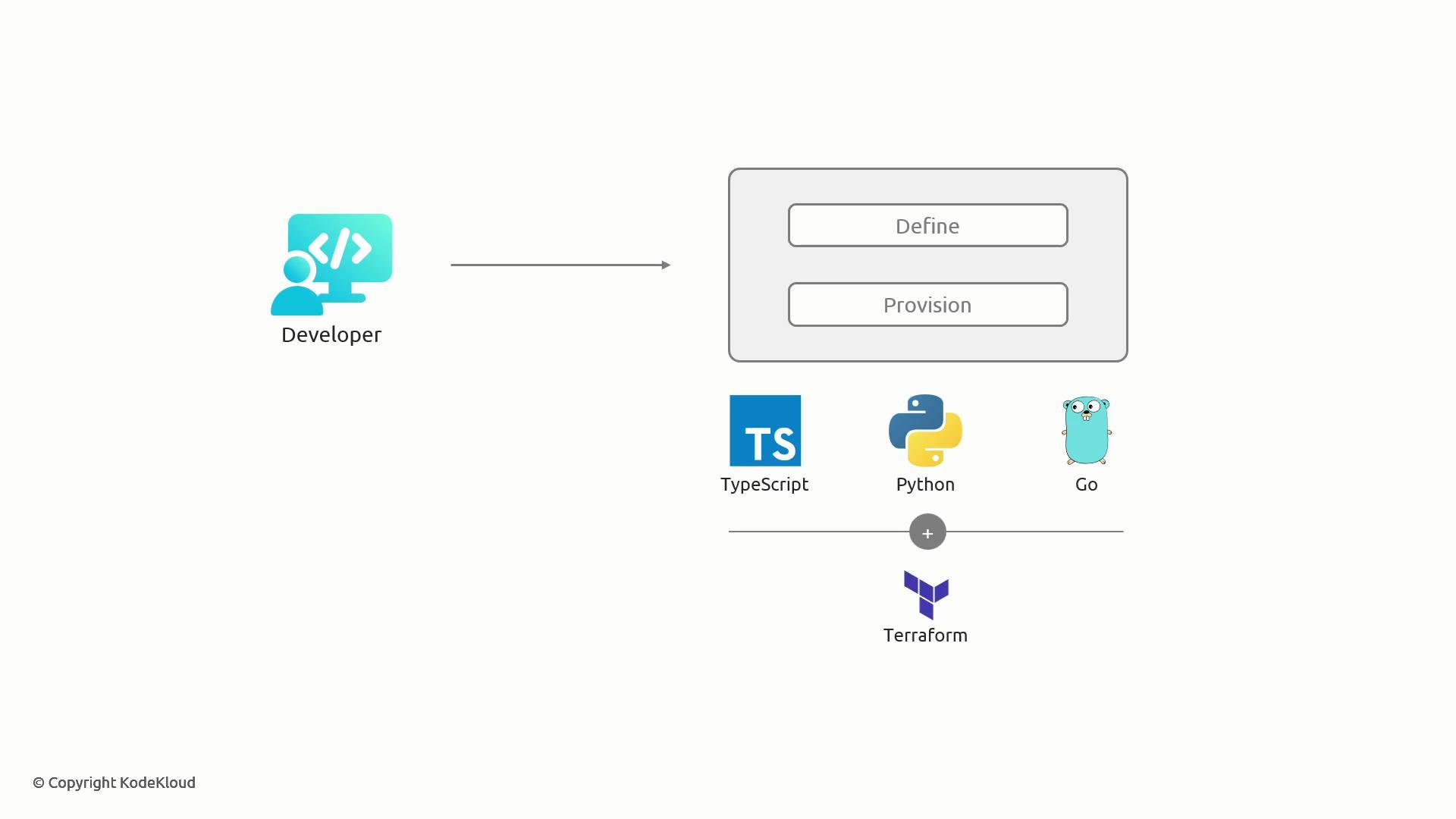 We assume you have a basic working knowledge of TypeScript. This lesson shows how to use that knowledge with CDKTF to provision resources locally (files) via Terraform's local provider, and prepares you to extend the same patterns to cloud providers later.
Overview
* Define the problem CDKTF will solve.
* Review prerequisites and essential tools.
* Initialize a TypeScript CDKTF project from scratch.
* Introduce the `cdktf` CLI and synth/deploy workflow.
Arthur's problem
Arthur frequently creates new projects and repeatedly types the same boilerplate files (for example `.gitignore`, `README.md`, `package.json`). In this module we automate generating those files locally using CDKTF + Terraform `local` provider. While a shell script might be the most pragmatic choice for production scaffolding, using CDKTF here teaches the core workflow and patterns you'll reuse with cloud providers.
Meet Arthur — repetitive project setup in a code editor (example Visual Studio Code):
We assume you have a basic working knowledge of TypeScript. This lesson shows how to use that knowledge with CDKTF to provision resources locally (files) via Terraform's local provider, and prepares you to extend the same patterns to cloud providers later.
Overview
* Define the problem CDKTF will solve.
* Review prerequisites and essential tools.
* Initialize a TypeScript CDKTF project from scratch.
* Introduce the `cdktf` CLI and synth/deploy workflow.
Arthur's problem
Arthur frequently creates new projects and repeatedly types the same boilerplate files (for example `.gitignore`, `README.md`, `package.json`). In this module we automate generating those files locally using CDKTF + Terraform `local` provider. While a shell script might be the most pragmatic choice for production scaffolding, using CDKTF here teaches the core workflow and patterns you'll reuse with cloud providers.
Meet Arthur — repetitive project setup in a code editor (example Visual Studio Code):
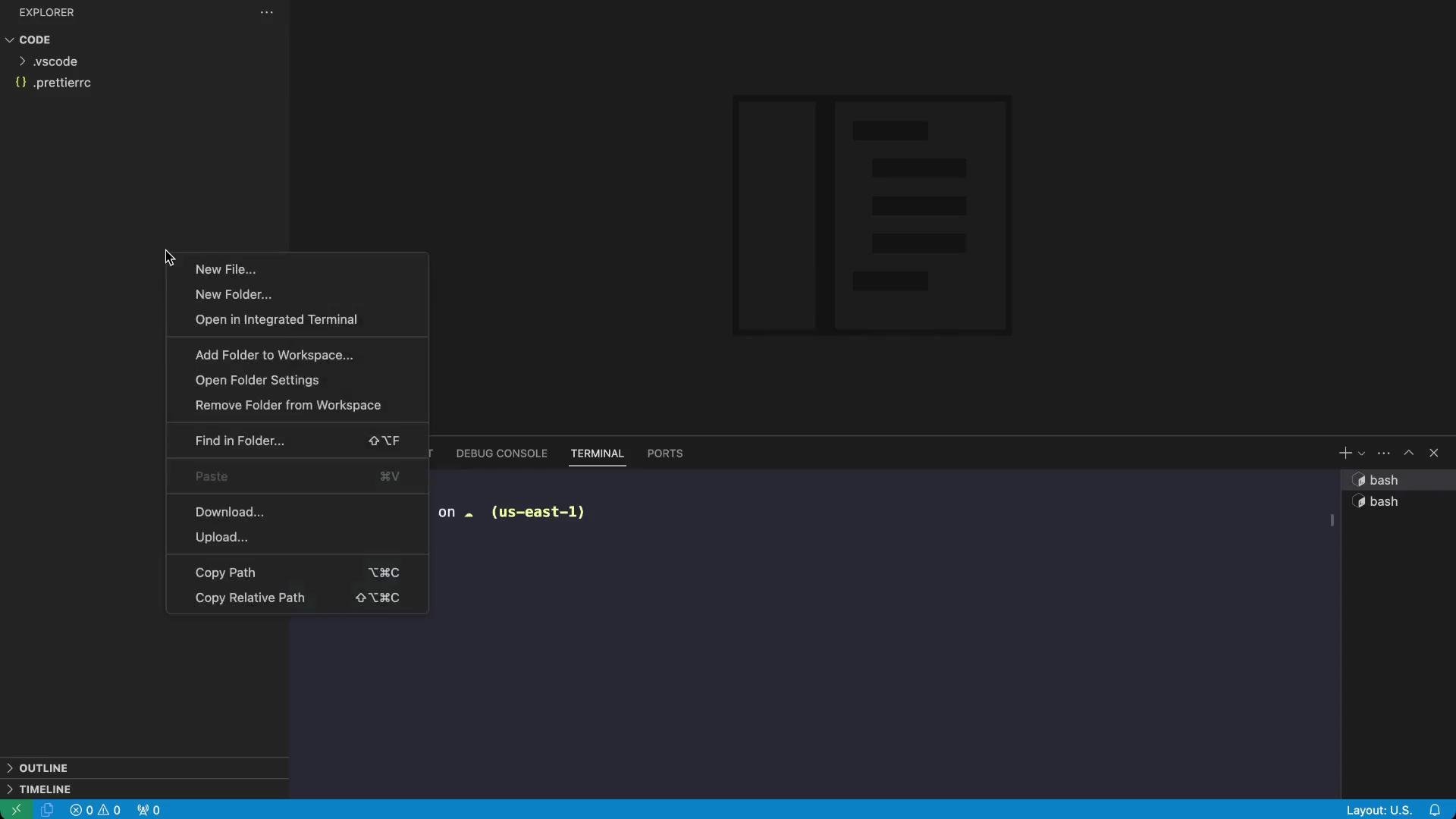 Typical files Arthur creates:
* `.gitignore`
* `README.md`
* `package.json` (for Node/TypeScript projects)
Example boilerplate files
package.json
```json theme={null}
{
"name": "project-1",
"version": "1.0.0",
"main": "index.js",
"scripts": {
"start": "node index.js"
}
}
```
README.md
```markdown theme={null}
This is the project-1 project.
```
The idea: automate this repetitive work with CDKTF so Arthur can generate the same files consistently across projects.
Exploring CDKTF
Define Terraform resources using programming languages you already know, synthesize them into Terraform configuration, and apply via Terraform.
Typical files Arthur creates:
* `.gitignore`
* `README.md`
* `package.json` (for Node/TypeScript projects)
Example boilerplate files
package.json
```json theme={null}
{
"name": "project-1",
"version": "1.0.0",
"main": "index.js",
"scripts": {
"start": "node index.js"
}
}
```
README.md
```markdown theme={null}
This is the project-1 project.
```
The idea: automate this repetitive work with CDKTF so Arthur can generate the same files consistently across projects.
Exploring CDKTF
Define Terraform resources using programming languages you already know, synthesize them into Terraform configuration, and apply via Terraform.
 Arthur chooses TypeScript because he is already familiar with it.
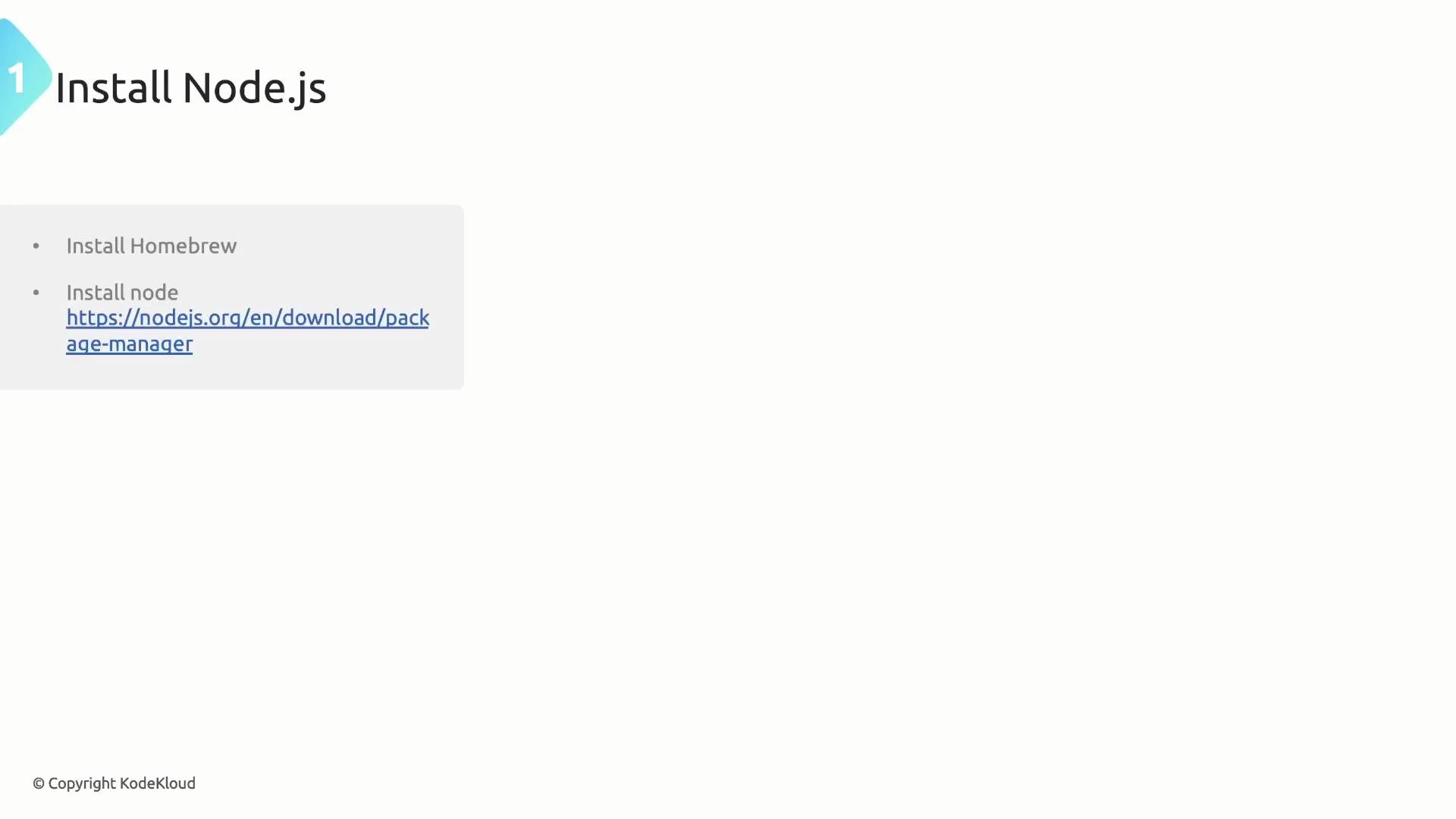
 Prerequisites and tools
Before you start, install the tools listed below. These are the minimums required to run CDKTF with TypeScript.
| Tool | Purpose | Notes / Links |
| --------------------------------- | ----------------------------------------------------- | ------------------------------------------------------------------------------------------------------------ |
| Node.js | Runtime for TypeScript tooling and package management | Install from [nodejs.org](https://nodejs.org/) |
| Terraform CLI | Applies the generated Terraform configuration | Install instructions: [https://developer.hashicorp.com/terraform](https://developer.hashicorp.com/terraform) |
| cdktf CLI | Local CLI helper for CDKTF (optional global) | Can be installed globally or added as a dev dependency per project |
| Package manager (npm, Yarn, pnpm) | Install project dependencies | Use your team's preferred manager for reproducible builds |
Prerequisites and tools
Before you start, install the tools listed below. These are the minimums required to run CDKTF with TypeScript.
| Tool | Purpose | Notes / Links |
| --------------------------------- | ----------------------------------------------------- | ------------------------------------------------------------------------------------------------------------ |
| Node.js | Runtime for TypeScript tooling and package management | Install from [nodejs.org](https://nodejs.org/) |
| Terraform CLI | Applies the generated Terraform configuration | Install instructions: [https://developer.hashicorp.com/terraform](https://developer.hashicorp.com/terraform) |
| cdktf CLI | Local CLI helper for CDKTF (optional global) | Can be installed globally or added as a dev dependency per project |
| Package manager (npm, Yarn, pnpm) | Install project dependencies | Use your team's preferred manager for reproducible builds |
 Install Terraform (example on macOS using Homebrew)
```bash theme={null}
brew tap hashicorp/tap
brew install hashicorp/tap/terraform
brew update
terraform --version
```
Install the CDKTF CLI globally (optional)
```bash theme={null}
npm install -g cdktf-cli
cdktf --version
```
If you prefer not to install a global CLI (recommended for CI reproducibility), add `cdktf-cli` to each project as a dev dependency — CI runners will then use the local binary.
Using local Terraform state is convenient for demos and quick experiments, but it is not recommended for team or production environments. For collaborative workflows use remote state backends such as Terraform Cloud, S3 + DynamoDB locking, or other supported backends.
Initialize a new TypeScript CDKTF project
1. Create an empty directory and open a terminal there.
2. (Optional) Install the `cdktf` CLI globally or add it as a dev dependency.
3. Run the CDKTF init wizard to scaffold a TypeScript project.
Quick start
```bash theme={null}
# global CLI (optional)
npm install -g cdktf-cli
# in an empty directory
cdktf init --template=typescript
```
Sample init prompts (abbreviated)
```bash theme={null}
Welcome to CDK for Terraform!
? Do you want to continue with Terraform Cloud remote state management? no
? Project Name cdktf-project-builder
? Project Description A simple getting started project for cdktf.
? Do you want to start from an existing Terraform project? no
? What providers do you want to use? local
```
The init command scaffolds a TypeScript project (tsconfig, package.json, `main.ts`) and installs provider packages such as `@cdktf/provider-local`.
Console logs may show provider installation:
```bash theme={null}
[INFO] Found pre-built provider.
Adding package @cdktf/provider-local @ 10.1.1
[INFO] Installing package @cdktf/provider-local @ 10.1.1 using npm.
[INFO] Package installed.
```
Generated package.json (dependencies snippet)
```json theme={null}
{
"dependencies": {
"@cdktf/provider-local": "10.1.1",
"cdktf": "^0.20.9",
"constructs": "^10.4.2"
},
"devDependencies": {
"@types/jest": "^29.5.13",
"@types/node": "^22.7.6",
"jest": "^29.7.0",
"ts-jest": "^29.2.5",
"ts-node": "^10.9.2",
"typescript": "^5.6.3"
}
}
```
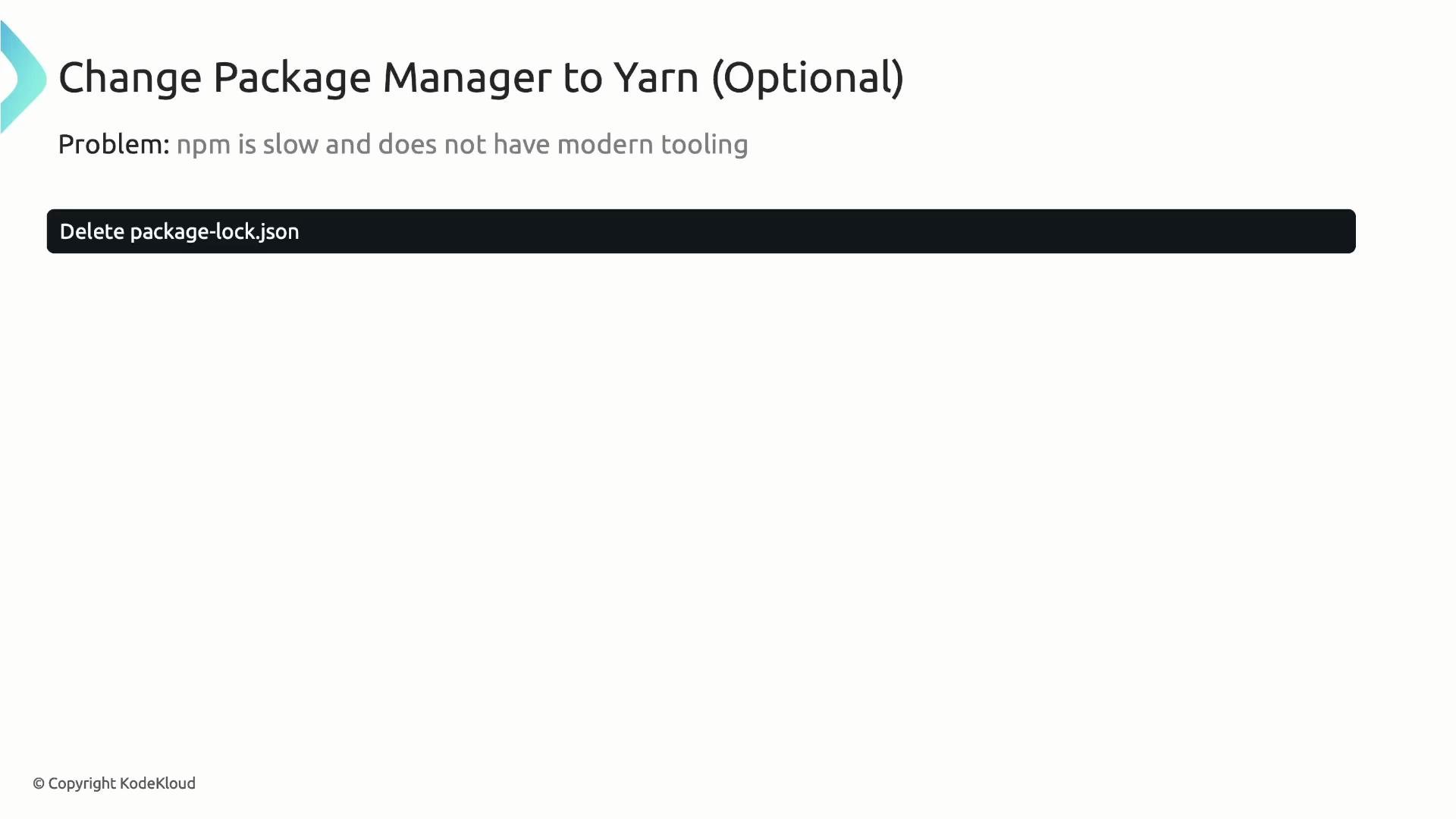
Switch package manager to Yarn (optional)
If you prefer Yarn (and Yarn 2+/Corepack-managed installs), prepare and activate it with Corepack, then migrate the lockfile.
```bash theme={null}
corepack prepare yarn@stable --activate
rm -f package-lock.json
touch yarn.lock
yarn install
yarn -v
```
Install Terraform (example on macOS using Homebrew)
```bash theme={null}
brew tap hashicorp/tap
brew install hashicorp/tap/terraform
brew update
terraform --version
```
Install the CDKTF CLI globally (optional)
```bash theme={null}
npm install -g cdktf-cli
cdktf --version
```
If you prefer not to install a global CLI (recommended for CI reproducibility), add `cdktf-cli` to each project as a dev dependency — CI runners will then use the local binary.
Using local Terraform state is convenient for demos and quick experiments, but it is not recommended for team or production environments. For collaborative workflows use remote state backends such as Terraform Cloud, S3 + DynamoDB locking, or other supported backends.
Initialize a new TypeScript CDKTF project
1. Create an empty directory and open a terminal there.
2. (Optional) Install the `cdktf` CLI globally or add it as a dev dependency.
3. Run the CDKTF init wizard to scaffold a TypeScript project.
Quick start
```bash theme={null}
# global CLI (optional)
npm install -g cdktf-cli
# in an empty directory
cdktf init --template=typescript
```
Sample init prompts (abbreviated)
```bash theme={null}
Welcome to CDK for Terraform!
? Do you want to continue with Terraform Cloud remote state management? no
? Project Name cdktf-project-builder
? Project Description A simple getting started project for cdktf.
? Do you want to start from an existing Terraform project? no
? What providers do you want to use? local
```
The init command scaffolds a TypeScript project (tsconfig, package.json, `main.ts`) and installs provider packages such as `@cdktf/provider-local`.
Console logs may show provider installation:
```bash theme={null}
[INFO] Found pre-built provider.
Adding package @cdktf/provider-local @ 10.1.1
[INFO] Installing package @cdktf/provider-local @ 10.1.1 using npm.
[INFO] Package installed.
```
Generated package.json (dependencies snippet)
```json theme={null}
{
"dependencies": {
"@cdktf/provider-local": "10.1.1",
"cdktf": "^0.20.9",
"constructs": "^10.4.2"
},
"devDependencies": {
"@types/jest": "^29.5.13",
"@types/node": "^22.7.6",
"jest": "^29.7.0",
"ts-jest": "^29.2.5",
"ts-node": "^10.9.2",
"typescript": "^5.6.3"
}
}
```
Switch package manager to Yarn (optional)
If you prefer Yarn (and Yarn 2+/Corepack-managed installs), prepare and activate it with Corepack, then migrate the lockfile.
```bash theme={null}
corepack prepare yarn@stable --activate
rm -f package-lock.json
touch yarn.lock
yarn install
yarn -v
```
 Add the CLI as a project dev dependency (recommended for CI)
```bash theme={null}
yarn add -D cdktf-cli
# or with npm:
# npm install --save-dev cdktf-cli
```
With a local `cdktf` binary, scripts like `yarn cdktf synth` or `npm run synth` will use the project's executable, improving consistency across environments.
Project structure and main TypeScript file
After `cdktf init`, the scaffold contains a `main.ts` (or `main.js`) entrypoint and a stack class. Key concepts:
* App: the root construct that contains stacks.
* TerraformStack: extend this class to define resources.
* app.synth(): synthesizes TypeScript constructs into Terraform configuration (JSON files).
Example `main.ts` with a Terraform output
```typescript theme={null}
import { Construct } from "constructs";
import { App, TerraformOutput, TerraformStack } from "cdktf";
class MyStack extends TerraformStack {
constructor(scope: Construct, id: string) {
super(scope, id);
// define resources here
new TerraformOutput(this, "helloWorld", {
value: "Hello World",
});
}
}
const app = new App();
new MyStack(app, "code");
app.synth();
```
Notes on constructs
* `scope` builds the construct tree and creates parent-child relationships.
* `id` uniquely identifies a construct within its parent.
* `app.synth()` converts your TypeScript code into `.tf.json` Terraform configuration; it does not apply changes to infrastructure.
cdktf.json
`cdktf init` generates a `cdktf.json` file with metadata and the `app` command used to run your CDKTF application:
```json theme={null}
{
"language": "typescript",
"app": "yarn ts-node main.ts",
"projectId": "c24105e3-e5b6-40ce-941b-f0c1ae8d7356",
"sendCrashReports": "true",
"terraformProviders": [],
"terraformModules": [],
"context": {}
}
```
Set the `app` value to `npx ts-node main.ts` or a Yarn script (e.g., `yarn ts-node main.ts`) depending on your workflow.
Synthesizing and deploying
Synthesize your CDKTF TypeScript into Terraform JSON files:
```bash theme={null}
# using Yarn (if cdktf-cli is local):
yarn cdktf synth
# if the CLI is global:
cdktf synth
```
Synthesis output appears in `cdktf.out/stacks/` and includes Terraform JSON and metadata.
Example synth output:
```text theme={null}
Generated Terraform code for the stacks: code
```
Deploy (synth + terraform apply)
```bash theme={null}
# with Yarn wrapper
yarn cdktf deploy
# or with a global CLI
cdktf deploy
```
`cdktf deploy` runs `app.synth()` and then invokes `terraform apply`. In interactive mode you will be prompted to approve changes; use automation flags in CI pipelines for non-interactive runs.
Helpful package.json scripts
Add useful commands to speed development and CI:
```json theme={null}
"scripts": {
"get": "cdktf get",
"build": "tsc",
"synth": "cdktf synth",
"compile": "tsc --pretty",
"watch": "tsc -w",
"test": "jest",
"upgrade": "npm i cdktf@latest cdktf-cli@latest"
}
```
Terraform state
For this example we used local state; Terraform will create a local state file (e.g., `terraform..tfstate`) when you apply. For team workflows or production, use a remote backend such as Terraform Cloud, S3 with DynamoDB locking, or other supported options.
Example state metadata (abbreviated)
```json theme={null}
{
"version": 3,
"terraform_version": "1.9.5",
"backend": {
"type": "local",
"config": {
"path": "/root/code/terraform.code.tfstate"
}
}
}
```
Summary
* CDKTF allows you to author Terraform-managed infrastructure using TypeScript (and other languages), combining Terraform providers with familiar programming constructs.
* We covered prerequisites, how to run `cdktf init` to scaffold a TypeScript project, and how the synth/deploy workflow maps to Terraform JSON and `terraform apply`.
* Optional items covered: switching package managers (Yarn) and installing `cdktf-cli` locally for reproducible CI.
* Next: continue Arthur's journey by implementing the local file generation stack and then applying these same patterns to cloud infrastructure such as AWS.
Add the CLI as a project dev dependency (recommended for CI)
```bash theme={null}
yarn add -D cdktf-cli
# or with npm:
# npm install --save-dev cdktf-cli
```
With a local `cdktf` binary, scripts like `yarn cdktf synth` or `npm run synth` will use the project's executable, improving consistency across environments.
Project structure and main TypeScript file
After `cdktf init`, the scaffold contains a `main.ts` (or `main.js`) entrypoint and a stack class. Key concepts:
* App: the root construct that contains stacks.
* TerraformStack: extend this class to define resources.
* app.synth(): synthesizes TypeScript constructs into Terraform configuration (JSON files).
Example `main.ts` with a Terraform output
```typescript theme={null}
import { Construct } from "constructs";
import { App, TerraformOutput, TerraformStack } from "cdktf";
class MyStack extends TerraformStack {
constructor(scope: Construct, id: string) {
super(scope, id);
// define resources here
new TerraformOutput(this, "helloWorld", {
value: "Hello World",
});
}
}
const app = new App();
new MyStack(app, "code");
app.synth();
```
Notes on constructs
* `scope` builds the construct tree and creates parent-child relationships.
* `id` uniquely identifies a construct within its parent.
* `app.synth()` converts your TypeScript code into `.tf.json` Terraform configuration; it does not apply changes to infrastructure.
cdktf.json
`cdktf init` generates a `cdktf.json` file with metadata and the `app` command used to run your CDKTF application:
```json theme={null}
{
"language": "typescript",
"app": "yarn ts-node main.ts",
"projectId": "c24105e3-e5b6-40ce-941b-f0c1ae8d7356",
"sendCrashReports": "true",
"terraformProviders": [],
"terraformModules": [],
"context": {}
}
```
Set the `app` value to `npx ts-node main.ts` or a Yarn script (e.g., `yarn ts-node main.ts`) depending on your workflow.
Synthesizing and deploying
Synthesize your CDKTF TypeScript into Terraform JSON files:
```bash theme={null}
# using Yarn (if cdktf-cli is local):
yarn cdktf synth
# if the CLI is global:
cdktf synth
```
Synthesis output appears in `cdktf.out/stacks/` and includes Terraform JSON and metadata.
Example synth output:
```text theme={null}
Generated Terraform code for the stacks: code
```
Deploy (synth + terraform apply)
```bash theme={null}
# with Yarn wrapper
yarn cdktf deploy
# or with a global CLI
cdktf deploy
```
`cdktf deploy` runs `app.synth()` and then invokes `terraform apply`. In interactive mode you will be prompted to approve changes; use automation flags in CI pipelines for non-interactive runs.
Helpful package.json scripts
Add useful commands to speed development and CI:
```json theme={null}
"scripts": {
"get": "cdktf get",
"build": "tsc",
"synth": "cdktf synth",
"compile": "tsc --pretty",
"watch": "tsc -w",
"test": "jest",
"upgrade": "npm i cdktf@latest cdktf-cli@latest"
}
```
Terraform state
For this example we used local state; Terraform will create a local state file (e.g., `terraform..tfstate`) when you apply. For team workflows or production, use a remote backend such as Terraform Cloud, S3 with DynamoDB locking, or other supported options.
Example state metadata (abbreviated)
```json theme={null}
{
"version": 3,
"terraform_version": "1.9.5",
"backend": {
"type": "local",
"config": {
"path": "/root/code/terraform.code.tfstate"
}
}
}
```
Summary
* CDKTF allows you to author Terraform-managed infrastructure using TypeScript (and other languages), combining Terraform providers with familiar programming constructs.
* We covered prerequisites, how to run `cdktf init` to scaffold a TypeScript project, and how the synth/deploy workflow maps to Terraform JSON and `terraform apply`.
* Optional items covered: switching package managers (Yarn) and installing `cdktf-cli` locally for reproducible CI.
* Next: continue Arthur's journey by implementing the local file generation stack and then applying these same patterns to cloud infrastructure such as AWS.