> ## Documentation Index
> Fetch the complete documentation index at: https://notes.kodekloud.com/llms.txt
> Use this file to discover all available pages before exploring further.
# Outputs
> Explains how to define and use Terraform outputs in CDK for Terraform to expose resource values, share between stacks, and provide data for automation.
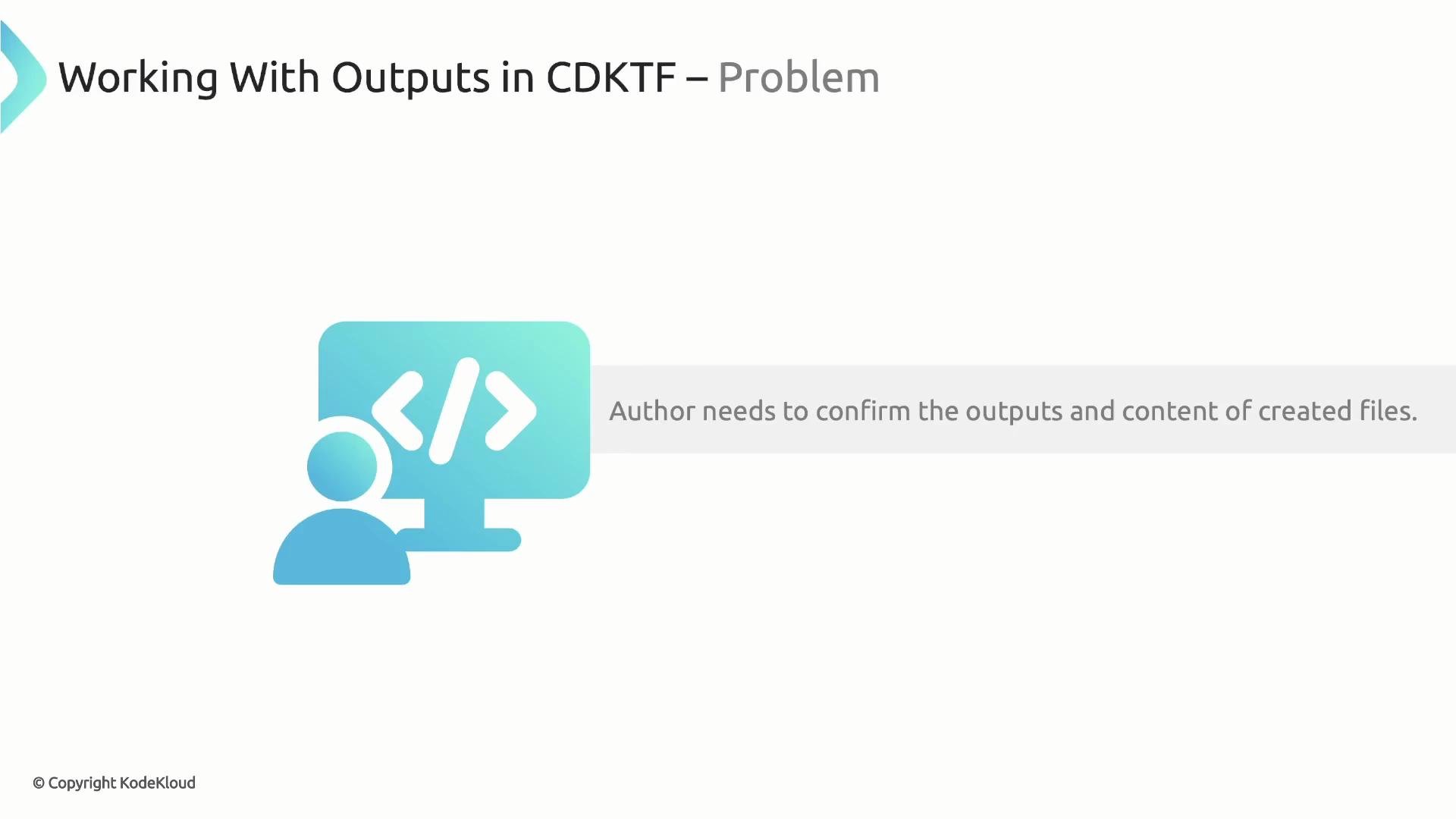
In this lesson we cover how to define and capture outputs in CDK for Terraform (CDKTF). When your CDKTF resources produce values you want to inspect, pass between stacks, or use in automation, expose them as Terraform outputs by instantiating the `TerraformOutput` class — the CDKTF equivalent of an HCL `output` block.
 ## When to use outputs
Use Terraform outputs to:
* Expose resource attributes for human inspection (printed after `cdktf deploy`).
* Share data between stacks (e.g., export a value from one stack to reference in another).
* Provide values to automation scripts or CI pipelines.
Common CDKTF pattern:
* Create resources.
* Store resource references in variables (so you can access attributes).
* Define `TerraformOutput` instances after resource creation.
## Quick example: expose a README file's content
Create a Terraform output that exposes the `content` attribute of a local file resource:
```typescript theme={null}
// Output the readMeFile content
new TerraformOutput(this, 'readMeContent', {
value: readMeFile.content,
});
```
Below is a compact, complete TypeScript CDKTF example that creates two local files and exports the README content as an output.
```typescript theme={null}
// TypeScript (CDKTF) - create files and export README content
const projectDirectory = path.join(process.env.INIT_CWD!, './authors-projects');
const projectName = 'project-1';
const basePath = `${projectDirectory}/${projectName}`;
// Add a README file and retain a reference to the resource so we can use its attributes
const readmeFile = new file.File(this, 'readme-file', {
filename: `${basePath}/README.md`,
content: `# ${projectName}\n\nThis is the ${projectName} project`,
});
// Add a package.json file
new file.File(this, 'package-json-file', {
filename: `${basePath}/package.json`,
content: JSON.stringify(
{
name: projectName,
version: '1.0.0',
main: 'index.js',
scripts: {
start: 'node index.js',
},
},
null,
2
),
});
// Export the README content as a Terraform output
new TerraformOutput(this, 'readMeContent', {
value: readmeFile.content,
});
// Typical app bootstrap
const app = new App();
new MyStack(app, 'cdktf-project-builder');
app.synth();
```
Define outputs after creating the resources they reference. Keep a reference to the resource (for example `readmeFile`) so you can access attributes like `readmeFile.content` when constructing `TerraformOutput`.
## `TerraformOutput` quick reference
| Option | Type | Description |
| ------------- | ------------------ | ------------------------------------------------------------------------------- |
| `value` | any | The value to expose (e.g., `readmeFile.content`). |
| `description` | string (optional) | A friendly description for the output. |
| `sensitive` | boolean (optional) | If `true`, the output will be treated as sensitive and not shown in plain text. |
Example usage with optional properties:
```typescript theme={null}
new TerraformOutput(this, 'readMeContent', {
value: readmeFile.content,
description: 'The README content for project-1',
sensitive: false,
});
```
## Deploying and viewing outputs
When you run `cdktf deploy`, you'll confirm the planned changes and, after apply completes, Terraform prints outputs. Example terminal session:
```bash theme={null}
Do you want to perform these actions?
Terraform will perform the actions described above.
Only 'yes' will be accepted to approve.
Enter a value: yes
cdktf-project-builder local_file.package-json-file: Creating...
cdktf-project-builder local_file.package-json-file: Creation complete after 0s [id=b60a2ad91f16e1bfeb7fe2aac36782e6a53n7797e]
Apply complete! Resources: 1 added, 0 changed, 0 destroyed.
Outputs:
readMeContent = "# project-1\n\nThis is the project-1 project"
```
Now the README content is available as a Terraform output and can be:
* Inspectable in the terminal,
* Used by other stacks,
* Consumed by automation or CI/CD pipelines.
## References
* CDKTF documentation: [CDK for Terraform (CDKTF)](https://developer.hashicorp.com/terraform/cdktf)
* Terraform outputs: [Terraform - Outputs](https://www.terraform.io/docs/language/values/outputs.html)
## When to use outputs
Use Terraform outputs to:
* Expose resource attributes for human inspection (printed after `cdktf deploy`).
* Share data between stacks (e.g., export a value from one stack to reference in another).
* Provide values to automation scripts or CI pipelines.
Common CDKTF pattern:
* Create resources.
* Store resource references in variables (so you can access attributes).
* Define `TerraformOutput` instances after resource creation.
## Quick example: expose a README file's content
Create a Terraform output that exposes the `content` attribute of a local file resource:
```typescript theme={null}
// Output the readMeFile content
new TerraformOutput(this, 'readMeContent', {
value: readMeFile.content,
});
```
Below is a compact, complete TypeScript CDKTF example that creates two local files and exports the README content as an output.
```typescript theme={null}
// TypeScript (CDKTF) - create files and export README content
const projectDirectory = path.join(process.env.INIT_CWD!, './authors-projects');
const projectName = 'project-1';
const basePath = `${projectDirectory}/${projectName}`;
// Add a README file and retain a reference to the resource so we can use its attributes
const readmeFile = new file.File(this, 'readme-file', {
filename: `${basePath}/README.md`,
content: `# ${projectName}\n\nThis is the ${projectName} project`,
});
// Add a package.json file
new file.File(this, 'package-json-file', {
filename: `${basePath}/package.json`,
content: JSON.stringify(
{
name: projectName,
version: '1.0.0',
main: 'index.js',
scripts: {
start: 'node index.js',
},
},
null,
2
),
});
// Export the README content as a Terraform output
new TerraformOutput(this, 'readMeContent', {
value: readmeFile.content,
});
// Typical app bootstrap
const app = new App();
new MyStack(app, 'cdktf-project-builder');
app.synth();
```
Define outputs after creating the resources they reference. Keep a reference to the resource (for example `readmeFile`) so you can access attributes like `readmeFile.content` when constructing `TerraformOutput`.
## `TerraformOutput` quick reference
| Option | Type | Description |
| ------------- | ------------------ | ------------------------------------------------------------------------------- |
| `value` | any | The value to expose (e.g., `readmeFile.content`). |
| `description` | string (optional) | A friendly description for the output. |
| `sensitive` | boolean (optional) | If `true`, the output will be treated as sensitive and not shown in plain text. |
Example usage with optional properties:
```typescript theme={null}
new TerraformOutput(this, 'readMeContent', {
value: readmeFile.content,
description: 'The README content for project-1',
sensitive: false,
});
```
## Deploying and viewing outputs
When you run `cdktf deploy`, you'll confirm the planned changes and, after apply completes, Terraform prints outputs. Example terminal session:
```bash theme={null}
Do you want to perform these actions?
Terraform will perform the actions described above.
Only 'yes' will be accepted to approve.
Enter a value: yes
cdktf-project-builder local_file.package-json-file: Creating...
cdktf-project-builder local_file.package-json-file: Creation complete after 0s [id=b60a2ad91f16e1bfeb7fe2aac36782e6a53n7797e]
Apply complete! Resources: 1 added, 0 changed, 0 destroyed.
Outputs:
readMeContent = "# project-1\n\nThis is the project-1 project"
```
Now the README content is available as a Terraform output and can be:
* Inspectable in the terminal,
* Used by other stacks,
* Consumed by automation or CI/CD pipelines.
## References
* CDKTF documentation: [CDK for Terraform (CDKTF)](https://developer.hashicorp.com/terraform/cdktf)
* Terraform outputs: [Terraform - Outputs](https://www.terraform.io/docs/language/values/outputs.html)