> ## Documentation Index
> Fetch the complete documentation index at: https://notes.kodekloud.com/llms.txt
> Use this file to discover all available pages before exploring further.
# Providers and Resources
> Explains using CDKTF with TypeScript to create and manage local files via the local provider, including setup, file resources, lifecycle, state, and workflow.
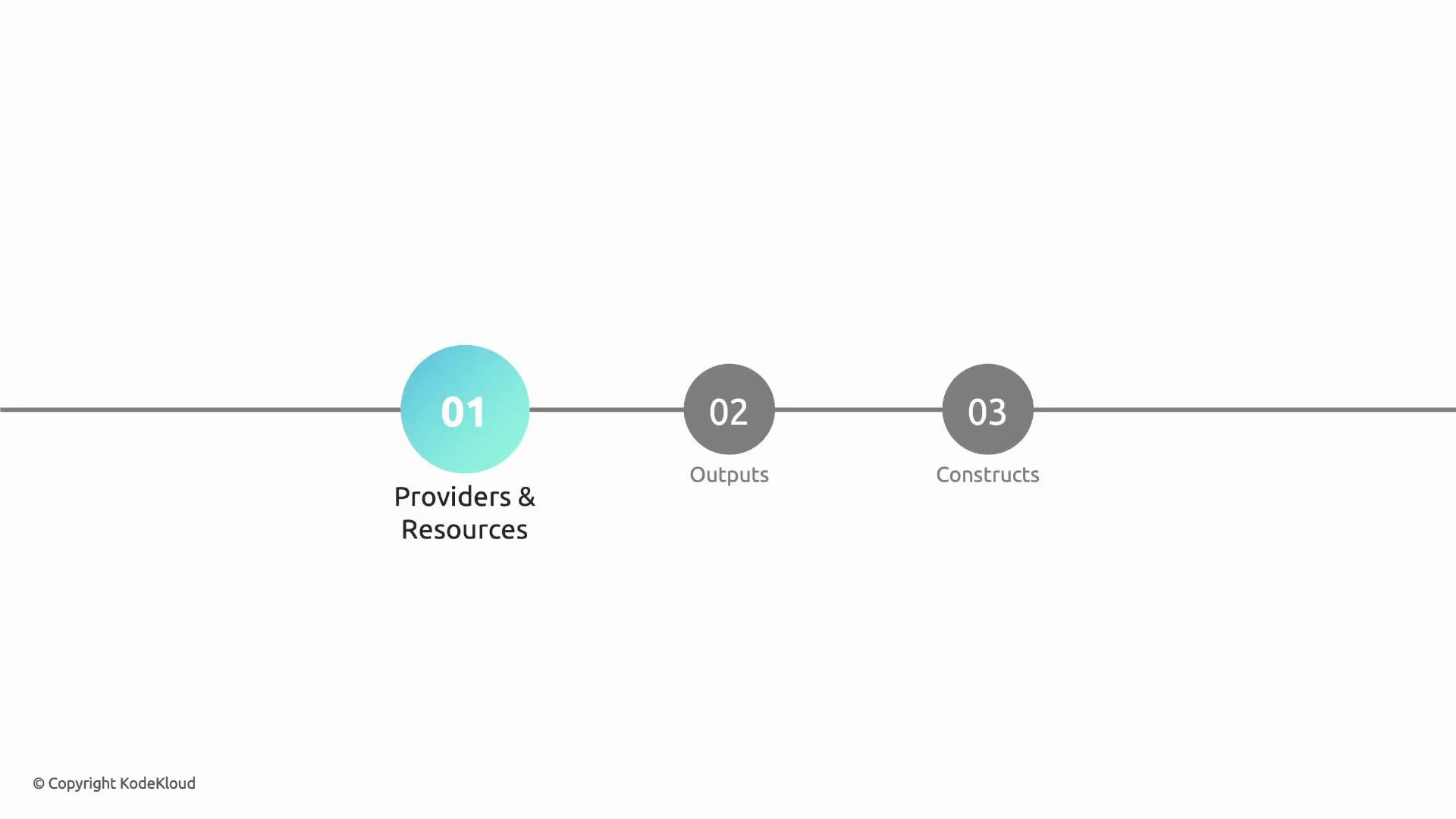
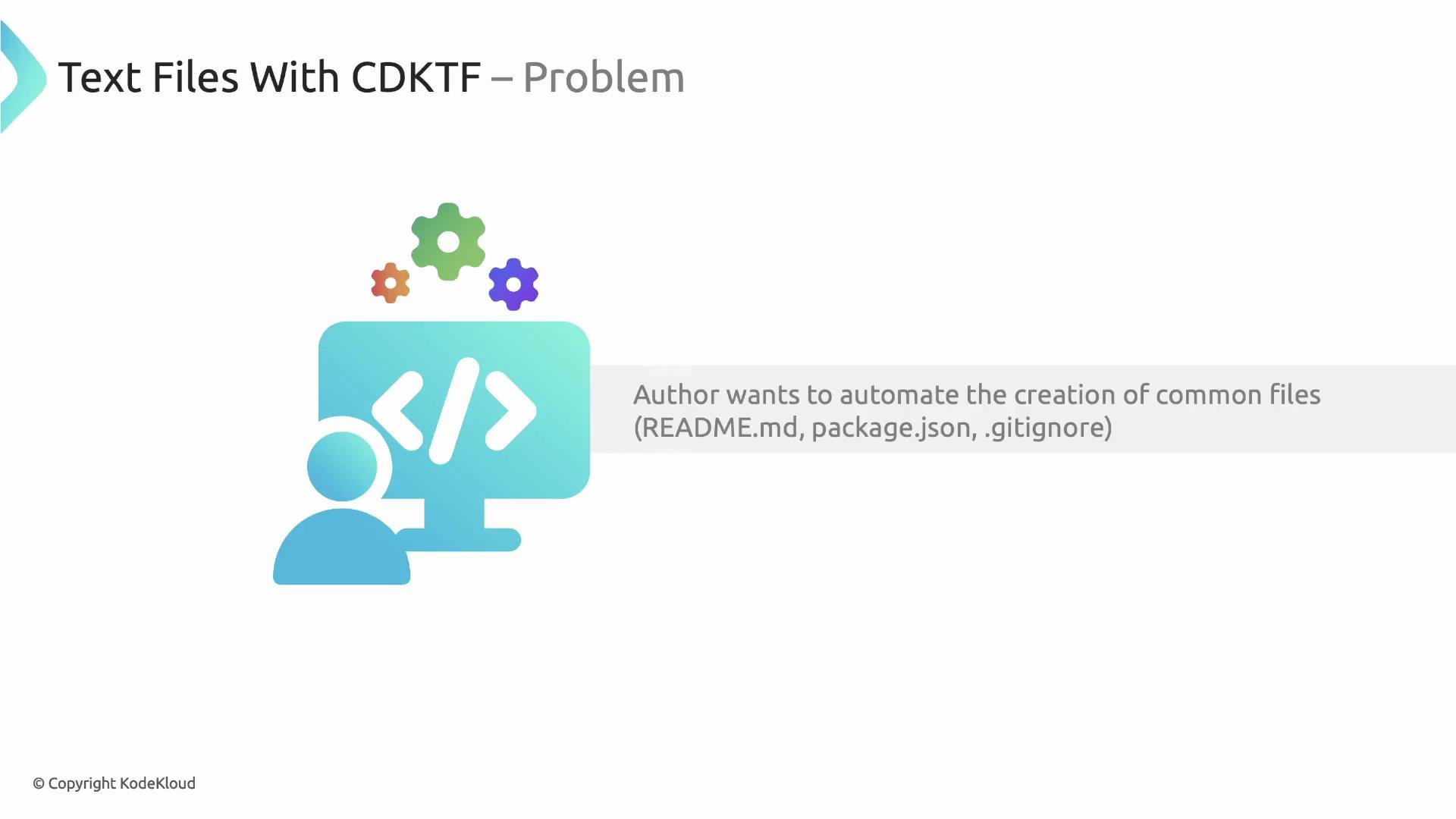
In this section we'll cover essential CDKTF concepts: providers and resources, outputs, and constructs. We'll continue Author's hands-on journey with CDKTF (TypeScript) to automate local project scaffolding — creating common files like `README.md`, `package.json`, and `.gitignore` using the local provider.
 ## Quick checklist before you begin
* Initialize a CDKTF TypeScript project (`cdktf init --template="typescript"`), then run:
* `yarn` to install dependencies
* `yarn cdktf synth` to verify synthesis
* `yarn cdktf deploy` to apply changes
## Minimal stack to verify compilation and synth
Start with a tiny stack that produces a Terraform output to confirm your CDKTF toolchain is working:
```typescript theme={null}
import { App, TerraformOutput, TerraformStack } from 'cdktf';
import { Construct } from 'constructs';
class MyStack extends TerraformStack {
constructor(scope: Construct, id: string) {
super(scope, id);
new TerraformOutput(this, 'lets-go', { value: 'Lets go!' });
}
}
const app = new App();
new MyStack(app, 'cdktf-project-builder');
app.synth();
```
## Add the local provider dependency
To use local file resources you must install the provider package:
```bash theme={null}
yarn add @cdktf/provider-local
```
Install `@cdktf/provider-local` so CDKTF can synthesize the corresponding Terraform `provider` block and the `local_file` resources.
## Create local files using the local provider
The `@cdktf/provider-local` package exposes a `LocalProvider` and `file.File` resource (maps to Terraform's `local_file`). The example below:
* Initializes the local provider,
* Computes a target base path relative to the folder where you run `yarn cdktf deploy` (using `process.env.INIT_CWD` and Node's `path`),
* Creates `README.md` at `//README.md`.
```typescript theme={null}
import { Construct } from 'constructs';
import { App, TerraformStack } from 'cdktf';
import { provider, file } from '@cdktf/provider-local';
import * as path from 'path';
class MyStack extends TerraformStack {
constructor(scope: Construct, id: string) {
super(scope, id);
// Initialize the local provider
new provider.LocalProvider(this, 'local', {});
// Target directory and project name
const projectDirectory = path.join(process.env.INIT_CWD!, './authors-projects');
const projectName = 'project-1';
const basePath = `${projectDirectory}/${projectName}`;
// Create a README.md file under the project folder
new file.File(this, 'readme-file', {
filename: `${basePath}/README.md`,
content: `# ${projectName}\n\nThis is the ${projectName} project.`,
});
}
}
const app = new App();
new MyStack(app, 'cdktf-project-builder');
app.synth();
```
When you run `yarn cdktf deploy`, CDKTF will:
1. Synthesize Terraform configuration (you’ll find generated files under `cdktf.out/`),
2. Execute `terraform init` / `plan` / `apply` to create or update the local files.
## Where Terraform state is stored
By default CDKTF (like Terraform CLI) uses a local backend unless you configure a remote backend. In the synthesized output you will find a JSON backend configuration that points to a local `.tfstate` file. Example:
```json theme={null}
{
"version": 3,
"terraform_version": "1.9.5",
"backend": {
"type": "local",
"config": {
"path": "/root/code/terraform.cdktf-project-builder.tfstate",
"workspace_dir": null
},
"hash": 1453352099
}
}
```
If you need a remote state (e.g., S3, Terraform Cloud), configure the backend explicitly in your project.
## Changing file content and lifecycle behavior
* Updating the `content` of a `local_file` usually results in an in-place update (the provider updates the file's contents).
* If you want Terraform to ignore subsequent content changes (so updates in CDKTF don't trigger applies), use the `lifecycle.ignoreChanges` attribute.
Change the content (simple example):
```typescript theme={null}
// Change content to include an exclamation mark
new file.File(this, 'readme-file', {
filename: `${basePath}/README.md`,
content: `# ${projectName}\n\nThis is the ${projectName} project!`,
});
```
Ignore future content changes with lifecycle:
```typescript theme={null}
new file.File(this, 'readme-file', {
filename: `${basePath}/README.md`,
content: `# ${projectName}\n\nThis is the ${projectName} project.`,
lifecycle: { ignoreChanges: ['content'] },
});
```
Using `lifecycle.ignoreChanges` prevents Terraform from reconciling the `content` property. Use it only when you intentionally want to decouple local file content management from Terraform updates.
## Changing logical IDs and adding resources
* Logical ID: the name you provide in code (for example `'readme-file'`) identifies the construct in the construct tree and influences the generated Terraform resource name. Renaming it (e.g., to `'readme-file-2'`) will cause CDKTF to treat the original resource as removed and the new one as added — Terraform will plan to destroy then create.
* Adding more files is as simple as adding more `file.File` resources. Use `JSON.stringify` to write formatted JSON into files like `package.json`.
Example for `package.json`:
```typescript theme={null}
new file.File(this, 'package-json', {
filename: `${basePath}/package.json`,
content: JSON.stringify({
name: projectName,
version: '1.0.0',
private: true,
scripts: { start: 'node index.js' }
}, null, 2),
});
```
## Key concepts at a glance
| Term | What it is | Example / Notes |
| ------------- | ------------------------------------------- | --------------------------------------------------------------------------------- |
| Construct | Base building block in CDKTF and CDK | Anything you add to `TerraformStack` becomes part of the construct tree |
| Provider | Exposes resources/data-sources to Terraform | `@cdktf/provider-local` → `new provider.LocalProvider(this, 'local', {})` |
| Resource | A unit managed by Terraform | `file.File` maps to Terraform `local_file` |
| Logical ID | Identifier inside the construct tree | Affects synthesized resource name; renames cause create/destroy plans |
| State Backend | Where Terraform stores state | Default: local file (see `cdktf.out/*.tfstate`), configurable for remote backends |
## Recommended workflow
1. `yarn` — install dependencies including `@cdktf/provider-local`
2. `yarn cdktf synth` — confirm the Terraform configs CDKTF will generate
3. `yarn cdktf deploy` — apply changes and create files on disk
4. Inspect `cdktf.out` to view synthesized Terraform and backend configuration
## References
* [Terraform local\_file resource](https://registry.terraform.io/providers/hashicorp/local/latest/docs/resources/file)
* [CDK for Terraform (CDKTF) Docs](https://developer.hashicorp.com/terraform/cdktf)
* [constructs - npm package](https://www.npmjs.com/package/constructs)
This concludes the section on providers and resources.
## Quick checklist before you begin
* Initialize a CDKTF TypeScript project (`cdktf init --template="typescript"`), then run:
* `yarn` to install dependencies
* `yarn cdktf synth` to verify synthesis
* `yarn cdktf deploy` to apply changes
## Minimal stack to verify compilation and synth
Start with a tiny stack that produces a Terraform output to confirm your CDKTF toolchain is working:
```typescript theme={null}
import { App, TerraformOutput, TerraformStack } from 'cdktf';
import { Construct } from 'constructs';
class MyStack extends TerraformStack {
constructor(scope: Construct, id: string) {
super(scope, id);
new TerraformOutput(this, 'lets-go', { value: 'Lets go!' });
}
}
const app = new App();
new MyStack(app, 'cdktf-project-builder');
app.synth();
```
## Add the local provider dependency
To use local file resources you must install the provider package:
```bash theme={null}
yarn add @cdktf/provider-local
```
Install `@cdktf/provider-local` so CDKTF can synthesize the corresponding Terraform `provider` block and the `local_file` resources.
## Create local files using the local provider
The `@cdktf/provider-local` package exposes a `LocalProvider` and `file.File` resource (maps to Terraform's `local_file`). The example below:
* Initializes the local provider,
* Computes a target base path relative to the folder where you run `yarn cdktf deploy` (using `process.env.INIT_CWD` and Node's `path`),
* Creates `README.md` at `//README.md`.
```typescript theme={null}
import { Construct } from 'constructs';
import { App, TerraformStack } from 'cdktf';
import { provider, file } from '@cdktf/provider-local';
import * as path from 'path';
class MyStack extends TerraformStack {
constructor(scope: Construct, id: string) {
super(scope, id);
// Initialize the local provider
new provider.LocalProvider(this, 'local', {});
// Target directory and project name
const projectDirectory = path.join(process.env.INIT_CWD!, './authors-projects');
const projectName = 'project-1';
const basePath = `${projectDirectory}/${projectName}`;
// Create a README.md file under the project folder
new file.File(this, 'readme-file', {
filename: `${basePath}/README.md`,
content: `# ${projectName}\n\nThis is the ${projectName} project.`,
});
}
}
const app = new App();
new MyStack(app, 'cdktf-project-builder');
app.synth();
```
When you run `yarn cdktf deploy`, CDKTF will:
1. Synthesize Terraform configuration (you’ll find generated files under `cdktf.out/`),
2. Execute `terraform init` / `plan` / `apply` to create or update the local files.
## Where Terraform state is stored
By default CDKTF (like Terraform CLI) uses a local backend unless you configure a remote backend. In the synthesized output you will find a JSON backend configuration that points to a local `.tfstate` file. Example:
```json theme={null}
{
"version": 3,
"terraform_version": "1.9.5",
"backend": {
"type": "local",
"config": {
"path": "/root/code/terraform.cdktf-project-builder.tfstate",
"workspace_dir": null
},
"hash": 1453352099
}
}
```
If you need a remote state (e.g., S3, Terraform Cloud), configure the backend explicitly in your project.
## Changing file content and lifecycle behavior
* Updating the `content` of a `local_file` usually results in an in-place update (the provider updates the file's contents).
* If you want Terraform to ignore subsequent content changes (so updates in CDKTF don't trigger applies), use the `lifecycle.ignoreChanges` attribute.
Change the content (simple example):
```typescript theme={null}
// Change content to include an exclamation mark
new file.File(this, 'readme-file', {
filename: `${basePath}/README.md`,
content: `# ${projectName}\n\nThis is the ${projectName} project!`,
});
```
Ignore future content changes with lifecycle:
```typescript theme={null}
new file.File(this, 'readme-file', {
filename: `${basePath}/README.md`,
content: `# ${projectName}\n\nThis is the ${projectName} project.`,
lifecycle: { ignoreChanges: ['content'] },
});
```
Using `lifecycle.ignoreChanges` prevents Terraform from reconciling the `content` property. Use it only when you intentionally want to decouple local file content management from Terraform updates.
## Changing logical IDs and adding resources
* Logical ID: the name you provide in code (for example `'readme-file'`) identifies the construct in the construct tree and influences the generated Terraform resource name. Renaming it (e.g., to `'readme-file-2'`) will cause CDKTF to treat the original resource as removed and the new one as added — Terraform will plan to destroy then create.
* Adding more files is as simple as adding more `file.File` resources. Use `JSON.stringify` to write formatted JSON into files like `package.json`.
Example for `package.json`:
```typescript theme={null}
new file.File(this, 'package-json', {
filename: `${basePath}/package.json`,
content: JSON.stringify({
name: projectName,
version: '1.0.0',
private: true,
scripts: { start: 'node index.js' }
}, null, 2),
});
```
## Key concepts at a glance
| Term | What it is | Example / Notes |
| ------------- | ------------------------------------------- | --------------------------------------------------------------------------------- |
| Construct | Base building block in CDKTF and CDK | Anything you add to `TerraformStack` becomes part of the construct tree |
| Provider | Exposes resources/data-sources to Terraform | `@cdktf/provider-local` → `new provider.LocalProvider(this, 'local', {})` |
| Resource | A unit managed by Terraform | `file.File` maps to Terraform `local_file` |
| Logical ID | Identifier inside the construct tree | Affects synthesized resource name; renames cause create/destroy plans |
| State Backend | Where Terraform stores state | Default: local file (see `cdktf.out/*.tfstate`), configurable for remote backends |
## Recommended workflow
1. `yarn` — install dependencies including `@cdktf/provider-local`
2. `yarn cdktf synth` — confirm the Terraform configs CDKTF will generate
3. `yarn cdktf deploy` — apply changes and create files on disk
4. Inspect `cdktf.out` to view synthesized Terraform and backend configuration
## References
* [Terraform local\_file resource](https://registry.terraform.io/providers/hashicorp/local/latest/docs/resources/file)
* [CDK for Terraform (CDKTF) Docs](https://developer.hashicorp.com/terraform/cdktf)
* [constructs - npm package](https://www.npmjs.com/package/constructs)
This concludes the section on providers and resources.