> ## Documentation Index
> Fetch the complete documentation index at: https://notes.kodekloud.com/llms.txt
> Use this file to discover all available pages before exploring further.
# Configuring TypeScript
> How to configure TypeScript using tsconfig.json, explaining compilerOptions, include and exclude patterns, common settings and stricter checks to catch errors.
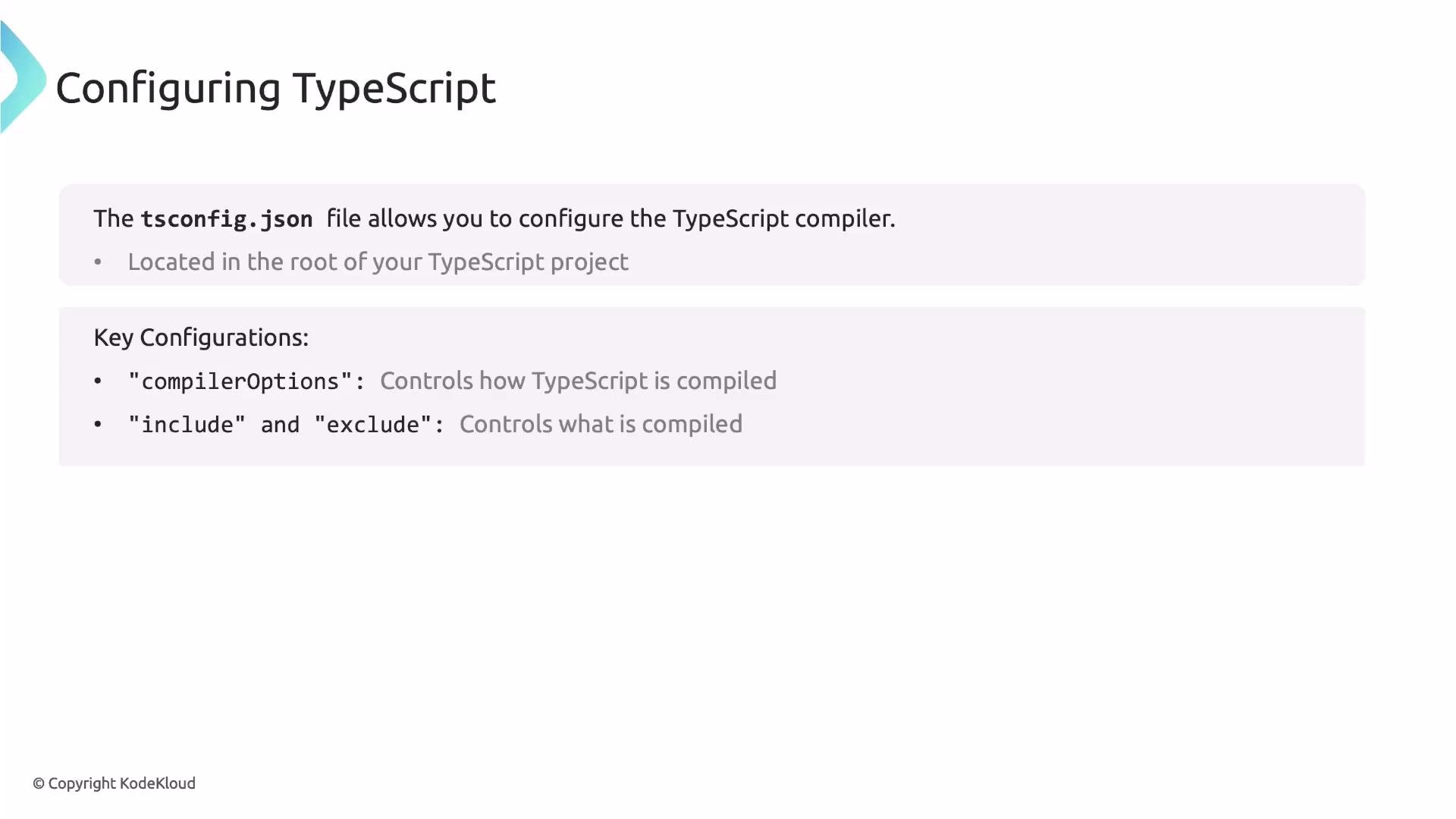
In this lesson we’ll cover how to configure TypeScript using the `tsconfig.json` file. This file tells the TypeScript compiler how to process your project and is usually placed at the root of your repository.
 What `tsconfig.json` controls
* `compilerOptions`: fine-tunes the compiler behavior and output.
* `include` / `exclude`: determine which files are part of the compilation set.
Common `compilerOptions`
Below is a quick reference table of commonly used compiler options and when you might change them.
| Option | Purpose | Typical value / notes |
| ---------------------------------- | ------------------------------------------------------- | ----------------------------------- |
| `target` | ECMAScript version emitted by the compiler | `ES5`, `ES2018`, `ESNext` |
| `module` | Module code generation target | `commonjs`, `esnext` |
| `strict` | Enables all strict type-checking options | `true` (recommended) |
| `esModuleInterop` | Improves interop between CommonJS & ES modules | `true` (helps with default imports) |
| `skipLibCheck` | Skip type checking of declaration files to speed builds | `true` |
| `forceConsistentCasingInFileNames` | Enforce consistent filename casing across imports | `true` |
| `outDir` | Where transpiled `.js` files are written | `./dist` |
| `rootDir` | Root of your TypeScript source files | `./src` or inferred |
If you're using a framework or starter template, it usually supplies a sensible `tsconfig.json`. For most projects, start with that and adjust only when necessary.
If you're new to TypeScript, prefer the `tsconfig.json` that comes with your framework or starter project. It will usually have sensible defaults.
Example `tsconfig.json`
A typical `tsconfig.json` you’ll encounter:
```json theme={null}
{
"compilerOptions": {
"target": "ES2018",
"module": "commonjs",
"strict": true,
"esModuleInterop": true,
"skipLibCheck": true,
"forceConsistentCasingInFileNames": true,
"outDir": "./dist"
},
"include": ["**/*.ts"],
"exclude": ["node_modules"]
}
```
Enabling stricter checks
Turning on additional checks helps catch bugs early. For example, `noUnusedLocals` and `noUnusedParameters` flag dead code, unused imports, and forgotten variables.
Example of an unused local that will be flagged when `noUnusedLocals: true`:
```typescript theme={null}
// Example of an unused local
const foo = 'bar';
```
Compiler message you might see:
```TypeScript theme={null}
error TS6133: 'foo' is declared but its value is never read.
```
TypeScript source example
A small example showing imports and an exported entry point:
```typescript theme={null}
// import-examples contains some code
// Import and execute this code
import calculateTotal from './import-examples/calculator';
import { add } from './import-examples/mathUtils';
import * as utils from './import-examples/utils';
import _ from 'lodash';
// Export a main entry point from this file
console.log('Importing in TypeScript!', _.add(2, 3));
export const main = () => {
console.log('Main running');
};
```
Compiler and syntax errors
If your file contains syntax mistakes or typos, the compiler/watcher will report compilation errors. Example output from a dev server:
```bash theme={null}
[INFO] 18:37:55 Restarting: /root/code/index.ts has been modified
Compilation error in /root/code/index.ts
[ERROR] 18:37:55 × Unable to compile TypeScript:
index.ts(13,1): error TS2552: Cannot find name 'expor'. Did you mean 'exports'?
index.ts(13,9): error TS1005: ';' expected.
[INFO] 18:37:59 Restarting: /root/code/index.ts has been modified
Compilation error in /root/code/index.ts
[ERROR] 18:38:01 × Unable to compile TypeScript:
index.ts(13,24): error TS1005: '=>' expected.
```
These errors commonly indicate typos (for example, `expor` instead of `export`) or malformed arrow functions.
Package manager messages
When adding dependencies you may also see warnings from your package manager. Example Yarn output:
```bash theme={null}
> YN0086: | Some peer dependencies are incorrectly met by your project; run 'yarn explain peer-requirements' for details.
> YN0000: | Completed
> YN0000: | Fetch step
> YN0013: | A package was added to the project (+ 956.61 KiB).
> YN0000: | Completed in 2s 683ms
> YN0000: | Link step
> YN0000: | Completed in 0s 819ms
> YN0000: | Done with warnings in 4s 538ms
```
Include / exclude patterns
Use `include` to specify files or glob patterns to compile, and `exclude` to keep files out of compilation. Common patterns:
| Field | Example | Notes |
| --------- | ------------------------------- | ----------------------------------------- |
| `include` | `["src/**/*"]` or `["**/*.ts"]` | Files picked up by the compiler |
| `exclude` | `["node_modules", "dist"]` | Files/directories skipped by the compiler |
Excluding `node_modules` is standard because third-party packages are generally precompiled and do not need type-checking from your project compiler.
That concludes the section on configuring TypeScript.
What `tsconfig.json` controls
* `compilerOptions`: fine-tunes the compiler behavior and output.
* `include` / `exclude`: determine which files are part of the compilation set.
Common `compilerOptions`
Below is a quick reference table of commonly used compiler options and when you might change them.
| Option | Purpose | Typical value / notes |
| ---------------------------------- | ------------------------------------------------------- | ----------------------------------- |
| `target` | ECMAScript version emitted by the compiler | `ES5`, `ES2018`, `ESNext` |
| `module` | Module code generation target | `commonjs`, `esnext` |
| `strict` | Enables all strict type-checking options | `true` (recommended) |
| `esModuleInterop` | Improves interop between CommonJS & ES modules | `true` (helps with default imports) |
| `skipLibCheck` | Skip type checking of declaration files to speed builds | `true` |
| `forceConsistentCasingInFileNames` | Enforce consistent filename casing across imports | `true` |
| `outDir` | Where transpiled `.js` files are written | `./dist` |
| `rootDir` | Root of your TypeScript source files | `./src` or inferred |
If you're using a framework or starter template, it usually supplies a sensible `tsconfig.json`. For most projects, start with that and adjust only when necessary.
If you're new to TypeScript, prefer the `tsconfig.json` that comes with your framework or starter project. It will usually have sensible defaults.
Example `tsconfig.json`
A typical `tsconfig.json` you’ll encounter:
```json theme={null}
{
"compilerOptions": {
"target": "ES2018",
"module": "commonjs",
"strict": true,
"esModuleInterop": true,
"skipLibCheck": true,
"forceConsistentCasingInFileNames": true,
"outDir": "./dist"
},
"include": ["**/*.ts"],
"exclude": ["node_modules"]
}
```
Enabling stricter checks
Turning on additional checks helps catch bugs early. For example, `noUnusedLocals` and `noUnusedParameters` flag dead code, unused imports, and forgotten variables.
Example of an unused local that will be flagged when `noUnusedLocals: true`:
```typescript theme={null}
// Example of an unused local
const foo = 'bar';
```
Compiler message you might see:
```TypeScript theme={null}
error TS6133: 'foo' is declared but its value is never read.
```
TypeScript source example
A small example showing imports and an exported entry point:
```typescript theme={null}
// import-examples contains some code
// Import and execute this code
import calculateTotal from './import-examples/calculator';
import { add } from './import-examples/mathUtils';
import * as utils from './import-examples/utils';
import _ from 'lodash';
// Export a main entry point from this file
console.log('Importing in TypeScript!', _.add(2, 3));
export const main = () => {
console.log('Main running');
};
```
Compiler and syntax errors
If your file contains syntax mistakes or typos, the compiler/watcher will report compilation errors. Example output from a dev server:
```bash theme={null}
[INFO] 18:37:55 Restarting: /root/code/index.ts has been modified
Compilation error in /root/code/index.ts
[ERROR] 18:37:55 × Unable to compile TypeScript:
index.ts(13,1): error TS2552: Cannot find name 'expor'. Did you mean 'exports'?
index.ts(13,9): error TS1005: ';' expected.
[INFO] 18:37:59 Restarting: /root/code/index.ts has been modified
Compilation error in /root/code/index.ts
[ERROR] 18:38:01 × Unable to compile TypeScript:
index.ts(13,24): error TS1005: '=>' expected.
```
These errors commonly indicate typos (for example, `expor` instead of `export`) or malformed arrow functions.
Package manager messages
When adding dependencies you may also see warnings from your package manager. Example Yarn output:
```bash theme={null}
> YN0086: | Some peer dependencies are incorrectly met by your project; run 'yarn explain peer-requirements' for details.
> YN0000: | Completed
> YN0000: | Fetch step
> YN0013: | A package was added to the project (+ 956.61 KiB).
> YN0000: | Completed in 2s 683ms
> YN0000: | Link step
> YN0000: | Completed in 0s 819ms
> YN0000: | Done with warnings in 4s 538ms
```
Include / exclude patterns
Use `include` to specify files or glob patterns to compile, and `exclude` to keep files out of compilation. Common patterns:
| Field | Example | Notes |
| --------- | ------------------------------- | ----------------------------------------- |
| `include` | `["src/**/*"]` or `["**/*.ts"]` | Files picked up by the compiler |
| `exclude` | `["node_modules", "dist"]` | Files/directories skipped by the compiler |
Excluding `node_modules` is standard because third-party packages are generally precompiled and do not need type-checking from your project compiler.
That concludes the section on configuring TypeScript.
 Next steps
This article also covers importing modules in TypeScript and common patterns for doing so. For deeper details see the official TypeScript docs:
* TypeScript Handbook — [https://www.typescriptlang.org/docs/handbook/tsconfig-json.html](https://www.typescriptlang.org/docs/handbook/tsconfig-json.html)
* tsconfig reference — [https://www.typescriptlang.org/tsconfig](https://www.typescriptlang.org/tsconfig)
Keywords: TypeScript configuration, tsconfig.json, compilerOptions, include exclude, noUnusedLocals, esModuleInterop, strict mode, TypeScript troubleshooting.
Next steps
This article also covers importing modules in TypeScript and common patterns for doing so. For deeper details see the official TypeScript docs:
* TypeScript Handbook — [https://www.typescriptlang.org/docs/handbook/tsconfig-json.html](https://www.typescriptlang.org/docs/handbook/tsconfig-json.html)
* tsconfig reference — [https://www.typescriptlang.org/tsconfig](https://www.typescriptlang.org/tsconfig)
Keywords: TypeScript configuration, tsconfig.json, compilerOptions, include exclude, noUnusedLocals, esModuleInterop, strict mode, TypeScript troubleshooting.