

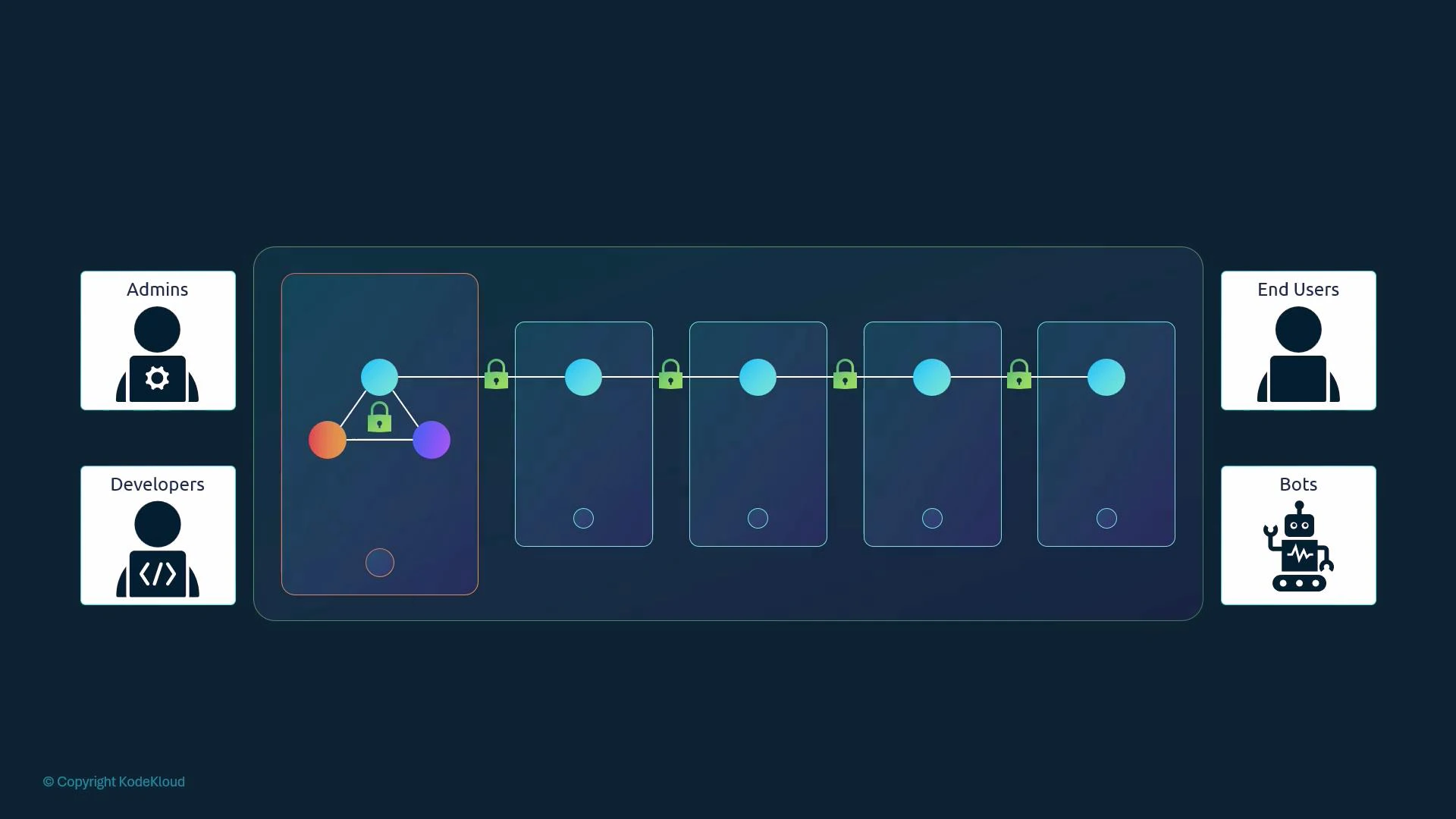
- Administrators who perform cluster-level operations.
- Developers who deploy and iterate on applications.
- End users who access applications (application-level auth is handled by the apps themselves and is out of scope here).
- Robots (processes, controllers, CI systems, and third-party services) that call the Kubernetes API programmatically.
- static files (legacy),
- TLS client certificates,
- or an external identity provider (OIDC, LDAP, Kerberos, SAML, etc).
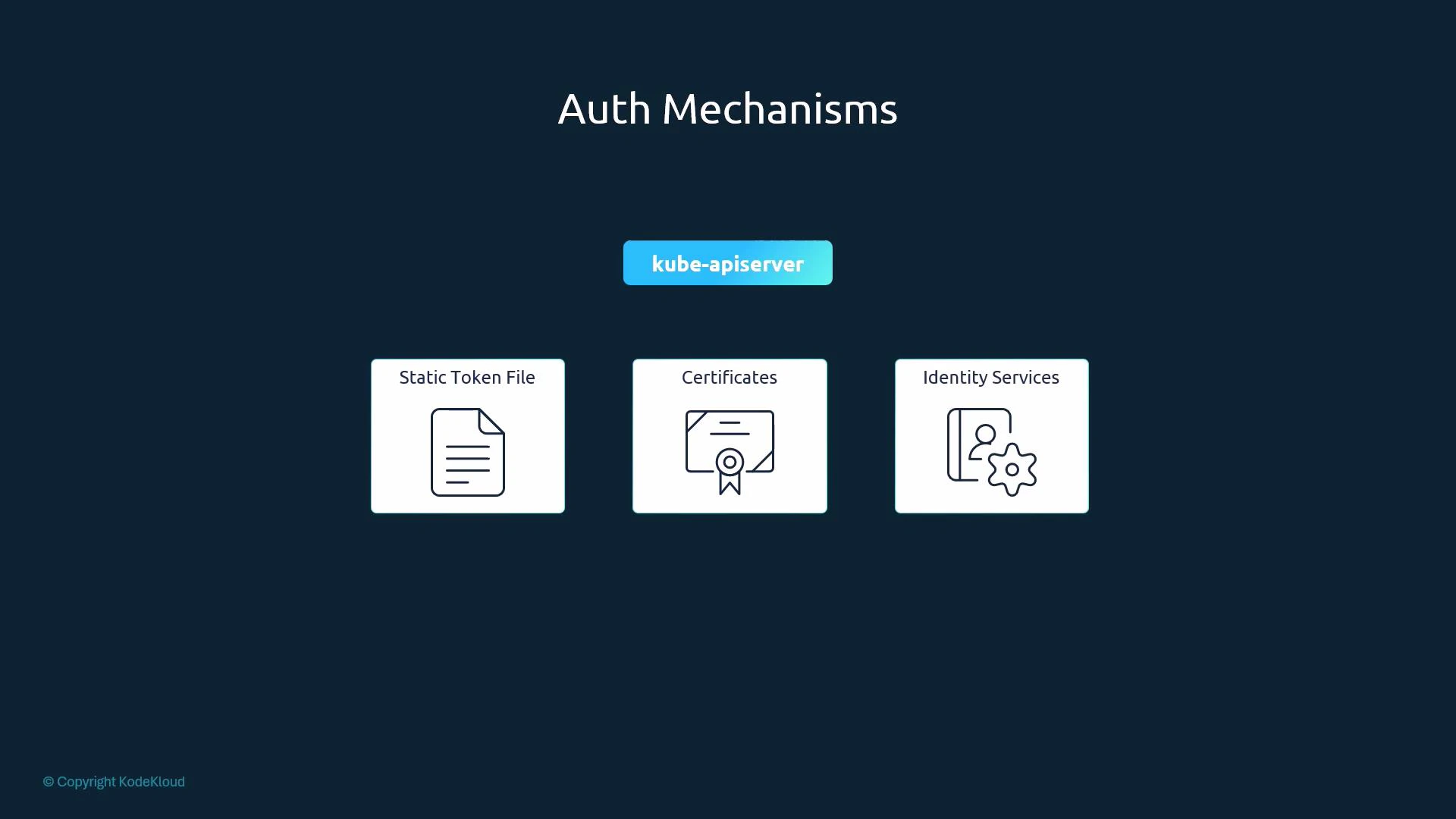
- Static basic-auth (password) files — legacy.
- Static token files — legacy.
- TLS client certificates — recommended for many production setups.
- External identity providers (OIDC, LDAP, Kerberos) — recommended for large or multi-tenant clusters.
| Mechanism | Use case | Example / Notes |
|---|---|---|
| Static basic-auth file | Small experiments, local demos | CSV of username/password (plaintext); configured via —basic-auth-file (deprecated) |
| Static token file | Simple automation, throwaway clusters | CSV mapping bearer tokens to users; configured via —token-auth-file (deprecated) |
| TLS client certificates | Secure machine access, admin/user certificates | Use CA-signed client certs; verified by kube-apiserver |
| External identity providers (OIDC, LDAP) | Enterprise SSO, centralized user management | Integrate kube-apiserver with OIDC/LDAP for federated auth |
- A basic-auth file is a CSV containing password, username, uid, and groups.
- kube-apiserver reads it when started with the —basic-auth-file flag.
- Credentials are stored in clear text — insecure and deprecated.
- A token file is a CSV mapping bearer tokens to user identities and groups.
- kube-apiserver reads it via the —token-auth-file flag.
- Like the basic file, it stores tokens in plaintext — insecure and deprecated.
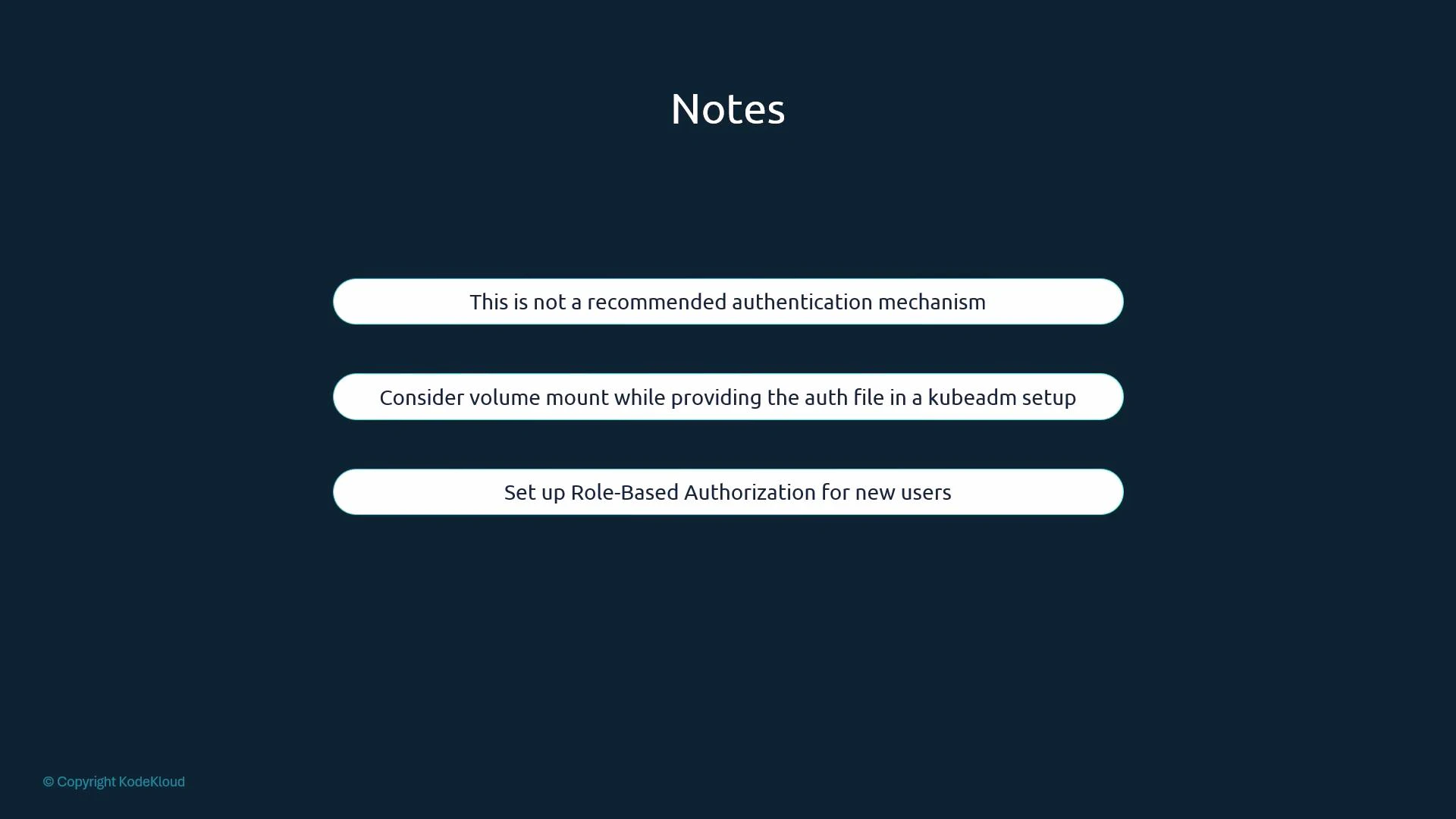
- kubeadm-managed clusters: kube-apiserver runs as a static pod. To add flags such as —basic-auth-file or —token-auth-file you must edit the kube-apiserver manifest (commonly /etc/kubernetes/manifests/kube-apiserver.yaml) and add hostPath/volume mounts so the files are accessible to the pod. The kubelet will detect the manifest change and restart kube-apiserver automatically.
- When you modify kube-apiserver flags or change its static pod manifest, the kube-apiserver process will restart under kubeadm-managed setups; plan for a short control-plane interruption.
- Always combine authentication with proper authorization (RBAC) to control what an authenticated identity can do.
Static basic-auth and token files store credentials in clear text and are considered legacy and unsafe. They are deprecated in modern Kubernetes releases. Prefer certificate-based authentication or external identity providers (OIDC, LDAP, etc.), and always enforce RBAC for authorization.
- kube-apiserver is the central authentication gateway for Kubernetes; every request to the API is authenticated by it.
- Kubernetes does not create or manage regular user accounts itself — integrate with external identity providers or use client certificates. Service accounts are native Kubernetes objects for in-cluster processes.
- Static basic-auth and token files are easy to understand but insecure and deprecated. Use them only for quick tests or isolated labs.
- For production, prefer TLS client certificates or integrate kube-apiserver with a robust external identity provider (OIDC, LDAP). Always pair authentication with RBAC authorization.
- Kubernetes Authentication Overview
- kube-apiserver command line reference
- Using OpenID Connect (OIDC) with Kubernetes