> ## Documentation Index
> Fetch the complete documentation index at: https://notes.kodekloud.com/llms.txt
> Use this file to discover all available pages before exploring further.
# Demo Lambda Invoke Function
> This article explains how to automate AWS Lambda function invocation in a Jenkins pipeline after deployment.
In this lesson, we’ll extend our Jenkins pipeline to invoke an AWS Lambda function automatically after deployment. Instead of copying the function URL from the console by hand, we’ll fetch it dynamically using the AWS CLI and validate the `/live` endpoint. This streamlines your CI/CD process and ensures your function is responding as expected.
## Inspecting the Lambda Function in the Console
Before automating, you can view your function’s public URL and settings in the AWS Lambda console:
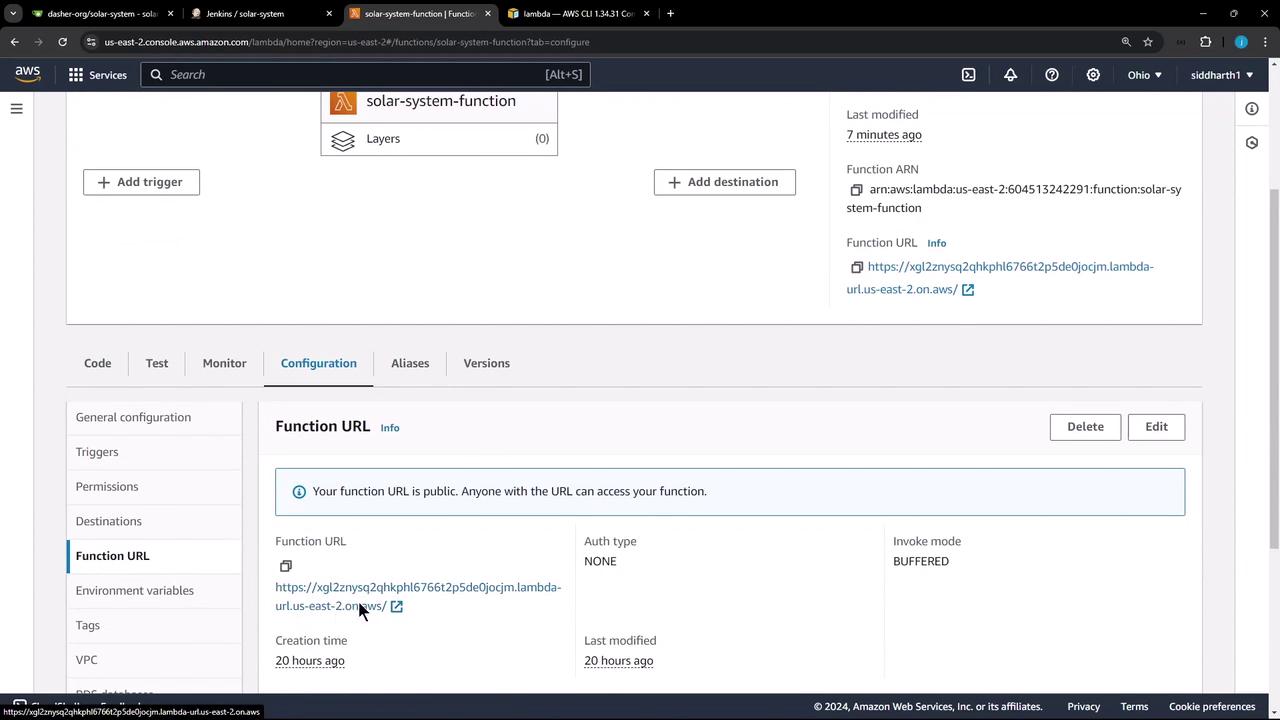
## Retrieving the Function URL via AWS CLI
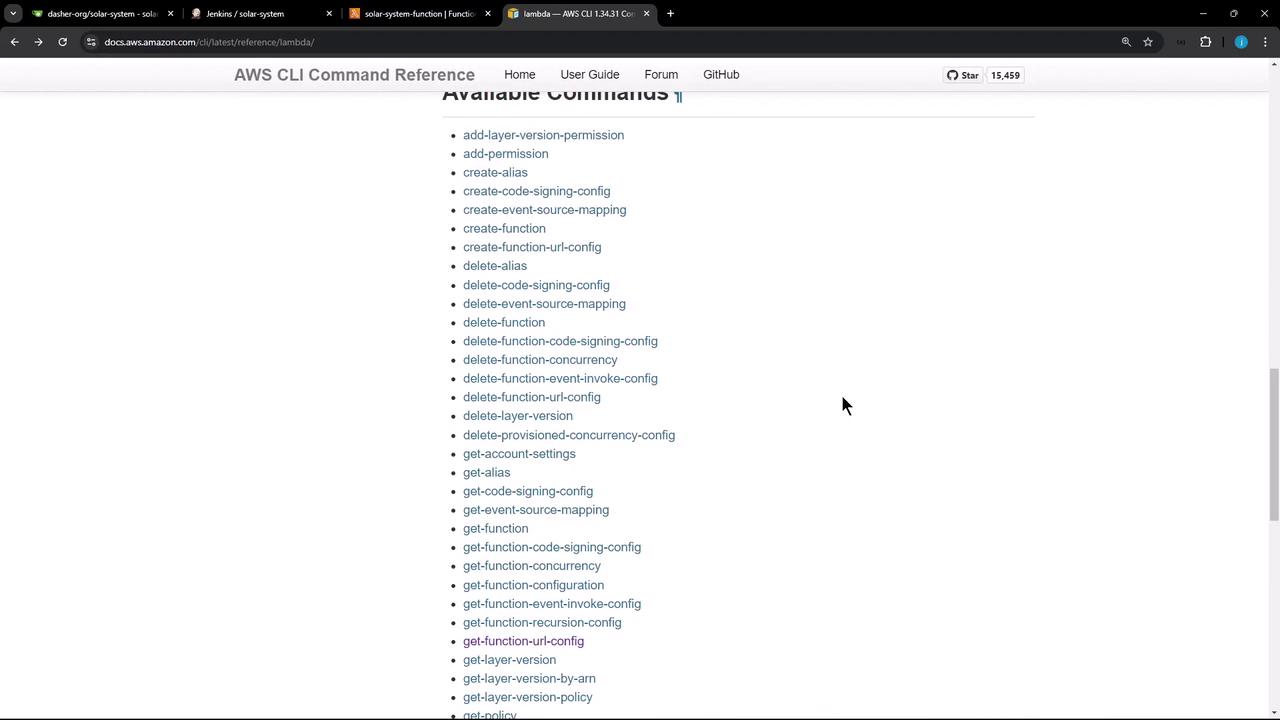
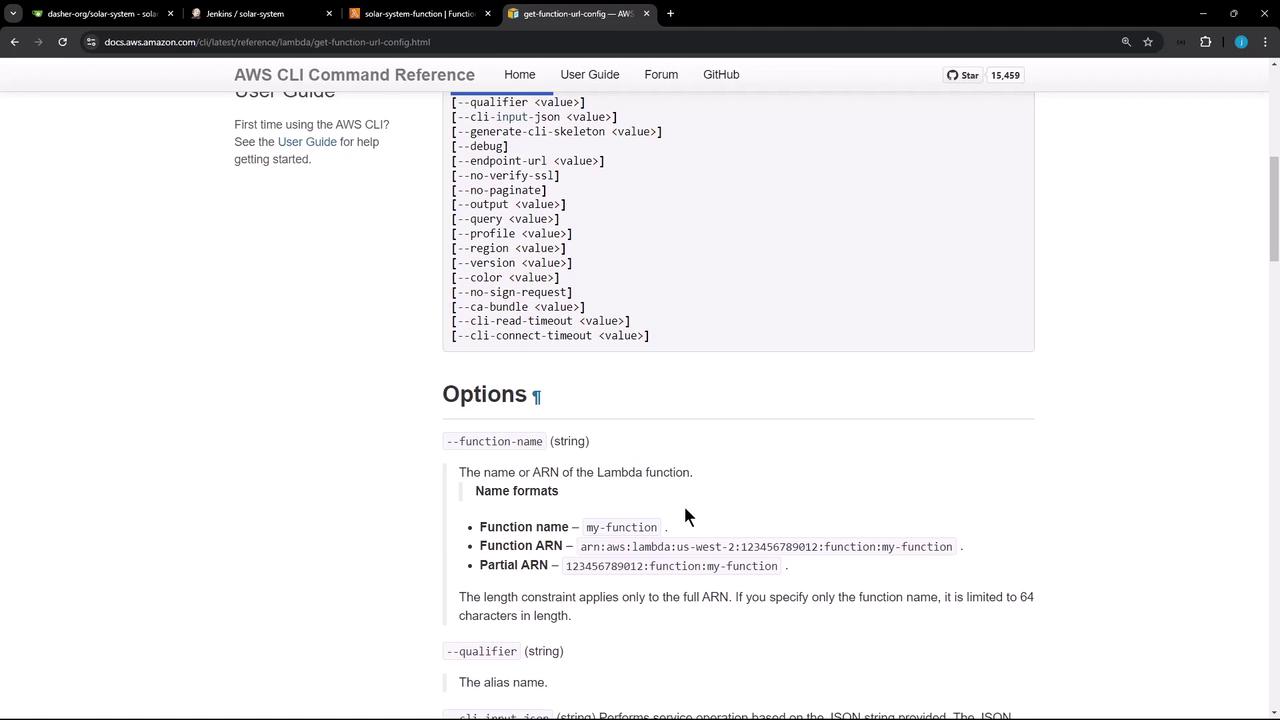
AWS provides the `get-function-url-config` command to programmatically retrieve a function’s URL configuration. For full details, see the [AWS Lambda CLI command reference](https://docs.aws.amazon.com/cli/latest/reference/lambda/index.html).
### Parsing the JSON Response
When you run:
```bash theme={null}
aws lambda get-function-url-config --function-name solar-system-function
```
you receive a JSON object containing:
| JSON Key | Description |
| ---------------- | ---------------------------------------------- |
| FunctionArn | The ARN of the Lambda function |
| FunctionUrl | The public URL endpoint |
| AuthType | Authorization model (e.g., NONE) |
| Cors | CORS settings |
| CreationTime | Timestamp when the URL config was created |
| LastModifiedTime | Last update timestamp |
| InvokeMode | Invocation mode (BUFFERED or RESPONSE\_STREAM) |
## Jenkins Pipeline Stage: Lambda Invocation
Below is a Groovy stage that runs on the `main` branch. It:
1. Uses AWS credentials stored in Jenkins.
2. Waits 30 seconds for the Lambda update to propagate.
3. Fetches and normalizes the FunctionUrl.
4. Sends a HEAD request to the `/live` endpoint and checks for a `200 OK` response.
```groovy theme={null}
stage('Lambda - Invoke Function') {
when {
branch 'main'
}
steps {
withAWS(credentials: 'aws-s3-ec2-lambda-creds', region: 'us-east-2') {
sh '''
# Wait for Lambda to stabilize
sleep 30s
# Fetch the function URL configuration
function_url_data=$(aws lambda get-function-url-config --function-name solar-system-function)
# Extract and normalize the FunctionUrl
function_url=$(echo $function_url_data | jq -r '.FunctionUrl | sub("/$"; "")')
# Send a HEAD request to the /live endpoint and check for 200 OK
curl -Is $function_url/live | grep -i "200 OK"
'''
}
}
}
```
Make sure your IAM user or role for `aws-s3-ec2-lambda-creds` includes `lambda:GetFunctionUrlConfig` permissions.
## Sample JSON Output
```json theme={null}
{
"FunctionArn": "arn:aws:lambda:us-east-2:604513224291:function:solar-system-function",
"FunctionUrl": "https://gxl2znysqzkhp116766t29be5d9e0jcjm.lambda-url.us-east-2.on.aws/",
"AuthType": "NONE",
"Cors": {
"AllowOrigins": ["*"]
},
"CreationTime": "2024-10-01T12:27:05.4573487",
"LastModifiedTime": "2024-10-01T12:27:05.4573487",
"InvokeMode": "BUFFERED"
}
```
## Verifying with curl
You can manually test the live endpoint:
```bash theme={null}
curl -Is https://gxl2znysqzkhp116766t29be5d9e0jcjm.lambda-url.us-east-2.on.aws/live
```
**Expected response:**
```bash theme={null}
HTTP/1.1 200 OK
Date: Wed, 02 Oct 2024 08:37:51 GMT
Content-Type: application/json; charset=utf-8
Content-Length: 0
Connection: keep-alive
x-amzn-RequestId: b136587b-839f-4904-ad01-032e778b5709
access-control-allow-origin: *
etag: W/"11-oM4ub/mwEIvBYTxJnDIjZC9y6"
x-powered-by: Express
X-Amzn-Trace-Id: Root=1-66fd065f-19a457cb200ddba664c780a;Parent=04f1e27712579323;Sampled=0;Lineage=1:ea66bb95:0
```
## Pipeline Execution Results
In the Jenkins UI, you’ll see the Lambda invocation stage after any tests:
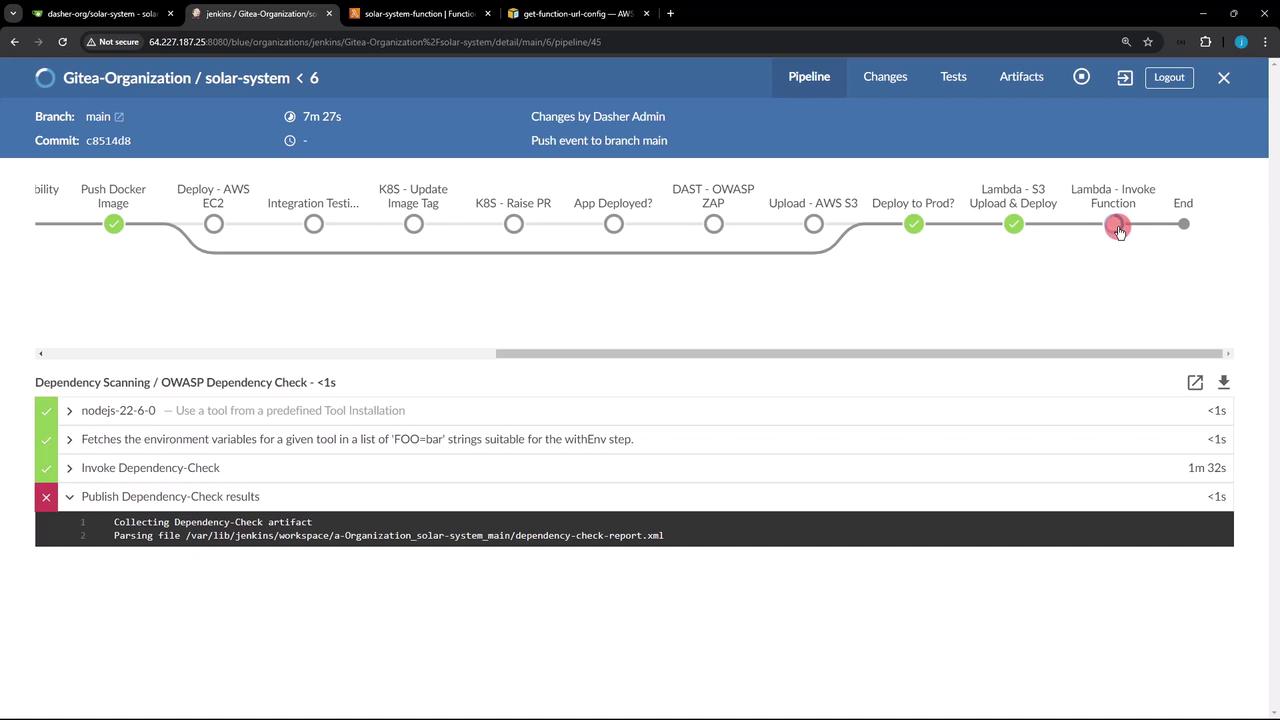
The OWASP Dependency-Check stage is configured with `stopBuild: false`, so a failure there won’t halt your deployment. Ensure you review those warnings separately.
With this setup, every push to `main` will automatically confirm that your Lambda function is live and returning the expected HTTP status, fully automating post-deployment validation.
## Links and References
* [AWS Lambda CLI Reference](https://docs.aws.amazon.com/cli/latest/reference/lambda/index.html)
* [Jenkins Pipeline: AWS Steps Plugin](https://plugins.jenkins.io/pipeline-aws/)
* [OWASP Dependency-Check](https://owasp.org/www-project-dependency-check/)
* [Jenkins Declarative Pipeline Syntax](https://www.jenkins.io/doc/book/pipeline/syntax/)