> ## Documentation Index
> Fetch the complete documentation index at: https://notes.kodekloud.com/llms.txt
> Use this file to discover all available pages before exploring further.
# Demo Manual Lambda Deployment
> This tutorial covers manual deployment of a Node.js Express application to AWS Lambda, including preparation, packaging, uploading to S3, and updating the Lambda function.
In this tutorial, we'll manually deploy a Node.js Express application to AWS Lambda. You will learn how to prepare your code, package it, upload to S3, and update the Lambda function. Afterwards, we'll automate these steps using a Jenkins pipeline.
## AWS Resources Setup
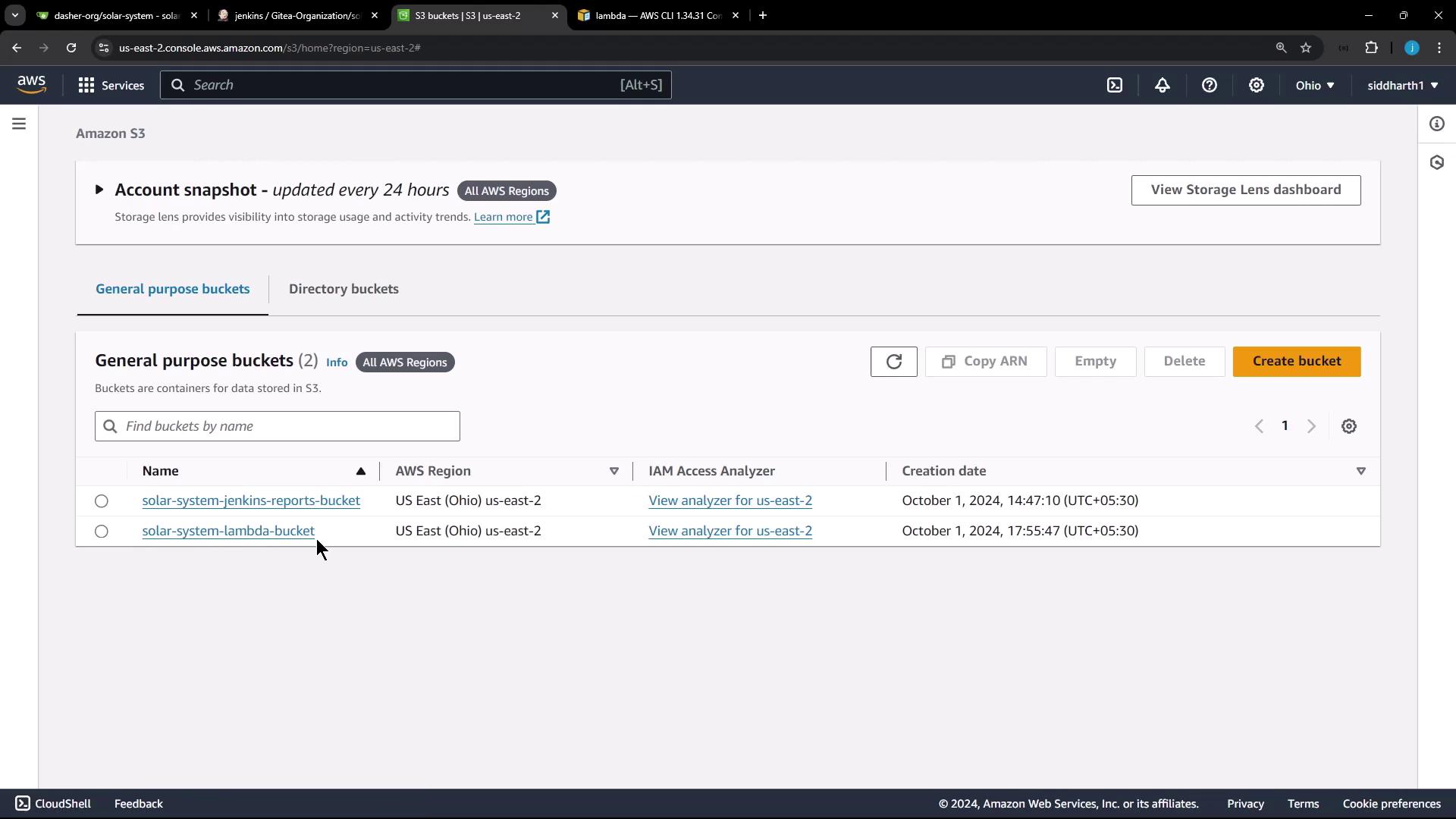
First, ensure you have an Amazon S3 bucket and an existing AWS Lambda function.
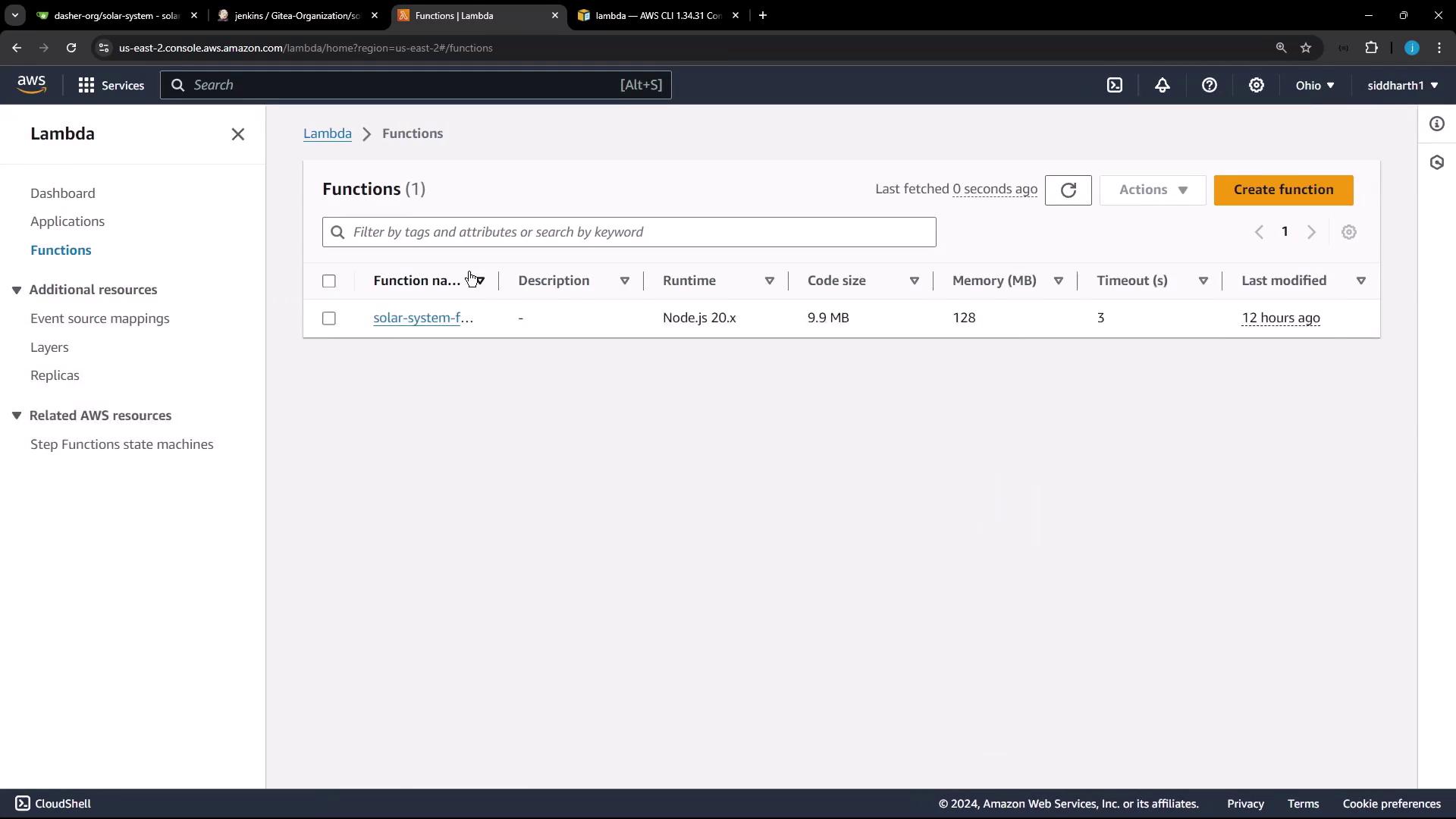
### Lambda Function Overview
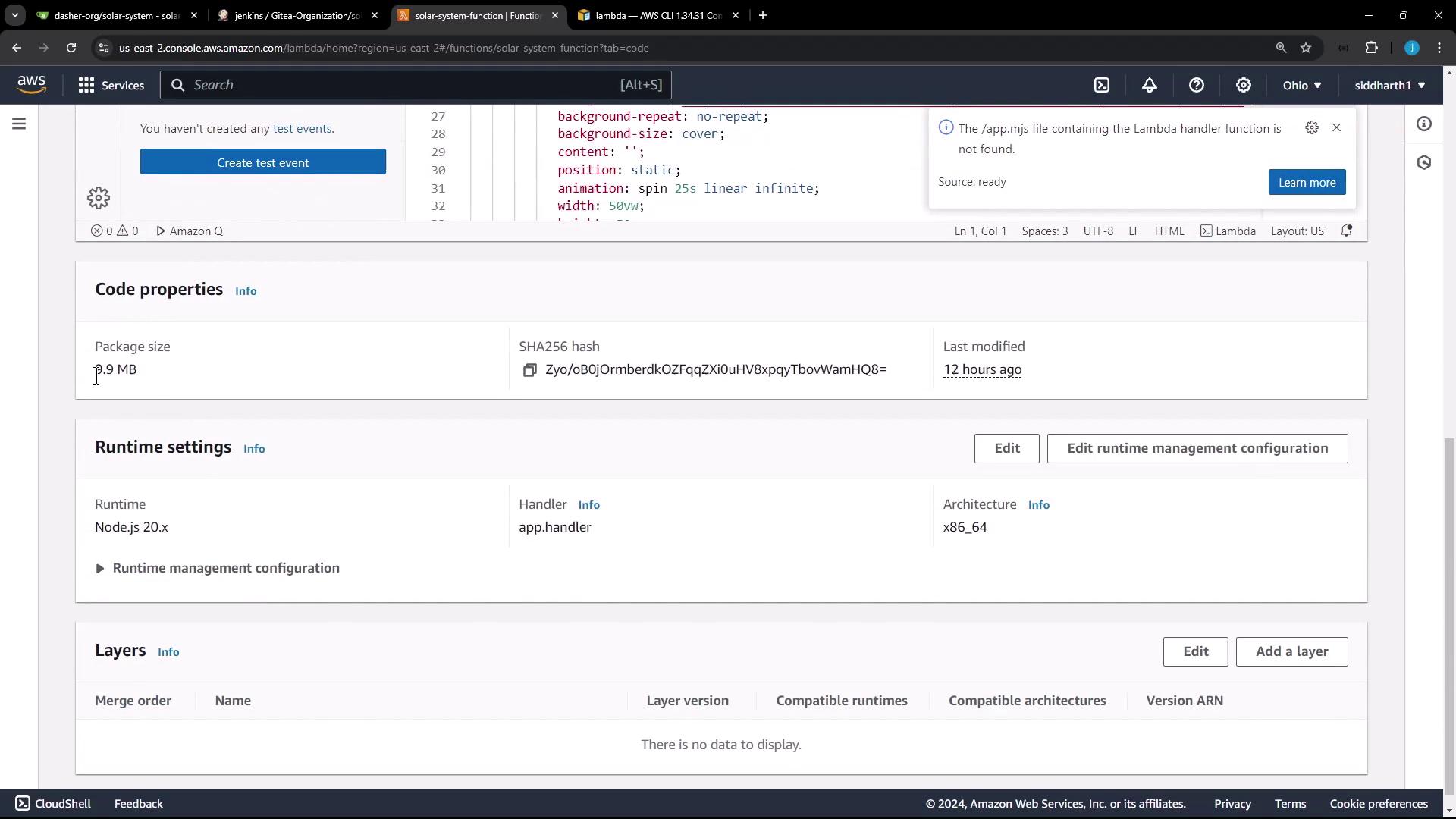
| Parameter | Value |
| ------------ | ----------------------- |
| Name | `solar-system-function` |
| Package type | `zip` |
| Runtime | Node.js 20.x |
| Handler | `app.handler` |
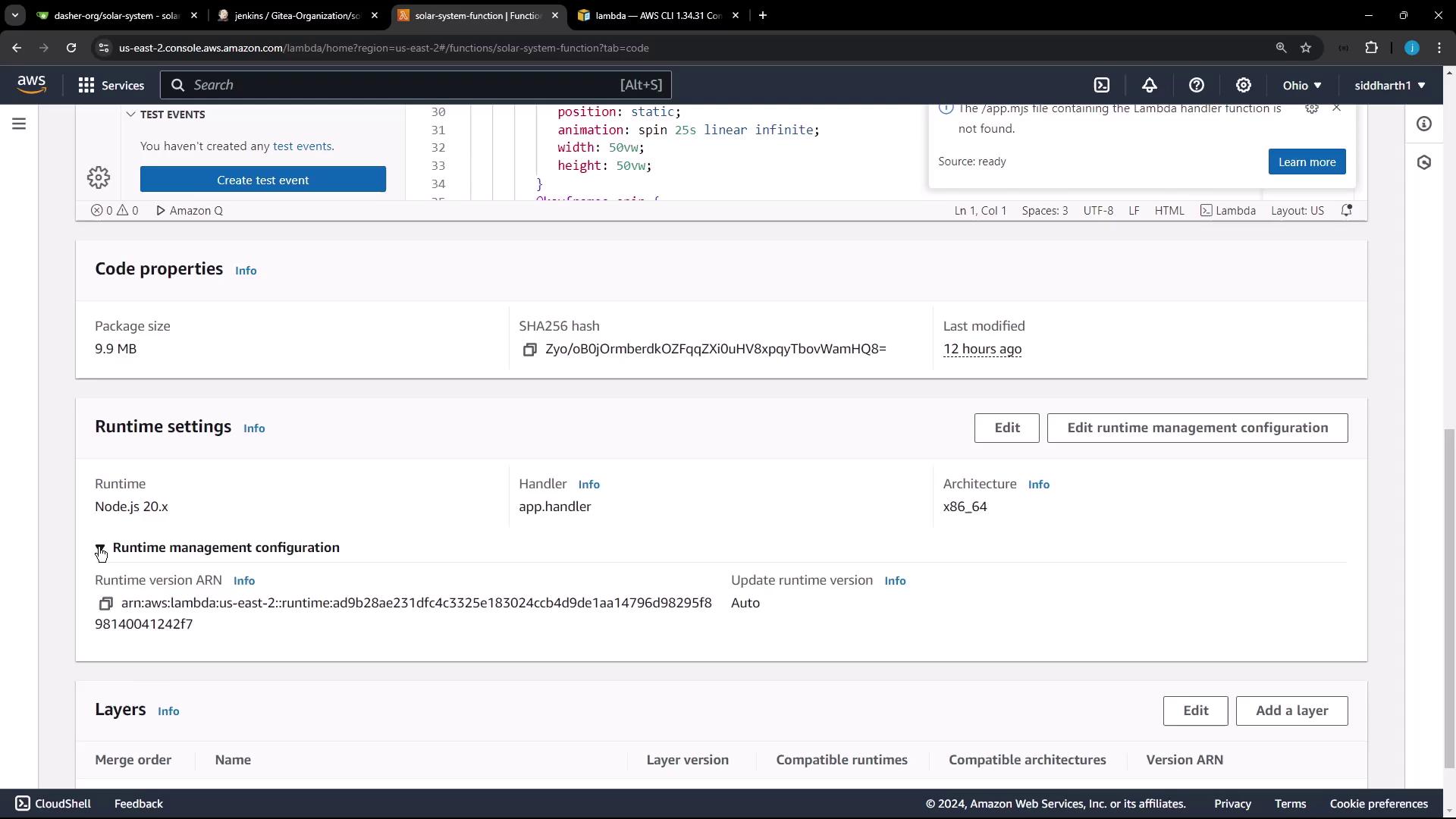
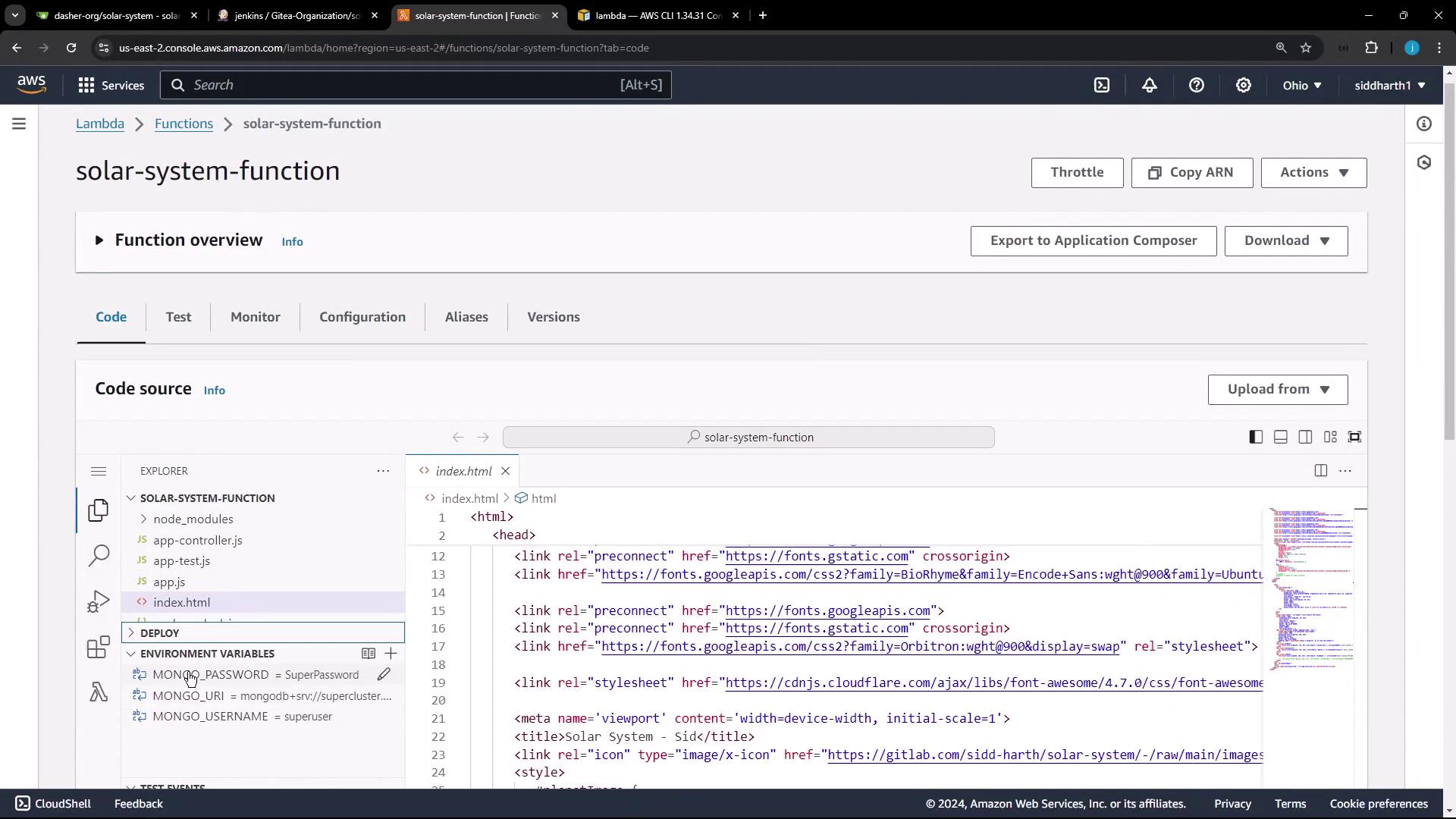
### Environment Variables
By default, MongoDB credentials are hardcoded. We'll remove them when automating the pipeline.
Avoid storing sensitive credentials in plain text. Use AWS Secrets Manager or secure environment variables.
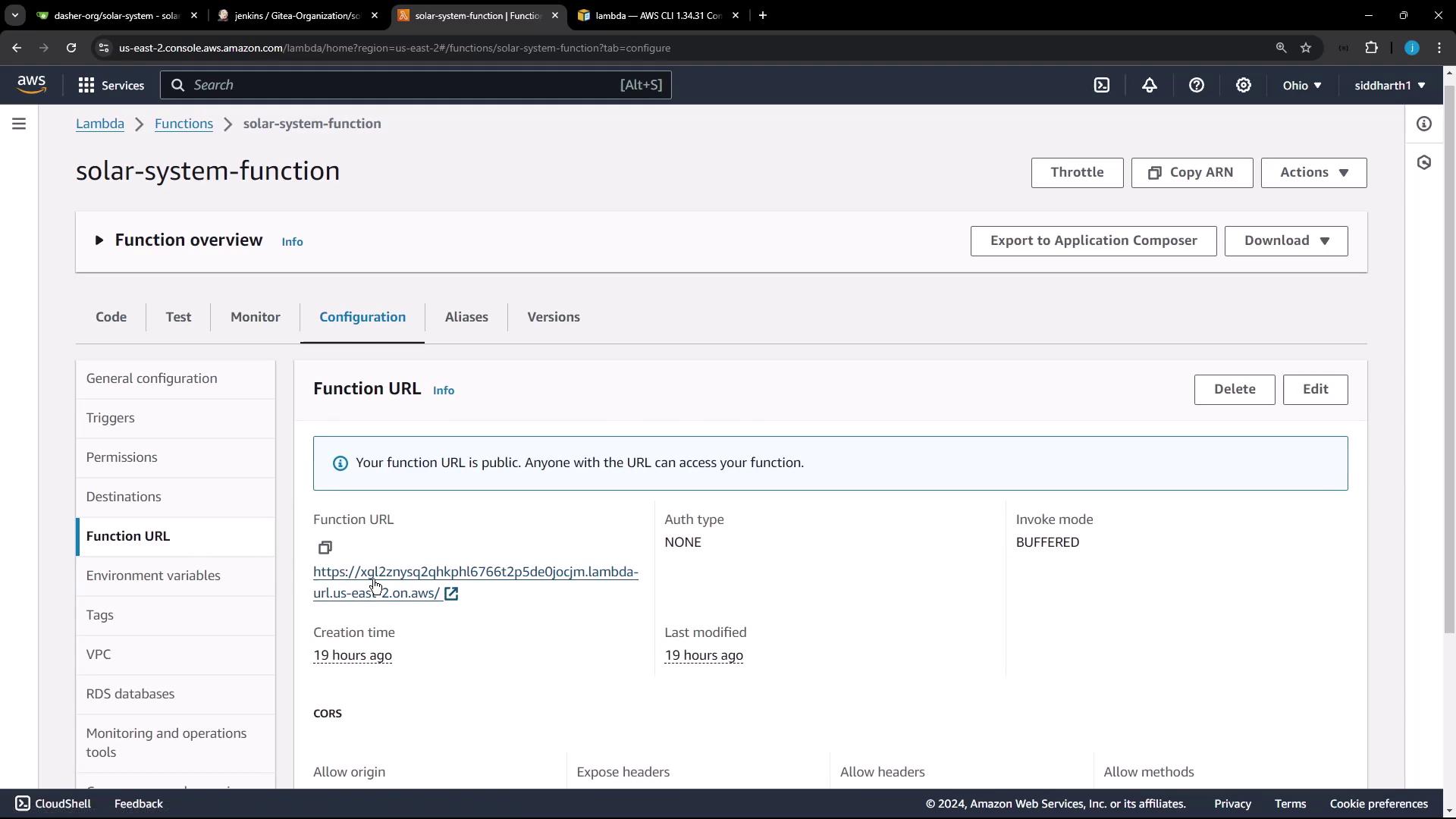
### Function URL and Application Version
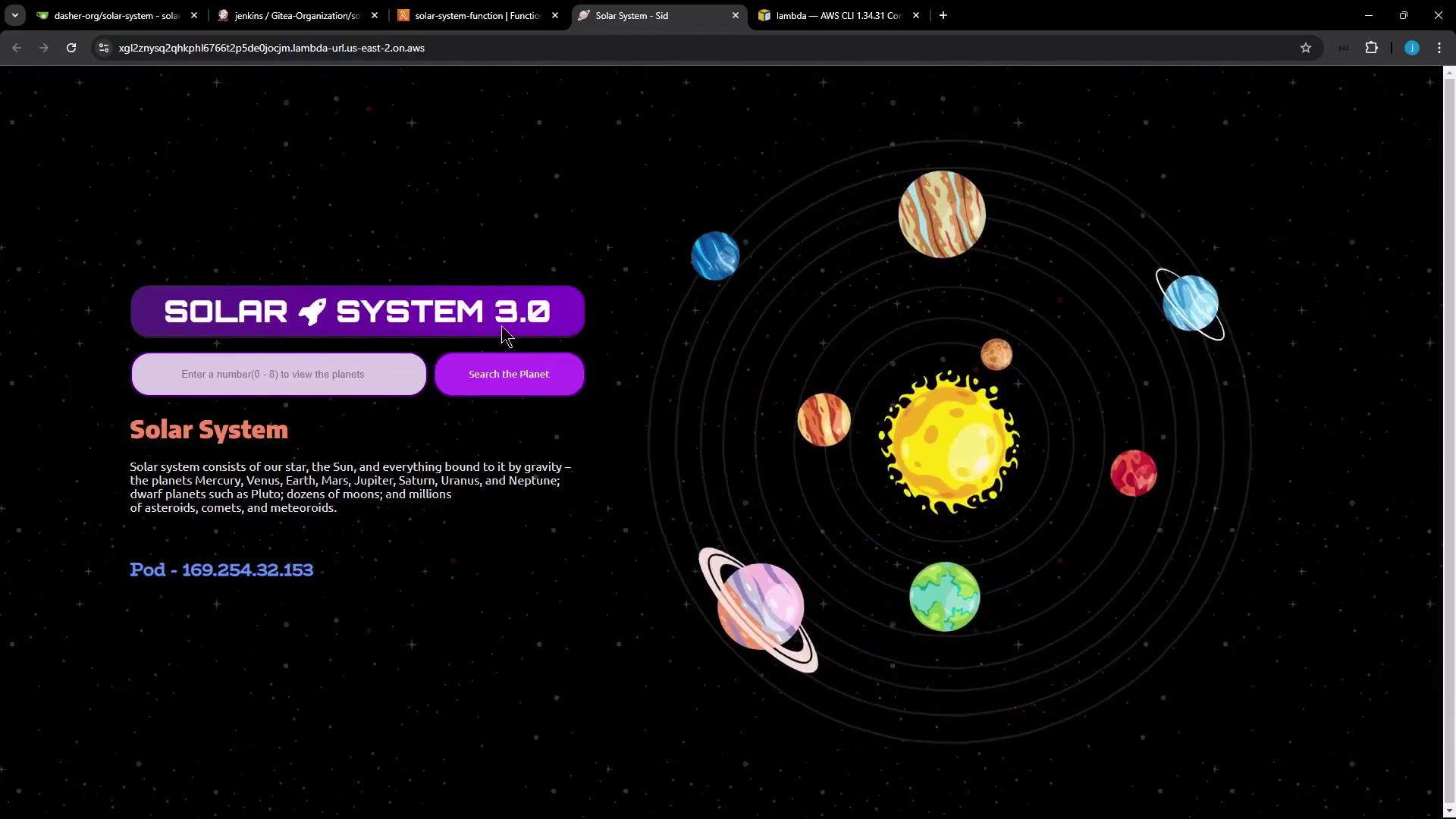
This Lambda function has a public URL serving version 3.0 of the Solar System app.
Visit the URL to view your app:
CORS is enabled (`*`) for public access.
***
## Manual Deployment Steps
Follow these steps to deploy your app:
1. Clone the repository.
2. Adapt `app.js` for AWS Lambda.
3. Install dependencies.
4. Update `index.html` version.
5. Package the application.
6. Upload the ZIP to S3.
7. Update Lambda function code.
8. Verify the deployment.
### 1. Clone the Repository
```bash theme={null}
mkdir sandbox && cd sandbox
git clone https://gitlab.com/sidd-harth/solar-system.git
cd solar-system
```
### 2. Configure `app.js` for AWS Lambda
Replace the Express listener with a Serverless handler.
Original at the end of `app.js`:
```javascript theme={null}
app.listen(3000, () => { console.log("Server running on port 3000"); });
module.exports = app;
```
Run these commands:
```bash theme={null}
sed -i 's|app.listen(3000.*|//&|' app.js
sed -i 's|module.exports = app;|// module.exports = app;|' app.js
echo -e "\nmodule.exports.handler = require('serverless-http')(app);" >> app.js
```
The final lines should read:
```javascript theme={null}
// app.listen(3000, () => { console.log("Server running on port 3000"); });
// module.exports = app;
module.exports.handler = require('serverless-http')(app);
```
### 3. Install Dependencies
Ensure `serverless-http` is listed in `package.json`:
```json theme={null}
{
"dependencies": {
"cors": "2.8.5",
"express": "4.18.2",
"mongoose": "5.13.20",
"serverless-http": "^3.2.0"
}
}
```
Install with npm:
```bash theme={null}
npm install
```
### 4. Update Application Version
Change `Solar System 3.0` to `Solar System 4.0`:
```bash theme={null}
sed -i 's/Solar System 3.0/Solar System 4.0/' index.html
```
### 5. Package the Application
Create the deployment ZIP:
```bash theme={null}
zip -qr solar-system-lambda.zip app.js package.json package-lock.json index.html node_modules
```
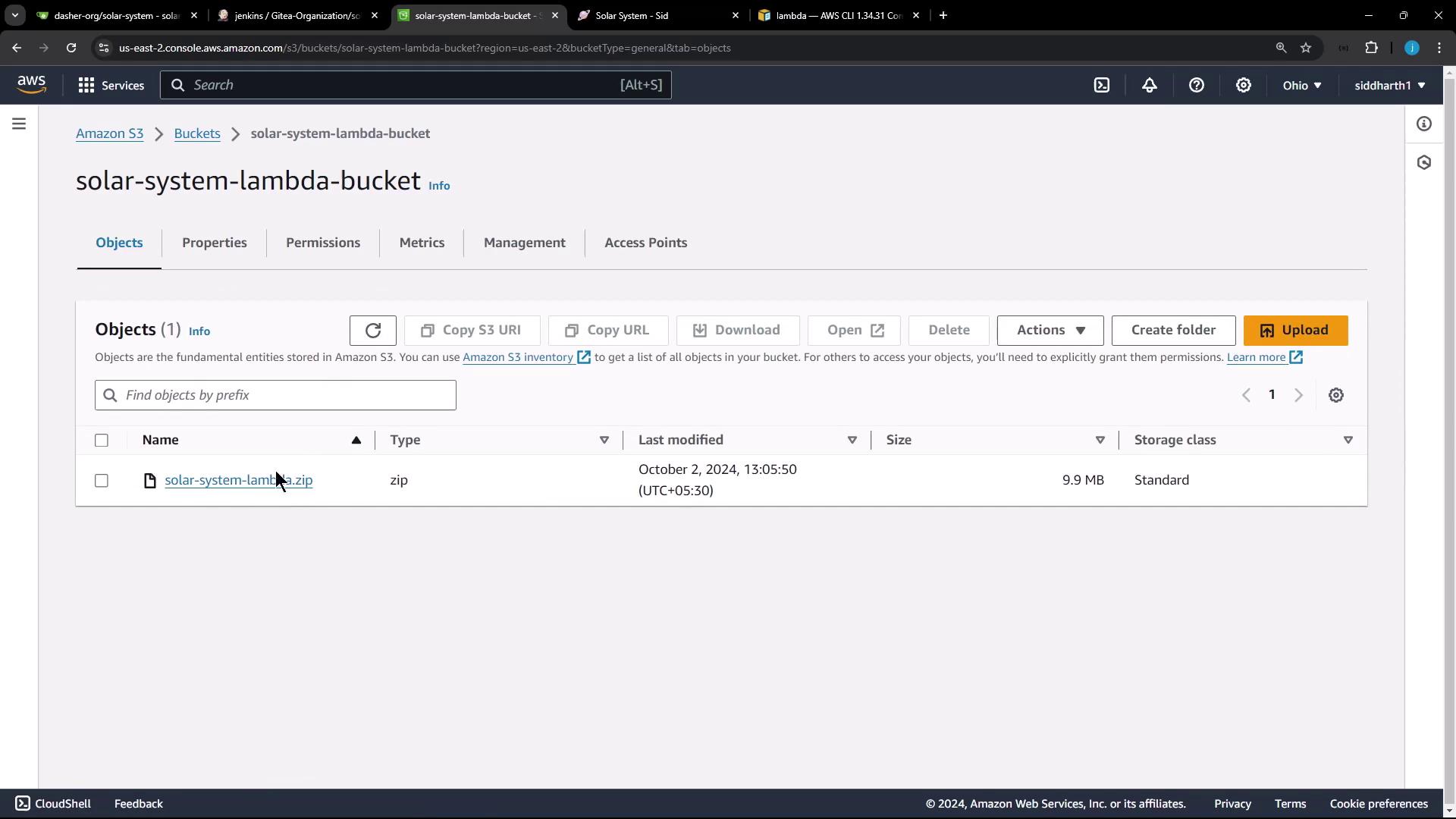
### 6. Upload the ZIP to S3
Upload to your Lambda bucket:
```bash theme={null}
aws s3 cp solar-system-lambda.zip s3://solar-system-lambda-bucket/solar-system-lambda.zip
```
Confirm in the S3 console:
### 7. Update Lambda Function Code
Point your Lambda to the new S3 object:
```bash theme={null}
aws lambda update-function-code \
--function-name solar-system-function \
--s3-bucket solar-system-lambda-bucket \
--s3-key solar-system-lambda.zip
```
Optionally, view current configuration:
```bash theme={null}
aws lambda get-function-url-config --function-name solar-system-function
```
#### Sample Output
```json theme={null}
{
"FunctionName": "solar-system-function",
"Runtime": "nodejs20.x",
"Handler": "app.handler",
"LastModified": "2024-10-07T12:36:54.000+0000",
"Version": "$LATEST"
}
```
### 8. Verify the Deployment
Retrieve the function URL:
```bash theme={null}
aws lambda get-function-url-config --function-name solar-system-function
```
Example:
```json theme={null}
{
"FunctionUrl": "https://kg12znysq2qhk1676t2p5de0jcm.lambda-url.us-east-2.on.aws/",
"AuthType": "NONE",
"Cors": { "AllowOrigins": ["*"] }
}
```
Open the URL and confirm it shows **Solar System 4.0**.
***
## Summary
* Replace `app.listen` with a `serverless-http` handler.
* Run `npm install`.
* Update the version in `index.html`.
* Zip the application files.
* Upload the ZIP to S3.
* Execute `aws lambda update-function-code`.
* Validate the new version via the function URL.
Next, we'll automate this workflow in a Jenkins pipeline.
## Links and References
* [AWS Lambda Documentation][aws-lambda]
* [AWS CLI Reference][aws-cli]
* [serverless-http on npm][serverless-http]
* [Express.js][express]
* [MongoDB Documentation][mongodb]
[aws-lambda]: https://docs.aws.amazon.com/lambda/latest/dg/welcome.html
[aws-cli]: https://docs.aws.amazon.com/cli/latest/index.html
[serverless-http]: https://www.npmjs.com/package/serverless-http
[express]: https://expressjs.com/
[mongodb]: https://www.mongodb.com/