> ## Documentation Index
> Fetch the complete documentation index at: https://notes.kodekloud.com/llms.txt
> Use this file to discover all available pages before exploring further.
# Types of Agents
> This article explains the types of Jenkins agents, their architecture, and how to declare them in a Jenkinsfile for pipeline execution.
Agents extend the Jenkins controller by running executors on remote nodes. In your [Jenkinsfile](https://www.jenkins.io/doc/book/pipeline/getting-started/#jenkinsfile), you declare the `agent` block to control where and how each pipeline stage executes. Agents handle the communication protocol, authentication, and tool resolution required for build and test jobs.
## Controller-Worker Architecture
Jenkins controllers delegate work to agents over SSH or JNLP. All required build tools must be installed on the agent node.

## Static vs. Containerized Agents
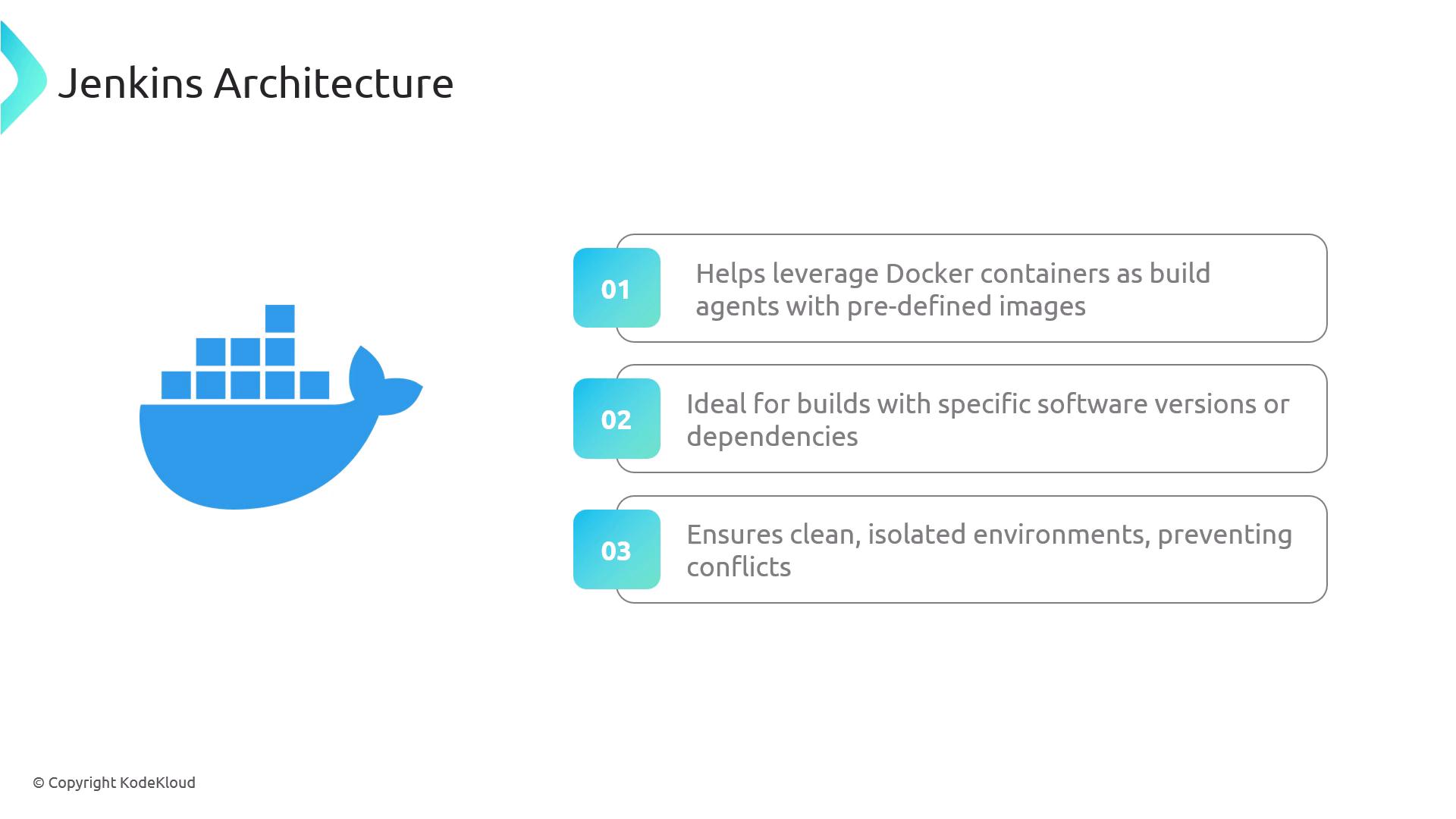
Besides static (permanent) agents, you can leverage Docker or Kubernetes to provision agents on demand. Container-based agents launch a clean environment each build, ensuring consistency and eliminating dependency conflicts.
## Common Agent Types
Below is a quick reference of the most widely used Jenkins agent types:
| Agent Type | Description | Use Case |
| ------------------ | ------------------------------------------------------------------------------------------------------------------------------------------------------ | ---------------------------------------- |
| Permanent Agents | Dedicated nodes with pre-installed tools (e.g., JDK, Node.js) | Stable, consistent environments |
| Docker Agents | Ephemeral containers spun up per build with required dependencies | Isolation, reproducibility |
| Cloud-Based Agents | On-demand VMs or pods in cloud providers ([AWS](https://aws.amazon.com/), [Azure](https://azure.microsoft.com/), [Kubernetes](https://kubernetes.io/)) | Elastic scaling, pay-per-use |
| Label-Based Agents | Nodes tagged by labels to match specific pipeline requirements | Decoupling builds from physical topology |
Permanent agents remain online even when idle, consuming resources. Consider ephemeral Docker or cloud agents for variable workloads.

## Agent Declarations in a Jenkinsfile
Use the **declarative pipeline syntax** to specify where your pipeline runs:
### 1. agent any
Runs the entire pipeline on any available agent.
```groovy theme={null}
pipeline {
agent any
stages {
stage('Build') {
steps {
sh 'echo Running on ${NODE_NAME}'
}
}
}
}
```
### 2. Label-Based Agent
Targets a node with a specific label. Ensure a node labeled `my-agent` exists.
```groovy theme={null}
pipeline {
agent { label 'my-agent' }
stages {
stage('Build') {
steps {
sh 'echo Running on ${NODE_NAME}'
}
}
}
}
```
### 3. Docker Agent
Spins up a Docker container using the specified image and arguments.
Ensure Docker is installed and the Jenkins user has permissions to run containers on this agent.
```groovy theme={null}
pipeline {
agent {
docker {
image 'node:latest' // Node.js image
args '-v $HOME/.npm:/root/.npm' // Mount NPM cache
}
}
stages {
stage('Build') {
steps {
sh 'npm install'
sh 'npm test'
}
}
}
}
```
### 4. Default and Stage-Level Agents
Defines a global agent and overrides it for specific stages.
```groovy theme={null}
pipeline {
agent { label 'my-agent' } // Default for all stages
stages {
stage('Build') {
agent { label 'nodejs-agent' } // Stage-specific agent
steps {
sh 'echo Running on ${NODE_NAME}'
}
}
stage('Test') {
steps {
sh 'echo Tests running on default agent'
}
}
}
}
```
This approach lets you mix general-purpose agents with specialized environments for individual stages.
## Links and References
* [Jenkinsfile | Getting Started](https://www.jenkins.io/doc/book/pipeline/getting-started/#jenkinsfile)
* [JNLP Agents](https://www.jenkins.io/doc/book/using/using-agents/#jnlp-agents)
* [SSH Agents](https://www.jenkins.io/doc/book/using/using-agents/#ssh-agents)
* [Declarative Pipeline Syntax](https://www.jenkins.io/doc/book/pipeline/syntax/)
* [Docker](https://www.docker.com/)
* [Kubernetes](https://kubernetes.io/)
* [AWS](https://aws.amazon.com/)
* [Azure](https://azure.microsoft.com/)