> ## Documentation Index
> Fetch the complete documentation index at: https://notes.kodekloud.com/llms.txt
> Use this file to discover all available pages before exploring further.
# Demo Jenkins CSRF CRUMB
> This guide explains generating and using Jenkins CSRF crumb tokens to secure HTTP requests against Cross-Site Request Forgery attacks.
In this guide, we’ll walk through generating and using Jenkins CSRF crumb tokens to secure HTTP requests against Cross-Site Request Forgery attacks. You’ll learn how to configure Jenkins for CSRF protection, retrieve crumb tokens via the REST API, and trigger jobs with the proper headers and cookies.
## Jenkins CSRF Protection Configuration
By default, Jenkins enforces CSRF protection. As an administrator:
1. Go to **Manage Jenkins** → **Configure Global Security**.
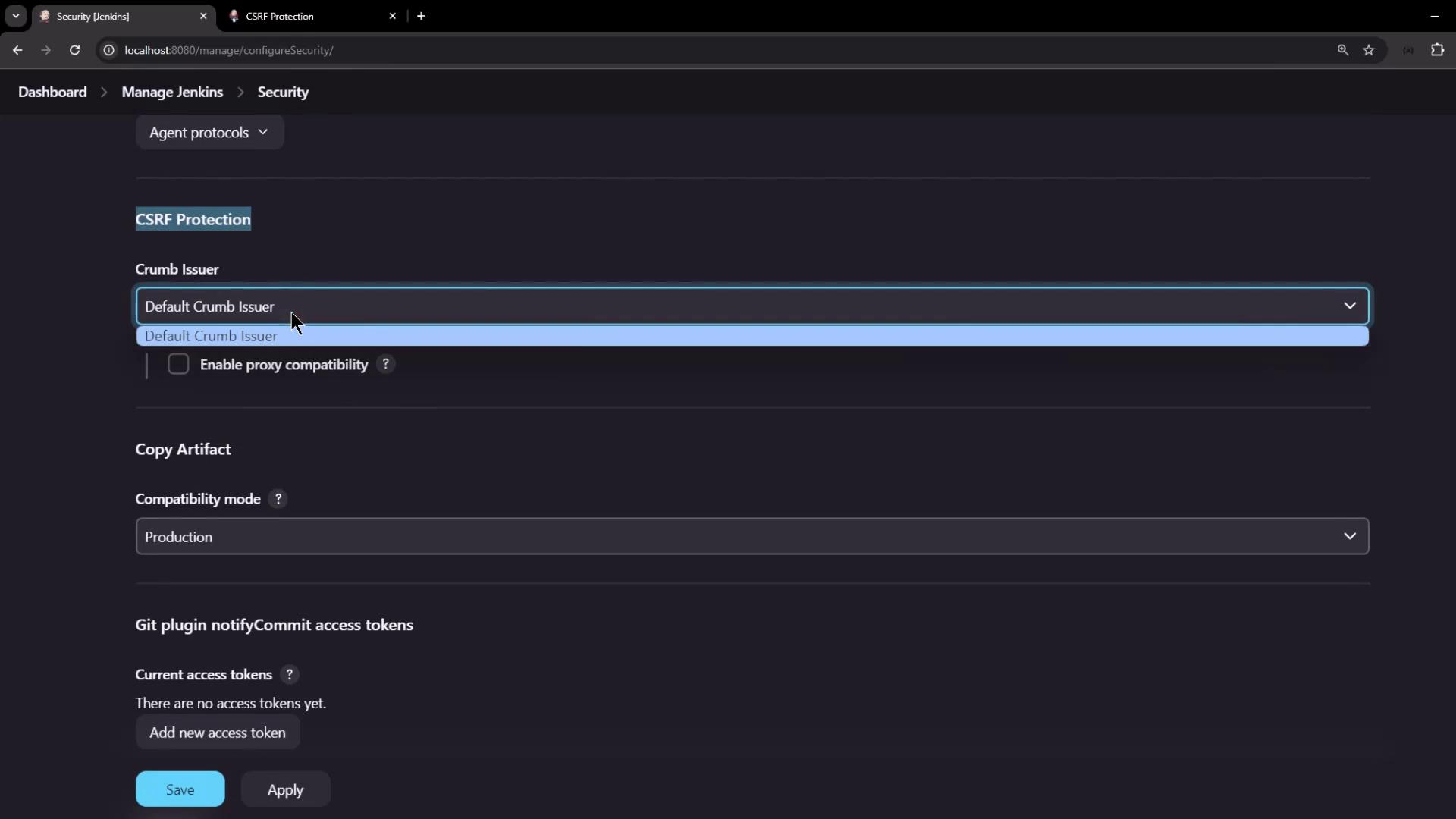
2. Locate the **CSRF Protection** section and confirm it is enabled.
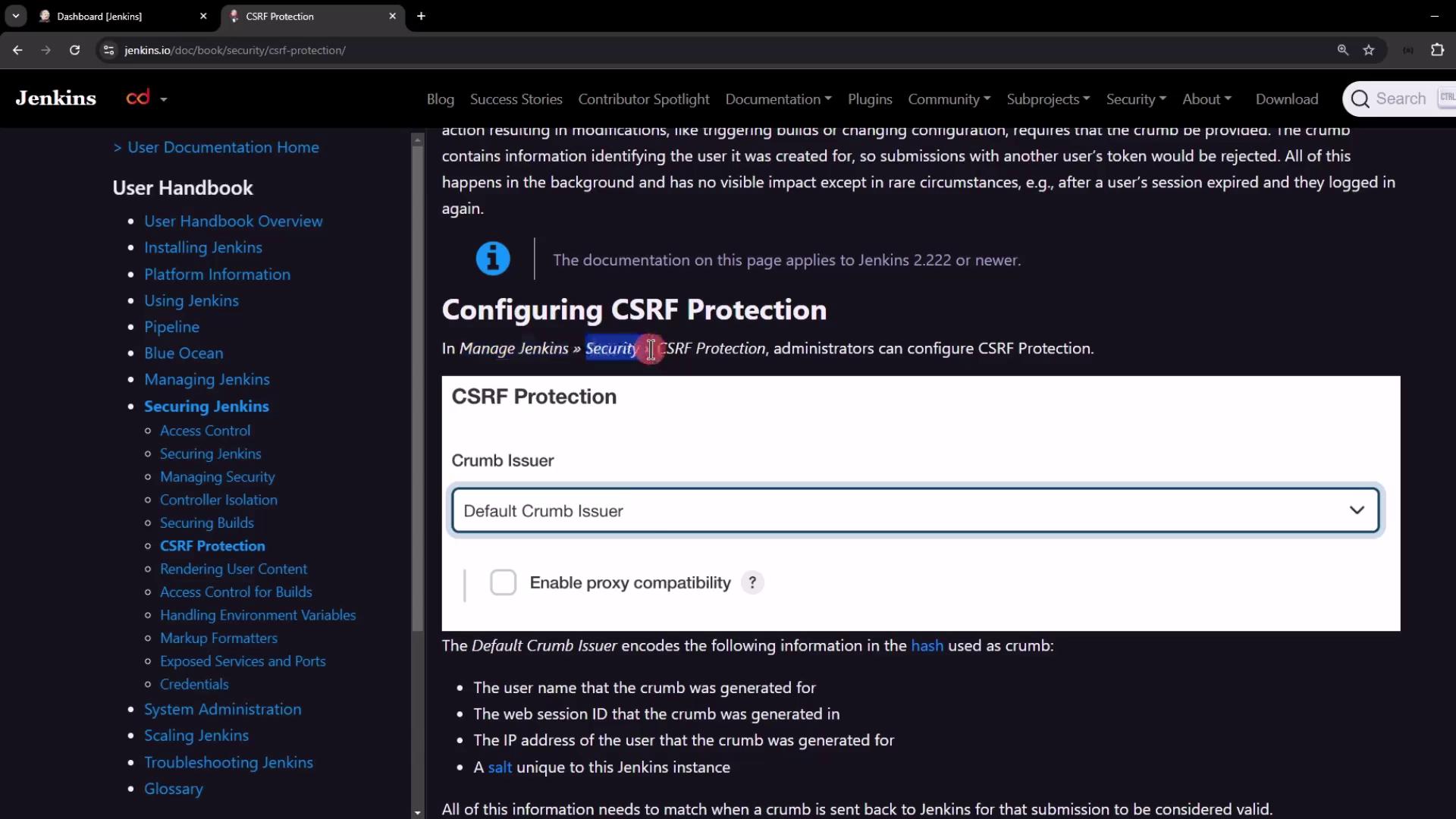
Disabling CSRF protection is **not recommended** in production. If you must disable it (for testing only), set the system property
```text theme={null}
hudson.security.csrf.GlobalCrumbIssuerConfiguration.DISABLE_CSRF_PROTECTION=true
```
at server startup.
## Default Crumb Issuer
Jenkins’s **Default Crumb Issuer** generates a token hash from several session-specific values. All must match when validating an incoming request:
| Encoded Value | Description |
| --------------- | ----------------------------------------- |
| Username | The authenticated user’s login |
| Session ID | Unique identifier for the Jenkins session |
| User IP Address | Client’s source IP |
| Instance Salt | A secret salt unique to this Jenkins node |
## Working with the Crumb Issuer API
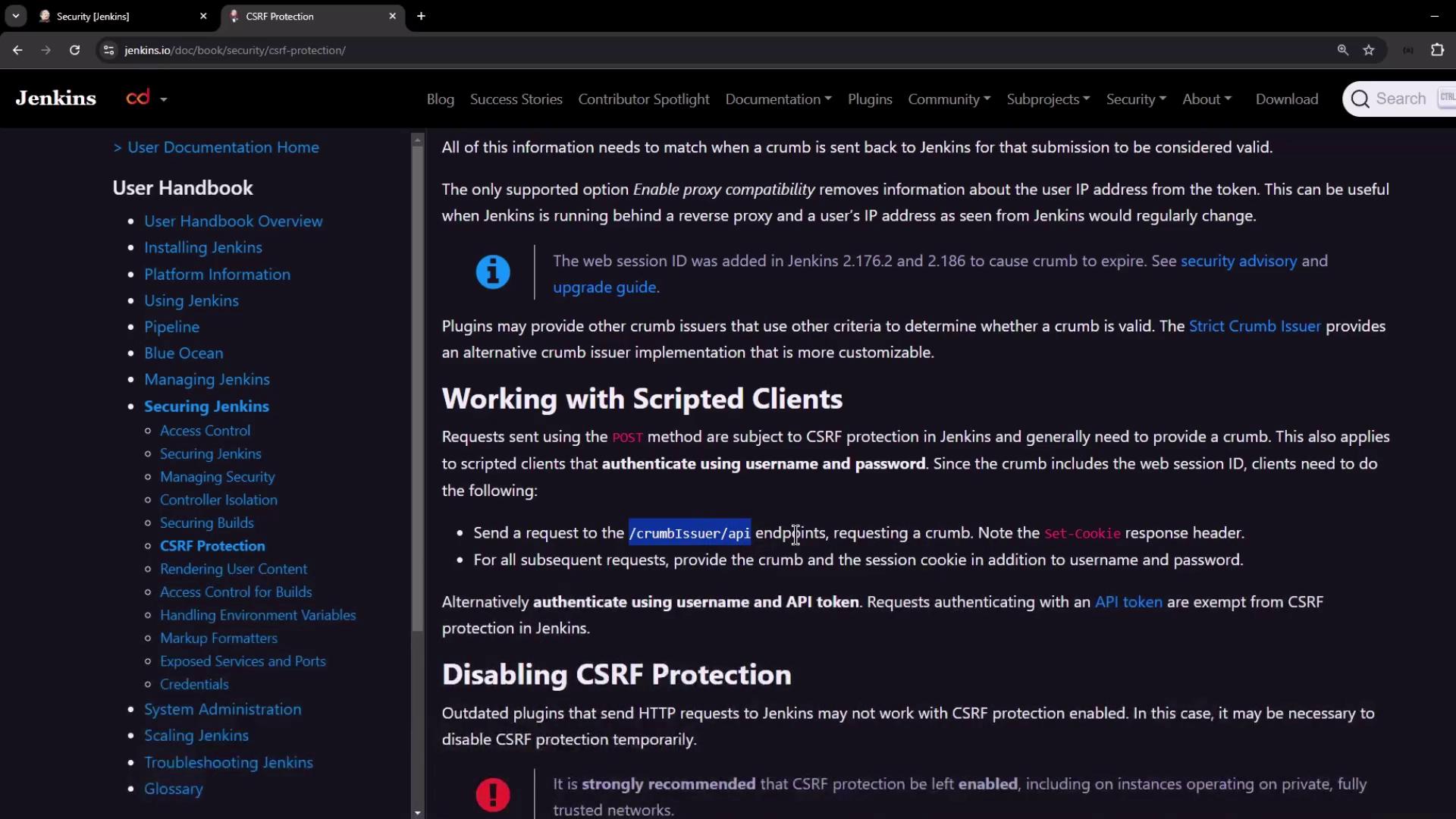
The crumb is exposed at the REST endpoint `/crumbIssuer/api/json`. Authenticate with username/password or API token to receive:
* A JSON payload containing the crumb and header field name
* A session cookie to include on subsequent requests
### 1. Generate and View the Crumb
```bash theme={null}
curl -s \
-u admin:password \
http://localhost:8080/crumbIssuer/api/json | jq
```
```json theme={null}
{
"_class": "hudson.security.csrf.DefaultCrumbIssuer",
"crumb": "628e6eb7b759cb388daec3a44de4e1fcde5da95edcbd779d8b9967c1239de5cff",
"crumbRequestField": "Jenkins-Crumb"
}
```
### 2. Inspect Response Headers
View the `Set-Cookie` header to capture the session ID:
```bash theme={null}
curl -s -v \
-u admin:password \
http://localhost:8080/crumbIssuer/api/json > /dev/null
```
Example header output:
```text theme={null}
Set-Cookie: JSESSIONID.<...>=node01ylzmgr6pjx...; Path=/; HttpOnly
```
### 3. Store Cookies with a Cookie Jar
Save the session cookie for later use:
```bash theme={null}
curl -s \
-u admin:password \
--cookie-jar /tmp/jenkins_cookies \
http://localhost:8080/crumbIssuer/api/json | jq
```
```json theme={null}
{
"_class": "hudson.security.csrf.DefaultCrumbIssuer",
"crumb": "28791665a0a7f47ecf03510ae3b0b2695e01d3e3f2d0ba96d1d230898051059a",
"crumbRequestField": "Jenkins-Crumb"
}
```
Verify the stored cookie:
```bash theme={null}
cat /tmp/jenkins_cookies
```
Using `--cookie-jar` ensures your session cookie is persisted securely between requests.
## Triggering a Parameterized Job with the Crumb
With both the crumb token and session cookie saved, you can trigger a build:
```bash theme={null}
curl -s \
-u admin:password \
--cookie /tmp/jenkins_cookies \
-H "Jenkins-Crumb: " \
-X POST "http://localhost:8080/job/parameterized-pipeline-job/buildWithParameters" \
-d BRANCH_NAME=test \
-d APP_PORT=6767
```
After execution, verify the new build appears in the Jenkins UI.
## Alternative: API Token Authentication
If managing cookies and crumbs is cumbersome, switch to API token authentication. Requests using an API token are automatically exempt from CSRF checks, streamlining your CI/CD scripts.
## Links and References
* [Jenkins CSRF Protection](https://www.jenkins.io/doc/book/system-administration/security/#csrf-protection)
* [Jenkins REST API](https://www.jenkins.io/doc/book/using/remote-access-api/)
* [Continuous Integration Best Practices](https://www.jenkins.io/solutions/ci-cd/)