> ## Documentation Index
> Fetch the complete documentation index at: https://notes.kodekloud.com/llms.txt
> Use this file to discover all available pages before exploring further.
# Github Actions Basics
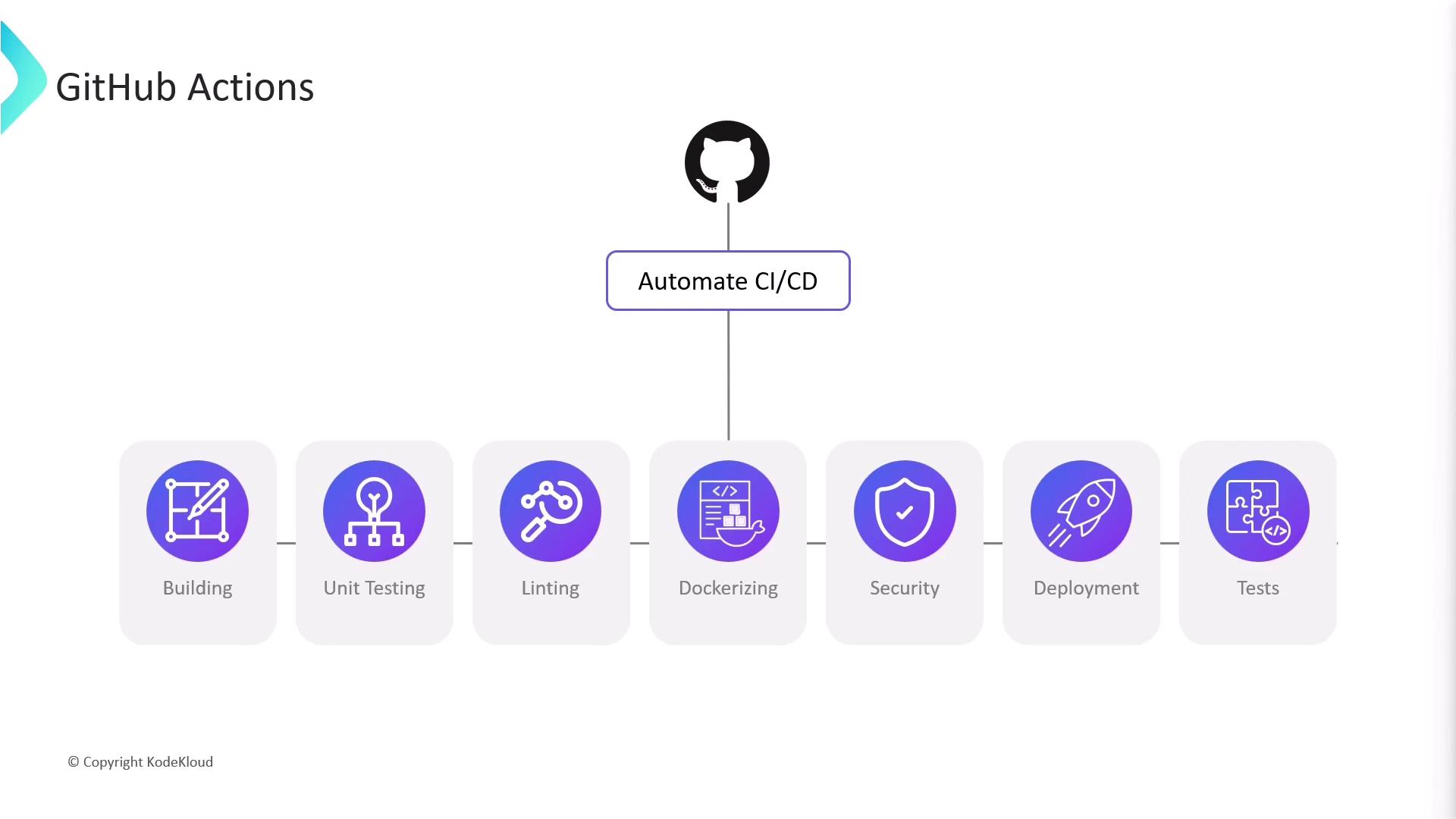
> GitHub Actions is a CI/CD and automation platform for GitHub repositories, enabling workflow automation for builds, tests, deployments, and repository maintenance tasks.
GitHub Actions is a powerful CI/CD and automation platform built into GitHub repositories. By defining workflow files directly in your project, you can automate builds, tests, deployments, and repository maintenance tasks without relying on external tools.
## What Is GitHub Actions?
GitHub Actions lets you create **workflows**—collections of **jobs** and **steps**—that run in response to repository events like `push`, `pull_request`, `schedule`, and more.
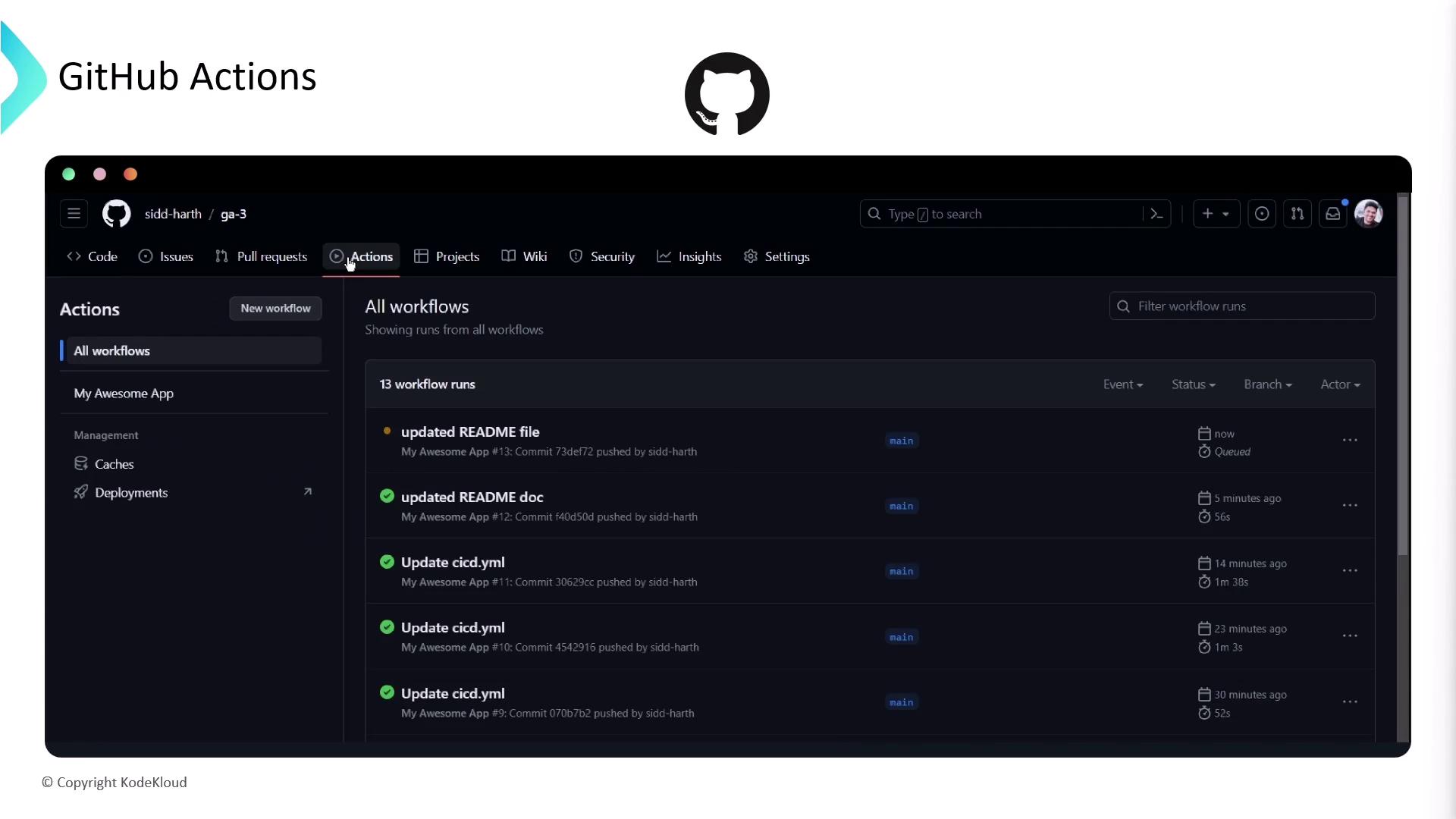
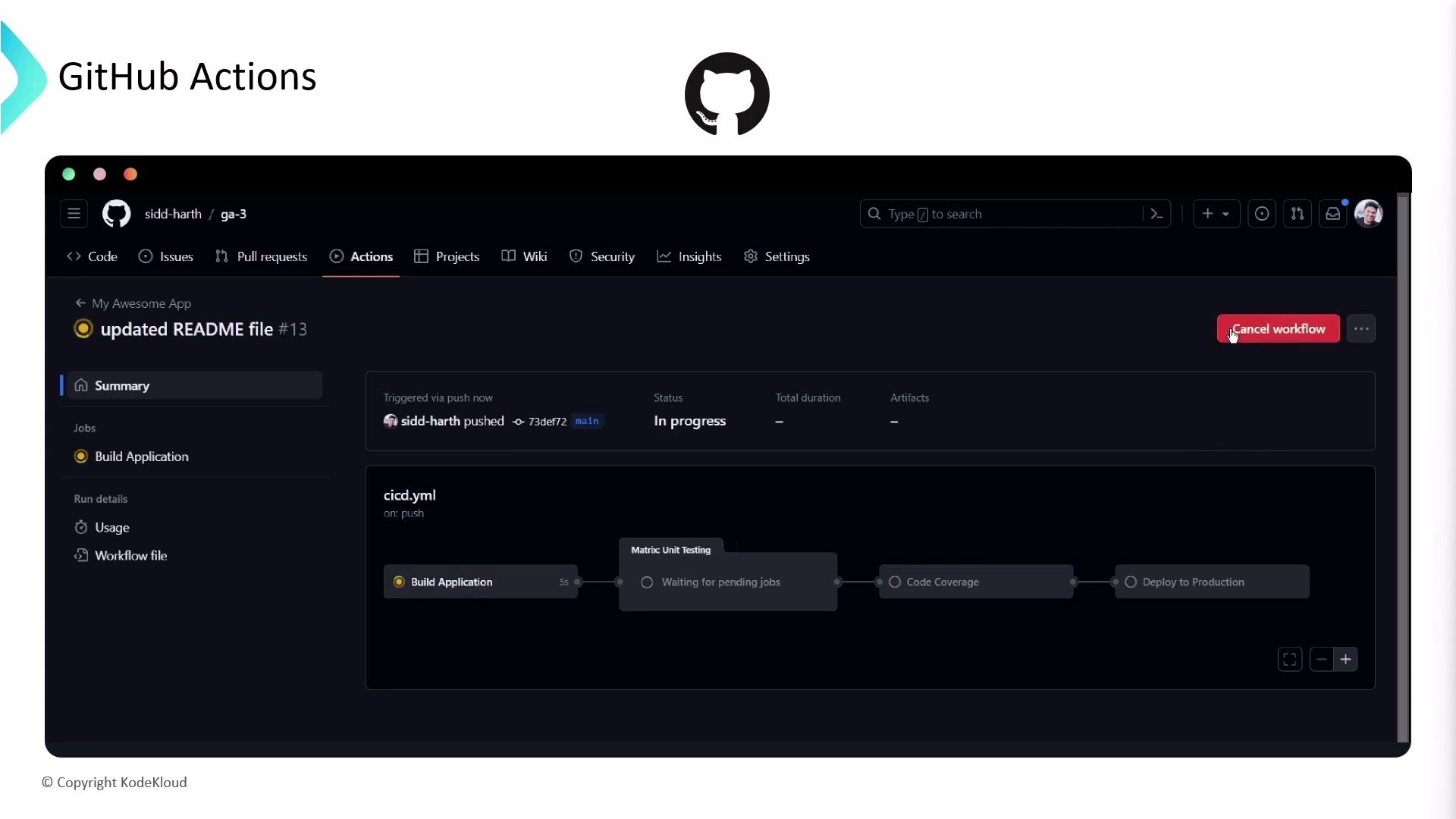
With just a YAML file, you can trigger workflows on every pull request, run unit tests, and even deploy merged changes to production.
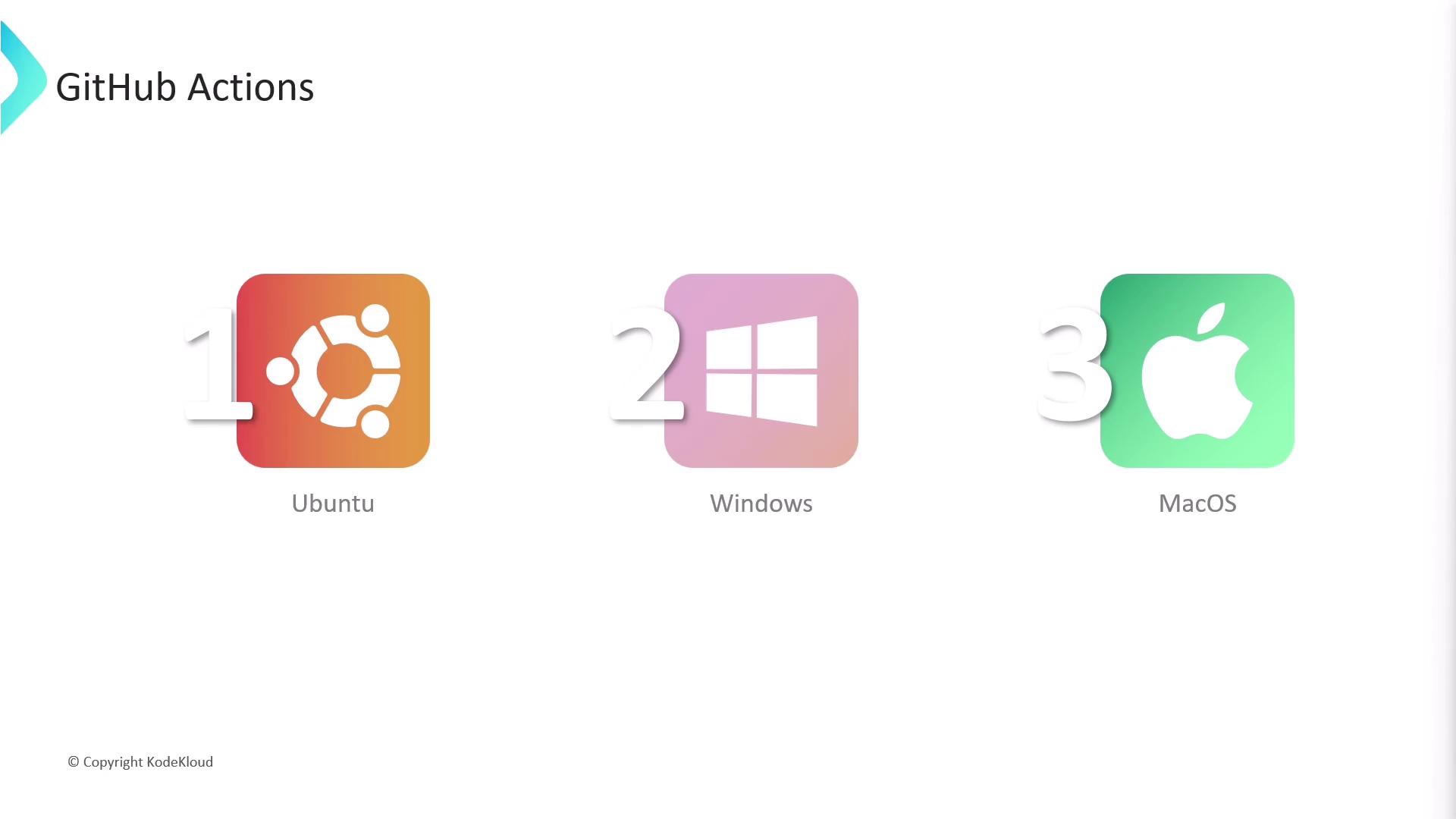
GitHub Actions provides first-class support for runners on Ubuntu, Windows, and macOS.
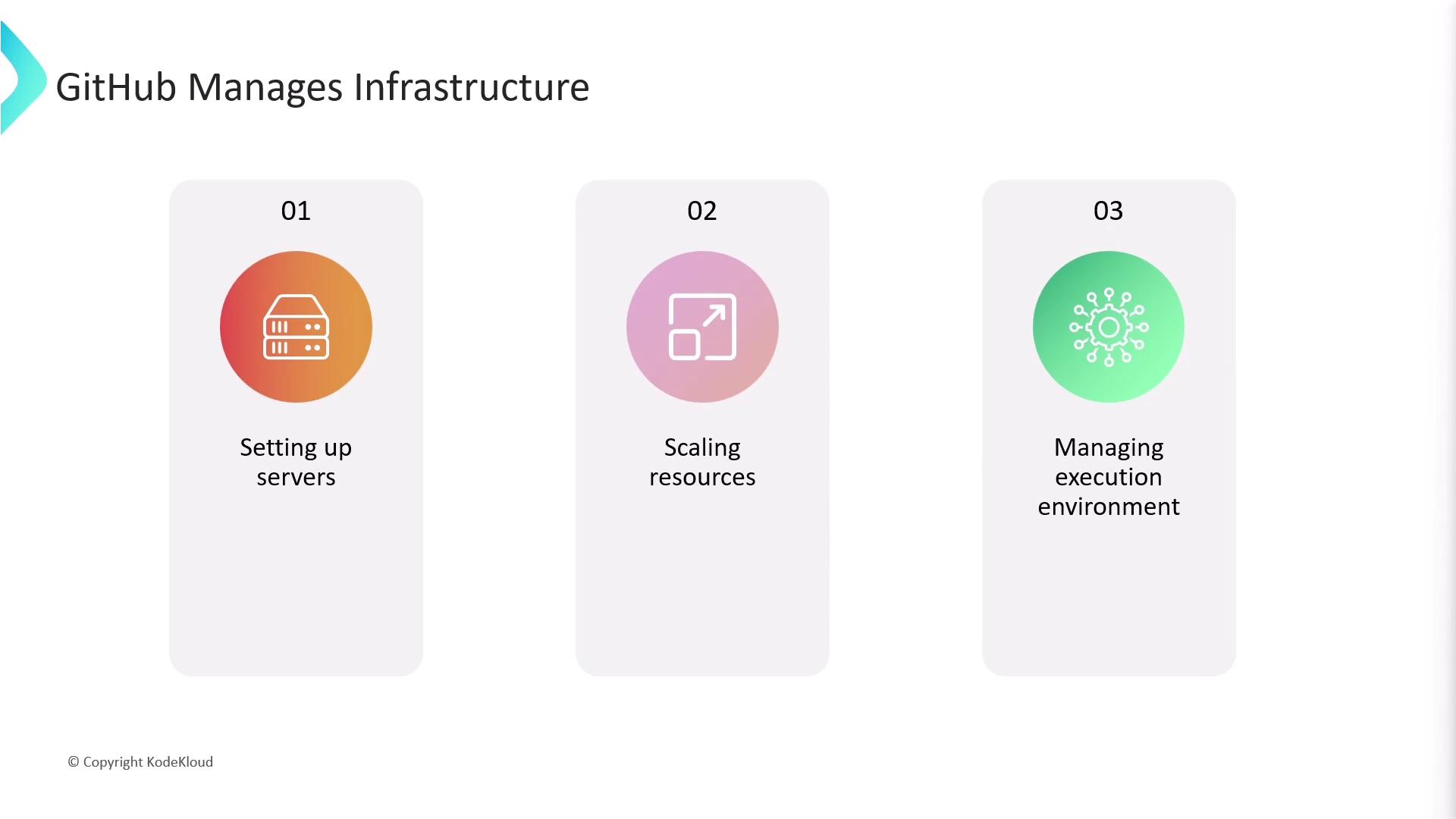
All infrastructure—server provisioning, auto-scaling, and environment maintenance—is handled by GitHub, so you can focus on writing workflows.
## Beyond CI/CD: Repository Automation
While GitHub Actions shines for CI/CD—building, packaging, and deploying code—it also responds to many repository events, such as issues, pull requests, releases, and registry packages:
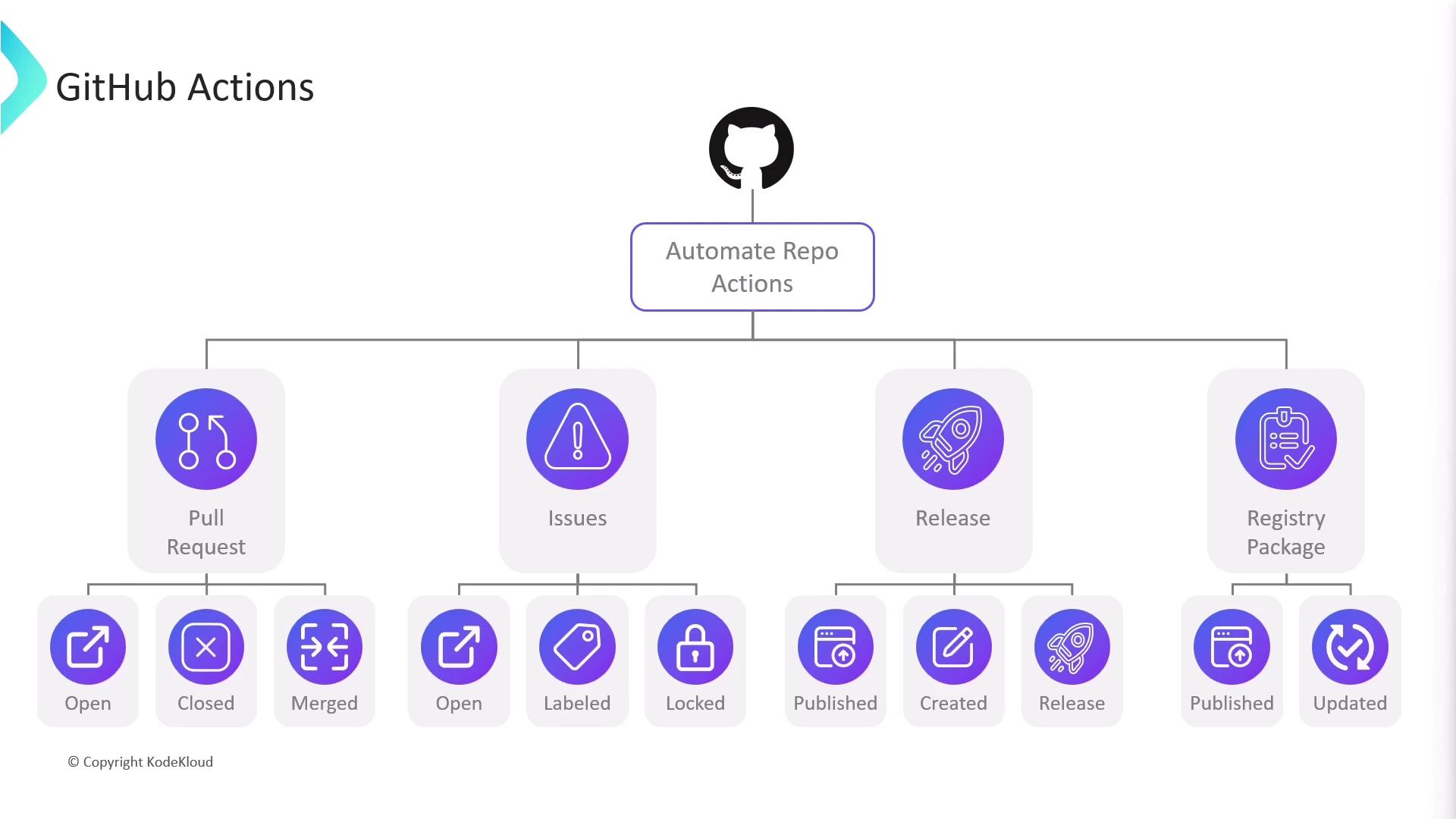
For example, on a new pull request you could automatically:
* Post a welcome comment
* Apply labels based on modified files
* Assign reviewers or assignees
These patterns can extend to issues (`opened`, `labeled`), releases (`published`), and package registry events.
## Core Concepts
### Workflows
A **workflow** is defined by a YAML file in your repository’s `.github/workflows/` directory. You can have multiple workflows, each triggered by different events:
```yaml theme={null}
# .github/workflows/ci.yml
name: My Awesome App
on:
push:
pull_request:
branches: [ main ]
schedule:
- cron: '0 0 * * *'
```
Workflow files must reside under `.github/workflows/` with a `.yml` or `.yaml` extension.
### Jobs and Steps
A workflow runs one or more **jobs**, each made up of sequential **steps**. Jobs run on **runners**—either GitHub-hosted VMs or your own self-hosted machines.
```yaml theme={null}
jobs:
unit-testing:
name: Unit Testing
strategy:
matrix:
os: [ubuntu-latest, macos-latest, windows-latest]
node-version: [14, 16]
runs-on: ${{ matrix.os }}
steps:
- name: Checkout code
uses: actions/checkout@v3
- name: Set up Node.js ${{ matrix.node-version }}
uses: actions/setup-node@v3
with:
node-version: ${{ matrix.node-version }}
- name: Install dependencies
run: npm ci
- name: Run tests
run: npm test
```
In this example:
1. The workflow triggers on `push` and `pull_request`.
2. A **matrix strategy** runs tests across multiple OS and Node.js versions.
3. Each runner checks out code, installs Node.js, installs dependencies, and executes `npm test`.
## Hosted Runners
GitHub-managed runners are provisioned on-demand (Linux, Windows on Azure, and macOS on GitHub’s cloud). Each job gets a clean VM:
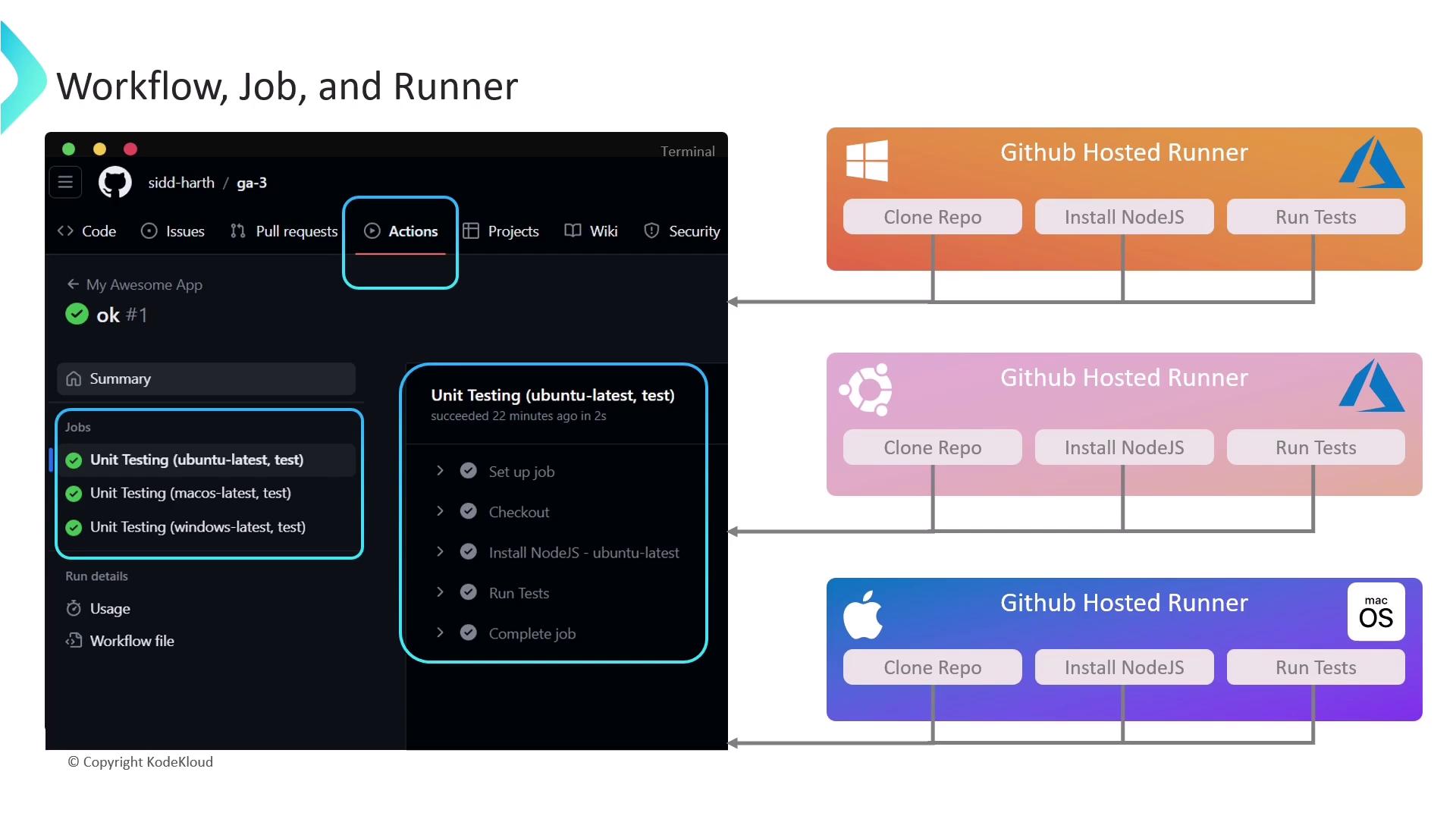
After a run completes, you can inspect logs, review step details, and download build artifacts from the **Actions** tab.
## Runner Types: GitHub-Hosted vs. Self-Hosted
Self-hosted runners let you use your own hardware, install custom software, or target GPUs. Compare the two options:
| Runner Type | Hosting | Customization | Cost Model | Managed By |
| ------------- | -------------------------- | ----------------------------- | -------------------------------------------- | ---------- |
| GitHub-hosted | GitHub cloud (Azure/macOS) | Limited to preinstalled tools | Included in GitHub plan (usage limits apply) | GitHub |
| Self-hosted | Your servers or cloud | Full control | You bear infrastructure & maintenance | You |
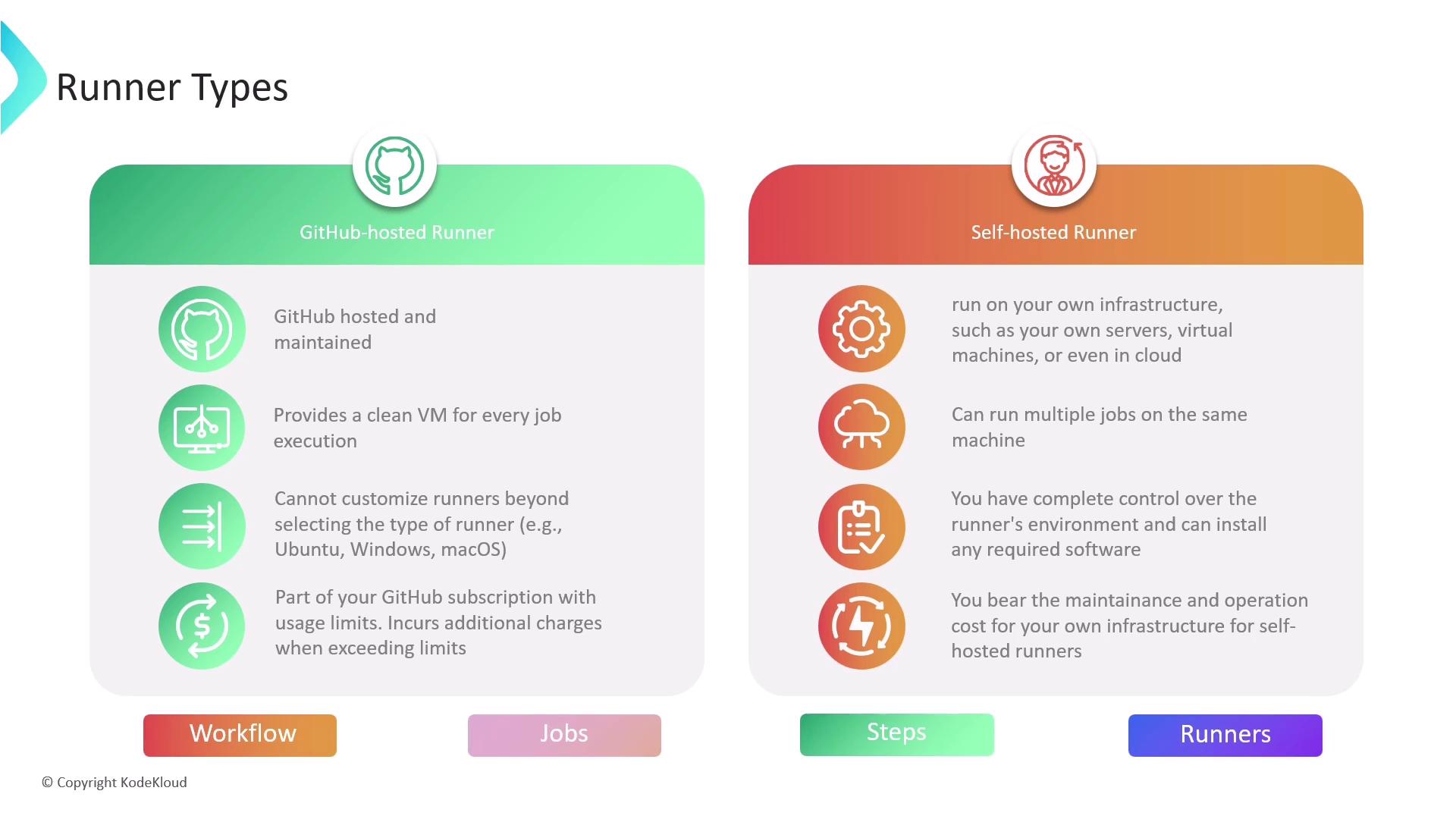
GitHub-hosted runners have usage quotas based on your plan. Monitor minutes and storage under [Billing settings](https://github.com/settings/billing).
***
This article covered the essentials of GitHub Actions: defining workflows, splitting tasks into jobs and steps, leveraging matrix builds, and choosing the right runner. For more details, see the [GitHub Actions documentation](https://docs.github.com/actions).