> ## Documentation Index
> Fetch the complete documentation index at: https://notes.kodekloud.com/llms.txt
> Use this file to discover all available pages before exploring further.
# Basics of SCM
> This article explains the fundamentals of Source Code Management, its benefits, popular platforms, and basic commands for effective software development collaboration.
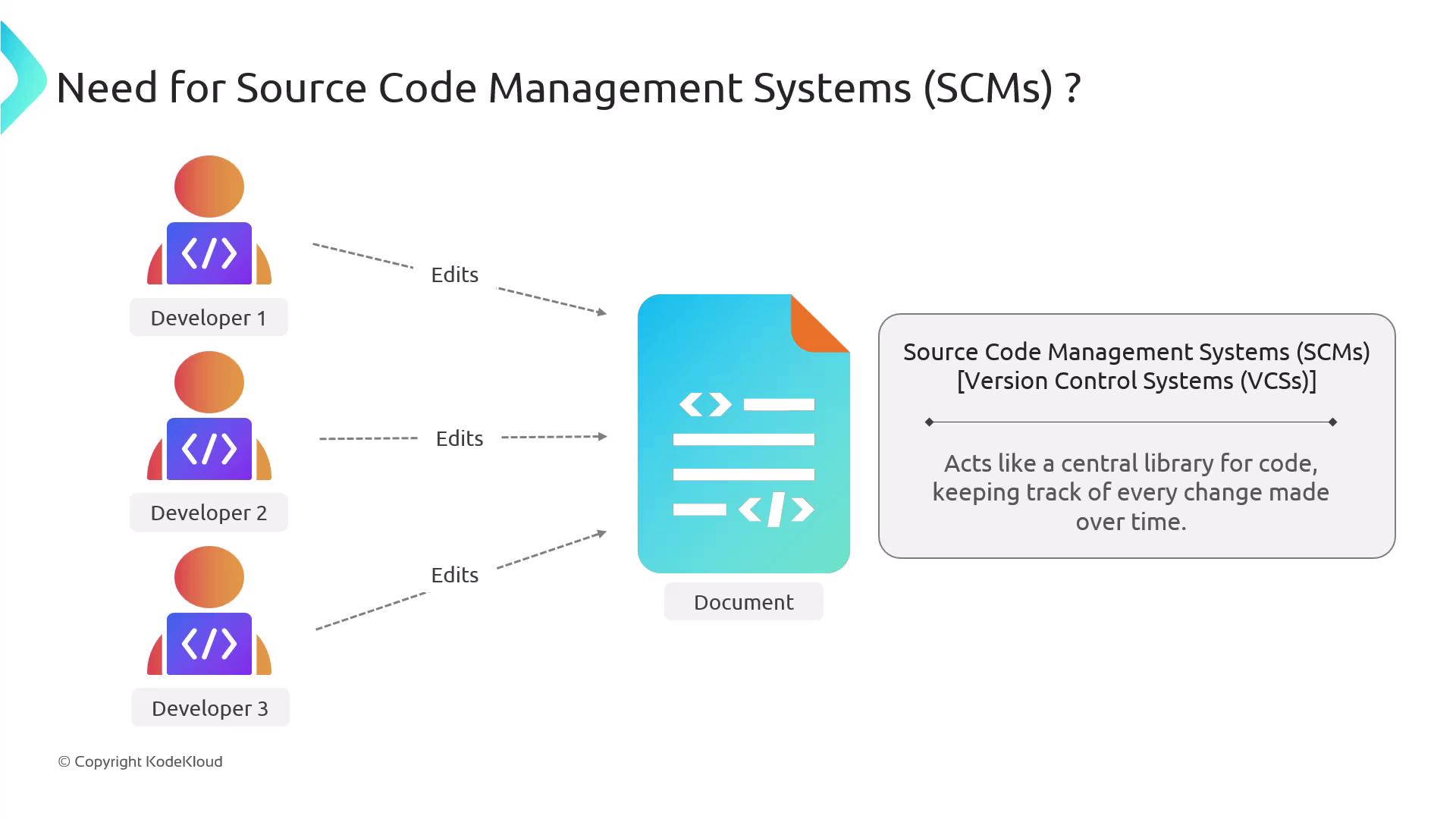
Source Code Management (SCM), also known as version control, is the backbone of collaborative software development. Without an SCM, teams face chaotic workflows, untraceable edits, and endless merge conflicts.
## Why Use an SCM?
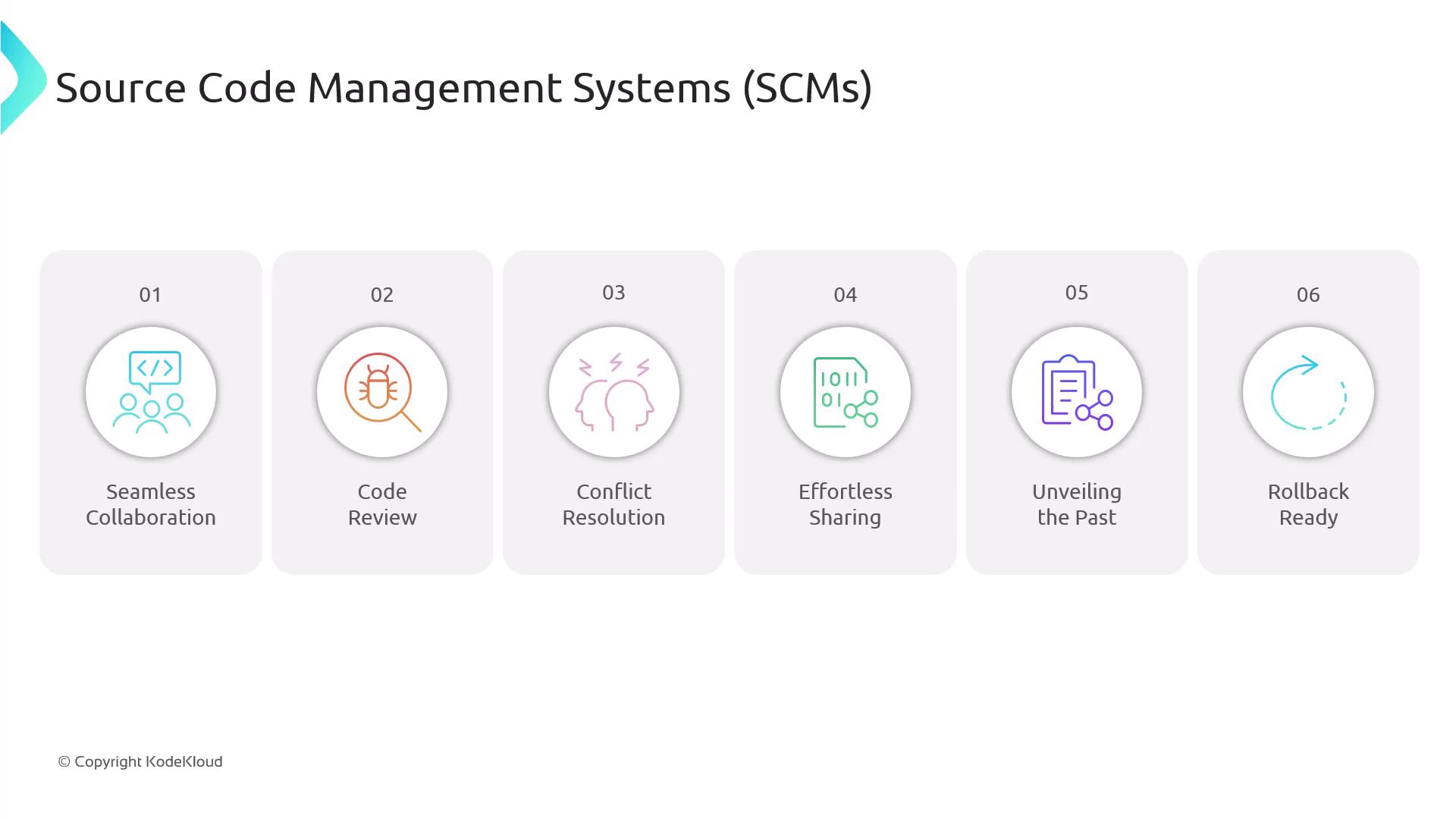
An SCM system stores every change to your codebase in a central repository, allowing multiple developers to work in parallel. Key benefits include:
| Feature | Benefit |
| ----------------------- | ------------------------------------------------------------- |
| Real-time Collaboration | Developers push and pull changes simultaneously |
| Code Review | Comment on pull requests before merging |
| Conflict Resolution | Detect and resolve edit conflicts efficiently |
| Secure Sharing | Grant controlled access to internal and external contributors |
| Full Change History | Audit decisions and review past code versions |
| Rollback Capability | Revert to stable versions when issues arise |
Consistent, descriptive commit messages make it easier to track your project’s evolution over time.\
Example: `git commit -m "Fix authentication bug in login flow"`
## Popular SCM Platforms
Most modern SCMs are built on Git, a distributed version control system. Below is a comparison of common cloud-based and self-hosted solutions:
| Platform | Type | Hosting Model | URL |
| --------- | -------------- | ----------------- | ---------------------------------------------- |
| GitHub | Git | Cloud | [https://github.com](https://github.com) |
| GitLab | Git | Cloud/Self-hosted | [https://gitlab.com](https://gitlab.com) |
| Bitbucket | Git, Mercurial | Cloud | [https://bitbucket.org](https://bitbucket.org) |
| Gitea | Git | Self-hosted | [https://gitea.io](https://gitea.io) |
| Gogs | Git | Self-hosted | [https://gogs.io](https://gogs.io) |
## Getting Started
```bash theme={null}
# Clone a repository
git clone https://github.com/example/repo.git
# Create and switch to a new branch
git checkout -b feature/new-endpoint
# Add files to staging area
git add .
# Commit changes with a message
git commit -m "Add new endpoint for user data"
# Push branch to remote
git push origin feature/new-endpoint
```
## Links and References
* [Kubernetes Basics](https://kubernetes.io/docs/concepts/overview/what-is-kubernetes/)
* [Git Documentation](https://git-scm.com/doc)
* [GitHub Guides](https://guides.github.com/)
* [Terraform Registry](https://registry.terraform.io/)
* [Docker Hub](https://hub.docker.com/)