> ## Documentation Index
> Fetch the complete documentation index at: https://notes.kodekloud.com/llms.txt
> Use this file to discover all available pages before exploring further.
# Introduction to Jenkins
> Jenkins is an open-source automation server that powers continuous integration and delivery, automating software pipelines from building to deploying applications.
Jenkins is an open-source automation server that powers continuous integration and delivery (CI/CD). It automates your software pipeline—from building and testing to deploying applications—every time you push code. By integrating with popular tools like Git, Docker, and Kubernetes, Jenkins helps teams deliver high-quality software faster and with fewer manual steps.
Jenkins supports over 1,800 plugins, making it easy to connect with version control systems, build tools, testing frameworks, and cloud providers.
## How Jenkins Works
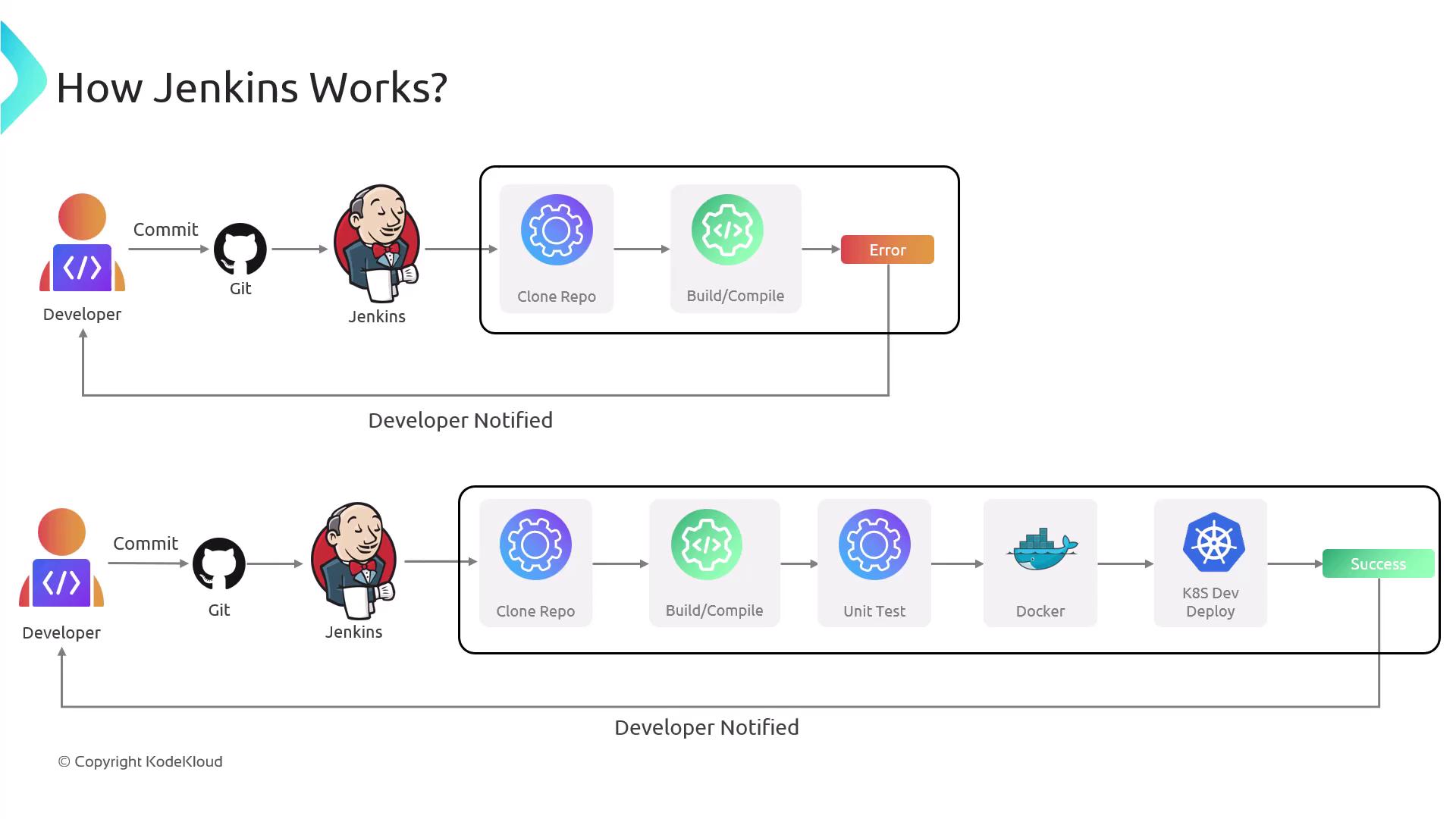
1. **Trigger**\
A developer pushes code changes to a Git repository (e.g., GitHub, GitLab, Bitbucket).
2. **Detection**\
Jenkins polls the repository or listens for webhooks.
3. **Checkout & Build**\
The server clones the latest code, compiles it, and runs unit tests.
4. **Test & Report**\
If tests fail, Jenkins notifies the team via email, Slack, or other channels.
5. **Deploy**\
On success, Jenkins can package the artifact into a Docker image and deploy it to a Kubernetes cluster or EC2 instance.
6. **Feedback**\
Build and deployment statuses are displayed in the Jenkins UI and communicated back to the team.
## Core Concepts
| Concept | Description | Example |
| ----------------- | ----------------------------------------------------------------------------------------------------------------- | ------------------------------------------------ |
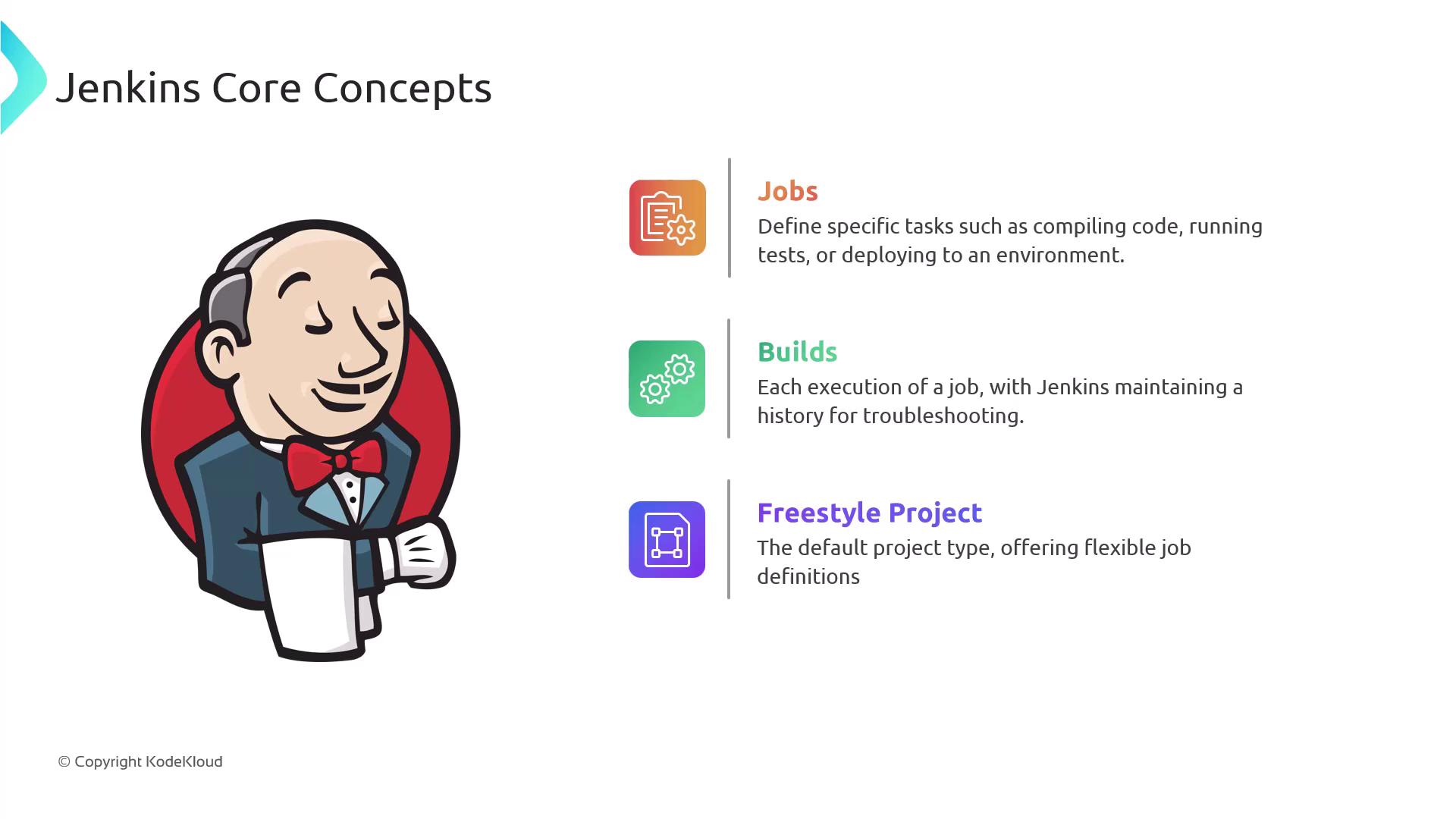
| Job | A task definition for building, testing, or deploying code. Each run is a **build**, tracked with status history. | Compile a Java project or run a shell script. |
| Freestyle Project | A GUI-based job type that lets you drag-and-drop build steps and post-build actions. | Combine Maven build, JUnit tests, and archiving. |
| Pipeline | A Groovy-based script in a `Jenkinsfile` that defines multi-stage workflows as code. | `pipeline { stages { stage('Test') { ... }}}` |
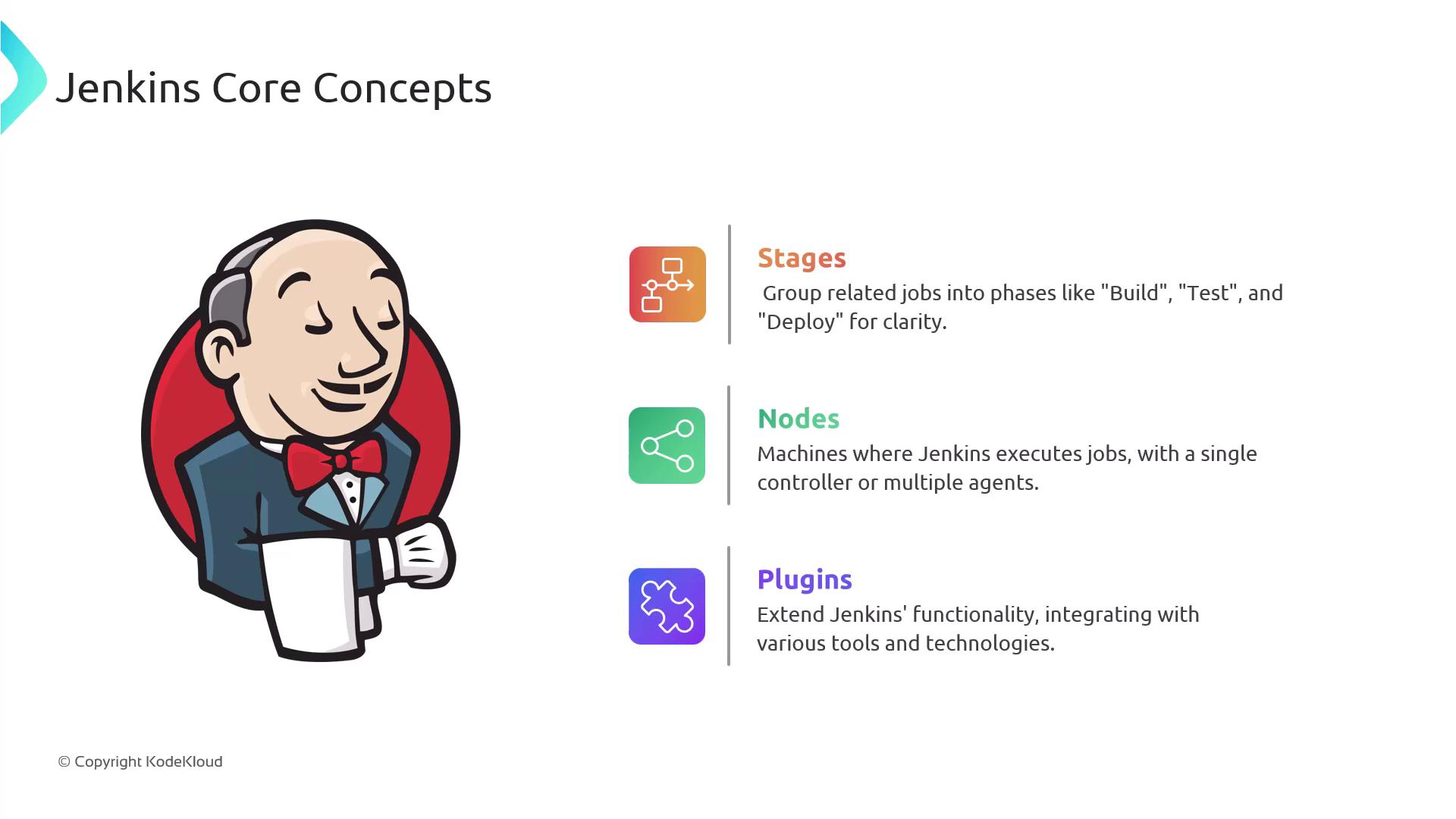
| Stage | A logical block within a pipeline (e.g., Build, Test, Deploy) that visualizes progress. | `stage('Deploy') { steps { ... } }` |
| Node | The machine where Jenkins executes tasks. A **controller** orchestrates, and **agents** run jobs concurrently. | On-premise VM or Kubernetes pod. |
| Plugin | An extension to integrate external tools or add functionality. | Git, Docker, Slack, AWS, Azure, etc. |
## Pros and Cons
### Pros
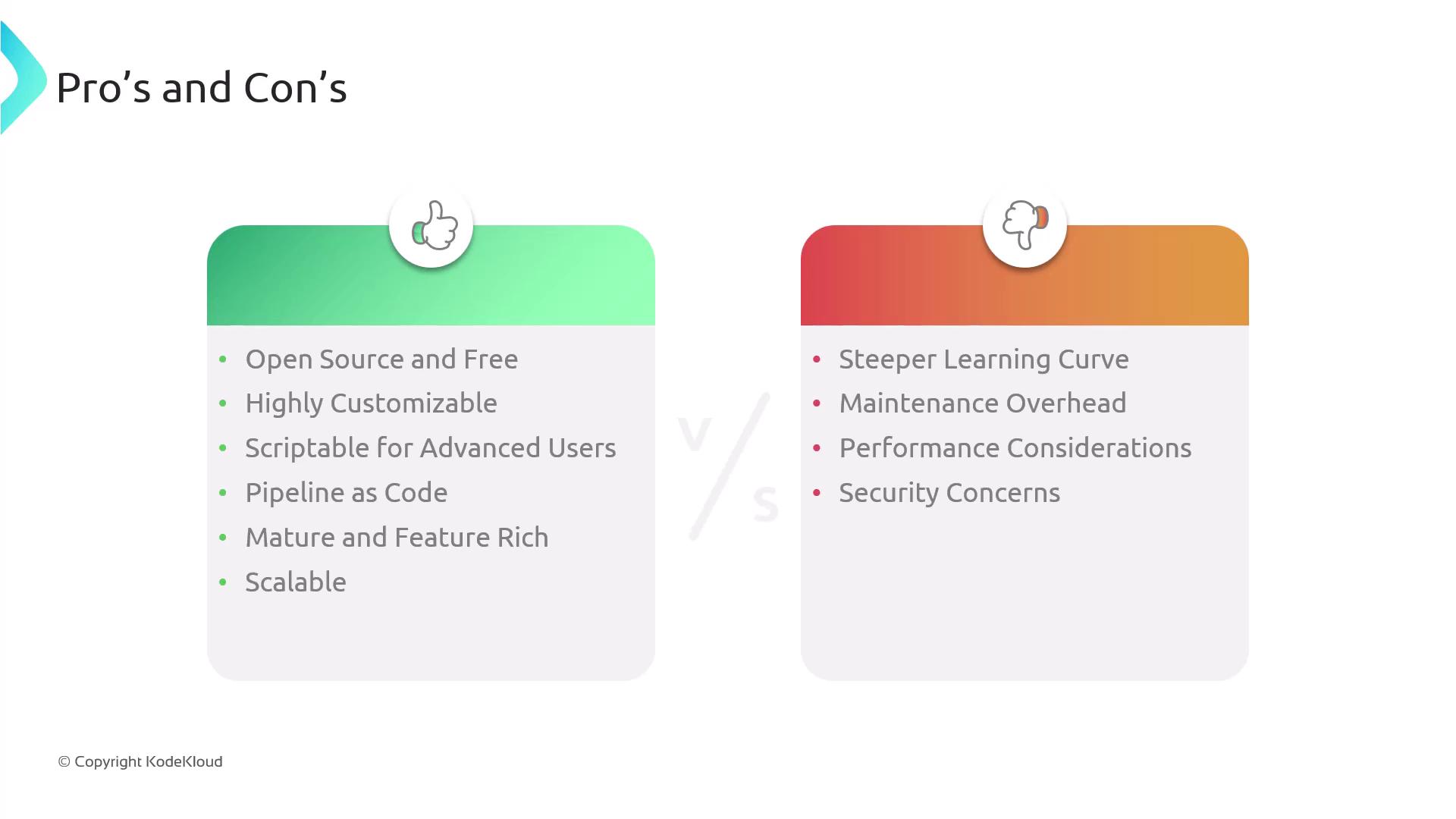
* Free and open-source with no licensing fees.
* Huge plugin ecosystem for SCM, containers, cloud, and testing.
* **Pipeline as Code**: Version-controlled `Jenkinsfile` for reproducible builds.
* Customizable with Groovy scripts and shared libraries.
* Scalable through distributed agents and cloud-based executors.
* Rich reporting: parallel builds, artifacts, test results, and notifications.
### Cons
* The UI and configuration options can be complex for new users.
* Requires regular maintenance—core updates and plugin compatibility checks.
* A single server may become a bottleneck; additional agents are needed for heavy workloads.
* Security is user-managed: choose trusted plugins, apply patches, and enforce role-based access.
* Unlike hosted solutions (e.g., [GitHub Actions](https://github.com/features/actions), [GitLab CI/CD](https://docs.gitlab.com/ee/ci/)), you handle hosting and scalability.
Ensure you follow security best practices: upgrade Jenkins regularly, limit plugin installations, and configure proper access controls.
***
## Further Reading & References
* [Jenkins Official Documentation](https://www.jenkins.io/doc/)
* [Jenkins Pipeline Syntax](https://www.jenkins.io/doc/book/pipeline/syntax/)
* [Continuous Integration with Jenkins](https://www.jenkins.io/solutions/ci/)
* [Docker Hub](https://hub.docker.com/)
* [Kubernetes Documentation](https://kubernetes.io/docs/)
* [Terraform Registry](https://registry.terraform.io/)